
TikTok has become a global platform for creativity, entertainment, and social interaction. With over a billion active users, it's no surprise that people want to save or share content they enjoy — sometimes through screen recording. But a common concern arises: if you record someone’s TikTok video using your device’s screen capture function, will they know? This question touches on privacy, platform limitations, and digital etiquette. The short answer is: under normal circumstances, TikTok does not notify creators when a user screen records their video. However, the full picture is more nuanced and depends on several factors including app features, third-party tools, and indirect signals.
How Screen Recording Works on Mobile Devices
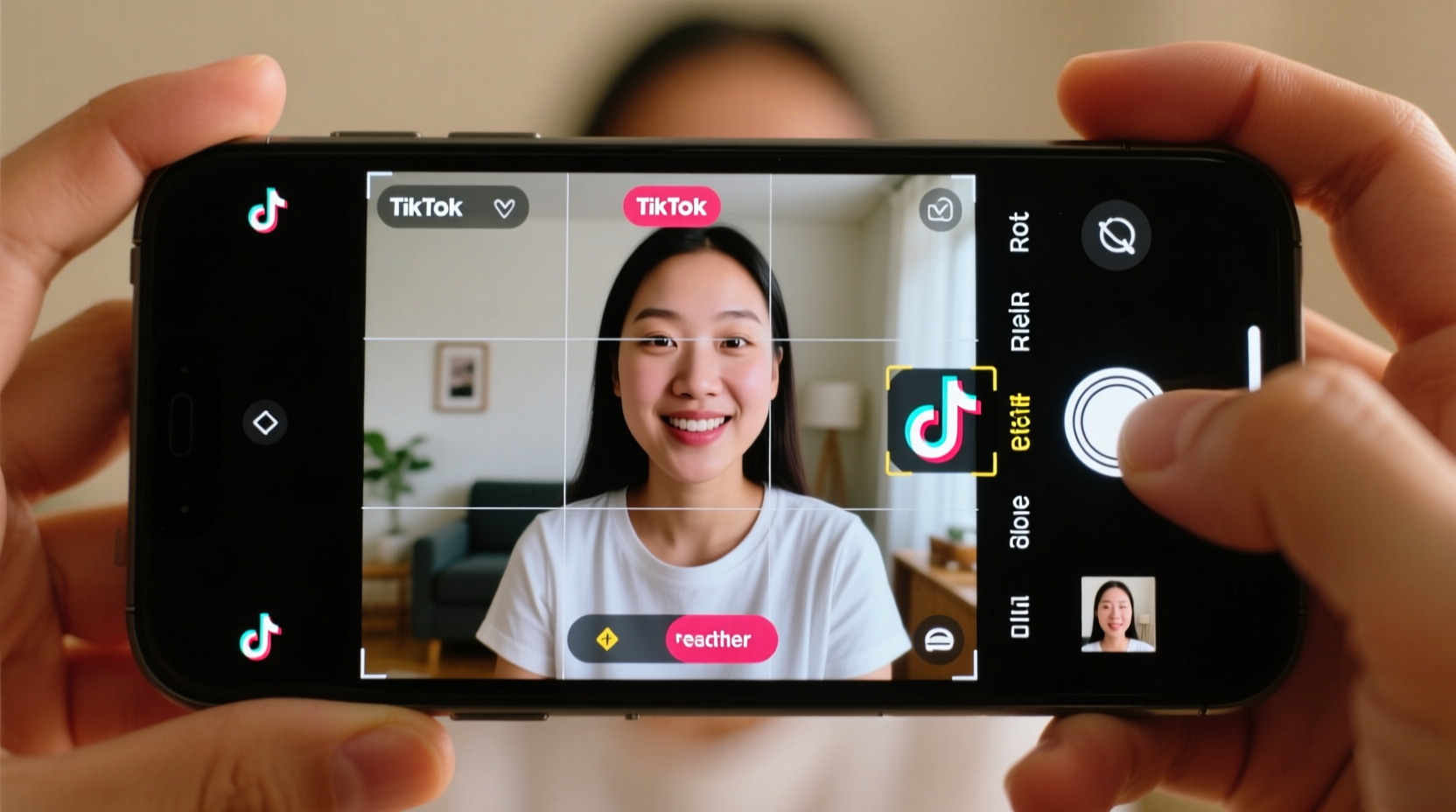
Screen recording is a native feature on most smartphones. Whether using an iPhone or Android device, users can activate screen recording directly from the control panel. When enabled, the device captures everything displayed on the screen — including videos, audio, and interactions within apps like TikTok. This process occurs entirely outside of TikTok’s ecosystem. Because the recording happens at the operating system level, TikTok has no direct access to detect or monitor this activity.
Unlike some platforms that embed tracking pixels or watermarking into media files, TikTok does not currently implement technology that alerts creators when a viewer uses screen recording. There is no built-in “recording detected” notification sent to content creators. This means that in the vast majority of cases, screen recording remains invisible to the original poster.
What TikTok Can (and Cannot) See About Viewer Activity
To understand whether screen recording is detectable, it helps to examine what data TikTok actually collects and shares with creators. In the app’s analytics dashboard (available to Pro accounts), creators can view metrics such as:
- Video views
- Likes, comments, and shares
- Follower growth
- Average watch time
- Traffic sources
Notably absent from this list is any mention of screen recording events. TikTok does not log or report when a user captures a video via screen recording. Even if someone replays your video multiple times while recording, those actions appear only as extended watch time — nothing more.
However, there are exceptions. If a user downloads a video *through TikTok’s official download button* (when available), the creator may see that the video was shared externally — though not necessarily that it was recorded. The key distinction lies in the method: in-app downloads leave a trace; screen recordings do not.
Differences Between Downloading and Screen Recording
| Action | Visible to Creator? | Quality | Watermark Preserved? |
|---|---|---|---|
| Official Download (with permission) | Yes – appears in share analytics | High (original resolution) | Yes |
| Screen Recording (no app support) | No – undetectable by TikTok | Varies (depends on device settings) | Yes (unless obscured) |
| Third-party Downloader App | No – bypasses TikTok tracking | Medium to High | Sometimes removable |
This table highlights a critical point: while downloading through TikTok may be visible in aggregate sharing data, screen recording leaves no digital footprint on the platform itself.
Indirect Ways Creators Might Suspect a Recording
Although TikTok cannot detect screen recording, creators might still infer it happened based on indirect evidence. These clues don’t confirm recording but could raise suspicion:
- Unauthorized Reuploads: If a user uploads your TikTok video to another platform without permission, especially with screen recording artifacts (like black bars, status bar icons, or lower audio quality), it suggests the copy came from a screen capture rather than an official download.
- Comments Like “Saving This!” or “Gonna Record It”: Some viewers openly state their intent to record, either in comments or replies. While not proof, this behavior indicates awareness and potential action.
- Unusual Engagement Patterns: A sudden spike in watch time without corresponding likes or shares might suggest passive viewing — possibly during recording.
“While we prioritize user expression and content protection, TikTok does not currently have functionality to notify creators when a screen recording occurs.” — TikTok Support Statement, 2023
Mini Case Study: The Viral Dance Clip
Consider Maya, a dance instructor who posts choreography clips on TikTok. One of her routines goes viral, amassing millions of views. A few days later, she notices her routine appearing on Instagram Reels and YouTube Shorts — but the videos show the TikTok interface, including her username and a timestamp in the corner. She realizes these are screen recordings. Though TikTok didn’t alert her, the visual cues made the source obvious. She reports the reuploads for copyright infringement, and many are taken down. This case illustrates how detection often comes not from the platform, but from post-recording misuse.
Features That Limit Recording (But Don’t Prevent It)
TikTok offers limited tools to discourage unauthorized saving of content. Some of these include:
- Disable Duet and Stitch: Creators can turn off these interactive features, reducing remixing and derivative content creation.
- Private Account Settings: Making a profile private restricts visibility, indirectly limiting who can record content.
- Watermark Visibility: All TikTok videos display the creator’s @username and app logo during playback, which carries over into screen recordings unless edited out.
However, none of these prevent screen recording. They only make redistribution easier to trace or slightly less appealing. For example, a visible watermark can help prove ownership if a recorded video is shared elsewhere, but it doesn’t stop the initial capture.
Can Third-Party Apps Detect Screen Recording?
Some third-party screen recording detection libraries exist for developers, primarily used in streaming services like Netflix or Disney+ to block recording of premium content. These work by exploiting OS-level restrictions or detecting mirroring behaviors. However, TikTok does not employ such technology.
On iOS, Apple provides a screen recording indicator (a red bar or dot at the top of the screen) that appears whenever recording is active. While this alerts the *user*, it doesn’t notify TikTok or the content creator. On Android, similar indicators exist depending on the manufacturer and OS version.
There is no evidence that TikTok integrates with these system-level signals to track recording activity. Even if it did, doing so would raise significant privacy concerns and likely violate platform policies around user data collection.
Step-by-Step Guide: How to Check If Your Video Was Recorded
Since TikTok won’t tell you directly, here’s how to investigate potential screen recordings of your content:
- Monitor External Platforms: Regularly search your video’s unique phrase or audio using Google or reverse video search tools.
- Analyze Upload Quality: Look for signs of screen capture — lower resolution, distorted audio, or presence of device UI elements (e.g., battery icon).
- Check for Watermark Integrity: If your @username appears cropped or partially visible, it may have been captured mid-playback.
- Use Content Protection Tools: Consider enabling TikTok’s copyright complaint system or registering your content with rights databases.
- Engage Your Audience: Politely ask fans to credit you when sharing — this fosters respect and reduces anonymous reposting.
Best Practices for Creators: Protecting Your Content
While you can’t stop every screen recording, you can reduce misuse and maintain control over your creative work. Follow this checklist to safeguard your TikTok presence:
✅ Content Protection Checklist
- Enable watermarks (they’re on by default — don’t disable them)
- Add verbal or visual attribution in your videos
- Use original sounds or music to strengthen ownership
- Turn off Duet/Stitch for sensitive content
- Report unauthorized reuploads via TikTok’s IP report form
- Register your brand or content with TikTok’s Rights Owner Portal if applicable
FAQ: Common Questions About TikTok Screen Recording Detection
Can TikTok notify me if someone screen records my video?
No. TikTok does not have a feature that alerts creators when a viewer uses screen recording. The app cannot detect operating system-level screen capture functions.
Does the red dot on iPhone mean someone knows I’m recording?
The red dot or status bar indicator shows up on your own device to remind you that screen recording is active. The person whose video you’re recording cannot see this — it’s purely local.
Are there apps that can detect screen recording on TikTok?
There are no legitimate, widely available apps that can detect screen recording within TikTok. Any app claiming to do so is likely misleading or violates TikTok’s terms of service.
Conclusion: Understanding Limits and Taking Control
Screen recording on TikTok is generally undetectable by the content creator. The platform does not notify users when their videos are captured via device-level recording tools. This reality reflects broader challenges in digital content ownership — once something is public online, complete control is nearly impossible. However, creators are not powerless. By understanding the limits of detection, using available privacy settings, and actively managing how their content spreads, they can minimize misuse and protect their intellectual property.
For viewers, remember that just because something isn’t detectable doesn’t mean it’s ethical to record and redistribute without permission. Respecting creators’ work builds a healthier, more sustainable community. And for creators, staying proactive — watermarking, monitoring, and engaging your audience — gives you the best chance to retain credit and control in an open digital world.




 浙公网安备
33010002000092号
浙公网安备
33010002000092号 浙B2-20120091-4
Comments
No comments yet. Why don't you start the discussion?