
In an age where smartphones are extensions of our hands and attention is constantly pulled between notifications, emails, and endless scrolling, screen time tracking has become a standard feature on most devices. Apple’s Screen Time, Google’s Digital Wellbeing, and third-party apps promise greater awareness and control over digital habits. But while these tools aim to promote balance, they also spark a growing debate: do they genuinely help users manage their tech use—or do they inadvertently fuel guilt, obsession, and anxiety?
The answer isn’t binary. For some, screen time tracking acts as a wake-up call, revealing unconscious habits and prompting meaningful change. For others, it becomes a source of stress, turning every minute of usage into a moral ledger of digital virtue or vice. Understanding this duality requires examining both the psychological impact of self-monitoring and the practical ways people can use these tools without falling into counterproductive patterns.
The Promise of Awareness: Why Tracking Can Be Helpful
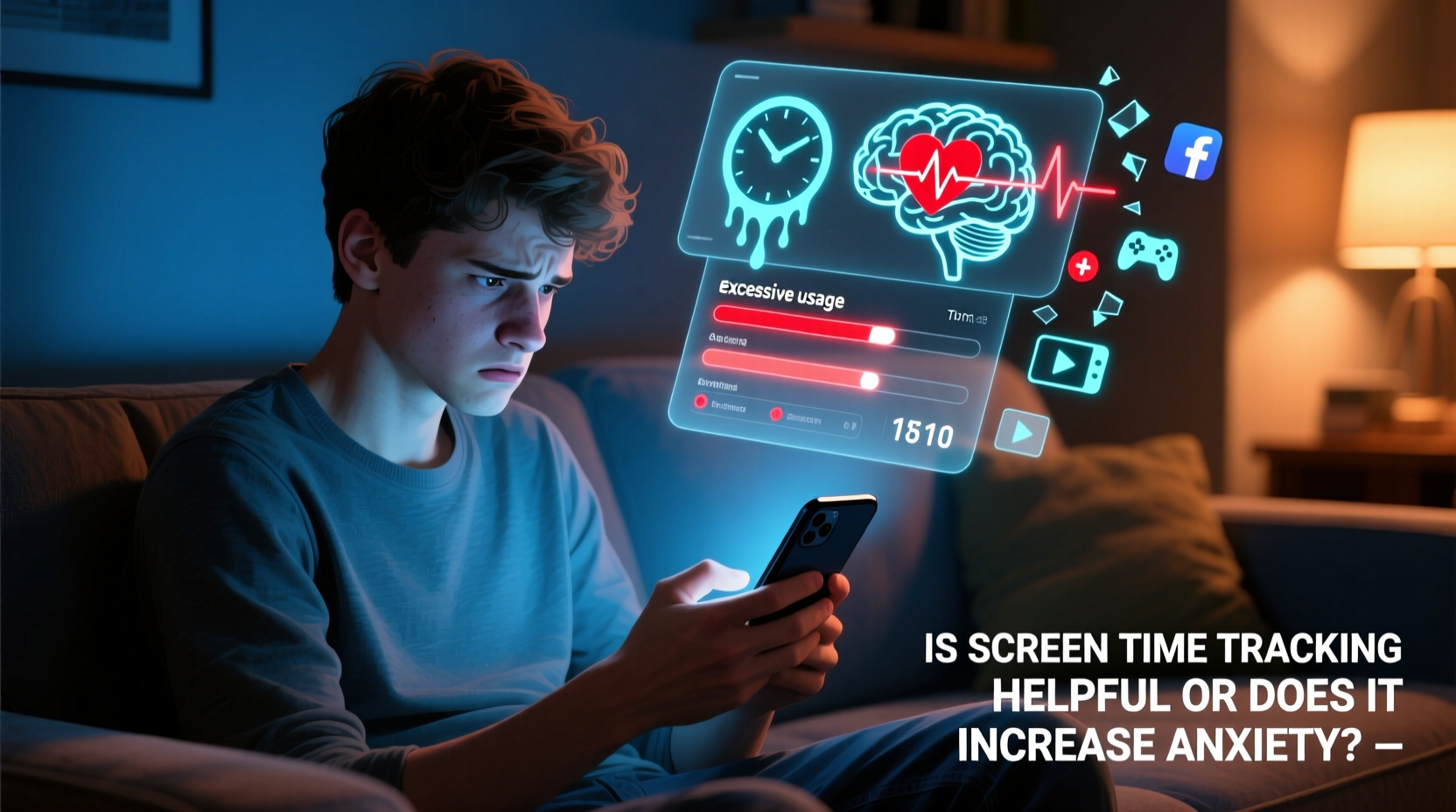
At its best, screen time tracking serves as a mirror. It reflects behaviors we might otherwise overlook. Many people assume they spend “a little too much” time online—until they see the actual numbers. A 2023 study by the Pew Research Center found that 67% of adults underestimated their daily phone use by at least one hour. When confronted with objective data, users often report a shift in perception, leading to intentional changes such as disabling non-essential notifications or setting app limits.
For parents, screen time dashboards offer a way to understand children’s digital behavior. Monitoring can help enforce boundaries during homework hours or ensure kids aren’t spending excessive time on social media before bedtime. Similarly, professionals struggling with focus may discover that messaging apps or email consume far more of their workday than expected, prompting them to adopt time-blocking techniques or digital detox periods.
The Hidden Cost: When Tracking Fuels Anxiety
Despite its benefits, screen time tracking carries psychological risks. The very act of monitoring can trigger performance anxiety, especially when usage is framed in terms of “good” versus “bad” behavior. Seeing a red bar indicating two hours on Instagram might prompt feelings of shame, even if that time was spent connecting with friends or engaging with meaningful content.
Dr. Natalia Kucirkova, a professor of reading and child development at the University of Southampton, notes:
“When digital wellbeing tools present usage data without context, they risk pathologizing normal behavior. Not all screen time is equal—watching a documentary with your child is not the same as doomscrolling at 2 a.m.”
This lack of nuance can lead to what psychologists call “self-surveillance fatigue”—a state where individuals feel perpetually monitored, even by themselves. Some users report compulsively checking their stats throughout the day, adjusting behavior not for well-being but to meet arbitrary targets. In extreme cases, this mirrors patterns seen in disordered eating or exercise addiction, where metrics override intuition and enjoyment.
Understanding the Context: Not All Screen Time Is Created Equal
A major flaw in current tracking systems is their inability to differentiate between types of screen engagement. Most tools measure duration only, treating a video call with a loved one the same as binge-watching viral reels. This oversimplification undermines meaningful self-assessment.
To illustrate, consider two users with identical screen time: 4 hours per day.
| User | Screen Activities | Potential Impact |
|---|---|---|
| User A | Email (1 hr), video calls (1.5 hrs), e-book reading (1 hr), mindfulness app (0.5 hr) | Highly functional, socially enriching, low stress |
| User B | Social media (2.5 hrs), gaming (1 hr), random browsing (0.5 hr) | Potential for distraction, comparison, sleep disruption |
While both users log the same total, their experiences—and mental health outcomes—are likely vastly different. Yet screen time trackers typically present both as equivalent, potentially misleading User A into feeling guilty for necessary or positive digital interactions.
Strategies for Healthy Use of Screen Time Tracking
The key to benefiting from screen time tracking lies in mindful application. Like a fitness tracker, it’s most effective when used as a diagnostic tool rather than a judge. Below is a step-by-step guide to integrating tracking into a balanced digital life.
- Start with curiosity, not judgment. Approach your first report as observational data—not a verdict on your character.
- Review weekly, not hourly. Daily fluctuations are normal. Weekly summaries provide clearer trends without triggering anxiety.
- Add qualitative reflection. Pair your data with journaling: How did you feel after heavy social media use? Were certain apps energizing or draining?
- Set context-aware goals. Instead of “reduce Instagram by 30 minutes,” try “limit scroll sessions to 10 minutes after dinner.”
- Use app limits strategically. Apply restrictions only to apps proven to disrupt focus or sleep—not as blanket punishments.
- Take breaks from tracking. If checking stats causes stress, disable the feature for a week and reassess.
Mini Case Study: From Obsession to Balance
Maya, a 29-year-old graphic designer, began using Screen Time after noticing she felt drained each evening. Her initial report showed 5 hours and 42 minutes of daily usage—mostly split between Instagram, Slack, and YouTube. Alarmed, she set aggressive limits and started checking her stats every few hours. Within days, she felt anxious whenever her usage ticked upward, even during client calls or creative work.
After consulting a therapist specializing in digital wellness, Maya changed her approach. She turned off daily alerts, reviewed her data only on Sundays, and added notes about how she felt after using specific apps. She realized that YouTube tutorials were valuable for her work, while late-night Instagram browsing left her restless. By focusing on intention rather than minutes, she reduced unnecessary usage by 40%—without guilt or burnout.
Expert Insight: What Psychology Tells Us
Dr. David Ludden, cognitive psychologist and author of *The Psychology of Screen Time*, emphasizes that self-tracking works best when paired with autonomy.
“People need to feel in control of their choices. When screen time data is used coercively—by oneself or others—it backfires. The goal should be insight, not punishment.”
He points to research on self-determination theory, which shows that intrinsic motivation (e.g., “I want to be more present with my family”) leads to sustainable behavior change, whereas extrinsic pressure (e.g., “I shouldn’t be on my phone so much”) often results in short-term compliance followed by rebound usage.
Checklist: Using Screen Time Tracking Without Anxiety
- ☑️ Disable real-time notifications about usage
- ☑️ Schedule one weekly review session (e.g., Sunday evening)
- ☑️ Ask: “Was this time meaningful?” not just “How many minutes?”
- ☑️ Focus on high-impact changes (e.g., bedtime usage) over minor reductions
- ☑️ Turn off tracking if it causes obsessive thoughts or guilt
- ☑️ Combine data with offline habits (e.g., charging phone outside bedroom)
Frequently Asked Questions
Should I completely stop using screen time tracking if it stresses me out?
Not necessarily—but it’s wise to pause and reassess. If tracking increases anxiety, take a break for one to two weeks. Return only if you can engage with the data calmly and constructively. Some people benefit from occasional check-ins rather than continuous monitoring.
Are there better alternatives to built-in screen time tools?
Yes. Apps like Moment or Freedom offer more nuanced insights, including focus sessions and productivity tracking. Some allow you to categorize usage by purpose (e.g., work, leisure, communication). However, no tool replaces self-reflection. The most effective strategy combines external data with internal awareness.
Can screen time tracking improve sleep or focus?
It can—but only if used correctly. Tracking alone won’t change behavior. It’s the actions taken based on the data that matter. For example, seeing that you use your phone for 90 minutes after bedtime can motivate switching to a physical alarm and reading a book instead. The insight must lead to a practical habit shift.
Conclusion: A Tool, Not a Rulebook
Screen time tracking is neither inherently good nor bad. Its value depends entirely on how it’s used. When approached with curiosity and self-compassion, it can illuminate blind spots and support healthier digital habits. But when wielded as a tool of self-criticism, it risks amplifying anxiety and distorting our relationship with technology.
The goal isn’t to minimize screen time at all costs, but to align digital use with personal values—whether that means being more present, more productive, or simply more at peace. Data is useful, but it should serve you, not judge you. If your screen time report leaves you feeling worse, it’s time to rethink your approach. Step back, reflect, and remember: well-being isn’t measured in minutes saved, but in moments truly lived.




 浙公网安备
33010002000092号
浙公网安备
33010002000092号 浙B2-20120091-4
Comments
No comments yet. Why don't you start the discussion?