
Remote work has reshaped how we think about office environments. Without the structure of a corporate workspace, many professionals now design their own daily routines—and with that comes greater responsibility for physical well-being. One of the most debated tools in this new era is the standing desk. Advocates claim it improves posture, reduces back pain, and boosts focus. Skeptics argue it’s overhyped, uncomfortable, or simply impractical. So, is a standing desk actually worth it for remote workers? The answer depends on how you use it, your body’s needs, and your work habits. Let’s explore the real impact on posture and productivity, backed by research, expert insight, and practical experience.
The Posture Problem in Remote Work
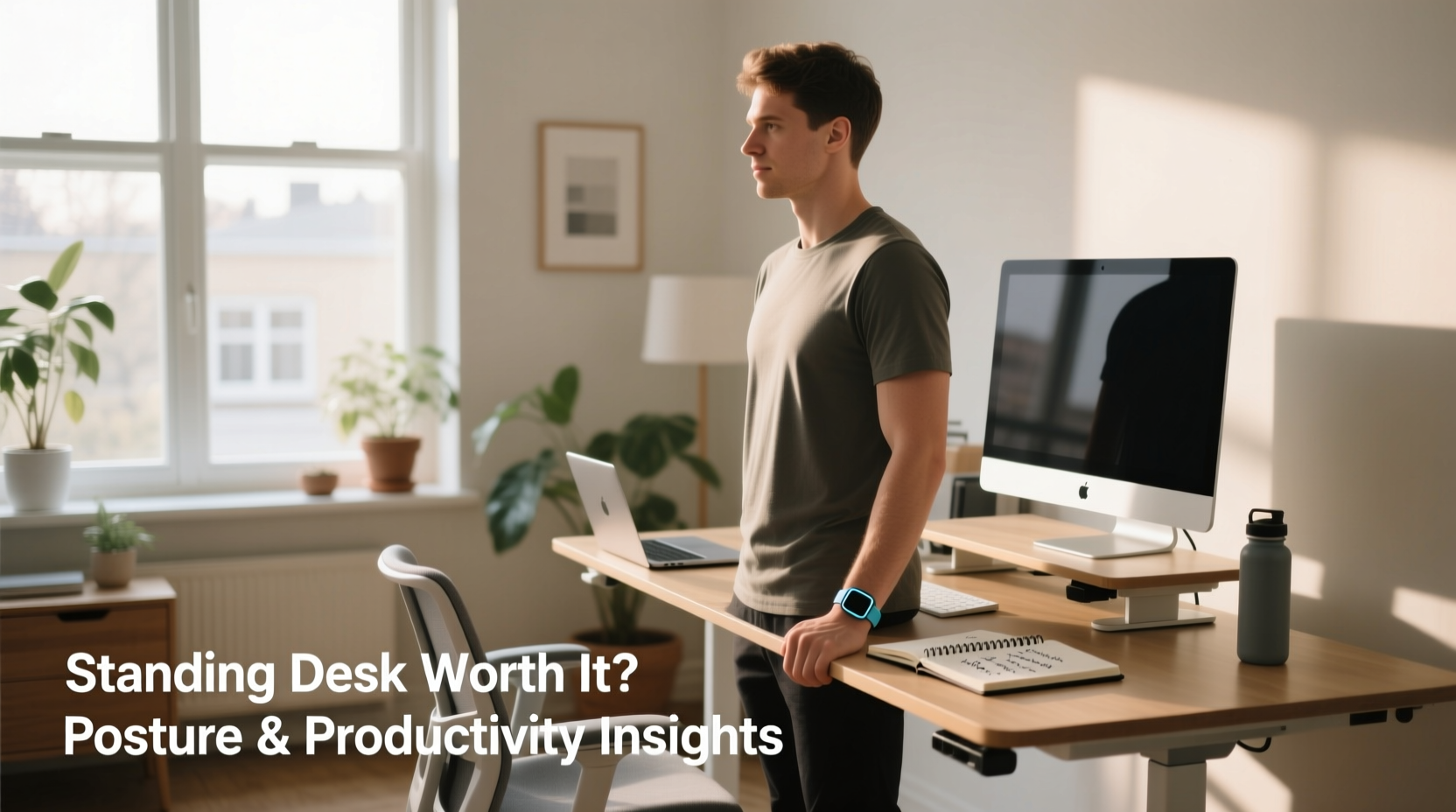
Sitting for long hours—especially at makeshift home offices—is one of the biggest contributors to poor posture among remote workers. Slouching, hunching over laptops, and using unsupportive chairs create cumulative strain on the spine, neck, and shoulders. Over time, this can lead to chronic discomfort, reduced mobility, and even long-term musculoskeletal disorders.
A 2023 study published in the Journal of Occupational Health Psychology found that remote employees reported higher rates of lower back pain and neck stiffness compared to their in-office counterparts—largely due to inconsistent workstation setups. Many work from couches, dining tables, or beds, which lack ergonomic alignment.
This is where standing desks enter the conversation. By allowing users to alternate between sitting and standing, they aim to reduce sedentary behavior and encourage more natural spinal alignment. But does simply standing fix posture?
“Posture isn’t just about sitting or standing—it’s about movement. The real benefit of a standing desk is its ability to interrupt prolonged static positions.” — Dr. Lena Torres, Physical Therapist and Ergonomics Consultant
The key isn’t standing all day; it’s avoiding staying in one position for too long. A standing desk becomes a tool for dynamic posture management rather than a cure-all solution.
Standing Desks and Productivity: What the Research Says
Productivity is the ultimate concern for remote workers. If a standing desk helps you focus better, work faster, or sustain energy, it may be worth the investment—even if the upfront cost seems high.
Multinational studies have shown mixed but generally positive results:
- A University of Texas study found that participants using sit-stand desks reported a 10–15% increase in self-reported focus during afternoon hours.
- Researchers at Cornell University observed a 46% reduction in upper back and neck pain after four weeks of consistent standing desk use.
- A UK-based trial noted improved task engagement and fewer self-interruptions (like checking phones) when subjects stood for 30-minute intervals every two hours.
However, some caution against overestimating immediate gains. Standing for too long without proper support can cause fatigue, leg swelling, or foot pain—negatively affecting concentration. The optimal setup isn’t full-time standing; it’s strategic alternation.
Real-World Impact: A Mini Case Study
Jamie, a freelance copywriter based in Portland, transitioned to remote work in 2020. Within a year, she began experiencing sharp lower back pain after working 8–10 hour days at her kitchen table. She tried lumbar cushions and stretch breaks, but relief was temporary. After reading about ergonomics, she invested in a mid-range electric standing desk.
Her first week was challenging—she stood too long and ended up with sore feet and increased fatigue. But after adjusting her routine to alternate every 40 minutes, using an anti-fatigue mat, and setting reminders to move, she noticed changes within three weeks.
- Back pain decreased significantly.
- Morning grogginess improved—she felt more alert earlier in the day.
- She found herself taking more intentional breaks, often doing quick stretches while standing.
Most importantly, Jamie reported feeling more in control of her workday. “It wasn’t just the desk,” she said. “It was the habit of moving that made the difference.”
Choosing the Right Setup: A Practical Checklist
A standing desk only delivers value if used correctly. Before buying—or if you already own one—run through this checklist to ensure you’re maximizing its benefits:
- Check your desk height: When standing, your elbows should form a 90-degree angle with your forearms parallel to the floor.
- Position your monitor at eye level: Top of the screen should align with your eyebrows to prevent neck strain.
- Use an anti-fatigue mat: Reduces pressure on joints and encourages subtle movement.
- Wear supportive footwear—or go barefoot: Avoid standing in socks or slippers on hard floors.
- Alternate frequently: Aim for 15–30 minutes of standing per hour, not continuous standing.
- Pair with movement: Use standing time to take calls, review documents, or do light stretching.
- Evaluate comfort weekly: Adjust duration and height based on how your body responds.
Do’s and Don’ts of Standing Desk Use
| Do’s | Don’ts |
|---|---|
| Start with 15-minute standing intervals | Stand for more than 1 hour continuously |
| Keep shoulders relaxed and wrists neutral | Hunch forward or crane your neck toward the screen |
| Use a timer or app to prompt position changes | Ignore signs of fatigue or discomfort |
| Combine standing with walking breaks | Replace sitting with unhealthy standing posture |
| Invest in a quality adjustable desk or converter | Use unstable risers that wobble under keyboard pressure |
Step-by-Step Guide to Transitioning to a Standing Desk
If you're new to standing desks, jumping in too fast can do more harm than good. Follow this timeline to integrate standing into your workflow safely and effectively:
- Week 1: Assess and Prepare
Create an ergonomic baseline. Measure your ideal desk height, gather necessary accessories (mat, monitor stand), and plan your schedule. - Week 2: Begin Gradually
Stand for 15 minutes every 1.5 hours. Use this time for low-focus tasks like email or administrative work. - Week 3: Increase Frequency
Extend to 25–30 minutes per session. Introduce standing during meetings or creative brainstorming. - Week 4: Optimize Flow
Find your rhythm. Match standing periods to high-energy parts of your day (e.g., mornings). Sit during deep-focus writing or coding blocks if needed. - Ongoing: Monitor and Adjust
Every two weeks, evaluate how your body feels. Adjust timing, posture, and accessories as needed.
Cost vs. Value: Is It Worth the Investment?
Standing desks range from $100 for basic converters to over $1,000 for premium motorized models. For budget-conscious remote workers, the question isn’t just whether it helps—but whether it’s worth the cost.
Consider these factors:
- Long-term health savings: Reduced risk of chronic back issues may lower future medical costs.
- Work performance: Even a 5–10% boost in sustained focus can translate to meaningful productivity gains over months.
- Durability: Well-built desks last 5–10 years, making the monthly cost minimal over time.
- Alternatives: Budget options like desktop risers or DIY solutions (using books or shelves) can offer similar benefits at lower cost—if stable and properly aligned.
According to a 2022 report by the Global Wellness Institute, companies providing ergonomic equipment saw a 27% reduction in employee sick days and a 19% improvement in job satisfaction. While this data focuses on organizations, individuals can achieve similar personal ROI by treating their health as a long-term investment.
Frequently Asked Questions
Can a standing desk help with weight loss?
Not directly, but it can contribute to increased calorie expenditure. On average, standing burns 50–100 more calories per hour than sitting. Over a full workweek, that adds up to 200–500 extra calories burned. While not a substitute for exercise, it supports metabolic health when combined with movement.
Should I stand during video calls?
Yes—many find they appear more engaged and feel more alert when standing during virtual meetings. Just ensure your camera is positioned correctly so your face is centered and your posture looks natural. Use a small monitor riser if needed.
Are there any risks to using a standing desk?
Potential risks include foot pain, varicose veins, or fatigue from improper use. These are typically caused by standing too long, wearing unsupportive shoes, or maintaining poor posture. To avoid issues, follow the 30-30-30 rule: 30 minutes sitting, 30 minutes standing, 30 seconds moving (e.g., stretching or walking).
Final Thoughts: A Tool, Not a Trend
A standing desk isn’t a magic solution for remote work challenges. It won’t fix poor sleep, replace exercise, or compensate for disorganization. But when used thoughtfully, it becomes a powerful ally in maintaining physical health and mental clarity.
The real value lies not in standing itself, but in breaking the cycle of sedentary work. Every time you rise from your chair, you reset your posture, refresh circulation, and signal your brain that it’s time to re-engage. Over weeks and months, these micro-shifts compound into lasting improvements in comfort, stamina, and focus.
For remote workers, who often lack built-in movement cues (like walking to a meeting room or commuting), a standing desk provides a simple, effective way to build healthier rhythms into the workday. Whether you invest in a high-end model or start with a budget-friendly converter, the goal remains the same: move more, sit less, and work better.




 浙公网安备
33010002000092号
浙公网安备
33010002000092号 浙B2-20120091-4
Comments
No comments yet. Why don't you start the discussion?