
Sedentary office work has long been linked to fatigue, poor circulation, and declining mental sharpness. In response, standing desks have surged in popularity over the past decade, promising increased alertness, improved posture, and enhanced productivity. But is standing while working actually better for focus and energy—or is it just another workplace trend with overstated benefits? The answer isn’t a simple yes or no. It depends on how, when, and why you stand—and how well you integrate movement into your overall workday.
Research shows that prolonged sitting can slow blood flow to the brain, reduce metabolic activity, and contribute to afternoon slumps. Standing introduces subtle physiological shifts: increased heart rate, better spinal alignment, and more engagement of core muscles—all of which may support cognitive function. However, standing too much or incorrectly can lead to discomfort, varicose veins, or musculoskeletal strain. The real advantage lies not in choosing between sitting and standing, but in mastering the rhythm between them.
The Science Behind Standing and Cognitive Performance
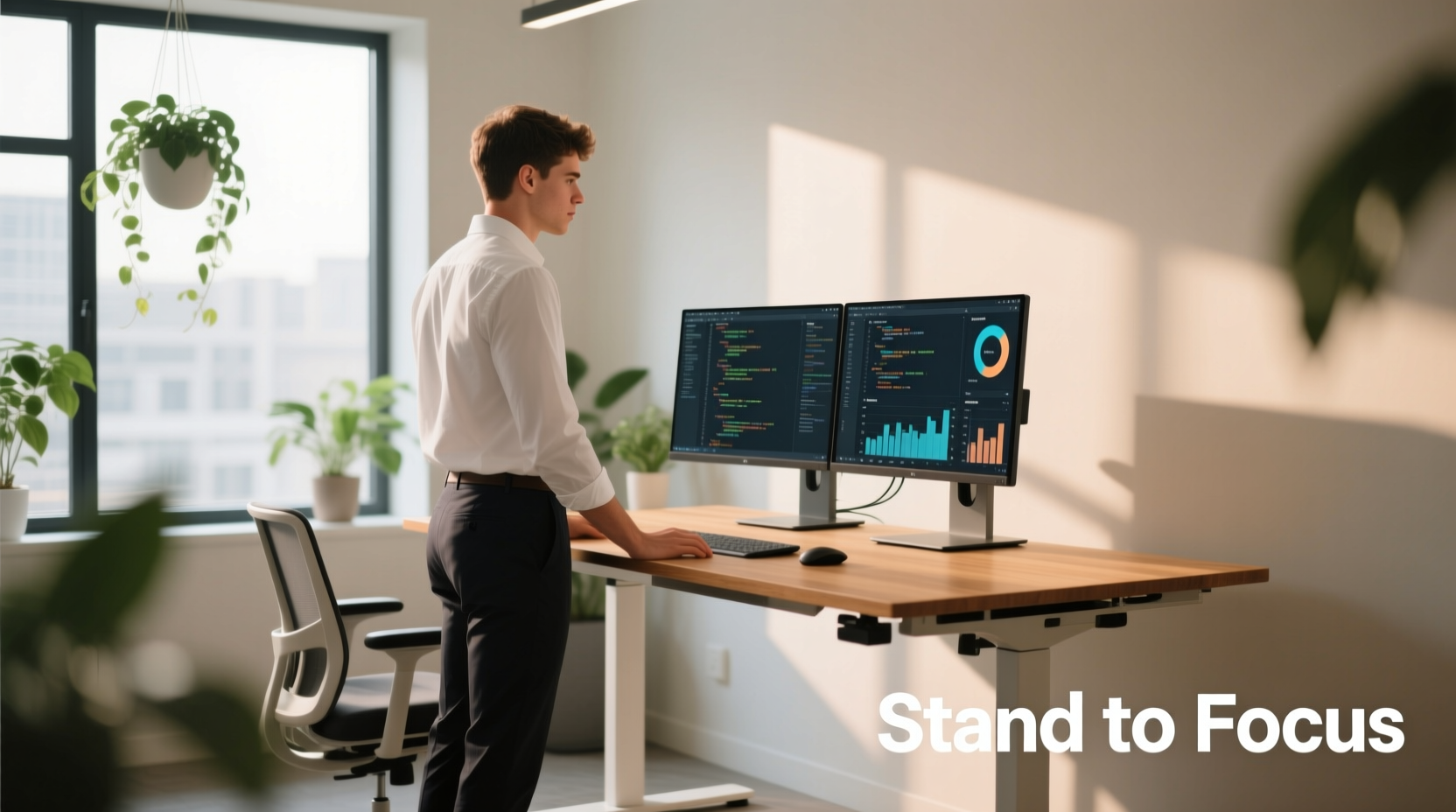
Several studies have explored the relationship between posture and mental performance. A 2015 study published in the International Journal of Environmental Research and Public Health found that participants who used standing desks reported higher levels of vigor and focus compared to those seated for extended periods. Another 2018 trial from Texas A&M University observed a 46% increase in productivity among call center employees using sit-stand desks over a six-month period.
Why might this happen? When you stand, your body works slightly harder to maintain balance and circulation. This increases oxygen delivery to the brain by up to 15%, according to neurophysiological research. Improved cerebral blood flow supports executive functions such as attention, problem-solving, and decision-making—key components of sustained focus.
However, these cognitive benefits appear most pronounced during the first 30–60 minutes of standing. After that, diminishing returns set in, especially if proper ergonomics aren’t maintained. As Dr. Marlene Reid, a podiatric physician and ergonomic consultant, explains:
“Standing activates the body’s postural muscles and improves circulation, which can enhance alertness. But without movement or proper footwear, prolonged standing can cause fatigue that counteracts any cognitive gains.” — Dr. Marlene Reid, Ergonomic Specialist
Benefits of Standing While Working
- Improved circulation: Standing encourages blood flow, reducing the sluggishness often associated with sitting for hours.
- Enhanced posture: Properly adjusted standing desks promote neutral spine alignment, decreasing neck and shoulder tension.
- Increased calorie burn: You burn approximately 0.15 more calories per minute standing than sitting—small, but meaningful over time.
- Greater alertness: Many users report feeling more awake and less prone to mid-afternoon drowsiness.
- Reduced risk of chronic disease: Alternating postures lowers risks linked to sedentary behavior, including cardiovascular issues and type 2 diabetes.
Potential Downsides and Risks
Despite its advantages, standing all day isn’t sustainable or healthy. Prolonged static standing (without breaks or movement) can lead to:
- Lower back pain due to pelvic misalignment
- Foot and leg swelling
- Varicose veins from venous pooling
- Muscle fatigue, especially in calves and feet
- Decreased concentration after 60–90 minutes
A 2020 review in Ergonomics concluded that workers who stood continuously for more than two hours experienced significant discomfort and reduced task accuracy. The key issue? Lack of movement. Standing still is not inherently better than sitting still. What matters is dynamic posture—shifting, stepping, stretching, and engaging the body throughout the day.
Optimizing Your Workstation: A Balanced Approach
The goal isn't to replace sitting with standing, but to create a dynamic work environment that supports both physical comfort and mental clarity. Here’s how to do it effectively:
Step-by-Step Guide: Building a Healthy Standing Routine
- Invest in an adjustable sit-stand desk: Ensure it allows smooth transitions and positions your monitor at eye level when standing.
- Set a timer: Use a smartwatch, app, or phone reminder to alternate every 30–60 minutes.
- Stand correctly: Keep feet shoulder-width apart, knees slightly bent, shoulders relaxed, and wrists neutral.
- Wear supportive shoes or use an anti-fatigue mat: These reduce pressure on joints and improve comfort.
- Incorporate micro-movements: Shift weight, march in place, or perform gentle calf raises while standing.
- Pair standing with deep work blocks: Use standing periods during tasks requiring high focus (e.g., writing, coding, strategizing).
- End the day with mobility: Stretch hips, hamstrings, and lower back to prevent stiffness.
Checklist: Is Your Standing Desk Setup Effective?
- ☑ Monitor top is at or slightly below eye level
- ☑ Elbows form 90-degree angles when typing
- ☑ Wrists remain straight and supported
- ☑ Feet are flat on the floor or anti-fatigue mat
- ☑ You change posture at least every hour
- ☑ You feel energized, not strained, after standing sessions
- ☑ Keyboard and mouse are within easy reach
Comparing Sitting vs. Standing: A Practical Table
| Factor | Sitting | Standing | Best Practice |
|---|---|---|---|
| Energy Levels | May decline after 60+ mins | Increases initially, then plateaus | Alternate every 30–60 mins |
| Cognitive Focus | Stable but prone to dullness | Sharper in short bursts | Use standing for high-focus tasks |
| Musculoskeletal Impact | Risk of hip tightness, slouching | Risk of foot/leg strain | Maintain neutral posture in both |
| Calorie Burn | ~70–100 kcal/hour | ~100–130 kcal/hour | Difference is modest; movement matters more |
| Long-Term Sustainability | Poor if uninterrupted | Poor if static | Dynamic transitions are essential |
Real Example: How a Software Developer Boosted Focus
Jamal, a senior software engineer in Austin, struggled with afternoon crashes that affected his code quality. He’d sit for 4–5 hours straight, only breaking for lunch. After introducing a sit-stand desk and setting a Pomodoro-style timer (25 minutes focused work, 5-minute break), he began alternating every hour. He reserved standing for debugging sessions and new feature development—tasks requiring intense concentration.
Within three weeks, Jamal noticed fewer distractions, faster problem-solving, and less end-of-day exhaustion. “I’m not standing all day,” he said. “But those 90-minute morning blocks where I stand and code? That’s when my best ideas come. It’s like my brain wakes up.” His team even adopted similar routines after seeing his output improve.
Expert Insight: Movement Over Posture
Dr. Emily Stanford, a human factors researcher at Cornell University’s Ergonomics Lab, emphasizes that movement trumps static posture:
“The biggest mistake people make is thinking they need to choose between sitting and standing. The real solution is motion. Whether you're sitting or standing, fidgeting, shifting, or taking short walks every hour does more for focus and energy than either posture alone.” — Dr. Emily Stanford, Human Factors Researcher
She recommends treating your body like an engine: it runs best when warmed up and cycled through different loads—not left idling or redlining for hours.
Frequently Asked Questions
Can standing desks help with ADHD or attention challenges?
Some individuals with ADHD report improved focus when using standing desks, particularly because standing allows for subtle movement (rocking, shifting) that can be calming and stimulating. While not a treatment, it can be part of a sensory-friendly workspace strategy. Pairing standing with noise-canceling headphones or timed work intervals often amplifies the benefit.
How long should I stand each day?
There’s no universal rule, but research suggests standing for 30–60 minutes per hour is optimal for most people. Start with 15-minute intervals and build tolerance. Listen to your body: if you feel fatigued or sore, return to sitting and reassess your setup.
Are anti-fatigue mats really necessary?
Yes, especially if you’re standing on hard surfaces like tile or concrete. These mats provide slight cushioning that encourages micro-movements in your legs and feet, improving circulation and reducing joint stress. Look for textured surfaces that promote subtle muscle engagement.
Conclusion: Stand Smart, Not Just More
Standing while working can enhance focus and energy—but only when done thoughtfully. The real power lies not in standing itself, but in breaking the cycle of immobility that defines traditional office life. By integrating regular posture changes, intentional movement, and ergonomic awareness, you create a work rhythm that supports both mental clarity and physical health.
You don’t need to abandon your chair or turn your office into a treadmill station. Instead, aim for fluidity: sit to relax and reflect, stand to energize and concentrate, and move constantly between the two. That balance—not any single posture—is what truly sustains energy and sharpens focus over the long term.




 浙公网安备
33010002000092号
浙公网安备
33010002000092号 浙B2-20120091-4
Comments
No comments yet. Why don't you start the discussion?