
For millions of users, YouTube is the go-to platform for entertainment, education, and discovery. But as ad frequency increases—especially pre-roll and mid-video interruptions—the temptation to subscribe to YouTube Premium grows. At $13.99/month in the U.S., the service promises an ad-free experience, offline downloads, background play, and access to YouTube Music. But if your sole goal is avoiding ads, is the full subscription truly worth it? Or are there smarter, more cost-effective alternatives?
This article examines the value proposition of YouTube Premium through the lens of ad avoidance, compares it with third-party tools and browser solutions, and provides a clear roadmap for deciding what’s best based on your usage patterns, device ecosystem, and budget.
The True Cost of Ads on YouTube
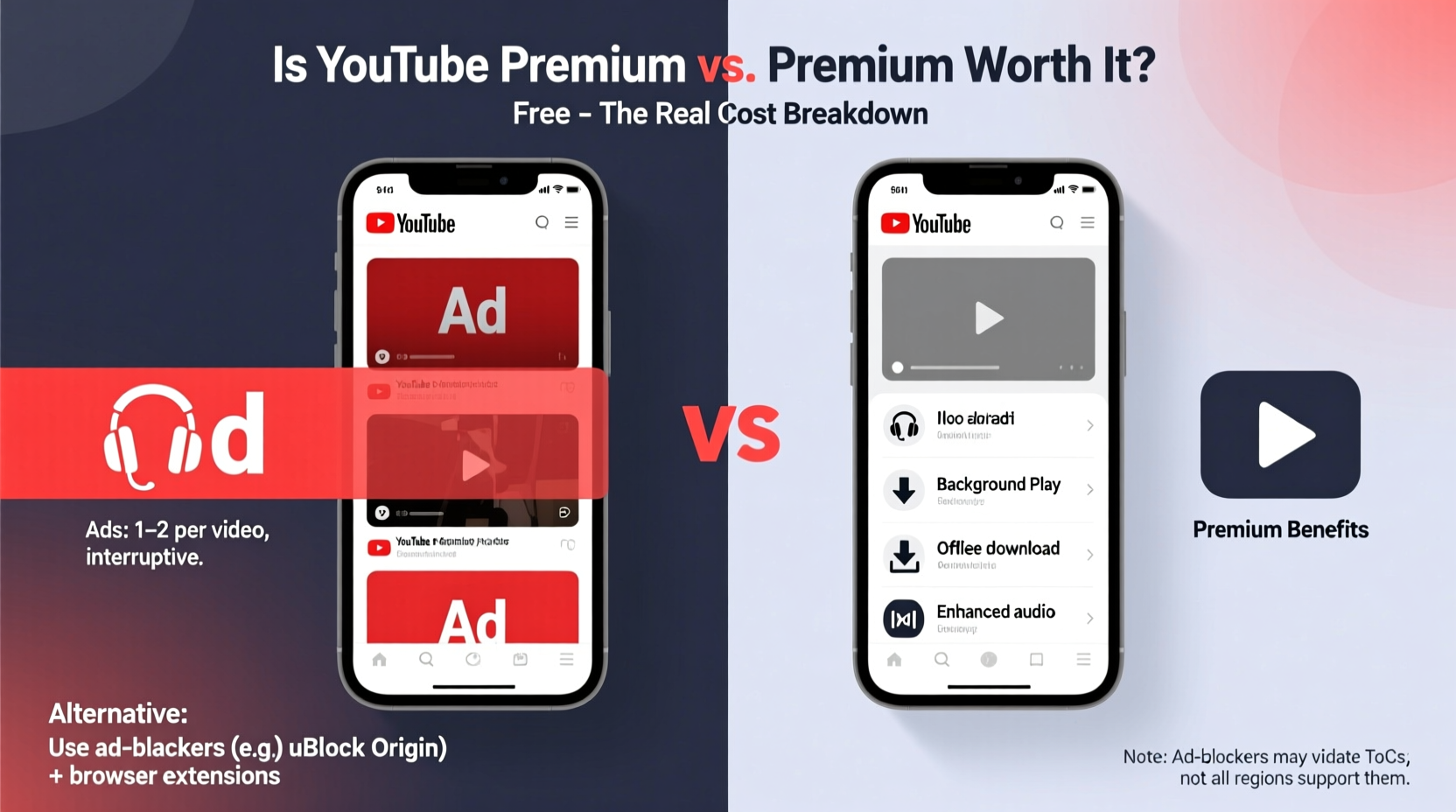
Ads on YouTube have evolved from occasional interruptions to frequent disruptions. A typical 10-minute video may now include two pre-roll ads, one mid-roll break, and several sponsored annotations. For casual viewers, this might be tolerable. But for those who use YouTube for learning, working out, cooking, or focused viewing, these interruptions fracture attention and diminish user experience.
YouTube’s ad model benefits creators through revenue sharing, but the burden falls on viewers. According to a 2023 survey by Pew Research, 68% of regular YouTube users find ads “annoying” or “very disruptive,” especially when watching long-form content like tutorials or documentaries.
Yet, despite widespread frustration, many users hesitate to pay for YouTube Premium—not because they don’t want an ad-free experience, but because they question whether the price aligns with their actual needs.
What You Get with YouTube Premium
YouTube Premium includes several features beyond ad removal. Understanding each helps determine whether the bundle adds value beyond your primary goal of skipping ads.
- Ad-free videos: No pre-roll, mid-roll, or display ads across YouTube, including YouTube Kids and YouTube Music.
- Background play: Audio continues playing even when the app is minimized or the screen is off—ideal for listening to podcasts or music.
- Offline downloads: Save videos to your device for offline viewing, useful during commutes or travel.
- YouTube Music Premium: Full access to YouTube Music with no ads, downloads, and background playback.
- Family & Student Plans: Up to six people can share a family plan for $22.99/month; students get a discounted rate at $6.99/month with .edu verification.
If you're already using YouTube Music or frequently download videos for offline access, the added features may justify the cost. But if you’re solely interested in removing ads, you’re effectively paying over $160 per year for that single benefit—plus extras you might not use.
Better Alternatives to YouTube Premium for Ad Blocking
There are effective, lower-cost (or free) ways to eliminate YouTube ads without subscribing. While some methods require technical setup or carry minor risks, they offer compelling value for tech-savvy users or those seeking temporary relief.
1. Browser Extensions (Free, Desktop Only)
On desktop browsers like Chrome, Firefox, or Edge, ad blockers such as uBlock Origin or AdBlock Plus can remove YouTube ads effectively. These open-source tools filter out embedded advertisements before they load.
uBlock Origin, in particular, is lightweight and privacy-focused, blocking not only ads but also tracking scripts. It works instantly after installation and requires minimal configuration.
“uBlock Origin has become essential for anyone serious about reclaiming control over their browsing experience.” — Raymond Hill, Developer of uBlock Origin
2. Modified YouTube Apps (Android Only)
Apps like YouTube Vanced (now discontinued) paved the way for ad-free mobile viewing. Today, its successor, ReVanced, allows users to patch the official YouTube app with open-source modifications that remove ads, enable background play, and support themes—all without a Premium subscription.
ReVanced requires a one-time setup process: downloading the ReVanced Manager, selecting desired modules, and applying them to a downloaded APK of YouTube. While safe when sourced from revanced.app, it does bypass Google Play protections and may violate YouTube’s Terms of Service.
3. Use Alternative Frontends (Web-Based)
Services like Invidious and Piped offer minimalist, open-source interfaces to browse YouTube content without ads, tracking, or algorithmic recommendations. These run on independent servers and act as privacy-first proxies to YouTube’s API.
Advantages include:
- No ads or sponsorships
- No account required
- Lightweight, fast loading
- Available on all devices via browser
However, video quality may be limited, and live streams or comments aren’t always supported. Still, for passive viewing, they’re powerful tools.
4. Network-Level Blocking
Using DNS-based ad blockers like NextDNS or AdGuard Home, you can block YouTube ads across all devices on your home network—including smart TVs, tablets, and consoles. These services work by filtering domain requests associated with YouTube advertising infrastructure.
While not 100% effective (some ads may still slip through), they provide broad protection without installing software on each device. NextDNS offers a free tier with basic filtering and a paid plan ($2/month) for advanced customization.
Comparison: YouTube Premium vs. Alternatives
| Solution | Cost | Ad-Free? | Background Play | Offline Videos | Platform Support |
|---|---|---|---|---|---|
| YouTube Premium | $13.99/month | Yes | Yes | Yes | All (mobile, web, TV) |
| uBlock Origin (Desktop) | Free | Yes | Limited (via workaround) | No | Chrome, Firefox, Edge |
| ReVanced (Android) | Free | Yes | Yes | Yes | Android only |
| Invidious / Piped | Free | Yes | No | No | Browser-based |
| NextDNS | $0–$2/month | Partial | No | No | All networked devices |
The table reveals a critical insight: you can achieve core ad-blocking functionality for free or under $2/month. The trade-off is convenience, feature parity, and cross-platform reliability. YouTube Premium delivers a polished, integrated experience backed by Google’s infrastructure. Third-party tools require effort, may lack updates, and carry minor compliance risks.
Mini Case Study: Sarah’s Decision
Sarah, a college student, watches YouTube daily for language lessons and workout videos. She was frustrated by constant ads interrupting her focus. Initially, she considered YouTube Premium but hesitated at the $13.99 price.
After researching, she installed uBlock Origin on her laptop and used Invidious on her phone via Firefox. For background audio, she switched to podcasts on Spotify (which she already subscribed to). Within a week, her viewing experience improved dramatically—with zero cost.
She later discovered ReVanced and applied it to her older Android tablet, enabling background play and offline saves. Her total investment: three hours of setup and no money spent.
Sarah concluded that YouTube Premium wasn’t worth it for her usage. By combining tools, she achieved 90% of the benefits at 0% of the cost.
Step-by-Step Guide: How to Go Ad-Free Without YouTube Premium
- Assess your primary device: Are you mostly on desktop, mobile, or TV?
- For desktop: Install uBlock Origin from the official browser add-on store.
- For Android: Visit revanced.app, download ReVanced Manager, and follow the patching guide for YouTube.
- For iOS: Use Safari with content blockers like 1Blocker or download apps like Odyssey or NewPipe (via AltStore).
- For Smart TVs: Set up NextDNS on your router or use a Raspberry Pi with AdGuard Home.
- Alternative browsing: Bookmark an Invidious or Piped instance (e.g., piped.kavin.rocks) for private, ad-free viewing.
- Test and adjust: Verify ad removal, check video quality, and ensure compatibility with your routines.
FAQ
Does using ad blockers violate YouTube’s terms?
While YouTube’s Terms of Service discourage circumventing ads, enforcement against individual users is extremely rare. The risk is primarily ethical—ads support creators. Consider whitelisting channels you value or supporting them directly via Patreon or Super Chats.
Can I get in trouble for using ReVanced?
ReVanced operates in a legal gray area. It doesn’t host copyrighted content but modifies Google’s app. Google could theoretically issue takedowns, but individual users face no known penalties. Always download from official sources to avoid security risks.
Is YouTube Premium worth it for families?
If multiple household members use YouTube heavily, the Family Plan ($22.99/month) becomes cost-effective. At ~$3.80 per person, it delivers ad-free viewing, downloads, and YouTube Music for six users—often cheaper than individual subscriptions to other platforms.
Final Verdict: Is It Worth It?
For the sole purpose of avoiding ads, YouTube Premium is **not** worth the standard $13.99/month unless you also rely on background play, offline access, or YouTube Music. The ecosystem of free and low-cost alternatives provides comparable ad-blocking results with minimal setup.
However, if you value convenience, seamless integration, and official support—or use YouTube across multiple devices including smart TVs and wearables—the subscription simplifies your digital life. It’s also justified if you actively support creators through memberships, as Premium revenue shares with them too.
The smarter approach is to assess your habits. Watch YouTube for 30 minutes a day? Try ReVanced or uBlock first. Use it across five devices and listen to music constantly? Premium likely pays for itself in time saved and frustration avoided.
“Paying for convenience is valid—but only when the features align with your actual behavior.” — Leo Zhou, Digital Minimalism Advocate
Take Action Based on Your Needs
Don’t default to YouTube Premium because it’s the official solution. Test free tools first. Block ads on your browser today. Experiment with ReVanced on an old phone. Explore Invidious for distraction-free learning.
If, after a week of using alternatives, you miss the polish and reliability of the native app, then upgrade confidently—knowing you’ve made an informed choice. But if your needs are simple, save $170 a year and reinvest it in something that truly enriches your life.




 浙公网安备
33010002000092号
浙公网安备
33010002000092号 浙B2-20120091-4
Comments
No comments yet. Why don't you start the discussion?