
If you've been using an Apple Watch Series 6 since its release in 2020, you're likely approaching a critical decision point: should you upgrade to the Series 9, or is the jump too incremental to justify the cost? The Series 9 brings notable refinements in processing power, display brightness, and software integration—but for users still satisfied with their Series 6, these improvements may feel more like polish than revolution.
The answer isn’t universal. It depends on how you use your watch, what features matter most to you, and whether the latest advancements align with your lifestyle. For some, the Series 9 delivers meaningful upgrades in usability and longevity. For others, especially those not deeply invested in health tracking or smart home control, the changes may seem like overkill.
This guide examines every major aspect of the upgrade—performance, battery life, display, health sensors, software features, and pricing—to give you a clear, no-hype perspective on whether the Series 9 is a worthwhile step forward or just another tick in Apple’s annual product cycle.
Performance and Processor: A Noticeable Leap?
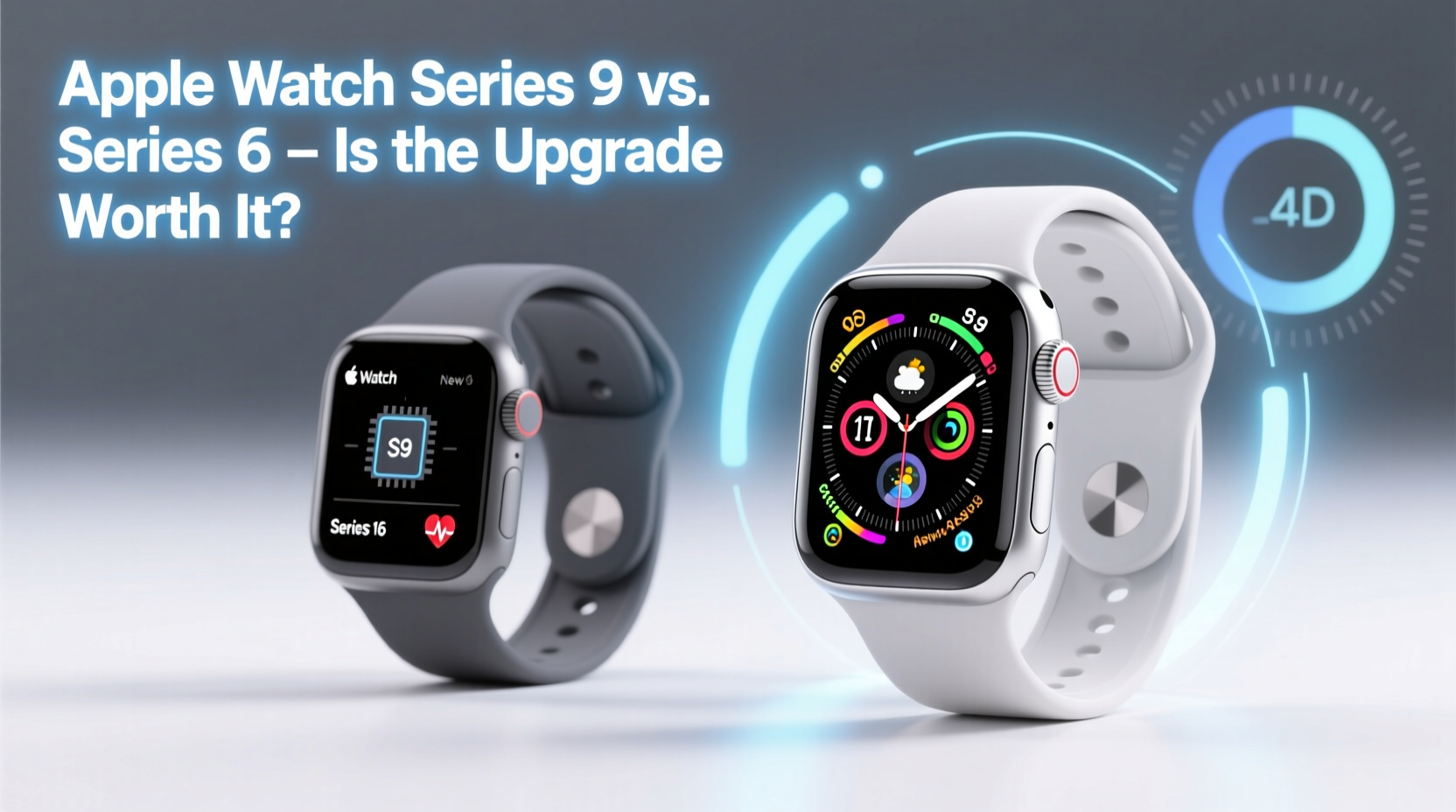
The Apple Watch Series 9 runs on the new S9 SiP (System in Package), built on a 4nm process and featuring a dual-core CPU that Apple claims is 30% faster than the S6 chip in the Series 6. While raw speed gains sound impressive on paper, real-world impact varies depending on usage patterns.
In daily tasks—launching apps, switching faces, replying to messages—the Series 9 feels snappier. Animations are smoother, and app load times are consistently shorter. However, for basic functions like checking time, receiving notifications, or tracking workouts, the difference is subtle. If your Series 6 still performs adequately, you won’t suddenly find it “broken” by comparison.
Where the S9 shines is in advanced interactions. Siri responses are faster and more accurate, even when offline. On-device Siri processing allows commands like “Turn off the bedroom lights” without needing your iPhone nearby—a feature absent in the Series 6. This marks a shift toward greater independence from the iPhone, especially useful for HomeKit users.
Battery Life: Incremental Gains, Same Daily Charge Cycle
Apple states the Series 9 maintains the same 18-hour battery life as previous models under typical use. However, a key addition is the **Double Tap gesture**, which lets you control the watch with one hand by tapping your thumb and index finger together twice. This gesture activates features like answering calls, dismissing alarms, or pausing workouts—potentially reducing screen interaction and conserving battery during high-use moments.
Despite efficiency improvements in the S9 chip, battery capacity hasn’t increased. You’ll still need to charge nightly unless you enable Power Saving Mode, introduced in watchOS 10. In this mode, always-on display turns off, workout auto-pause is disabled, and background heart rate checks are reduced—extending life up to 36 hours.
For Series 6 users accustomed to daily charging, the Series 9 doesn’t eliminate that routine. But if you frequently run low during long hikes or travel days, Power Saving Mode adds flexibility the older model lacks.
Display and Design: Brighter, But Is It Better?
The Series 9 features a display that peaks at 2,000 nits—double the brightness of the Series 6 (1,000 nits). In direct sunlight, outdoor readability is significantly improved. Reading maps on a sunny trail or checking heart rate during a midday run becomes easier without cupping your hand around the screen.
| Feature | Apple Watch Series 6 | Apple Watch Series 9 |
|---|---|---|
| Peak Brightness | 1,000 nits | 2,000 nits |
| Processor | S6 chip | S9 SiP (30% faster) |
| Battery Life | ~18 hours | ~18 hours (up to 36 in Power Saving Mode) |
| Siri Functionality | Requires iPhone connection for many tasks | Fully on-device processing for common commands |
| New Gestures | None | Double Tap (thumb to index finger) |
| Health Sensors | Blood oxygen, ECG, heart rate | Blood oxygen, ECG, heart rate, improved temperature sensing* |
| watchOS Support | Up to watchOS 10 (final update uncertain) | Guaranteed support through watchOS 14+ |
*Temperature sensing is currently limited to retrospective ovulation estimates and not available for real-time fever detection.
Design remains nearly identical—same case sizes (41mm and 45mm), materials, and band compatibility. You can reuse all existing Series 6 bands, making the transition seamless. The only visual difference is the slightly thinner bezel due to updated screen architecture, but it's barely noticeable side-by-side.
Health and Fitness Tracking: Subtle but Meaningful Refinements
Both watches include essential health sensors: optical heart rate monitor, ECG app, and blood oxygen measurement. The Series 9 doesn’t add new sensors, but it improves accuracy and data integration.
The updated heart rate algorithm uses machine learning to deliver more consistent readings during intense workouts or irregular rhythms. Blood oxygen measurements are faster and less prone to error in cold environments—a known limitation of earlier models.
One underrated upgrade is the enhanced temperature sensor. While not used for illness tracking, it contributes to more accurate sleep phase analysis and fertility insights in the Cycle Tracking app. For users monitoring ovulation, this provides better retrospective predictions compared to the Series 6, which lacked continuous temperature sampling.
“Even small improvements in sensor consistency can make a big difference in long-term health trend analysis.” — Dr. Lena Patel, Digital Health Researcher at Stanford Medicine
Fitness enthusiasts will appreciate the new **Workout Intensity Minutes** metric in watchOS 10, which tracks vigorous activity toward WHO guidelines. Combined with improved GPS accuracy and route mapping, the Series 9 offers a more comprehensive fitness picture—especially valuable for runners and cyclists.
Software and Longevity: Future-Proofing Your Device
This is where the upgrade calculus shifts. The Series 6 launched with watchOS 7 and is currently compatible with watchOS 10. While functional, it may not receive watchOS 11 or beyond, limiting access to future features.
The Series 9, in contrast, will likely support updates through at least 2028. That means five years of security patches, app compatibility, and new wellness tools. Given that many users keep their Apple Watches for 3–4 years, buying a Series 9 today ensures you’ll benefit from ongoing innovation.
Consider this scenario: watchOS 11 could introduce advanced fall detection for elderly users, AI-powered anomaly alerts, or deeper integration with visionOS for spatial computing. Without hardware capable of running these features, your Series 6 will be left behind—even if it still powers on.
Mini Case Study: Sarah’s Upgrade Decision
Sarah, a 38-year-old project manager and triathlete, had used her Series 6 since 2021. She tracked workouts, monitored sleep, and relied on ECG checks due to a family history of arrhythmia. By late 2023, she noticed slower app launches and occasional sync delays with her iPhone.
After testing a Series 9 at an Apple Store, she was impressed by the instant Siri response when asking, “Start an outdoor run,” without pulling out her phone. The brighter screen helped her view pace stats during morning bike rides. Most importantly, knowing she’d get four more years of software updates gave her confidence in the investment.
She upgraded—and while the core experience felt familiar, the cumulative effect of speed, reliability, and future readiness made the switch worthwhile.
When the Upgrade Makes Sense (And When It Doesn’t)
Not every Series 6 user needs a new watch. Here’s a checklist to help determine if the Series 9 is right for you:
✅ Upgrade if:
- You want longer software support (4+ years of updates)
- You use Siri frequently and value on-device processing
- You exercise outdoors in bright conditions and need better screen visibility
- You rely on precise health data (e.g., fertility tracking, HRV trends)
- You own other Apple devices and want tighter ecosystem integration
- Your current battery life feels limiting
❌ Hold off if:
- Your Series 6 still performs well and holds a charge
- You only use basic features (time, notifications, step count)
- You plan to switch ecosystems (e.g., to Android) soon
- Budget is tight—$399 is a significant expense for marginal gains
- You rarely update apps or care about future software features
Step-by-Step: How to Decide Whether to Upgrade
- Assess your current watch’s condition: Does it lag, crash, or struggle with basic tasks? Physical wear and battery degradation are signs it’s time to move on.
- List your top three uses: Are they covered well on Series 6? If you mostly check messages and track steps, the upgrade offers little.
- Test the Series 9 in person: Visit an Apple Store to try Double Tap, Siri, and the brighter display. Real-world feel matters more than specs.
- Check trade-in value: Use Apple’s online estimator to see how much credit you’ll get for your Series 6.
- Evaluate your tech lifecycle: Do you keep devices for 2 years or 5? Shorter cycles favor upgrading; longer ones may not justify the cost.
- Wait for sales (optional): Black Friday or back-to-school periods often bring discounts or bundle deals on Apple Watches.
FAQ
Will the Apple Watch Series 6 stop working if I don’t upgrade?
No. Your Series 6 will continue functioning as a standalone device even after losing software support. However, app developers may eventually drop compatibility, and security updates will cease, making it vulnerable over time.
Does the Series 9 have better GPS than the Series 6?
Yes. The Series 9 includes a more advanced GPS module with dual-frequency support in select regions, improving location accuracy during runs and hikes. Users report fewer route zigzags and faster satellite lock-on.
Can I use my old bands with the Series 9?
Absolutely. All Series 6 bands fit the Series 9 perfectly. Apple maintains backward compatibility across case sizes, so your existing collection works without issue.
Conclusion: Value Over Hype
The Apple Watch Series 9 isn’t a revolutionary leap from the Series 6—but it wasn’t meant to be. Instead, it represents thoughtful refinement: brighter display, smarter Siri, tighter ecosystem integration, and extended software support. For users whose Series 6 is showing age or who depend on health insights and responsiveness, the upgrade delivers real value.
But if your current watch meets your needs and you’re not chasing the latest tech, holding off is perfectly rational. The Series 9 improves upon a strong foundation, but it doesn’t redefine what an Apple Watch does.
Ultimately, the decision comes down to how much you rely on your wearable—not just today, but in the years ahead. Technology should serve you quietly and reliably. If the Series 9 helps you achieve that with less friction, it’s worth it. If not, there’s no shame in skipping a generation.




 浙公网安备
33010002000092号
浙公网安备
33010002000092号 浙B2-20120091-4
Comments
No comments yet. Why don't you start the discussion?