
For many Apple Watch owners, the decision to upgrade isn’t just about new features—it’s about whether those improvements translate into meaningful daily benefits. If you're still using a Series 6, you’re running a capable device that supports most modern watchOS versions and core health tracking functions. But with the Apple Watch Series 9 now available, offering advancements in processing power, display brightness, sensor accuracy, and smarter integration with the iPhone ecosystem, it's natural to wonder: is this upgrade truly worth it?
To answer that question honestly, we’ve compiled insights from real users who made the jump from Series 6 to Series 9, analyzed performance benchmarks, and evaluated how tangible the improvements are in everyday use.
Performance and Speed: A Noticeable Leap
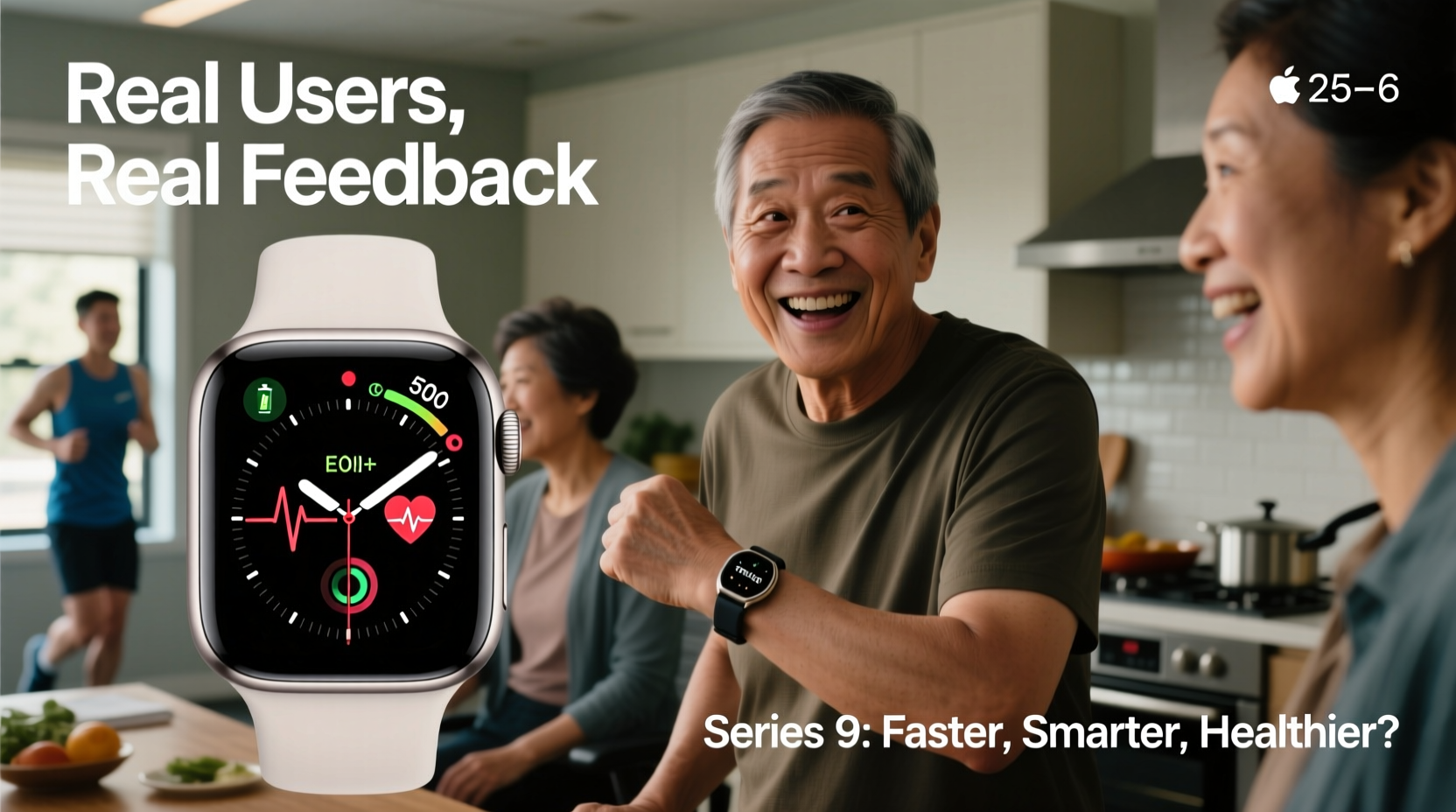
The most immediate change users report after switching to the Series 9 is the responsiveness. Under the hood, the Series 9 runs on Apple’s custom S9 SiP (System in Package), which includes a next-generation dual-core CPU and an upgraded Neural Engine optimized for machine learning tasks. While the Series 6 uses the older S6 chip—still reliable but based on 2020 architecture—the difference becomes apparent during multitasking, app launches, and voice interactions with Siri.
Real-world feedback from long-term Series 6 users highlights smoother animations, faster app loading times, and reduced lag when scrolling through workout summaries or checking notifications.
“After two years on the Series 6, I didn’t think I’d feel such a big difference. The Series 9 feels snappier in every interaction—even opening the weather app is noticeably quicker.” — Daniel R., software developer and fitness tracker
Brightness and Display Clarity: Outdoor Usability Improves
One of the standout hardware upgrades in the Series 9 is its significantly brighter display. With a peak brightness of up to 2,000 nits—double that of the Series 6—users consistently praise the enhanced visibility under direct sunlight.
This isn’t just a spec sheet win; it translates into practical usability. Whether you’re reading messages during a midday walk, checking GPS navigation on a hike, or monitoring a live workout outdoors, the screen remains crisp and legible without having to shade it with your hand.
The Series 6 maxes out at around 1,000 nits, which was adequate at the time but now feels outdated compared to current standards. Users upgrading from Series 6 often describe the Series 9’s display as “a revelation” for outdoor activity tracking.
| Feature | Apple Watch Series 6 | Apple Watch Series 9 |
|---|---|---|
| Display Brightness (Peak) | 1,000 nits | 2,000 nits |
| Processor | S6 chip | S9 SiP with Neural Engine |
| RAM | 1GB | 1GB (but more efficient memory management) |
| Always-On Display Sensitivity | Requires wrist raise to brighten | Auto-wrist detection adjusts brightness intelligently |
| Double Tap Gesture | Not supported | Supported (new feature) |
Health and Sensor Upgrades: Subtle But Meaningful
From a health-tracking perspective, both watches include blood oxygen monitoring, ECG, heart rate alerts, and sleep tracking. However, the Series 9 introduces refinements in sensor fusion and algorithmic accuracy thanks to tighter integration between the S9 chip and updated optical sensors.
While the hardware design of the back sensors is similar, Apple claims improved signal processing allows for more consistent readings, especially during low-perfusion scenarios (e.g., cold hands or intense workouts).
Users have reported fewer \"inaccurate HR\" warnings during gym sessions and more stable SpO2 measurements overnight. One nurse and wearable tech enthusiast noted:
“I wear my watch 24/7 for health monitoring. On the Series 6, I’d sometimes get erratic heart rate spikes during rest that weren’t real. The Series 9 logs cleaner data—fewer anomalies, better trend consistency.” — Maria T., healthcare professional
The Series 9 also enhances temperature sensing capabilities (available with watchOS 10) for retrospective ovulation estimates, building on the baseline introduced in the Ultra and SE models. While not medical-grade, this feature adds value for users focused on reproductive health tracking.
New Features That Change Daily Use
Beyond raw specs, several new functionalities in the Series 9 influence user satisfaction in ways the Series 6 simply can’t match:
- Double Tap Gesture: By tapping your thumb and index finger together twice, you can answer calls, dismiss alarms, or trigger shortcuts—all without touching the screen. This has been particularly praised by cyclists, runners, and people with limited hand mobility.
- On-Device Siri Processing: For privacy-sensitive requests (“Play my playlist,” “Pause timer”), Siri now processes commands directly on the watch in many cases, reducing reliance on internet connectivity and improving response speed.
- Improved Find My Integration: The U2 ultra-wideband chip enables precision finding with haptic and visual cues when locating a paired iPhone nearby—a feature absent in the Series 6.
Battery Life: Same Duration, Smarter Management
Despite all the upgrades, Apple maintains the same official 18-hour battery life for the Series 9 as with the Series 6. In practice, most users report getting one full day per charge under typical usage—receiving notifications, tracking workouts, using apps intermittently.
However, the Series 9 introduces more intelligent background task management. Apps consume less power when idle, and location services are better optimized. Some users note slightly longer endurance during travel days when airplane mode is used strategically.
Critically, if your Series 6 battery has degraded over time (common after 3+ years), the Series 9 will likely feel like a major improvement—not because the capacity is larger, but because the battery is fresh and managed more efficiently.
“My Series 6 battery dropped to 78% capacity after three years. Even with light use, I needed to charge twice a day. The Series 9 lasts all day, every day—no anxiety about dying mid-workout.” — Jordan L., triathlete and coach
Mini Case Study: Sarah’s Upgrade Journey
Sarah K., a 42-year-old teacher and mother of two, used her Series 6 primarily for sleep tracking, mindfulness reminders, and receiving urgent school notifications. Over time, she noticed sluggish performance when launching the Breathe app during stress breaks and difficulty reading the screen during morning drop-offs outside.
After upgrading to the Series 9, she immediately appreciated the brighter display and faster response. But the real game-changer was the Double Tap feature. With her hands often full of backpacks and lunchboxes, being able to silence incoming calls with a simple finger motion reduced daily friction.
She also enabled the new Smart Stack with timely complications like medication reminders and hydration goals. Combined with improved sleep phase tracking, Sarah says the Series 9 has become more proactive in supporting her well-being—something her older model had begun to lag on.
Checklist: Is the Series 9 Right for You?
Before making the upgrade, consider these key questions:
- Has your Series 6 battery degraded below 80% capacity?
- Do you regularly struggle to read the screen in sunlight?
- Are you interested in gesture-based controls like Double Tap?
- Do you rely heavily on Siri or offline functionality?
- Have you experienced slow app performance or crashes recently?
- Are you using advanced health features like cycle tracking or temperature sensing?
- Do you own an iPhone 15 or newer (for full U2 chip benefits)?
If you answered “yes” to three or more, the Series 9 likely offers tangible benefits. If your Series 6 still performs reliably and meets your needs, waiting another year—or considering the SE model—might be more cost-effective.
Expert Insight: When Upgrades Matter Most
We spoke with Dr. Lena Patel, digital health researcher at Stanford Medicine, about the real-world impact of incremental wearable upgrades:
“The difference between Series 6 and Series 9 may seem minor on paper, but in clinical settings, we see that responsive interfaces and accurate, continuous biometrics encourage sustained engagement. A faster, clearer, more intuitive device doesn’t just perform better—it gets used more consistently, which is where true health value lies.” — Dr. Lena Patel, Digital Health Researcher
Frequently Asked Questions
Can I keep using my old bands with the Series 9?
Yes. All Apple Watch bands from Series 4 onward are compatible with the Series 9 due to identical case dimensions. Your existing collection will fit perfectly.
Does the Series 9 work with iPhones older than iPhone 15?
Yes, the Series 9 is compatible with iPhone XS or later running iOS 17 or higher. However, some features like Precision Finding require iPhone 15 or newer with the U2 chip.
Is there a significant size difference between Series 6 and Series 9?
No. Both models come in 41mm and 45mm sizes with nearly identical designs. The front crystal is slightly flatter on the Series 9, but the footprint remains the same.
Final Verdict: Who Should Upgrade?
Upgrading from Series 6 to Series 9 isn’t essential for everyone—but for certain users, it delivers meaningful quality-of-life improvements. If you prioritize outdoor visibility, faster interactions, gesture control, and future-proof health tracking, the investment pays off.
Users whose Series 6 shows signs of aging—slow performance, dim screen, degraded battery—will feel the most dramatic shift. The combination of hardware refresh and smarter software integration makes the Series 9 feel like a true generational step forward.
That said, if your Series 6 still works well and you don’t need the latest features, extending its life with a battery replacement (~$69–$89 at Apple) could stretch its usability another 1–2 years. The SE (2nd gen) is also a compelling middle ground if budget is a concern.




 浙公网安备
33010002000092号
浙公网安备
33010002000092号 浙B2-20120091-4
Comments
No comments yet. Why don't you start the discussion?