
For users still holding onto an iPhone 6, the idea of upgrading can feel both exciting and overwhelming. Released in 2014, the iPhone 6 was a landmark device—sleek, powerful for its time, and instrumental in Apple’s mobile dominance. But nearly a decade later, its limitations are undeniable: aging hardware, limited app support, sluggish performance, and battery life that barely lasts half a day. Enter the Google Pixel 2, released in 2017—a device that brought premium Android experiences into sharper focus with clean software, top-tier cameras, and seamless Google integration. While not the newest phone on the market, it remains a strong contender as a used or budget-friendly upgrade. So, is making the switch from iPhone 6 to Pixel 2 worth it? The answer depends on what you value most in a smartphone experience.
Performance and Hardware: A Night-and-Day Difference
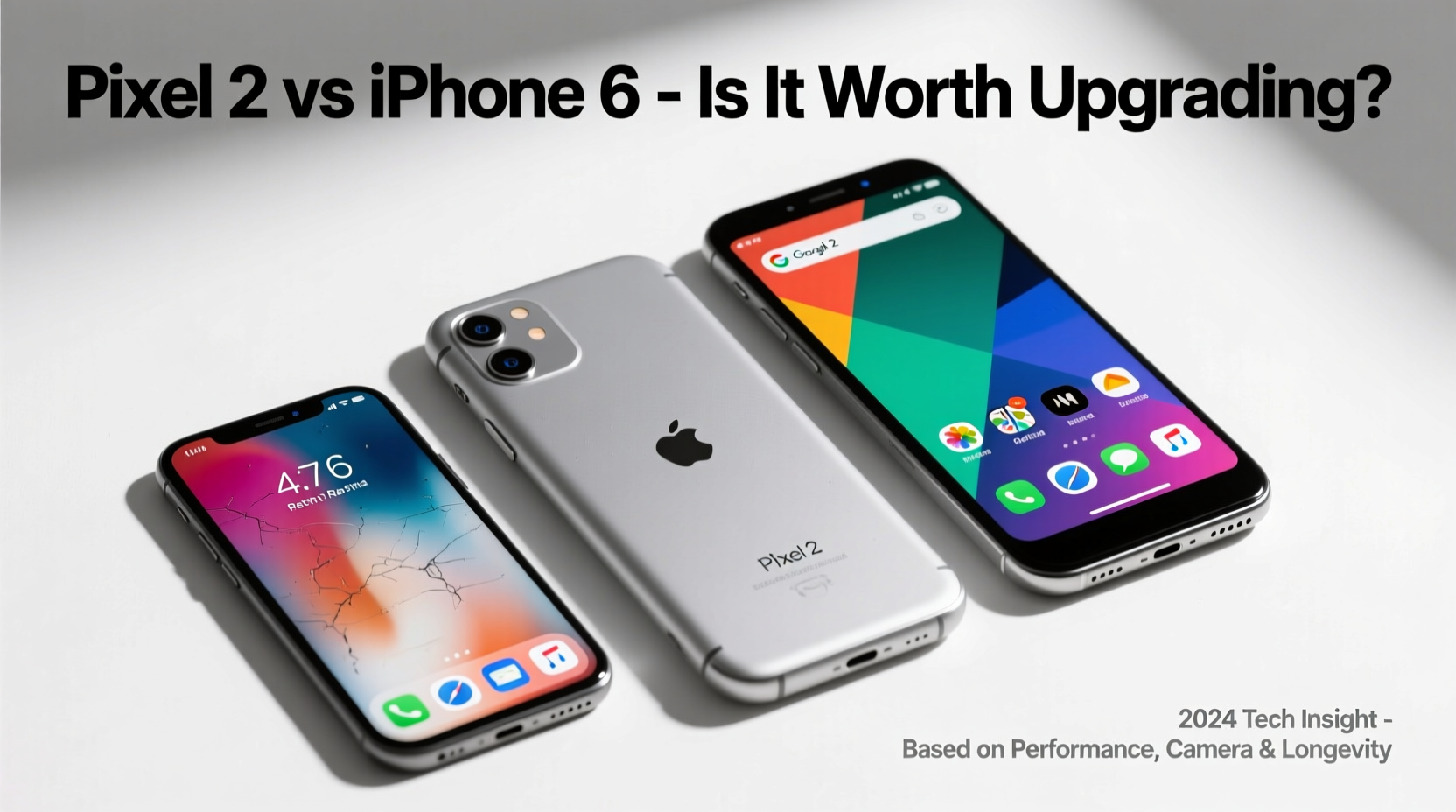
The iPhone 6 runs on Apple’s A8 chip with 1GB of RAM. By today’s standards, this setup struggles with multitasking, modern apps, and even basic web browsing. In contrast, the Pixel 2 features Qualcomm’s Snapdragon 835 processor and 4GB of RAM—specifications that were flagship-level at the time and still handle everyday tasks smoothly in 2024, especially with lightweight stock Android.
Real-world usage tells the story best: opening apps, switching between them, and loading media happen almost instantly on the Pixel 2 compared to the noticeable lag on the iPhone 6. Even after years of use, the Pixel 2 benefits from efficient software optimization, while the iPhone 6 shows signs of wear in every tap and swipe.
Camera Quality: Where the Pixel 2 Truly Shines
If photography matters to you, the jump from the iPhone 6 to the Pixel 2 is nothing short of transformative. The iPhone 6’s 8MP rear camera, once praised for color accuracy and dynamic range, now produces soft images with poor low-light performance. The Pixel 2’s 12.2MP sensor may seem modest on paper, but its computational photography—powered by Google’s HDR+ and advanced image processing—delivers consistently sharp, vibrant, and well-exposed photos, even in dim lighting.
Google’s single-lens approach proves that hardware isn’t everything. Features like portrait mode (via software depth mapping), faster autofocus, and superior dynamic range make the Pixel 2 a standout. Video recording also improves significantly, supporting 4K at 30fps compared to the iPhone 6’s maximum of 1080p at 30fps.
“Even without multiple lenses, Google demonstrated that smart software can outperform raw hardware.” — David Imel, Mobile Photography Analyst
Software and Ecosystem: Switching from iOS to Android
Moving from iPhone to Android isn't just about hardware—it's a shift in ecosystem philosophy. iOS offers tight integration across Apple devices, consistent updates, and a curated app experience. Android, particularly on Pixel devices, provides more customization, deeper Google service integration (like Assistant, Photos, and Gmail), and timely security patches—even if official support for the Pixel 2 ended in 2020.
That said, many third-party apps now offer near-identical functionality across platforms. Transferring data—from contacts to photos—is straightforward using tools like Google’s Move to Android app. However, if you rely heavily on iMessage, FaceTime, or AirDrop, switching may require adjustment. iMessage conversations won’t sync properly unless de-registered from your number, and some friends may see green bubbles instead of blue—a small but often-cited annoyance among switchers.
On the upside, Android’s notification system, split-screen multitasking, and default app flexibility offer greater control than iOS 8 (the last version the iPhone 6 supports).
Display and Design Comparison
The iPhone 6 introduced Apple’s shift to larger screens with its 4.7-inch Retina display. At the time, it felt spacious and comfortable. The Pixel 2 matches that size almost exactly at 5 inches, but with a higher resolution (1920x1080 vs. 1334x750) and improved color accuracy thanks to its OLED panel. While not edge-to-edge by today’s standards, the Pixel 2’s screen feels crisper and more vibrant.
In terms of build quality, both phones feature aluminum bodies, but the Pixel 2 adds a glass accent on the back for wireless charging compatibility (though it lacks actual wireless charging). It also includes front-facing stereo speakers, which deliver richer audio than the iPhone 6’s mono bottom speaker.
| Feature | iPhone 6 | Pixel 2 |
|---|---|---|
| Processor | A8 chip | Snapdragon 835 |
| RAM | 1GB | 4GB |
| Rear Camera | 8MP, f/2.2 | 12.2MP, f/1.8, OIS |
| Video Recording | 1080p @ 30fps | 4K @ 30fps |
| Battery Capacity | 1810 mAh | 2700 mAh |
| Software Support | iOS 12 (final) | Android 11 (final) |
| Water Resistance | No | IP67 rated |
Real-World Example: Sarah’s Upgrade Journey
Sarah had been using her iPhone 6 since 2015. By 2023, she found herself restarting her phone daily, avoiding updates, and carrying a power bank just to make it through work hours. After researching affordable upgrades, she purchased a refurbished Pixel 2 for $120. Within days, she noticed faster app launches, clearer photos, and longer battery life. She missed iMessage initially but adapted quickly using WhatsApp and Google Messages. Most surprisingly, she began using Google Photos’ search and auto-backup features regularly—something she hadn’t leveraged on iCloud. Two years later, she’s still using the same Pixel 2 for light tasks and considers the switch one of her best tech decisions.
Checklist: Preparing for Your Switch
- Back up your iPhone 6 via iCloud or computer before transferring data
- Use Apple’s “Move to Android” tool to transfer contacts, messages, and photos
- Deactivate iMessage linked to your phone number to avoid message delivery issues
- Install essential apps early: Google Drive, Maps, Chrome, and your preferred messaging platform
- Set up two-factor authentication on your Google account for added security
- Test call quality, speaker volume, and touchscreen responsiveness upon receiving the Pixel 2
Frequently Asked Questions
Can the Pixel 2 still receive security updates?
No. Google ended official software support for the Pixel 2 in October 2020, meaning no further OS upgrades or security patches are provided. However, community custom ROMs like LineageOS can extend functionality and improve security for technically inclined users.
Will my iPhone accessories work with the Pixel 2?
Most wired headphones and chargers will work, but the Pixel 2 uses USB-C instead of Lightning. You’ll need a new cable for charging. Wireless earbuds like AirPods function via Bluetooth but lose features like automatic pairing and Siri integration.
Is the battery life better on the Pixel 2?
Yes, significantly. Despite being older in release date, the Pixel 2 has a much larger battery (2700 mAh vs. 1810 mAh) and more efficient power management. With moderate use, it easily lasts a full day, whereas the iPhone 6 often requires midday charging—even with a battery replacement.
Final Verdict: Yes, With Caveats
Upgrading from the iPhone 6 to the Google Pixel 2 is absolutely worthwhile for most users—especially those seeking better performance, camera quality, and overall responsiveness. The difference in daily usability is dramatic. Tasks that were frustrating or slow become effortless. The addition of water resistance, improved audio, and a superior display enhances the experience further.
However, it’s important to go in with realistic expectations. The Pixel 2 is no longer supported by Google, so long-term reliability depends on condition and usage patterns. If you're purchasing secondhand, inspect battery health and ensure the device boots properly. For under $150, though, it represents exceptional value over clinging to a device that hasn’t received major updates in nearly a decade.




 浙公网安备
33010002000092号
浙公网安备
33010002000092号 浙B2-20120091-4
Comments
No comments yet. Why don't you start the discussion?