
The iPhone 11, released in 2019, was a landmark device—offering excellent battery life, solid performance, and Apple’s hallmark reliability. For many users, it remains functional even in 2025. But with the Google Pixel 8 now available, those still on older iPhones are wondering: is making the leap to Android—and specifically to the Pixel 8—truly worth it? The answer depends on your priorities: camera quality, software experience, ecosystem loyalty, and future-proofing.
Performance and Hardware: A Generational Leap
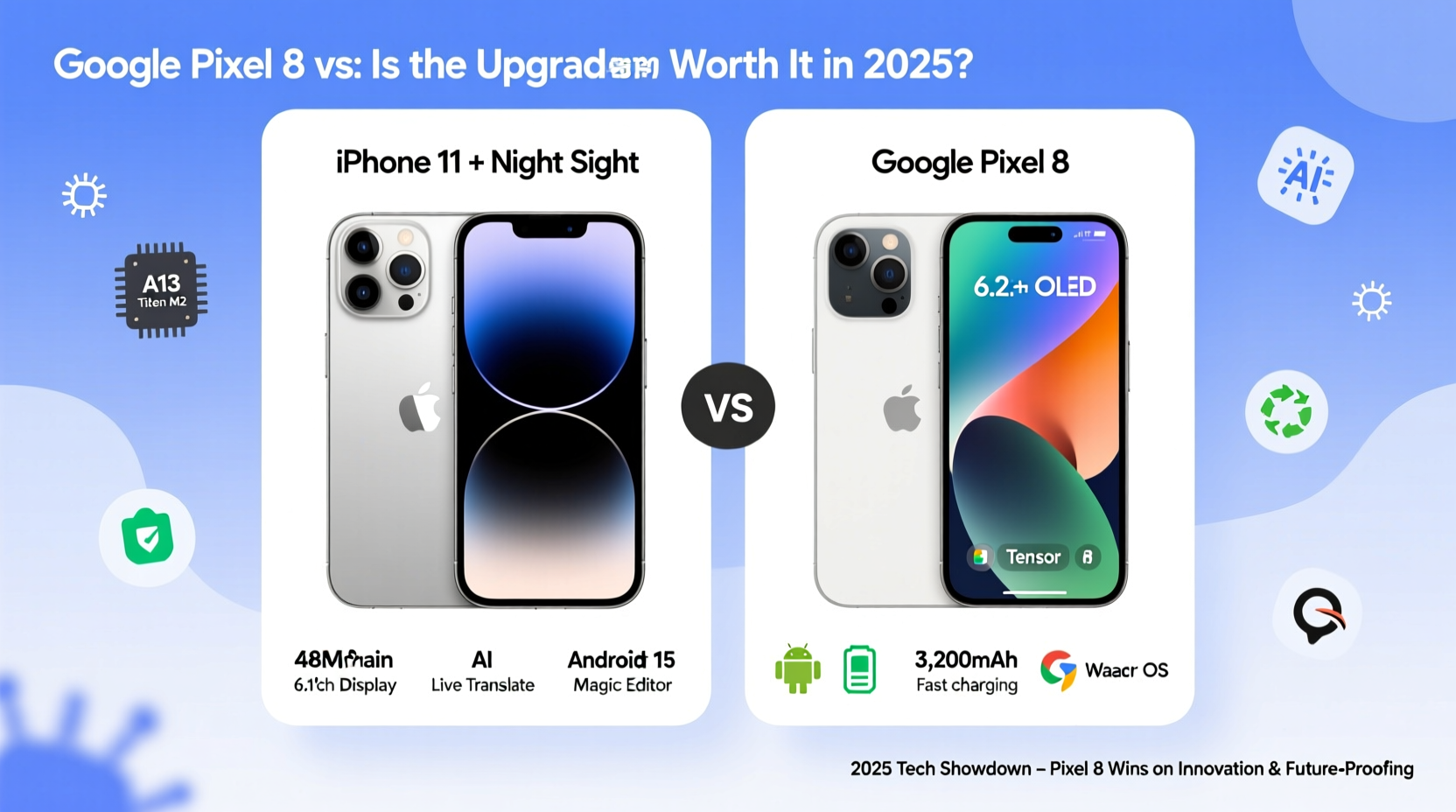
The iPhone 11 runs on Apple’s A13 Bionic chip, which was top-tier at launch and still handles daily tasks efficiently. However, by 2025 standards, it lacks support for newer apps optimized for advanced AI features, high-refresh-rate displays, and next-gen multitasking.
In contrast, the Pixel 8 is powered by Google’s Tensor G3 chip—a processor designed specifically for AI-driven photography, voice recognition, and real-time translation. While not always faster in raw benchmarks than Apple’s latest chips, the Tensor G3 excels in intelligent processing, particularly in photo enhancement and language tools.
Additionally, the Pixel 8 features a 90Hz OLED display compared to the iPhone 11’s 60Hz LCD. This results in smoother scrolling, more vibrant colors, and deeper blacks. The build quality also steps up with Gorilla Glass Victus and an aluminum frame, offering better durability than the iPhone 11’s glass back and aluminum band.
Camera Comparison: Computational Photography vs. Consistency
The iPhone 11’s dual-camera system (12MP wide and ultra-wide) delivers reliable, natural-looking photos in most lighting conditions. Its video recording remains among the best in class, especially for stabilization and dynamic range.
The Pixel 8 improves significantly on still photography through computational enhancements. It uses HDR+ with AI tone mapping, Night Sight across all lenses, and Magic Eraser for removing unwanted objects—all features absent on the iPhone 11. In low light, the Pixel consistently produces brighter, more detailed images with less noise.
“Google has redefined mobile photography not by adding more lenses, but by teaching the phone to see better.” — David Ng, Mobile Imaging Analyst at TechVision Weekly
However, iPhone loyalists may miss the consistency of Apple’s color science and seamless integration with macOS video editors. The Pixel 8 does offer 4K/60fps video with improved stabilization, but it still trails slightly behind Apple in professional-grade video workflows.
Software Experience and Longevity
iOS 18, expected in late 2025, will likely be the final update for the iPhone 11. After that, security patches may continue briefly, but feature development will cease. This means no access to new AI tools, privacy upgrades, or interface innovations rolling out on newer iPhones.
The Pixel 8, on the other hand, comes with a guaranteed minimum of five years of OS and security updates (until 2028), plus seven years of feature drops via Google’s “Pixel Feature Drops.” These monthly updates introduce new capabilities like call screening improvements, photo restoration tools, and wellness tracking—without requiring a full OS upgrade.
| Feature | iPhone 11 (iOS) | Google Pixel 8 (Android 14+) |
|---|---|---|
| Final Major OS Update | Likely iOS 18 (2025) | Up to Android 21+ (2028) |
| Security Updates | Ends ~2026 | Continues until 2028 |
| Monthly Feature Updates | No | Yes (via Feature Drops) |
| AI Integration | Limited in older models | Built into core functions |
This extended software support makes the Pixel 8 a smarter long-term investment, especially for users who plan to keep their phone beyond three years.
Real-Life Transition: A Case Study
Sarah, a freelance photographer based in Portland, used her iPhone 11 for nearly five years. She appreciated its durability and ease of use but found herself frustrated when clients requested AI-enhanced edits or background removals she couldn’t perform quickly on-device.
In early 2025, she switched to the Pixel 8. Within weeks, she began using Best Take and Audio Erase to refine client portraits directly on her phone. She also adopted Google Photos’ enhanced search (“find pictures with dogs near water”) to organize her portfolio faster. Though she missed iMessage initially, she adapted using RCS and third-party messaging apps.
“The biggest win,” she said, “was realizing I didn’t need a laptop for basic edits anymore. The Pixel handles 80% of my post-processing right in the gallery app.”
Key Considerations Before Switching
Moving from iPhone to Android involves trade-offs. Here’s a checklist to evaluate whether the Pixel 8 aligns with your needs:
- Evaluate your ecosystem: Do you own AirPods, a Mac, or Apple Watch? Leaving iOS may reduce seamless integration.
- Assess messaging habits: iMessage remains a major lock-in factor. Ensure your contacts use SMS/RCS or WhatsApp if switching.
- Check carrier compatibility: The Pixel 8 supports most major U.S. carriers, but verify 5G bands and eSIM support with your provider.
- Test data migration: Use Google’s “Switch to Android” app to transfer photos, messages, and contacts seamlessly.
- Consider resale value: iPhone 11 retains moderate resale value, but selling before end-of-life support ends maximizes return.
Frequently Asked Questions
Will my iPhone accessories work with the Pixel 8?
Most wired headphones and USB-C chargers will work, but MagSafe accessories are incompatible. You’ll need new cases and wireless chargers designed for Android’s Qi standard.
Can the Pixel 8 match iPhone durability?
The Pixel 8 has an IP68 rating (same as iPhone 11) and stronger front glass, but lacks the same drop-test reputation. Using a case is recommended, especially during the transition period.
Is Android harder to learn than iOS?
For most users, the learning curve is minimal. The Pixel 8 runs a clean version of Android with intuitive gestures and AI-powered suggestions. After two weeks, the majority of ex-iPhone users report full adaptation.
Step-by-Step Upgrade Plan (March–April 2025)
- Week 1: Back up iPhone 11 to iCloud and export important documents.
- Week 2: Download the “Move to Android” app on iPhone and test connection with a friend’s Android device.
- Week 3: Purchase Pixel 8, activate on your carrier, and run the transfer tool during setup.
- Week 4: Install essential apps (Google Drive, Photos, Messages, Wallet), customize privacy settings, and explore Feature Drops.
- Month 2: Phase out reliance on iMessage by encouraging contacts to message via email or cross-platform apps.
Conclusion: A Smart Move for Forward-Thinking Users
For iPhone 11 owners in 2025, staying put means accepting diminishing software support, outdated hardware, and missed advancements in AI and imaging. The Google Pixel 8 isn’t just a new phone—it’s a gateway to a more proactive, intelligent mobile experience.
If you value innovation, long-term updates, and cutting-edge photography, the upgrade is not only worthwhile—it’s timely. The transition requires some adjustment, especially around ecosystem habits, but the gains in functionality, personalization, and future readiness make the Pixel 8 a compelling successor to a once-great device.




 浙公网安备
33010002000092号
浙公网安备
33010002000092号 浙B2-20120091-4
Comments
No comments yet. Why don't you start the discussion?