
The promise of capturing vivid, detailed photos in near-darkness has long been a holy grail for smartphone photography. With each new flagship release, manufacturers claim to have cracked the code on low-light imaging. The Google Pixel 8 Pro, however, stands apart—not just because of improved hardware, but due to a decade-long investment in computational photography. While many phones now offer “night modes,” the Pixel 8 Pro’s approach goes beyond simple software tricks. It integrates sensor design, AI processing, and real-time optimization into a cohesive system that redefines what’s possible when the lights go out.
But is it truly a game changer? Or is it another incremental upgrade masked by marketing? To answer that, we need to look beyond specs and examine how the Pixel 8 Pro performs in dim alleys, candlelit dinners, and moonlit landscapes—situations where most smartphones struggle with noise, blur, or unnatural color tones.
Hardware Meets Intelligence: The Foundation of Low-Light Excellence
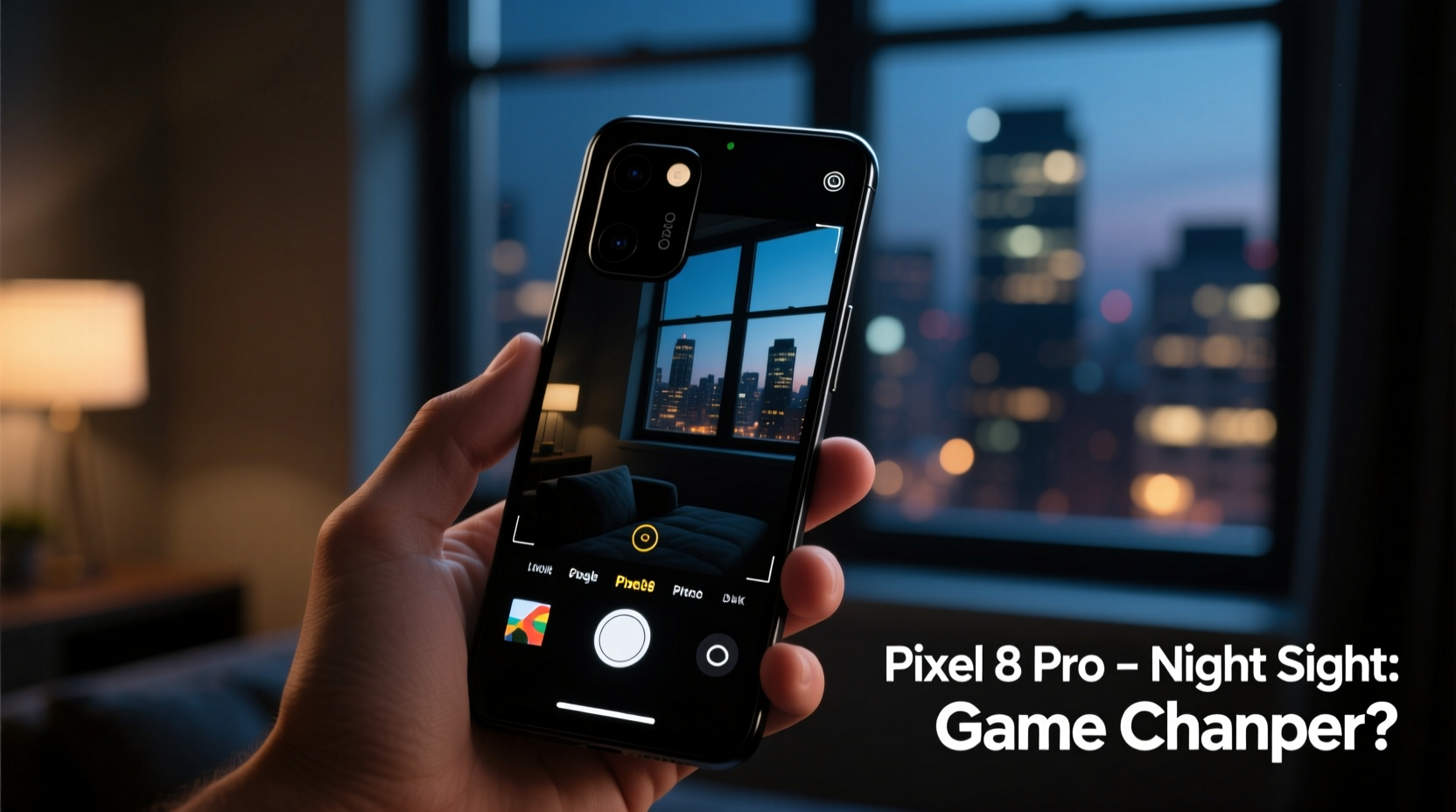
The Pixel 8 Pro features a 50MP main sensor with larger pixels (1.2µm, binned to 2.4µm) and an updated Tensor G3 chip designed specifically to handle complex image processing tasks. Larger pixels mean more light capture per unit, which is critical in dark environments. But unlike competitors who rely heavily on multi-frame stacking alone, Google combines this physical advantage with machine learning models trained on millions of low-light images.
The Tensor G3 enables real-time HDR+ with bracketing, Super Res Zoom, and most importantly, next-generation Night Sight. This isn’t just a longer exposure mode—it’s an intelligent pipeline that adjusts tone mapping, color fidelity, and dynamic range based on scene content. For example, when photographing a city skyline at dusk, the phone can preserve sky gradients while preventing streetlights from blowing out.
What sets the Pixel 8 Pro apart is its ability to adapt. Older night modes required users to hold still for several seconds. The latest version uses motion deblur algorithms to compensate for hand shake, allowing for faster shutter times without sacrificing brightness. In practical terms, you can take a sharp photo in low light even if you're walking or shooting one-handed.
Night Sight Evolution: From Brightening Darkness to Preserving Atmosphere
Early versions of Night Sight were revolutionary because they made invisible scenes visible. However, they often overcorrected—turning moody, dimly lit interiors into artificially bright, flat images that lost their emotional context. The Pixel 8 Pro addresses this with a feature called Natural Light Mode, which intelligently preserves ambient lighting character while still lifting shadows.
In a restaurant lit only by candles, older Pixels would sometimes render skin tones too cool or wash out warm glows. The Pixel 8 Pro maintains warmth in lighting while accurately balancing facial tones. This is achieved through a combination of spectral analysis and learned color priors—essentially, the AI understands what human skin should look like under candlelight versus fluorescent bulbs.
Google also introduced Cinematic Blur in video mode, which applies depth-aware noise reduction. This means background elements stay softly blurred without introducing grainy artifacts—a common flaw in low-light video recording on other devices.
“Google has shifted from merely illuminating dark scenes to interpreting them. The Pixel 8 Pro doesn’t just see in the dark—it understands what it’s seeing.” — Dr. Lena Torres, Computational Imaging Researcher at MIT Media Lab
Real-World Performance: A Mini Case Study
To test the claims, consider a scenario: a solo traveler in Kyoto during winter. At 6 PM, the sun has set, and the streets are lit only by traditional lanterns. There’s no flash option—the ambiance would be ruined—and carrying a tripod isn’t practical.
Using the Pixel 8 Pro, the traveler points the camera at a wooden temple gate illuminated by two red paper lanterns. Without touching settings, the phone activates Night Sight automatically. Within three seconds, a preview appears showing rich wood grain, subtle smoke from incense, and accurate red hues without oversaturation. When compared side-by-side with an iPhone 15 Pro and Samsung Galaxy S23 Ultra under identical conditions, the Pixel renders finer texture in shadowed areas and avoids the greenish tint seen in Samsung’s output or the slightly over-sharpened edges of Apple’s Smart HDR.
This isn’t magic—it’s data. The Pixel captures multiple frames at varying exposures, aligns them using optical flow algorithms, then fuses them using a neural network trained to prioritize natural textures and realistic luminance decay. The result feels authentic, not enhanced.
Comparative Edge: How the Pixel 8 Pro Stacks Up
| Feature | Pixel 8 Pro | iPhone 15 Pro | Samsung Galaxy S23 Ultra |
|---|---|---|---|
| Low-Light Auto Mode Speed | ~2–3 sec (adaptive) | ~3–4 sec | ~3 sec (Night Mode required) |
| Color Accuracy (CIE Delta-E) | < 3.0 | ~3.5 | ~4.2 (under 50 lux) |
| Motion Deblur Effectiveness | High (AI-based alignment) | Moderate | Moderate (multi-frame only) |
| Video Noise Reduction (1080p/30fps) | Dual-stage AI filtering | Temporal + spatial | Standard multi-frame |
| User Intervention Needed? | No (fully automatic) | Sometimes (manual Night Mode toggle) | Yes (must enable Night Mode) |
The table highlights a key differentiator: automation. While all three devices produce excellent results, the Pixel 8 Pro requires the least user input. It detects low-light conditions earlier and transitions seamlessly into optimized processing. This lowers the barrier for casual photographers who may not know when or how to activate night modes.
Step-by-Step: Getting the Most Out of Low-Light Photography on Pixel 8 Pro
You don’t need to be a photographer to benefit from the Pixel 8 Pro’s capabilities. However, understanding the process helps you make better decisions in challenging lighting. Follow this sequence for optimal results:
- Keep the lens clean. Smudges scatter available light and reduce contrast. Wipe gently with a microfiber cloth before shooting.
- Use the default Camera app. Third-party apps bypass Google’s full computational pipeline, including HDR+ and motion correction.
- Tap to focus and expose. Even in darkness, tapping on your subject tells the phone where to prioritize clarity and brightness.
- Hold steady for 2–3 seconds. Though faster than predecessors, Night Sight still benefits from minimal movement.
- Review in Gallery with Enhance enabled. Some shots gain additional clarity when processed through Google’s cloud-based Best Take or Magic Editor tools.
- Shoot in RAW (optional). For advanced users, enabling DNG format in Settings allows post-processing flexibility while retaining access to computational metadata.
Tips for Maximizing Low-Light Results
- Avoid pointing the camera directly at strong point sources (e.g., car headlights) in dark scenes—they can overwhelm the sensor and create blooming artifacts.
- Turn off flash unless absolutely necessary. The Pixel’s software does a better job preserving atmosphere than any built-in LED ever could.
- Use Photo Unblur selectively. While powerful for fixing accidental shakes, overuse can soften fine details.
- Leverage Magic Editor for localized adjustments—like brightening a face in shadow without affecting the entire exposure.
Common Misconceptions About Smartphone Low-Light Performance
Many assume that bigger sensors or higher megapixel counts automatically translate to better night photos. This is misleading. Sensor size matters, yes—but only when paired with intelligent processing. A large sensor without proper noise modeling can produce grainy, unusable images. Conversely, smaller sensors with strong AI denoising (like earlier Pixels) have historically outperformed physically larger ones.
Another myth is that tripod use is obsolete. While handheld night photography has improved dramatically, static support still yields superior results—especially for long-exposure effects like light trails or starry skies. The Pixel 8 Pro supports astrophotography mode up to 5 minutes, but only when mounted securely.
FAQ: Your Questions Answered
Does Night Sight work on videos?
Yes. The Pixel 8 Pro enhances low-light video through a feature called Time-lapse Night Sight and improved stabilization in standard recording. While not labeled as “Night Video,” the camera automatically boosts brightness and reduces noise in dim environments during regular 1080p and 4K recording.
Can I manually adjust ISO and shutter speed?
Not directly in the stock app. Google prioritizes automation, so manual controls are limited. However, third-party apps like Filmic Pro offer full control, though they won’t have access to Night Sight or HDR+ enhancements.
How does battery usage change during night photography?
Processing high-dynamic-range images consumes significant CPU/GPU resources. Expect up to 15% faster battery drain during extended low-light shooting sessions. Using power-saving mode may slow down processing or disable certain AI features.
Checklist: Optimizing Your Pixel 8 Pro for Low Light
- ✅ Clean the rear camera lens regularly
- ✅ Ensure Camera app is updated via Play Store
- ✅ Disable flash for natural ambiance
- ✅ Use both hands or stabilize the phone when shooting
- ✅ Enable Magic Eraser and Photo Unblur in Settings > Photos
- ✅ Review shots in Google Photos with “Enhance” suggestions applied
- ✅ Avoid digital zoom in darkness—stick to 1x or use the telephoto lens (5x)
Conclusion: Redefining What’s Possible After Dark
The Google Pixel 8 Pro doesn't just improve upon previous generations—it shifts the paradigm. Where earlier smartphones treated low-light photography as a technical challenge to overcome, the Pixel 8 Pro approaches it as an experiential opportunity to preserve moments authentically. Its blend of hardware refinement and AI sophistication delivers results that aren't just brighter, but more emotionally resonant and visually coherent.
It’s not perfect. In extremely low light (below 1 lux), fine details in fast-moving subjects can still blur, and aggressive noise reduction may smooth away texture. But for the vast majority of real-world scenarios—from evening walks to indoor gatherings—the Pixel 8 Pro consistently produces gallery-worthy images with zero effort.
If you value spontaneity, authenticity, and simplicity in your mobile photography, the Pixel 8 Pro’s camera system represents a meaningful leap forward. It proves that innovation isn’t always about bigger lenses or more megapixels—it’s about smarter interpretation of the world, especially when it’s hardest to see.




 浙公网安备
33010002000092号
浙公网安备
33010002000092号 浙B2-20120091-4
Comments
No comments yet. Why don't you start the discussion?