
The Google Pixel Watch 2 arrived with strong promises: improved health tracking, longer battery life, and deeper integration with Wear OS 4. But most of the marketing focuses on seamless synergy with Pixel phones. If you're using a Samsung Galaxy, OnePlus, Xiaomi, or any non-Pixel Android device, you might be wondering: does this smartwatch still make sense for you?
The short answer is yes — but with caveats. While the Pixel Watch 2 was designed with Pixel phones in mind, its core functionality remains accessible and useful across the Android ecosystem. However, the depth of integration, availability of exclusive features, and overall user experience vary significantly depending on your phone brand and software setup.
This article breaks down what non-Pixel phone users can realistically expect from the Pixel Watch 2, identifies where compromises exist, and offers guidance on whether it’s a worthwhile investment based on your priorities.
Compatibility Overview: How Well Does It Work Off-Pixel?
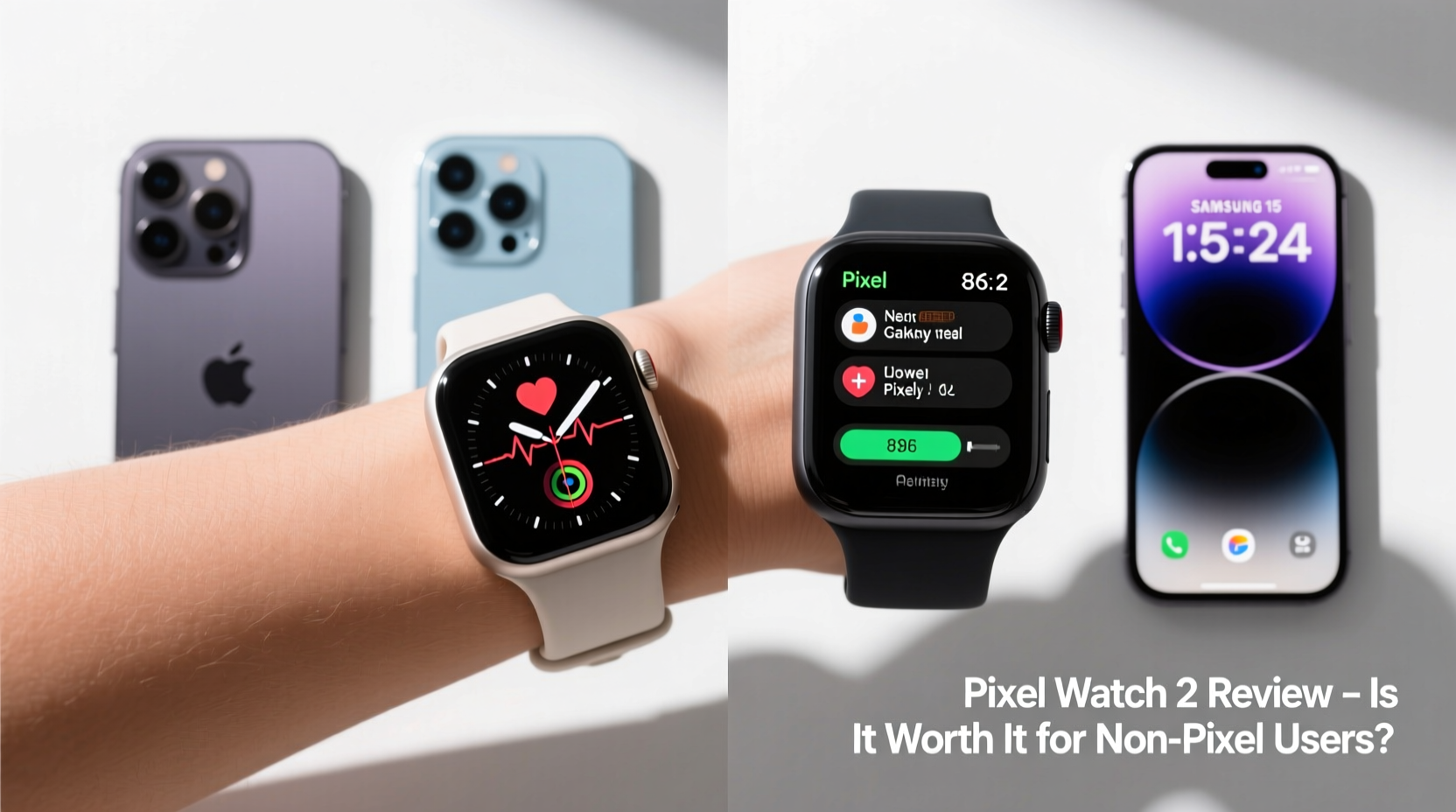
Google officially supports the Pixel Watch 2 on Android phones running Android 9 or later with 5GB RAM or more. This includes a wide range of devices from Samsung, OnePlus, Motorola, and others. However, “supported” doesn’t mean “identical experience.”
The initial pairing process via the Wear OS app works smoothly on most modern Android phones. You can install apps, receive notifications, track workouts, monitor heart rate, sleep, and blood oxygen — all core functions operate reliably regardless of your phone model.
Where differences emerge is in feature exclusivity. Some capabilities, like seamless Fast Pair, automatic emergency sharing, and certain wellness insights powered by Google’s AI models, are either limited or disabled on non-Pixel phones. These gaps don’t break the experience, but they do reduce some of the premium appeal.
Key Features That Work Well Across Android Devices
Despite the Pixel-centric branding, many of the Pixel Watch 2’s standout features function independently of your phone’s brand:
- Fitness & Health Tracking: The second-gen sensor suite includes an improved optical heart rate sensor, skin temperature monitoring, EDA (electrodermal activity), and continuous SpO2 tracking. These run directly on the watch and sync to the Google Fit app regardless of your phone.
- Wear OS 4 Interface: Smooth animations, intuitive navigation, and access to the Google Play Store for Wear OS ensure a consistent software experience. Apps like Strava, Spotify, and WhatsApp work as expected.
- Google Assistant: Voice commands, reminders, timers, and smart home controls function fully without requiring a Pixel phone.
- GPS & Offline Playback: Built-in GPS allows accurate outdoor workout tracking, and LTE models let you stream music via YouTube Music or download podcasts without your phone nearby.
- Safety Features: Fall detection and emergency SOS work autonomously — no phone required once activated.
In daily use, these features deliver tangible value whether you’re on a Galaxy S24 or a mid-range Pixel-like device from another manufacturer.
Where Non-Pixel Users Lose Out
While basic functionality holds up, several high-value features are either restricted or less effective when not paired with a Pixel:
| Feature | Available on Non-Pixel Phones? | Limitations |
|---|---|---|
| Heart Rate Alerts (Irregular Rhythm Notifications) | Limited | Requires FDA-cleared algorithm only enabled on select Pixel pairings |
| Stress & Wellness Insights | Partial | Some AI-driven insights gated behind Pixel-only cloud processing |
| Fast Pair & Seamless Device Switching | No | Only works between Pixel phones and Pixel accessories |
| Automated Emergency Sharing | No | Location sharing during emergencies bypasses non-Pixel phones |
| Pixel Watch Face Personalization (AI-generated) | No | Uses on-device AI exclusive to Pixel ecosystem |
These limitations may not matter to casual users focused on step counting and notifications. But for those seeking advanced health analytics or deep ecosystem integration, the gap becomes noticeable.
“Smartwatches are increasingly becoming health hubs, but data access and AI interpretation are often tied to proprietary ecosystems. The Pixel Watch 2 delivers excellent hardware, but its full potential shines brightest within Google’s own ecosystem.” — Dr. Lena Tran, Digital Health Researcher at MIT Media Lab
Real-World Example: A Samsung User's Experience
Consider Mark, a long-time Samsung Galaxy user who switched to the Pixel Watch 2 after being impressed by its sleek design and health tracking claims. He owns a Galaxy S23 Ultra and uses Samsung Health primarily.
After pairing, he found that step counts, sleep stages, and heart rate trends synced accurately to Google Fit. He could control his phone’s camera, reply to messages, and use Google Maps on his wrist — all working flawlessly.
However, he quickly noticed two frustrations: first, his existing Samsung Bands (like the Galaxy Ring) couldn’t sync with the Pixel Watch. Second, despite wearing the watch consistently, he never received irregular heartbeat alerts that friends with Pixel phones reported getting.
He also missed out on ambient display personalization and had to manually start some workout modes that auto-detect on Pixel phones. After three months, Mark concluded that while the watch performed well as a standalone device, it didn’t integrate into his existing tech stack as seamlessly as a Galaxy Watch would have.
His takeaway? “It’s a beautiful, capable watch — but I’m paying for features I can’t use. For me, a cross-platform alternative like the Galaxy Watch 6 or even a Fossil with Wear OS might’ve been smarter.”
Step-by-Step: How to Maximize Value on a Non-Pixel Phone
If you’ve decided to go ahead with the Pixel Watch 2 despite using a non-Pixel phone, follow this sequence to optimize your experience:
- Verify Compatibility: Confirm your phone meets Google’s minimum specs and isn’t on the list of problematic devices (e.g., some older Xiaomi or Huawei models with aggressive battery savers).
- Install & Update Wear OS App: Download the latest version from the Play Store and allow all necessary permissions, especially background data and battery optimization exemptions.
- Disable Aggressive Battery Optimization: On phones like OnePlus or Realme, disable “Deep Sleep” or “Auto-Launch” restrictions for the Wear OS app to prevent disconnections.
- Use Google Services as Your Hub: Shift from Samsung Health or Fitbit to Google Fit as your primary health dashboard to maintain continuity.
- Enable Standalone Features: Set up offline music storage, activate fall detection, and configure emergency contacts directly on the watch.
- Customize Notifications Per App: Fine-tune which apps send alerts to avoid spam, especially since cross-brand notification delays can occur.
- Update Regularly: Keep both the watch and phone OS updated — Google occasionally rolls out broader compatibility patches.
Following these steps won’t unlock Pixel-exclusive features, but they will ensure stable, reliable performance and minimize syncing issues.
Checklist: Is the Pixel Watch 2 Right for You?
Before buying, ask yourself the following:
- ✅ Do I prioritize clean design and stock Android aesthetics over heavy customization?
- ✅ Am I willing to adopt Google Fit as my main health platform?
- ✅ Do I value built-in GPS, LTE, and robust third-party app support?
- ❌ Am I expecting full parity with Pixel phone owners in health insights?
- ❌ Do I rely heavily on a competing ecosystem (e.g., Samsung Health, Apple Health)?
- ✅ Can I accept missing a few advanced AI-powered wellness alerts?
If most of your answers are “yes” to the positive points and “no” to the caveats, the Pixel Watch 2 can still be a strong choice.
Frequently Asked Questions
Can I use the Pixel Watch 2 with an iPhone?
No. The Pixel Watch 2 only pairs with Android phones running Android 9 or higher. iOS support is not available, similar to most Wear OS watches.
Does the battery life differ based on the phone I use?
Not significantly. Battery life averages 24–36 hours under normal use, regardless of phone brand. However, poor Bluetooth stability on some devices may cause increased power draw due to constant reconnection attempts.
Will Google expand Pixel-exclusive features to other phones in the future?
Possibly. Google has gradually opened some features (like EDA scanning) to more devices over time. However, strategic differentiators — especially health-related AI tools — are likely to remain Pixel-first or Pixel-only for competitive reasons.
Final Verdict: Who Should Buy It?
The Google Pixel Watch 2 is a high-quality smartwatch with best-in-class build, smooth software, and one of the most accurate health sensor arrays in its class. For non-Pixel users, it remains a viable option — particularly if you:
- Prefer the simplicity and elegance of Google’s design language.
- Want a pure Wear OS 4 experience without manufacturer skins.
- Value standalone LTE, GPS, and offline capabilities.
- Are open to migrating your health data to Google’s ecosystem.
However, if you're deeply invested in Samsung’s ecosystem, use a manufacturer with excellent companion watch software (like Galaxy Watch with One UI), or expect every advertised feature to work flawlessly, you’ll likely get better day-to-day satisfaction from a brand-matched smartwatch.
The Pixel Watch 2 isn’t broken outside the Pixel family — it’s just not whole. It performs well as a standalone wearable, but the magic of context-aware intelligence, predictive wellness, and frictionless connectivity is reserved for those within Google’s inner circle.




 浙公网安备
33010002000092号
浙公网安备
33010002000092号 浙B2-20120091-4
Comments
No comments yet. Why don't you start the discussion?