
For action camera enthusiasts, the decision between sticking with a proven performer like the GoPro Max and upgrading to a newer Insta360 model isn’t just about specs—it’s about real-world performance, workflow compatibility, and creative flexibility. Both brands have carved strong reputations in the 360-degree and adventure filming space, but user experiences vary widely depending on use case, editing habits, and desired output. As Insta360 continues to innovate with AI-powered stabilization, modular designs, and seamless smartphone integration, many GoPro Max owners are reconsidering their loyalty. So, is the upgrade truly worthwhile? Let’s break down what actual users report, compare key features, and evaluate whether the shift makes sense for your needs.
Key Differences Between GoPro Max and Insta360 Models
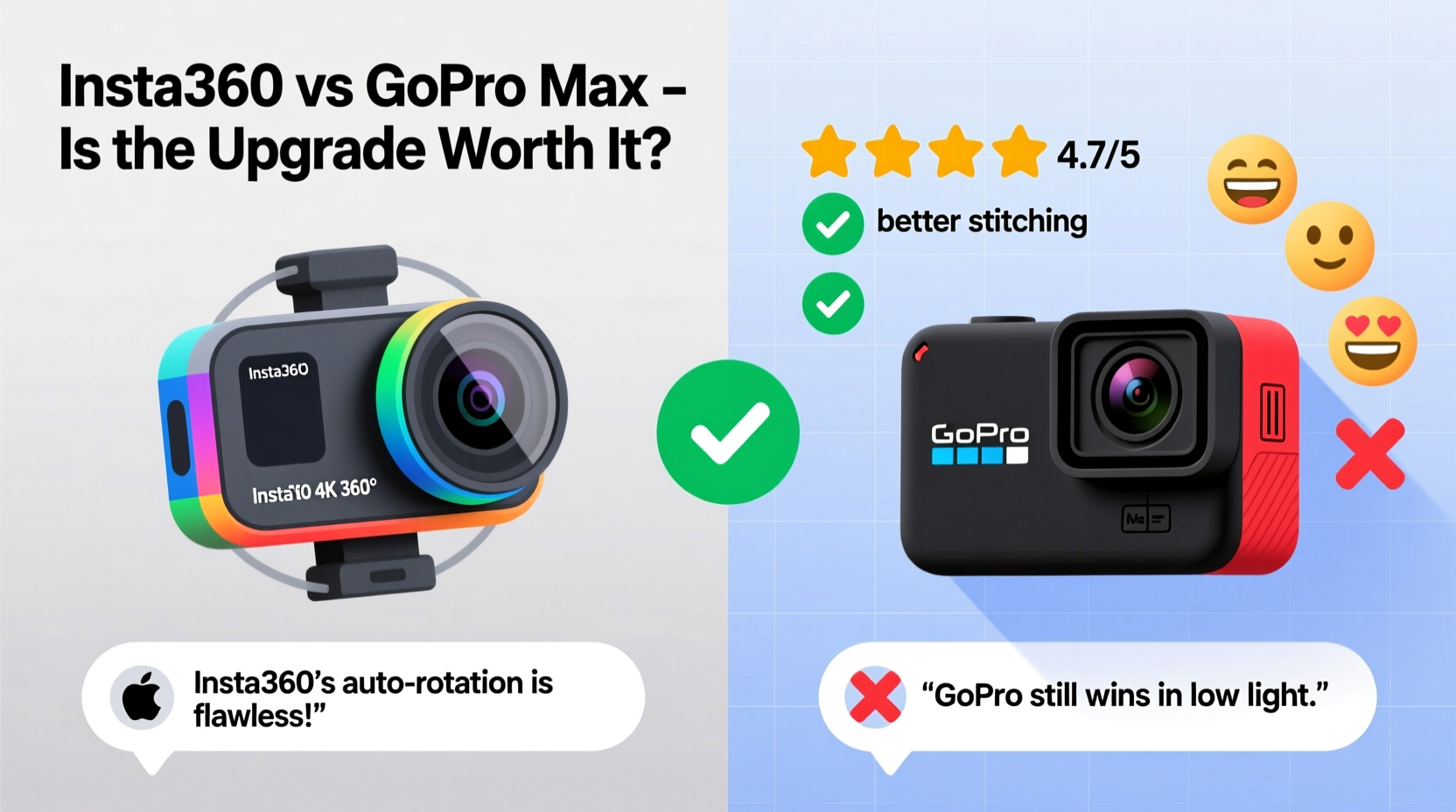
The most common Insta360 models considered as upgrades from the GoPro Max are the Insta360 ONE RS 1-Inch 360 Edition and the Insta360 X4. While both capture immersive 360 footage, they diverge significantly in design philosophy, software capabilities, and post-production flexibility.
| Feature | GoPro Max | Insta360 X4 |
|---|---|---|
| 360 Resolution | 5.6K at 30fps | 8K at 30fps |
| Single-Lens Mode (Reframe) | 16.2MP photos, 5.6K video | Up to 28MP photos, 5.7K60 |
| Stabilization | HyperSmooth 3.0 | FlowState Stabilization + AI RockSteady 360 |
| Battery Life (360 mode) | ~80 minutes | ~70 minutes |
| Water Resistance | 5m (no housing) | 10m (no housing) |
| Audio | Wind-Blocking Mic, 360 Audio | AI Noise Cancellation, 360 Audio, Invisible Selfie Stick |
| Editing App | Quik (desktop & mobile) | Insta360 app (mobile-first, AI-assisted) |
The Insta360 X4 offers higher resolution, better stabilization in dynamic conditions, and more intuitive mobile editing powered by AI. The GoPro Max, while still capable, feels dated in comparison—especially when it comes to refocusing or re-framing shots after recording. Users consistently praise Insta360’s ability to extract smoother, higher-quality flat videos from 360 footage, thanks to smarter horizon leveling and motion prediction algorithms.
User Feedback: What Real Owners Are Saying
A deep dive into forums like Reddit, DPReview, and YouTube comment sections reveals a clear trend: many former GoPro Max users who upgraded to the Insta360 X4 describe the change as “night and day.” One outdoor filmmaker noted, “I used the GoPro Max for two years on hiking trips and ski edits. When I switched to the X4, the stabilization alone made my handheld walking shots look tripod-stable.”
Another user highlighted audio quality: “The GoPro Max muffles sound in wind-heavy environments. The Insta360 X4’s AI noise reduction actually filters out wind without making voices sound robotic.” This improvement is particularly valued by vloggers and travel creators who rely on clean ambient audio.
However, some long-time GoPro fans express hesitation. “I love Quik’s non-linear timeline and how well it syncs with my existing GoPro ecosystem,” shared a drone and POV rider. “Switching means learning a new app and investing in different mounts.” This sentiment reflects a broader concern: ecosystem lock-in. GoPro users with multiple accessories and cloud subscriptions may find the transition costly or inconvenient.
“Insta360 has leapfrogged GoPro in 360 innovation. If you’re serious about immersive content, the X4 isn’t just an upgrade—it’s a creative enabler.” — Derek Lin, Adventure Filmmaker & Tech Reviewer
Tips for Evaluating Your Upgrade Path
- Assess your primary use case: If you mainly shoot linear videos using reframing, the Insta360’s superior stabilization and higher-resolution output will benefit you most.
- Consider future-proofing: Insta360’s AI-driven editing tools (like Auto Frame and Invisible Selfie Stick) reduce manual work and speed up storytelling.
- Evaluate accessory compatibility: Check if your current mounts, batteries, or cases are interchangeable. Insta360 uses proprietary battery mods, whereas GoPro relies on Enduro batteries.
- Factor in software comfort: GoPro’s Quik is familiar to many, but Insta360’s app offers faster AI editing, especially on mobile.
Mini Case Study: A Travel Vlogger’s Switch
Sarah Kim, a full-time travel vlogger with over 200,000 subscribers, used the GoPro Max exclusively for three years. She captured city walks, snorkeling clips, and timelapses across Southeast Asia. However, she found her editing process slow—manually stabilizing clips and struggling with horizon drift in mountain hikes.
After testing the Insta360 X4 on a trip to Bali, she made the switch. “The difference was immediate. I shot a scooter ride through Ubud jungle roads, and the FlowState Stabilization kept everything buttery smooth—even on bumpy terrain. The AI automatically followed my face during voiceovers, so I didn’t have to manually adjust framing.”
More importantly, Sarah saved hours in post-production. “Insta360’s ‘Auto Edit’ turned raw 360 clips into polished reels in under five minutes. With GoPro, that same edit took me nearly two hours.” For creators prioritizing efficiency and visual polish, this kind of workflow transformation can justify the upgrade cost.
Step-by-Step Guide to Deciding Whether to Upgrade
- Inventory your current gear: List all GoPro Max accessories, batteries, and software subscriptions you rely on.
- Identify pain points: Are you frustrated with stabilization, low-light performance, or editing complexity?
- Compare sample footage: Watch side-by-side 360 and reframed videos from both cameras on YouTube or manufacturer sites.
- Test the Insta360 app: Download it and try importing a GoPro Max 360 file (if compatible) to see how it handles third-party footage.
- Calculate total cost: Include the camera, extra batteries, memory cards, and potential loss of GoPro cloud benefits.
- Try before you buy: Rent or borrow an Insta360 X4 for a weekend to test real-world performance.
- Make your decision: If improved stabilization, AI editing, and higher resolution outweigh ecosystem loyalty, proceed.
Frequently Asked Questions
Can I use Insta360 footage in professional editing software?
Yes. Insta360 supports export formats compatible with Adobe Premiere Pro, Final Cut Pro, and DaVinci Resolve. Plugins like the Insta360 PRO for Premiere streamline 360 editing, including spatial audio and multi-track support.
Does the Insta360 X4 work underwater like the GoPro Max?
The Insta360 X4 is waterproof up to 10 meters without a case—double the GoPro Max’s 5-meter rating. For deeper dives, optional waterproof housings extend its capability to 60 meters, matching GoPro’s Super Suit.
Is the invisible selfie stick really effective?
Yes. The feature uses advanced masking to remove the stick from 360 footage, creating the illusion of floating shots. It works best in open spaces with varied backgrounds and performs more reliably than GoPro’s similar “SuperPhoto” horizon correction.
Conclusion: Is the Upgrade Worth It?
The answer depends on your priorities. If you value cutting-edge stabilization, AI-assisted editing, and higher-resolution captures, then yes—the Insta360 X4 represents a meaningful upgrade over the GoPro Max. Real users consistently report smoother footage, faster workflows, and greater creative freedom, especially in dynamic shooting environments.
However, if you're deeply embedded in the GoPro ecosystem, satisfied with current results, and don’t need advanced 360 features, the upgrade may not be urgent. The GoPro Max still delivers solid performance for casual use and basic vlogging.




 浙公网安备
33010002000092号
浙公网安备
33010002000092号 浙B2-20120091-4
Comments
No comments yet. Why don't you start the discussion?