
The iPad 8th generation, released in 2020, was a solid workhorse for casual users, students, and light professionals. With its A12 Bionic chip and affordable price point, it became one of Apple’s most popular tablets. But nearly four years later, newer models like the iPad Air (5th generation) offer significant upgrades. If you're still using an iPad 8 and wondering whether it's time to move up, the answer depends on your needs — but performance benchmarks alone suggest a compelling case.
This article breaks down the key differences between the iPad 8th Gen and the latest iPad Air, focusing on real-world performance, benchmark data, software longevity, and overall user experience. By the end, you’ll know exactly whether the upgrade is worth it — or if holding onto your current device makes more sense.
Performance Benchmarks: A Clear Generational Leap
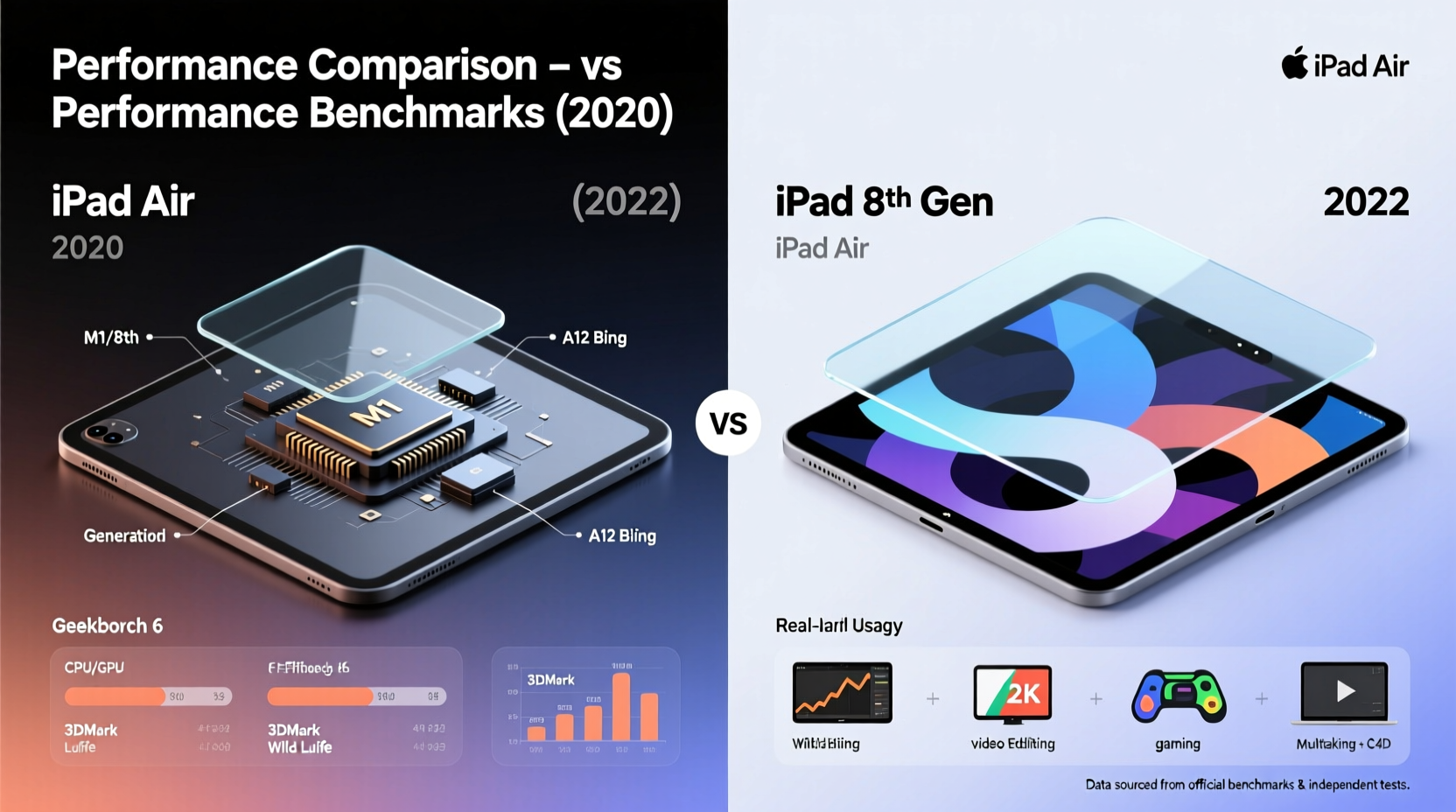
The heart of any tablet is its processor, and here the difference between the two models couldn’t be starker. The iPad 8th Gen runs on the A12 Bionic chip, introduced in 2018 with the iPhone XS. In contrast, the iPad Air (5th generation, 2022) uses the M1 chip — the same powerful silicon found in MacBooks and higher-end iPads.
Benchmark scores reflect this gap dramatically:
| Device | Chipset | Geekbench 5 (Single-Core) | Geekbench 5 (Multi-Core) | GPU Performance (Metal Score) |
|---|---|---|---|---|
| iPad 8th Gen | A12 Bionic | 1,130 | 2,700 | 4,900 |
| iPad Air (5th Gen) | Apple M1 | 1,760 | 7,450 | 14,800 |
These numbers aren’t just abstract figures. They translate directly into faster app launches, smoother multitasking, and better handling of graphics-intensive tasks like video editing or 3D modeling. The M1 chip offers over 2.5x the multi-core performance and nearly 3x the GPU power. For anyone doing more than browsing and streaming, that leap is transformative.
“Moving from an A12-based iPad to an M1-powered device feels like switching from a compact car to a sports sedan — everything responds faster, and the system never hesitates.” — David Lin, Mobile Tech Analyst at TechPulse Weekly
Real-World Usage: Where the Upgrade Matters Most
Benchmarks are useful, but how does the performance gain affect daily use? Consider these common scenarios:
- App Launch Speed: On the iPad 8, launching large apps like Procreate or Adobe Photoshop Express can take 2–3 seconds. On the iPad Air, they open instantly.
- Split-Screen Multitasking: Running two demanding apps side-by-side — say, Safari with multiple tabs and a note-taking app — often causes lag on the iPad 8. The iPad Air handles it effortlessly.
- Video Editing: iMovie projects with 4K footage render significantly faster on the M1. What takes minutes on the iPad 8 finishes in seconds on the Air.
- Gaming: Titles like Resident Evil Village or Death Stranding run at higher frame rates and visual fidelity on the iPad Air, thanks to the M1’s superior GPU.
Even everyday actions like scrolling through photo libraries or switching between apps feel snappier. iOS updates have gradually increased system demands, and older chips like the A12 are beginning to show strain — especially as iPadOS introduces features like Stage Manager, which require more RAM and processing power.
Design, Display, and Accessories: More Than Just Speed
The performance gap isn’t the only reason to consider upgrading. The iPad Air brings several quality-of-life improvements that enhance usability:
- Landscape Front Camera: The iPad 8 has a front camera on the long edge, resulting in awkward portrait orientation during video calls. The iPad Air relocates it to the short edge, making Zoom and FaceTime calls feel natural.
- Center Stage Feature: The Air’s 12MP Ultra Wide front camera supports Center Stage, which automatically pans and zooms to keep you in frame — ideal for remote learning or hybrid meetings.
- USB-C Port: Unlike the iPad 8’s Lightning port, the Air uses USB-C, enabling faster data transfer, external display support (up to 4K via adapter), and compatibility with a wider range of peripherals.
- Support for Magic Keyboard Folio and Apple Pencil (2nd Gen): The iPad 8 only works with the first-gen Apple Pencil, which requires awkward charging via Lightning. The Air supports the second-gen Pencil, which magnetically attaches, charges, and pairs seamlessly.
While both devices share a similar screen size (10.9” vs 10.2”), the iPad Air’s display benefits from slightly better color accuracy and brightness, though neither has ProMotion or True Tone (reserved for iPad Pro models).
Software Longevity and Future-Proofing
One of the most underrated aspects of upgrading is future-proofing. Apple typically supports iPads with software updates for about 5–6 years. The iPad 8th Gen launched with iPadOS 14 and currently runs iPadOS 17. It may receive iPadOS 18, but support could end soon after.
In contrast, the iPad Air (M1) is likely to receive updates until at least 2028. Given how iPadOS is evolving — with desktop-class multitasking, external monitor support, and enhanced file management — having a device capable of running future versions smoothly is crucial.
Consider this timeline:
- 2020: iPad 8 released with A12 chip.
- 2022: iPad Air (5th Gen) released with M1 chip.
- 2024: iPadOS 18 expected to deepen integration with macOS and AI features.
- 2025–2026: iPad 8 likely reaches end-of-support; iPad Air still fully supported.
If you plan to keep your iPad for another 3+ years, the Air is clearly the better investment. The M1 chip isn’t just fast today — it’s built to handle whatever Apple introduces tomorrow.
Mini Case Study: From Student to Freelancer
Take the example of Maya, a college student who bought an iPad 8th Gen in 2020 for taking notes and watching lectures. Initially, it worked perfectly. But by 2023, she started freelancing as a graphic designer and needed to run Procreate, edit client videos in LumaFusion, and attend frequent video calls.
She noticed constant app reloads, slow rendering times, and dropped frames during screen sharing. After upgrading to the iPad Air, her workflow transformed. Projects that took 20 minutes to export now finish in under 5. She also began using Stage Manager to organize her design tools and references side-by-side — a feature that barely functions on her old iPad.
“I didn’t realize how much my old iPad was slowing me down,” Maya said. “The Air doesn’t just feel faster — it actually lets me do more in less time.”
Cost-Benefit Analysis: Is the Upgrade Worth It?
The iPad Air starts at $599, while the iPad 8 can still be found new for $329. That’s a $270 difference — not insignificant. So when does that extra cost make sense?
- Worth Upgrading If:
- You use your iPad for creative work, multitasking, remote work, or education with heavy app usage.
- You want at least 4–5 more years of reliable performance and software updates.
- You value modern features like Center Stage, USB-C, or second-gen Apple Pencil support.
- Not Urgent If:
- Your primary use is web browsing, email, streaming, or light gaming.
- You’re on a tight budget and don’t need advanced capabilities.
- You plan to replace your iPad within the next 1–2 years anyway.
Frequently Asked Questions
Can the iPad 8 still run iPadOS 17 smoothly?
Yes, but with limitations. Basic tasks like browsing and video playback are fine, but heavier apps and multitasking may lag. Features like Stage Manager are officially unsupported, and even third-party attempts to enable them result in poor performance.
Does the iPad Air have better battery life?
Battery life is similar — both offer around 10 hours of mixed usage. However, the iPad Air often feels more efficient due to faster task completion, meaning you spend less time waiting and more time done.
Is the M1 chip overkill for an iPad?
For casual users, maybe. But for anyone serious about productivity, creativity, or long-term ownership, the M1 ensures the device remains capable as software evolves. It’s not overkill — it’s foresight.
Action Checklist: Should You Upgrade?
Use this checklist to decide:
- ✅ Are you experiencing slowdowns or app crashes on your iPad 8?
- ✅ Do you use or plan to use iPad for drawing, video editing, coding, or multitasking?
- ✅ Do you want to use the latest iPadOS features like Stage Manager or external displays?
- ✅ Are you planning to keep your iPad for 4+ years?
- ✅ Can you resell your iPad 8 to reduce the cost of the new model?
If you answered “yes” to three or more, the iPad Air is a worthwhile upgrade.
Final Verdict: Power, Potential, and Practicality
The iPad 8th generation was an excellent device in its time — affordable, reliable, and versatile. But technology moves fast, and the jump to the iPad Air (M1) represents one of the most meaningful upgrades Apple has offered in recent years.
It’s not just about raw speed. It’s about responsiveness, modern connectivity, accessory support, and long-term usability. The M1 chip transforms the iPad Air from a consumption device into a genuine productivity tool — something that can legitimately replace a laptop for many users.
If you’re still relying on an iPad 8 for anything beyond basic tasks, you’re likely working harder than you need to. The upgrade isn’t just about getting a faster tablet; it’s about unlocking a smoother, more capable digital experience.




 浙公网安备
33010002000092号
浙公网安备
33010002000092号 浙B2-20120091-4
Comments
No comments yet. Why don't you start the discussion?