
The Nintendo Switch ecosystem continues to evolve, and with each iteration, fans are left weighing whether an upgrade is truly justified. If you already own the Nintendo Switch OLED model—the premium version released in 2021 with a superior screen, enhanced audio, and improved kickstand—you might be wondering: does the newer Nintendo Switch Lite offer enough value to warrant another purchase? On paper, the Lite seems like a step backward in many ways, but there are niche scenarios where it could make sense—even for current OLED owners.
This article breaks down the practical differences, real-world usability, and strategic considerations that matter most when deciding whether the Switch Lite is worth adding to your collection. We’ll go beyond specs and marketing to explore how these devices function in daily life, travel, and gaming habits.
Understanding the Core Differences
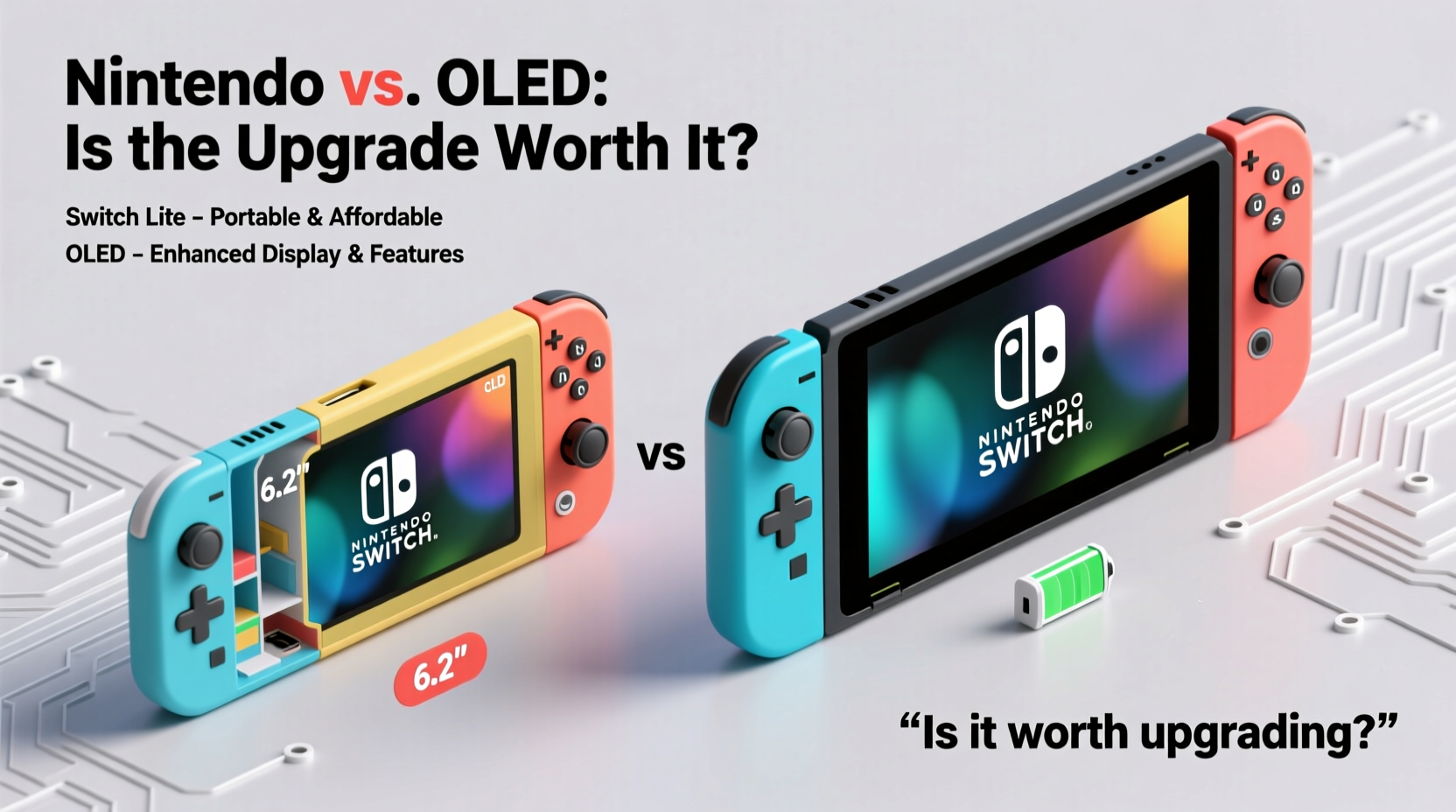
The fundamental distinction between the Switch OLED and the Switch Lite lies in their design philosophy. The OLED model is a hybrid console—fully capable of docked TV play, tabletop mode, and handheld use. The Switch Lite, by contrast, is a dedicated handheld device. It cannot connect to a TV, lacks detachable Joy-Con controllers, and has integrated controls.
Here’s a quick breakdown of the key hardware differences:
| Feature | Switch OLED | Switch Lite |
|---|---|---|
| Screen Size | 7-inch OLED | 5.5-inch LCD |
| TV Mode Support | Yes (via dock) | No |
| Tabletop Mode | Yes (kickstand) | Limited (no built-in stand) |
| Detachable Joy-Cons | Yes | No |
| Battery Life | 4.5–9 hours | 3–7 hours |
| Storage | 64GB | 32GB |
| Speakers | Stereo, front-facing | Stereo, side-facing |
| Weight | 320g (handheld) | 275g |
On nearly every technical front, the OLED model outperforms the Lite. But performance isn’t always the deciding factor—portability, purpose, and usage patterns often tip the scale.
When the Switch Lite Makes Sense—Even for OLED Owners
At first glance, buying a Lite after owning an OLED seems redundant. However, there are specific user profiles where the Lite becomes not just reasonable, but strategically smart.
For Travel and Commuting
The Switch Lite is lighter, more compact, and designed specifically for on-the-go gaming. At 275 grams and a smaller footprint, it fits easily into backpacks, coat pockets, or carry-ons. While the OLED can be used handheld, its larger size and protruding Joy-Con sticks make it less ideal for tight spaces like airplanes or crowded trains.
Consider this scenario: you’re commuting 45 minutes each way and want to play *Tetris 99* or *Stardew Valley* during the ride. Pulling out the full Switch OLED feels bulky. The Lite, however, slips out effortlessly and provides a streamlined experience tailored for single-player handheld sessions.
“Many of our frequent travelers opt for a dual-system approach: a home console and a lightweight companion for mobility.” — Kyle Jennings, Senior Editor at Portable Gamers Weekly
As a Secondary Device for Kids or Family Use
If you have children who enjoy games like *Super Mario Bros. Wonder*, *Animal Crossing: New Horizons*, or *Kirby and the Forgotten Land*, the Switch Lite serves as an excellent dedicated device. Its lower price point (typically $199 vs. $349 for the OLED) makes it a safer investment for younger users who may be rougher on hardware.
Additionally, since the Lite doesn’t support multiplayer via Joy-Con sharing, it naturally encourages individual ownership—reducing conflicts over controller access. You can link multiple Nintendo Accounts and manage parental controls separately.
Durability and Simplicity
The integrated controls of the Switch Lite eliminate the risk of losing or damaging individual Joy-Con units—a common pain point with the standard and OLED models. No drifting issues, no sync problems, no separate charging. For users who prioritize reliability over versatility, this simplicity is a genuine advantage.
Why Most OLED Owners Should Skip the Lite
Despite the niche benefits, the majority of Switch OLED owners will find little reason to invest in a Lite. Here’s why:
- No TV functionality: If you enjoy playing AAA titles like *The Legend of Zelda: Tears of the Kingdom* or *Metroid Prime 4* on a big screen, the Lite removes that option entirely.
- Inferior display quality: The OLED screen is sharper, brighter, and offers deeper blacks. The Lite’s LCD panel feels dated in comparison, especially for modern indie and third-party titles with rich visuals.
- Shorter battery life: Despite being smaller, the Lite’s battery lasts less under similar usage due to higher power density and less efficient components.
- Less ergonomic for long sessions: The fixed controls can cause hand fatigue during extended play, particularly for players with larger hands.
Moreover, both systems share the same internal hardware—the Tegra X1+ chip—so there’s no performance gain. Games run identically in handheld mode, meaning you’re not getting better frame rates or load times with either model.
Checklist: Should You Buy the Switch Lite?
Before making a decision, ask yourself the following questions:
- Do I frequently travel or commute and want a more portable gaming option?
- Am I looking for a dedicated device for a child or secondary user?
- Do I rarely use my Switch in docked or tabletop mode?
- Am I comfortable with never playing certain games that require motion controls or detachable Joy-Cons?
- Have I maxed out my OLED’s storage and prefer not to manage microSD cards?
- Is budget a concern, and would I rather save $150?
If you answered “yes” to three or more of the first four, the Lite might be a worthwhile addition. If your answers lean toward the latter two, consider whether the trade-offs align with your lifestyle.
Real-World Example: Dual-System Strategy in Action
Take Sarah, a software developer and avid gamer based in Chicago. She owns a Switch OLED docked to her living room TV, where she plays most of her games in the evenings. But her daily train commute averages 80 minutes round-trip. Initially, she brought her OLED on the train, but found it awkward to hold, prone to bumping into others, and constantly worried about Joy-Con damage.
Last year, she purchased a Switch Lite for $180 during a holiday sale. She transferred her account, loaded it with portable-friendly titles (*Hades*, *Dead Cells*, *Fire Emblem: Engage*), and now uses it exclusively during transit. Her OLED remains at home for immersive sessions.
“It’s not about replacing my main system,” she says. “It’s about having the right tool for the moment. The Lite fits my pocket; the OLED fits my couch.”
Sarah’s case illustrates a growing trend among serious Nintendo fans: using multiple Switch models for different contexts. This isn’t redundancy—it’s role specialization.
Games That Limit the Lite’s Appeal
Not all Switch games work equally well on the Lite. Some titles either don’t support it at all or deliver a compromised experience due to control limitations.
Examples include:
- 1-2-Switch – Requires HD Rumble and IR camera (not present on Lite)
- Just Dance – Designed for motion-controlled dancing with Joy-Con
- Ring Fit Adventure – Needs Ring-Con and leg strap accessories
- Super Smash Bros. Ultimate – Can be played, but lacks button customization options available with Pro Controller
- Game Builder Garage – Relies heavily on IR and motion features
While most major first-party and indie titles are compatible, these exclusions matter if party games or fitness apps are part of your rotation. Always check compatibility before assuming a game will work.
Frequently Asked Questions
Can I transfer my games and saves from the OLED to the Lite?
Yes. As long as both systems are linked to the same Nintendo Account, you can redownload all your digital purchases. Save data can be transferred using the System Transfer tool in settings, or synced via Nintendo Switch Online cloud backup (if enabled).
Does the Lite support external controllers?
Yes, but only in limited cases. You can pair Bluetooth audio devices and some licensed third-party controllers for specific games. However, when playing in handheld mode, the system assumes you're using the built-in controls. External controllers typically only work in tabletop or docked mode—which the Lite doesn’t support. So in practice, external controller use is minimal.
Is the screen really that much worse than the OLED model?
Objectively, yes. The OLED display offers richer colors, better contrast, and wider viewing angles. The Lite’s LCD screen appears washed out in bright environments and lacks the vibrancy that makes games like *Ori and the Will of the Wisps* or *Axiom Verge 2* visually stunning. For casual gameplay, it’s acceptable—but it’s clearly a downgrade.
Conclusion: Strategic Value Over Spec Bumps
The Nintendo Switch Lite isn’t a technological upgrade over the OLED model. In fact, it’s a deliberate step back in flexibility and quality to achieve greater portability and affordability. For most existing OLED owners, purchasing a Lite doesn’t make practical sense unless they fall into one of the specialized use cases discussed.
However, if your lifestyle involves frequent travel, shared household usage, or a desire for a low-maintenance, always-ready handheld device, the Lite can serve as a valuable companion—not a replacement. Think of it like owning both a full-sized laptop and a tablet: different tools, different jobs.
The real question isn’t whether the Lite is “better” than the OLED. It’s whether it solves a problem you actually have. If your OLED already meets your needs across home and mobile use, adding a Lite introduces cost and complexity without meaningful benefit. But if you crave a simpler, slimmer, more resilient device for life on the move, the Lite carves out a legitimate space—even in an OLED owner’s arsenal.




 浙公网安备
33010002000092号
浙公网安备
33010002000092号 浙B2-20120091-4
Comments
No comments yet. Why don't you start the discussion?