
The latest iPad Pro with its OLED display has reignited debate among creatives: is it a must-have upgrade or an overkill for light users? For those who sketch now and then—perhaps during meetings, on weekends, or while traveling—the decision isn’t as straightforward as it might be for full-time illustrators or designers. The OLED screen delivers stunning contrast, deeper blacks, and more vibrant colors, but does that matter when your Apple Pencil sees action once a week?
This article examines the real-world benefits of the new OLED iPad Pro for occasional drawers. We’ll break down display quality, stylus performance, software compatibility, cost-benefit trade-offs, and long-term usability to help you decide whether this premium device aligns with your creative habits—or simply inflates your expenses without meaningful returns.
Understanding the OLED Advantage
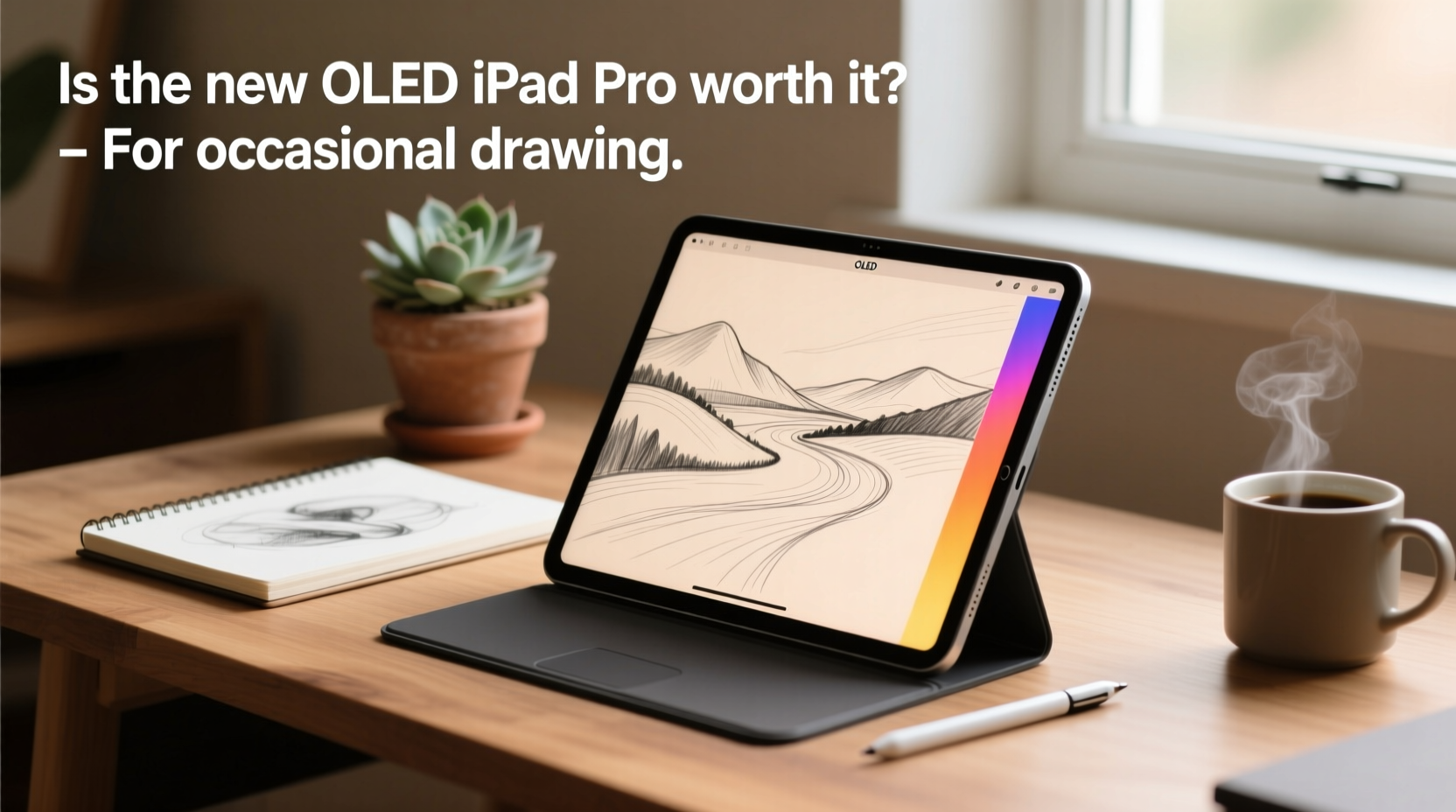
OLED (Organic Light-Emitting Diode) technology represents a significant leap from the LCD panels used in previous iPad models. Unlike LCDs, which rely on a backlight, each pixel in an OLED display emits its own light. This allows for true black levels, infinite contrast ratios, and faster response times. On paper, these improvements sound transformative—especially for visual work like drawing.
For someone who draws frequently, the OLED screen’s precision in color reproduction and shadow detail can enhance realism and reduce eye strain during long sessions. But what about the occasional user?
If you open Procreate once every few days to doodle ideas or annotate documents, the difference between OLED and high-quality LCD may not be immediately apparent. The human eye adapts quickly, and unless you're comparing side-by-side, subtle enhancements in contrast or saturation are easy to overlook. Moreover, many drawing apps don’t fully leverage HDR or wide color gamuts unless specifically optimized.
Display Comparison: OLED vs. Previous-Gen iPad Pro
| Feature | New OLED iPad Pro | Previous LCD iPad Pro |
|---|---|---|
| Panel Type | OLED | LCD (ProMotion) |
| Contrast Ratio | 1,000,000:1 | 1,500:1 |
| Precision | Improved touch latency & pressure sensitivity | Excellent, but slightly higher input lag |
| Battery Impact | Higher power consumption with bright content | More consistent battery life |
| Best Use Case | Professional illustration, photo editing, HDR video | Casual drawing, note-taking, media consumption |
Real-World Drawing Performance
The Apple Pencil experience remains largely unchanged across recent iPad Pro generations. Both the second- and third-generation models support ultra-low latency, tilt detection, and palm rejection. The new OLED model reduces stylus lag even further—down to 9ms—but again, this improvement is marginal for non-professionals.
Consider this: most people perceive delays under 20ms as instantaneous. The jump from 12ms to 9ms is technically impressive, but functionally imperceptible during a quick sketch. Unless you’re working on intricate linework or digital painting requiring pixel-perfect control, the difference won’t impact your output.
Software also plays a role. Apps like Procreate, Adobe Fresco, and Autodesk Sketchbook have been optimized for current hardware. They run smoothly on both older and newer iPads. There’s no exclusive feature set locked behind the OLED model. You won’t gain access to new brushes, layers, or export options just because you upgraded.
“Display fidelity matters most when you're making critical color decisions or working under tight deadlines. For hobbyists, consistency and comfort matter more than specs.” — Lena Tran, Digital Art Educator at Creative Futures Institute
A Mini Case Study: Sarah, the Weekend Sketcher
Sarah is a marketing consultant who enjoys sketching during weekend coffee runs. She owns a 2021 iPad Pro with an Apple Pencil and uses Procreate for simple illustrations and idea mapping. When the OLED model launched, she considered upgrading after seeing glowing reviews.
After testing the new device at an Apple Store, she noticed the screen looked “crisper” and “more vivid,” especially in dark mode. However, when she tried drawing the same flower she often sketches, her workflow felt identical. The lines responded the same way; there was no tangible boost in creativity or ease.
She calculated the cost: $1,299 for the base OLED model, plus $79 for the Apple Pencil (if she wanted the updated one), compared to her current setup worth around $400 used. Realizing she’d spend nearly three times her current device’s value for minimal gains, she decided to wait—at least until her current iPad shows signs of wear.
Sarah’s story reflects a common scenario: perceived upgrade appeal doesn’t always translate into practical benefit.
Cost vs. Value Over Time
The starting price of the new OLED iPad Pro is $999 for the 11-inch model and $1,299 for the 13-inch—before adding the Apple Pencil and keyboard. That’s a substantial investment, particularly when your usage pattern is infrequent.
To assess value, consider how often you’ll use the device for drawing versus other tasks. If your iPad doubles as a reading device, portable office, or entertainment hub, the OLED screen enhances all those experiences. Movies look richer, text appears sharper, and night-time reading is easier on the eyes due to reduced blue light emission in dark mode.
But if drawing is a minor part of your routine, ask yourself: would allocating that budget elsewhere yield better returns? For example:
- Investing in art classes or online courses to improve technique
- Purchasing reference books or physical sketchbooks for offline practice
- Upgrading computer hardware for broader creative work
The iPad itself won’t make you a better artist. Tools enable expression—they don’t replace skill development.
When the Upgrade Makes Sense
Despite the skepticism, there are legitimate reasons why an occasional drawer might still benefit from the OLED iPad Pro:
- You plan to increase your drawing frequency. If you’re transitioning from casual to semi-regular creation, future-proofing your device makes sense.
- You value longevity and build quality. The M2 chip ensures smooth performance for years, reducing the need for frequent replacements.
- You use your iPad in varied lighting conditions. OLED excels in low-light environments, making evening sketching more comfortable.
- You multitask heavily. With improved GPU performance and better app switching, the new iPad handles complex workflows effortlessly—even if you only draw occasionally.
Practical Checklist Before Upgrading
Before committing to the new OLED iPad Pro, go through this checklist to evaluate necessity:
- ✅ Assess your current device’s condition. Is your existing iPad slow, cracked, or running out of storage? If it still performs well, an upgrade may be premature.
- ✅ Track your drawing time. Log how many minutes per week you actually spend drawing. Less than 60 minutes? The ROI diminishes significantly.
- ✅ Compare app requirements. Check if your preferred drawing apps require specific hardware features only available on the new model (they likely don’t).
- ✅ Evaluate alternative uses. Will you use the iPad for video editing, coding, or external monitor setups? Broader productivity needs justify the cost better than drawing alone.
- ✅ Set a budget cap. Decide the maximum you’re willing to spend on a device used primarily for leisure. Stick to it.
Frequently Asked Questions
Do I need the new Apple Pencil with the OLED iPad Pro?
No, the older Apple Pencil (2nd generation) works perfectly with the new iPad Pro. The updated Pencil with a USB-C charging option offers convenience but no functional advantage for drawing. If you already own a compatible Pencil, reuse it.
Will the OLED screen really improve my drawings?
Not directly. It improves visibility and immersion, which can enhance enjoyment, but it won’t improve line accuracy, color choices, or artistic skill. Your drawings depend on technique, not display technology—at least at the hobbyist level.
Can I expect longer battery life with OLED?
It depends on usage. OLED screens consume less power when displaying dark content, so using dark mode while drawing can extend battery life. However, bright white canvases (common in drawing apps) use more energy than LCDs. Overall, real-world battery performance is similar to previous models.
Conclusion: Balancing Desire and Practicality
The new OLED iPad Pro is undeniably impressive—a masterpiece of engineering that sets a new benchmark for mobile displays. Its brilliance shines brightest for professionals who demand pixel-level accuracy, deep dynamic range, and seamless responsiveness. But for the occasional drawer, that brilliance comes at a steep price with diminishing returns.
Occasional drawing doesn’t require cutting-edge hardware. What matters more is consistency, inspiration, and having a reliable tool that gets out of your way. If your current iPad meets those needs, upgrading may satisfy tech cravings rather than creative ones.
That said, if you see the iPad as a long-term companion across multiple roles—creative outlet, productivity hub, media center—and you value top-tier build and future readiness, the OLED model could still be justified. Just ensure the decision stems from holistic utility, not just FOMO over a flashy new screen.




 浙公网安备
33010002000092号
浙公网安备
33010002000092号 浙B2-20120091-4
Comments
No comments yet. Why don't you start the discussion?