
For many Nintendo Switch owners, the decision to upgrade hinges on how they use their console. If your primary setup involves playing docked—connected to a TV for a full home console experience—the value proposition of the Switch OLED model becomes less obvious than for handheld-focused users. The OLED variant introduced several notable upgrades, but not all of them directly benefit a docked workflow. Understanding what’s improved—and what hasn’t—can help determine whether this newer model justifies its higher price tag when your gaming happens mostly on the big screen.
The original Switch launched in 2017 with a hybrid design that promised seamless transitions between handheld and docked modes. Over time, Nintendo released revised models: first a slightly more efficient version with longer battery life (often called the “V2”), then the Switch OLED in 2021. The OLED model brought a superior screen, better speakers, increased internal storage, and an improved kickstand—but only some of these enhancements matter when you’re using the console primarily through your TV.
What Changed in the Switch OLED Model
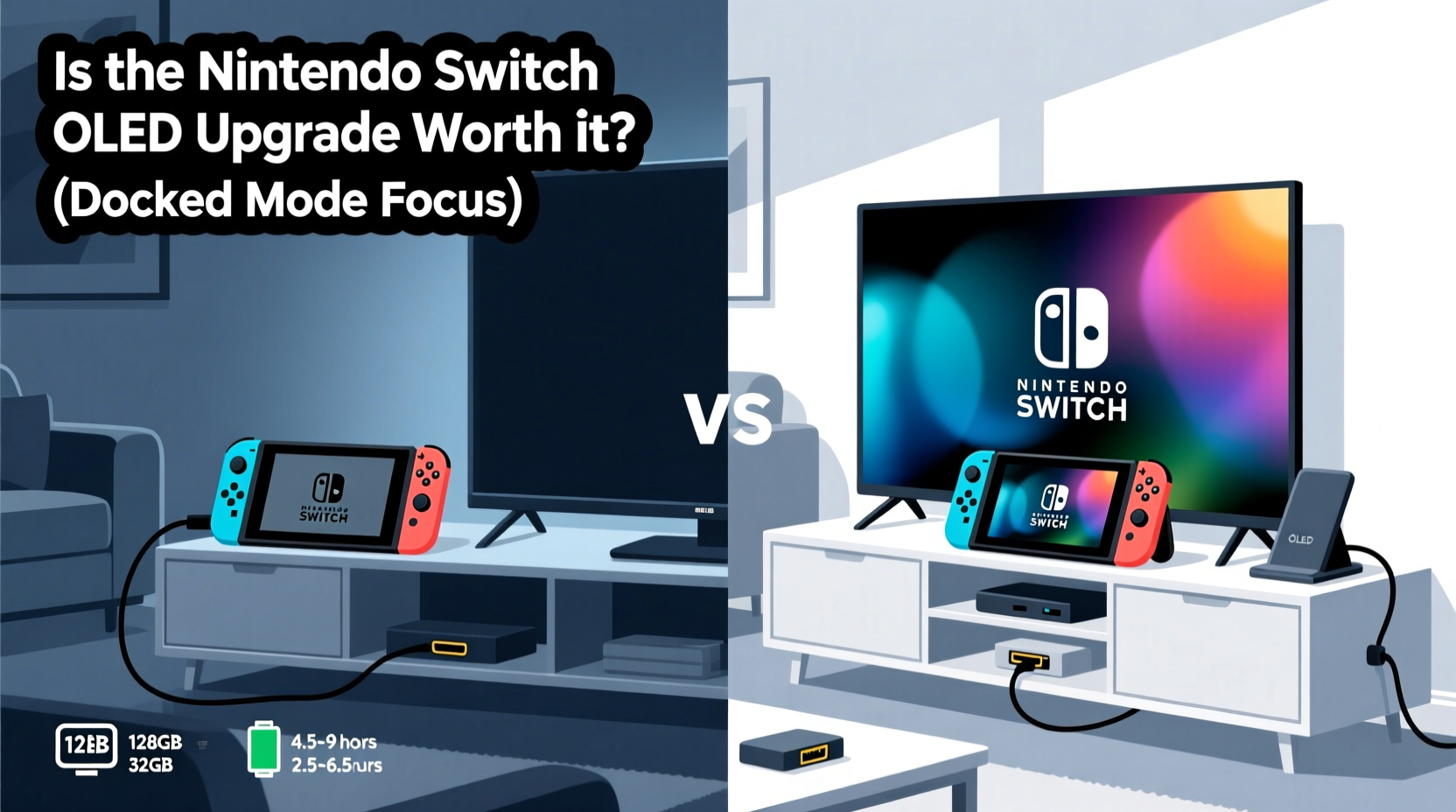
The most visible upgrade in the OLED model is its 7-inch organic LED display. Compared to the standard LCD panel on earlier models, the OLED screen delivers deeper blacks, richer contrast, and more vibrant colors. For gamers who frequently play in handheld or tabletop mode, this is a significant improvement. However, when docked, the console outputs video through the HDMI port to your television, bypassing the built-in screen entirely. This means the superior display quality has no impact on your gameplay once the system is connected to a TV.
Beyond the screen, other changes include:
- Improved speakers: Louder and clearer audio output from the device itself.
- Larger internal storage: 64GB compared to 32GB on the original model.
- Enhanced LAN port on the dock: The new dock includes a wired Ethernet port, allowing stable online play without USB adapters.
- Better kickstand: Wider, sturdier, and adjustable for tabletop mode.
- Slightly redesigned body: More rounded edges and updated button layout.
Of these, only the internal storage and the dock’s Ethernet capability offer tangible benefits in a docked setup. The speakers may enhance local audio during short sessions near the console, but most docked players rely on TV or surround sound systems. The kickstand and screen are irrelevant when docked.
Docked Performance: Identical Core Experience
Nintendo was clear from the start: the Switch OLED does not feature a more powerful processor or enhanced GPU. All models—including the original, V2, and OLED—output the same maximum resolution (1080p when docked, 720p in handheld) and support the same frame rates and graphical fidelity in games. Whether you're playing The Legend of Zelda: Tears of the Kingdom, Super Mario Odyssey, or Bayonetta 3, performance remains unchanged across models when docked.
This means that visually intensive games will behave identically regardless of which Switch you own. Load times, texture streaming, and overall responsiveness depend on game optimization and microSD card speed—not the console model. Some users report marginally faster boot times on the OLED due to internal component refinements, but these differences are negligible in daily use.
“From a technical standpoint, there's no difference in docked performance between the original Switch and the OLED model. The SoC, RAM, and GPU are identical.” — David Heaney, Hardware Analyst at Digital Foundry
Key Advantages for Docked Users
Despite the lack of performance gains, the OLED model does introduce two meaningful improvements for those who play primarily on their TV.
1. Built-in Ethernet Support via New Dock
Prior to the OLED release, connecting the Switch to a wired network required either a USB-to-Ethernet adapter or Wi-Fi. These solutions were often finicky, especially with older routers or crowded networks. The new OLED dock includes a full-sized Ethernet port, enabling stable, low-latency internet connections—critical for competitive online games like Super Smash Bros. Ultimate, Splatoon 3, or Street Fighter 6.
This eliminates the need for third-party accessories and ensures consistent download speeds for large game updates, which can exceed 10–20GB. For households with spotty Wi-Fi or multiple devices competing for bandwidth, this is a major quality-of-life upgrade.
2. Doubled Internal Storage
The jump from 32GB to 64GB of internal storage gives users more breathing room before needing a microSD card. Modern AAA Switch titles often require 10–20GB each, meaning the original model could fill up after installing just two or three games. While a microSD card is still recommended regardless of model, starting with double the space reduces friction for casual collectors or families sharing one console.
It also allows for smoother system operation, as the OS and cache files have more room to manage background tasks like downloads, screenshots, and updates.
| Feature | Original Switch | Switch OLED | Relevance When Docked |
|---|---|---|---|
| Screen Type | 6.2\" LCD | 7\" OLED | ❌ Not used when docked |
| Internal Storage | 32GB | 64GB | ✅ Useful for larger game library |
| Ethernet Support | No (requires adapter) | Yes (built into dock) | ✅ Major networking advantage |
| Speakers | Average quality | Improved clarity and volume | ⚠️ Minor benefit unless near console |
| Kickstand | Fragile, single position | Adjustable, wide-angle | ❌ Irrelevant when docked |
| Docked Performance | 1080p max | 1080p max | ✅ Identical across models |
Real-World Example: A Family Living Room Setup
Consider Sarah, a parent who uses her Switch primarily in the living room. She docks it every evening for her kids to play Mario Kart 8 Deluxe and Animal Crossing: New Horizons. Occasionally, she takes it on road trips, but 90% of usage is docked.
She upgraded from the original Switch to the OLED model after experiencing frequent disconnections during online play. Her home Wi-Fi is inconsistent due to thick walls and interference from neighboring networks. With the original model, even using a USB Ethernet adapter didn’t fully resolve lag spikes.
After switching to the OLED with its integrated Ethernet port, her connection stabilized. Game downloads completed faster, and online matches became noticeably smoother. The extra storage also helped—she no longer had to delete games monthly to make room for updates.
While she appreciated the brighter screen during rare handheld use, the real value came from the behind-the-scenes improvements: reliable networking and expanded storage. For Sarah, the upgrade was justified—not because of flashy specs, but because it solved actual pain points in her docked routine.
When the Upgrade Makes Sense—And When It Doesn’t
Deciding whether to upgrade should be based on your specific needs and current setup. Below is a checklist to guide your decision.
✅ Consider Upgrading If:
- You want a more stable online experience and don’t want to use a USB Ethernet adapter.
- Your current Switch is running out of storage despite using a microSD card.
- You occasionally play in tabletop mode and would benefit from the better kickstand and speakers.
- You plan to keep the console long-term and prefer having the latest hardware iteration.
❌ Hold Off If:
- You already use a reliable wired connection via a USB adapter.
- You have a high-capacity microSD card and aren’t constrained by internal storage.
- You never play in handheld or tabletop mode.
- Budget is tight—the OLED model typically costs $50–$100 more than older versions.
FAQ: Common Questions About the OLED Upgrade
Does the OLED model output better video quality to my TV?
No. The HDMI output is identical across all Switch models—maximum 1080p resolution at 60fps. The OLED screen only affects image quality when playing in handheld or tabletop mode.
Can I use my old dock with the OLED console?
No. The OLED model requires its new dock, which comes included in the box. The older dock lacks the Ethernet port and is physically incompatible with the newer console’s design.
Is the OLED worth it just for the extra storage?
If you frequently run out of space or dislike managing game deletions, yes. But remember: a 128GB or 256GB microSD card (around $20–$35) effectively solves storage issues on any model. The built-in doubling helps, but isn’t a game-changer if you already use external storage.
Final Verdict: Is It Worth It?
For players who almost exclusively use their Switch docked, the OLED upgrade offers limited but meaningful improvements. The core gaming experience—graphics, performance, compatibility—is unchanged. The flashiest upgrade, the OLED screen, plays no role when connected to a TV. However, the inclusion of a wired Ethernet port in the new dock and the doubled internal storage address two genuine limitations of the original design.
If you’ve struggled with unreliable Wi-Fi or find yourself constantly juggling game installations, the OLED model removes those frustrations. It also future-proofs your setup, ensuring you have the most capable version of the hardware available. But if you already have a stable network solution and ample storage via microSD, the upgrade delivers little tangible benefit.
In essence, the Switch OLED is not a necessity for docked players—but it is a refinement. It streamlines connectivity and provides modest convenience gains. Whether that justifies the premium depends on your priorities. For some, eliminating a USB adapter and gaining peace of mind during online matches is well worth the investment. For others, especially those on a budget or deeply satisfied with their current setup, holding onto the original model remains a perfectly rational choice.
“The Switch OLED isn’t a generational leap—it’s an evolution. It fixes small annoyances rather than reinventing the wheel.” — Julia Lee, Senior Editor at IGN
Take Action Based on Your Needs
Before upgrading, assess your actual pain points. Test your current Wi-Fi stability during peak hours. Check how much free space you have after installing your favorite games. Try borrowing an OLED model from a friend to experience the speaker boost and dock design firsthand.
If the answers point to persistent issues with connectivity or storage, the OLED model offers clean, manufacturer-backed solutions. If not, your money might be better spent on games, accessories, or saving for the next-generation Switch console rumored for release in the coming years.




 浙公网安备
33010002000092号
浙公网安备
33010002000092号 浙B2-20120091-4
Comments
No comments yet. Why don't you start the discussion?