
When it comes to smartphone photography, Google’s Pixel series has long been a benchmark for computational imaging. Meanwhile, Samsung’s Galaxy Z Flip line offers a unique blend of style, portability, and solid camera performance in a foldable form factor. For users torn between upgrading to a Pixel 7 or embracing the futuristic design of the Galaxy Z Flip—especially when both devices are within similar price ranges—the question becomes urgent: is the Pixel 7 camera really better? And if so, does that advantage justify switching?
The answer isn’t just about megapixels or sensor size. It hinges on how each phone handles real-world conditions, processes images, and fits into your daily life. Let’s break down the key differences and similarities to help you make an informed decision.
Camera Hardware: Specs vs. Real-World Output
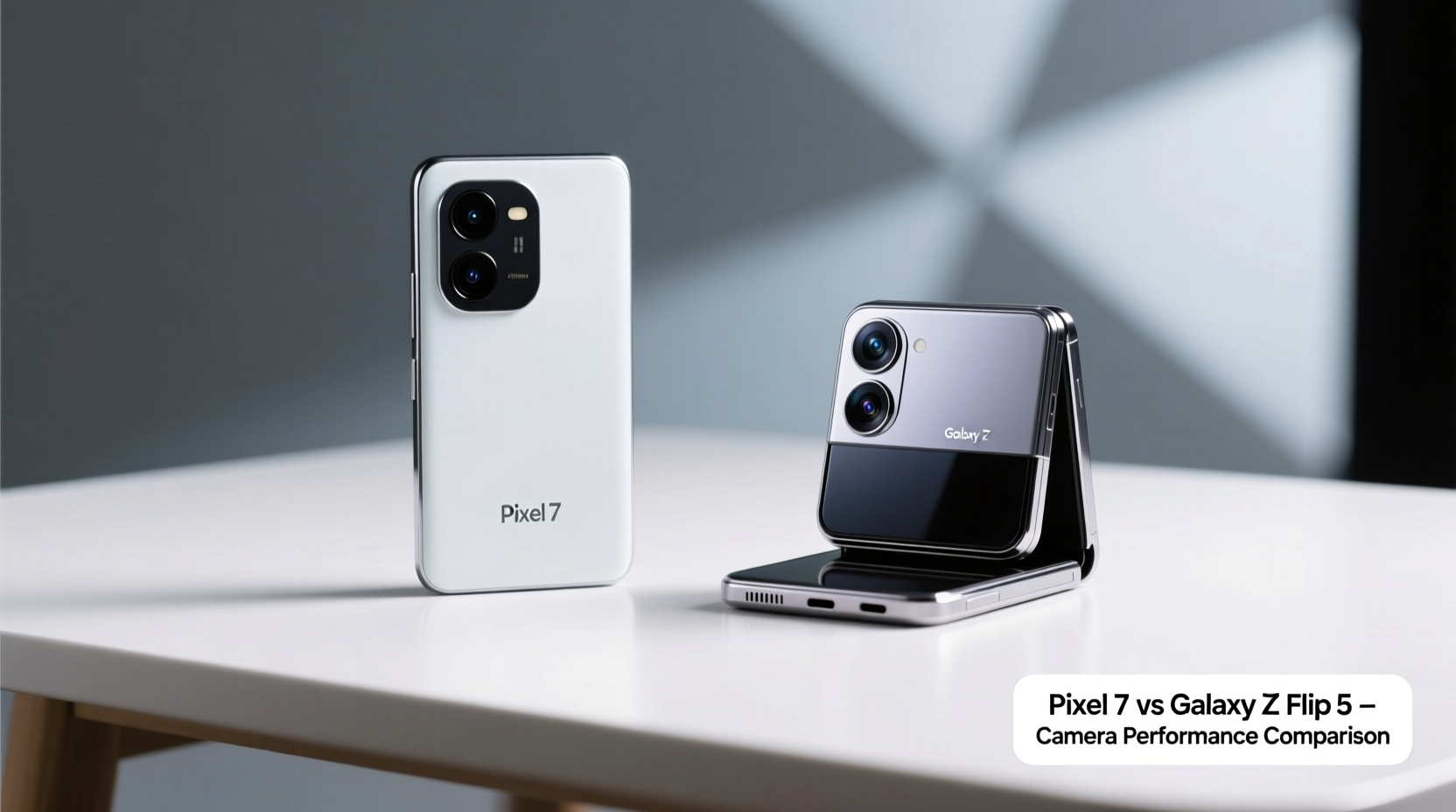
On paper, the hardware differences between the two phones might seem minor, but they reflect fundamentally different philosophies in mobile photography.
| Feature | Google Pixel 7 | Samsung Galaxy Z Flip 4/5 |
|---|---|---|
| Main Sensor | 50MP (f/1.85), larger pixel binning | 12MP (f/1.8), smaller sensor |
| Ultra-Wide | 12MP (f/2.2) | 12MP (f/2.2) |
| Front Camera | 10.8MP (f/2.2) | 10MP (f/2.4) |
| Dedicated Telephoto? | No | No |
| Computational Photography | Advanced (HDR+, Night Sight, Super Res Zoom) | Moderate (Night Mode, AI enhancement) |
The Pixel 7 uses a higher-resolution main sensor with superior light capture thanks to larger effective pixels via binning. While the Galaxy Z Flip’s main camera is competent, its smaller physical sensor limits dynamic range and low-light performance. Both have similar ultra-wide lenses, but Google consistently outperforms Samsung in edge detail and color accuracy, especially in challenging lighting.
Software & Image Processing: Where the Pixel Shines
Hardware is only half the story. Google’s dominance in smartphone photography stems from its software-first approach. The Pixel 7 runs on the Tensor G2 chip, specifically designed to accelerate machine learning models for photography.
Features like Night Sight, Face Unblur, and Real Tone work seamlessly across shooting modes. Even in daylight, the Pixel produces more natural skin tones, balanced highlights, and richer shadows compared to the Z Flip’s tendency toward oversharpening and cooler white balance.
Samsung applies heavier processing, which can result in over-saturated colors and artificial-looking HDR transitions. This may appeal to social media users who want instantly “poppy” photos, but photographers seeking authenticity often find the Pixel’s output more trustworthy straight out of the camera.
“Google has redefined what 'point-and-shoot' means in mobile photography. Their consistency across lighting conditions is unmatched.” — David Kim, Mobile Imaging Analyst at TechLens Review
Practical Use Cases: Who Benefits More?
Let’s consider two real-life scenarios:
Mini Case Study: Travel Photography
Alex, a frequent traveler, used a Galaxy Z Flip 4 during a weekend trip to Kyoto. While the compact size made it easy to carry and quickly snap candid shots, Alex noticed consistent issues: washed-out skies in temple photos, inconsistent exposure when moving between shaded gardens and bright streets, and poor detail recovery in shadowed alleys.
After switching to a Pixel 7, the same types of scenes were captured with greater dynamic range, accurate color reproduction, and reliable autofocus—even in mixed lighting. The lack of a telephoto lens was noticeable, but Super Res Zoom provided usable 5x crops, far surpassing the Z Flip’s digital zoom.
Foldable Flexibility vs. Photo Fidelity
The Galaxy Z Flip excels in vlogging and hands-free shooting thanks to its flexible hinge. You can prop it on a table for stable selfies or video calls—a feature the Pixel 7 lacks without external support. However, the front-facing camera on the Z Flip suffers from narrow field-of-view and soft focus in dim conditions.
In contrast, the Pixel 7’s selfie camera leverages the same advanced processing as the rear sensors. Group selfies maintain proper exposure on all faces, and indoor videos show less noise and better stabilization.
Step-by-Step Guide: How to Test Camera Performance Yourself
If you’re still deciding, conduct a side-by-side test before committing:
- Shoot in Mixed Lighting: Take photos where bright windows meet dark interiors. Compare how each device preserves detail in both shadows and highlights.
- Test Low-Light Scenes: At dusk or indoors under ambient lighting, capture the same scene with both phones using auto mode. Look for noise, color shifts, and motion blur.
- Evaluate Skin Tones: Photograph people under natural light. The Pixel should render skin more naturally; Samsung sometimes leans too cool or overly smoothed.
- Zoom Comparison: Use 2x and 5x zoom digitally. Note how much detail each retains and whether edges stay sharp.
- Review Front Camera Video: Record a short selfie video in moderate light. Check for stabilization, audio sync, and background blur quality.
Checklist: Should You Switch from Galaxy Z Flip to Pixel 7?
- ✅ You prioritize photo quality over form factor
- ✅ You frequently shoot in low light or backlit conditions
- ✅ You edit photos minimally and want reliable out-of-camera results
- ✅ You value Google Photos integration and unlimited original-quality backup (for older Pixels; limited on Pixel 7)
- ❌ You rely heavily on the flip design for hands-free video or discreet shooting
- ❌ You prefer bolder, more stylized images over neutral realism
Frequently Asked Questions
Can the Galaxy Z Flip compete with the Pixel 7 in daylight?
Yes, in ideal lighting, the Z Flip produces sharp, vibrant images. However, the Pixel 7 maintains superior dynamic range and texture retention, especially in high-contrast scenes like beaches or snowscapes.
Does the lack of a telephoto lens hurt the Pixel 7?
It depends on your needs. For casual 2x–3x zoom, Super Res Zoom works well. Beyond that, quality degrades faster than optical zoom on other flagships. But for most users, the computational approach fills the gap effectively.
Is the folding screen worth keeping if the camera is weaker?
If you value multitasking, compact storage, or creative shooting angles (like tabletop vlogs), the Z Flip’s design offers tangible benefits. But if photography is a top priority, the trade-off may not be worth it.
Final Verdict: Yes, the Pixel 7 Camera Is Better—But Context Matters
Objectively, the Pixel 7 delivers superior camera performance across nearly every metric: dynamic range, low-light clarity, color science, and consistency. Its software-driven approach ensures reliable results without manual tweaking. For anyone serious about mobile photography—whether capturing family moments, travel memories, or professional content—the Pixel 7 is the stronger tool.
However, the Galaxy Z Flip isn’t just a camera—it’s a lifestyle device. Its compactness, instant-open functionality, and unique shooting flexibility cater to a different kind of user: one who values convenience, discretion, and style as much as image quality.
If your current frustration stems from blurry night shots, inconsistent exposures, or lackluster portrait detail, switching to the Pixel 7 will feel like an upgrade. But if you love the Flip’s design and only take occasional snapshots, the camera leap alone may not justify abandoning a form factor you enjoy.




 浙公网安备
33010002000092号
浙公网安备
33010002000092号 浙B2-20120091-4
Comments
No comments yet. Why don't you start the discussion?