
If you’ve been holding onto your Samsung Galaxy Note 8 for years—perhaps even since its 2017 release—you’re likely wondering whether it’s finally time to move on. The Galaxy S20, released in 2020, represents a significant leap in technology from that era. But is it worth abandoning a device that still works well? The answer depends on what you value: raw performance, camera quality, software longevity, or simply reliability.
The Note 8 was a flagship powerhouse in its day, featuring a stunning AMOLED display, a capable dual-camera system, and of course, the beloved S Pen. However, three years in smartphone time is an eternity. The S20 isn’t just an incremental update—it’s a redefinition of what a Samsung flagship can do. Let’s dive into the key differences and help you make an informed decision.
Performance: A Quantum Leap in Speed and Efficiency
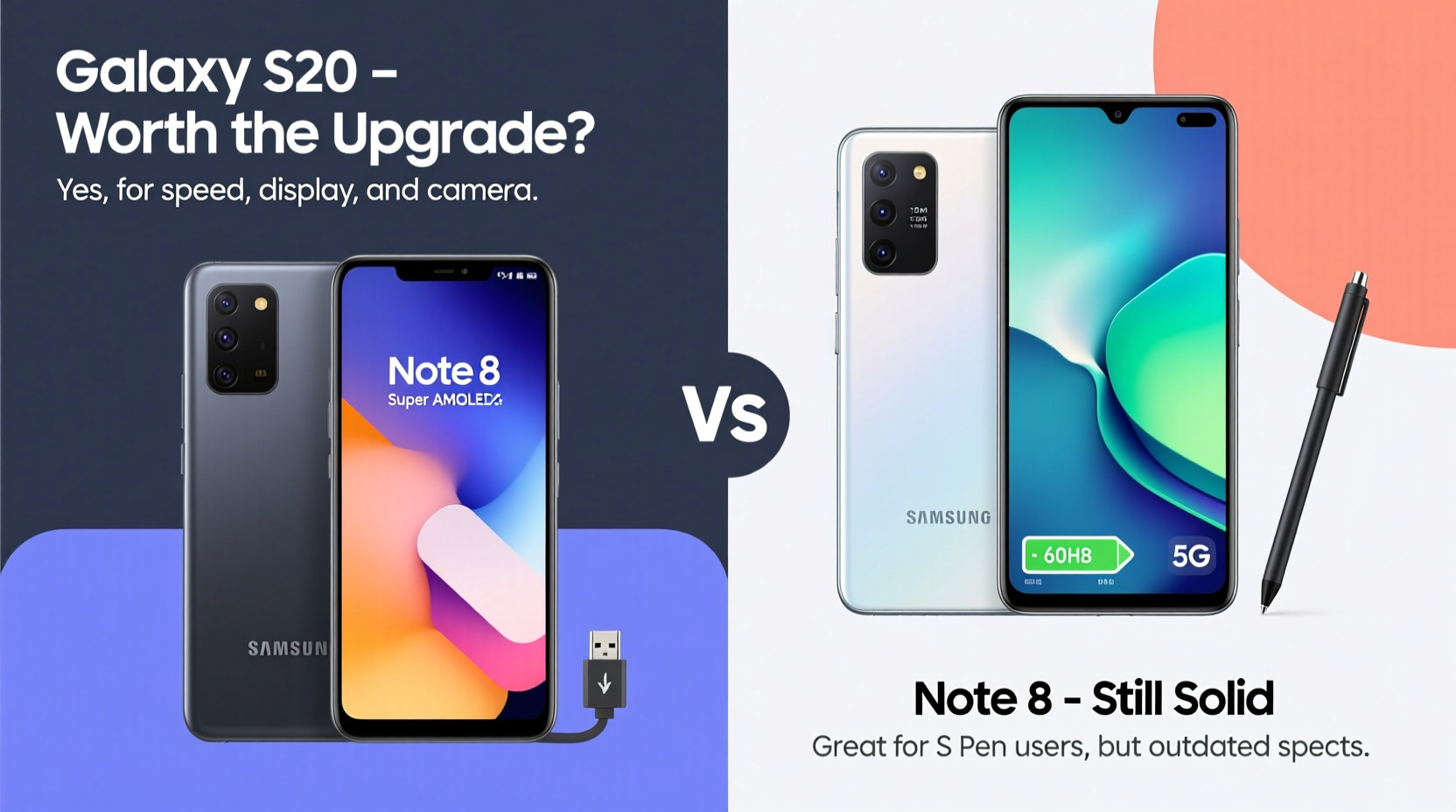
The Galaxy Note 8 runs on the Qualcomm Snapdragon 835 (or Exynos 9810 in some regions), which was top-tier in 2017. By today’s standards, it struggles with multitasking, modern gaming, and even smooth navigation through heavy apps. In contrast, the Galaxy S20 features either the Snapdragon 865 or Exynos 990—both of which deliver dramatically better CPU and GPU performance.
Benchmarks show the S20 scoring nearly double the Note 8 in tools like Geekbench. Real-world usage reflects this: app launches are snappier, background processes handle more efficiently, and overall responsiveness feels futuristic compared to the aging Note 8.
Display and Design: From Great to Exceptional
The Note 8’s 6.3-inch Quad HD+ Super AMOLED display was among the best of its generation. But the S20 takes screen quality further with a 6.2-inch Dynamic AMOLED 2X panel featuring a 120Hz refresh rate—a feature absent in the Note 8.
A higher refresh rate means smoother scrolling, more responsive touch input, and a generally more fluid interface. While the physical size is slightly smaller, the S20’s punch-hole front camera design maximizes screen real estate without sacrificing usability.
In terms of build, both phones feature glass backs and aluminum frames, but the S20 introduces IP68 water resistance across all variants and a more refined, symmetrical design. It’s also slimmer and lighter despite housing a larger battery.
Camera Capabilities: Night Mode, Zoom, and AI Enhancements
The Note 8’s dual 12MP rear cameras were excellent for their time—featuring optical image stabilization and 2x optical zoom. But the S20 brings a triple-camera setup: 12MP wide, 64MP telephoto, and 12MP ultra-wide sensors. This enables far greater creative flexibility.
Key improvements include:
- Space Zoom: Up to 30x digital zoom with AI-enhanced clarity.
- Night Mode: Dramatically improved low-light photography thanks to larger pixels and advanced multi-frame processing.
- Ultra-Wide Lens: Captures 120-degree scenes, ideal for landscapes and group shots.
- 8K Video Recording: A feature not available on the Note 8.
“Smartphone photography has evolved more in the past three years than in the previous decade. The jump from the Note 8 to the S20 is like moving from film to digital.” — Lena Park, Mobile Photography Analyst at TechLens Weekly
If you regularly share photos on social media or value high-quality documentation of life moments, the S20’s camera system alone may justify the upgrade.
Battery Life and Charging: Efficiency Meets Modern Demands
The Note 8 packs a 3,300mAh battery, which was adequate in 2017 but now struggles to last a full day under moderate use. The S20 improves on this with a 4,000mAh cell, better power efficiency from the processor, and adaptive battery learning.
Charging has also evolved. Both support fast charging and wireless charging, but the S20 adds reverse wireless charging—allowing you to power up accessories like earbuds or smartwatches directly from the phone’s back.
| Feature | Note 8 | S20 |
|---|---|---|
| Battery Capacity | 3,300 mAh | 4,000 mAh |
| Fast Charging | Yes (Adaptive Fast Charging) | Yes (Faster algorithm) |
| Wireless Charging | Yes | Yes |
| Reverse Wireless Charging | No | Yes |
| Estimated Daily Use | ~12 hours | ~18–20 hours |
Software Support and Longevity
This is where the decision becomes critical. The Note 8 received Android 9 Pie as its final major OS update and stopped receiving security patches in 2020. That means it no longer gets official bug fixes, performance optimizations, or protection against emerging threats.
In contrast, the S20 launched with Android 10 and was promised four years of OS updates—meaning it supports up to Android 14. Even though it’s no longer the newest model, it remains secure, compatible with current apps, and optimized for future services like enhanced Google integration and improved biometrics.
Using an unsupported device increases vulnerability to malware, limits access to new app features, and reduces compatibility with modern web standards.
Real-World Example: Maria’s Upgrade Journey
Maria had been using her Note 8 since 2018. She loved the S Pen for taking meeting notes and resisted upgrading because “it still works fine.” But by late 2022, she noticed her banking app crashing, WhatsApp messages delaying, and maps freezing during navigation.
After switching to a used S20, she found that not only did everything run faster, but she could finally use Google Meet with video filters, scan documents using Live Focus on the camera, and charge her Galaxy Buds wirelessly while on the go. For her, the upgrade wasn’t about luxury—it was about staying functional in a digital-first world.
Step-by-Step: How to Decide Whether to Upgrade
Follow this practical timeline to assess your own situation:
- Evaluate Current Pain Points: List what frustrates you about your Note 8 (e.g., slow apps, poor battery, outdated camera).
- Test App Compatibility: Open five essential apps (banking, email, messaging, maps, social media). Do they load slowly or crash?
- Check Security Status: Confirm when your last security update was installed.
- Determine Usage Needs: Are you doing more mobile work, photography, or streaming than before?
- Assess Budget Options: Consider refurbished S20 models or trade-in programs to reduce cost.
- Try Before You Commit: Visit a store and test the S20’s feel, speed, and camera.
- Make the Move: Back up your data and transfer seamlessly via Smart Switch.
Frequently Asked Questions
Can I still use the S Pen on the S20?
The S20 does not come with an S Pen nor have internal storage for it. However, later models like the S20 Ultra *do* support limited S Pen functionality (no built-in slot). If the S Pen is essential, consider the S21 Ultra or newer foldables instead.
Is the S20 still supported in 2024?
While the S20 won’t receive further Android version updates beyond Android 14, it continues to get monthly security patches from carriers and Samsung in many regions. Official support varies by market, so check Samsung’s update schedule for your country.
Will my Note 8 accessories work with the S20?
Most Bluetooth devices (earbuds, speakers) will pair normally. Cases and screen protectors are not interchangeable due to different dimensions and curvature. Dex-compatible accessories may work, but DeX functionality is more robust on the S20.
Final Checklist: Is the S20 Right for You?
- ☐ My Note 8 battery dies before the end of the day
- ☐ Apps frequently lag or crash
- ☐ I want better photo quality, especially at night
- ☐ I care about security and software updates
- ☐ I use my phone for video calls, streaming, or gaming
- ☐ I’m open to giving up the built-in S Pen for other advancements
Conclusion: Time to Move Forward
The Samsung Galaxy Note 8 was a landmark device, but technology waits for no one. The Galaxy S20 offers transformative improvements in performance, display quality, camera versatility, and long-term software support. While it lacks the integrated S Pen, its modern capabilities address the growing demands of today’s mobile lifestyle.
If your Note 8 is showing signs of age—slow response, short battery life, outdated software—the S20 is absolutely a worthy upgrade. Even purchasing a refurbished unit delivers immense value over clinging to a device that’s no longer secure or efficient.




 浙公网安备
33010002000092号
浙公网安备
33010002000092号 浙B2-20120091-4
Comments
No comments yet. Why don't you start the discussion?