
The Samsung Galaxy S8 was a landmark device when it launched in 2017. With its sleek design, edge-to-edge display, and solid performance for its time, it became a favorite among Android users. Fast forward to 2024, and many owners are still holding on to their S8s—some out of necessity, others out of habit. Meanwhile, Samsung’s budget-friendly Galaxy A23 offers modern features at an accessible price point. So, is it finally time to let go of the S8, or can it still hold its own?
This decision isn’t just about specs—it involves real-world usability, security, app compatibility, and long-term value. Whether you're clinging to nostalgia or trying to stretch your device's lifespan, here’s everything you need to know before deciding between sticking with the S8 or upgrading to the A23.
Performance and Hardware: Then vs. Now
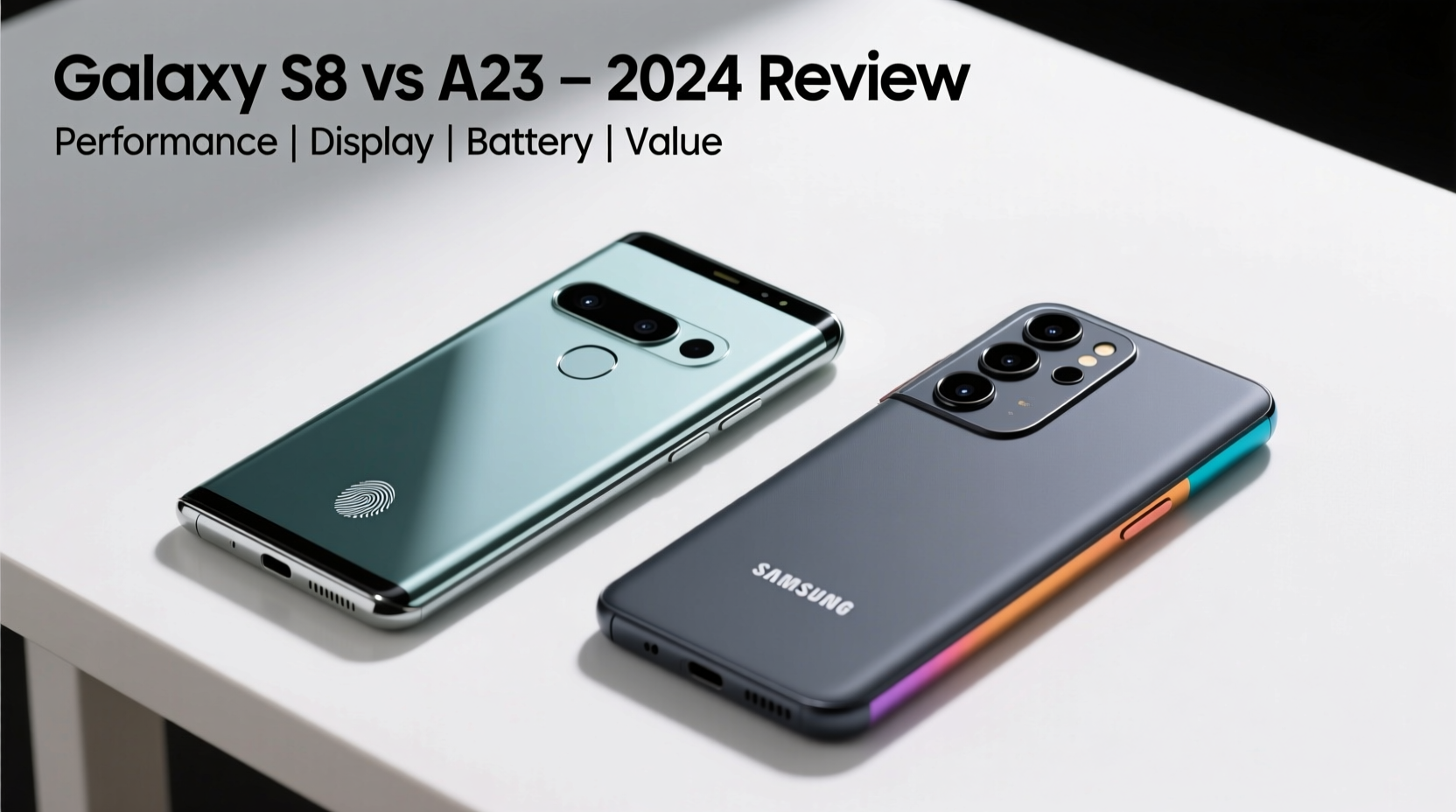
The Galaxy S8 was powered by either the Qualcomm Snapdragon 835 or Exynos 8895, depending on the region—both flagship chips in 2017. At the time, they delivered smooth multitasking, strong gaming performance, and efficient power management. Today, however, even mid-tier processors outpace them.
In contrast, the Galaxy A23 runs on the Qualcomm Snapdragon 680—a chip designed for entry-level to mid-range devices in 2022. While not a powerhouse, it features a 6nm architecture, better thermal efficiency, and improved AI processing compared to the aging S8 chipset.
| Feature | Samsung Galaxy S8 | Samsung Galaxy A23 |
|---|---|---|
| Processor | Snapdragon 835 / Exynos 8895 | Snapdragon 680 |
| RAM | 4GB | 4GB or 6GB |
| Storage | 64GB (expandable) | 64GB or 128GB (expandable) |
| Battery | 3000mAh | 5000mAh |
| Display | 5.8” Quad HD+ Super AMOLED | 6.6” FHD+ PLS LCD |
| Rear Cameras | 12MP (single) | 50MP main + 5MP ultrawide + 2MP macro + 2MP depth |
| Software Support | No updates since 2020 | Android 13, upgradable to Android 14 |
Despite the S8’s superior screen resolution and early adoption of facial recognition and iris scanning, its hardware has aged significantly. Apps like Google Maps, Instagram, and even Chrome now run sluggishly. Background app refresh fails more often, and camera processing lags behind modern standards.
Software and Security: The Hidden Risk of Staying Behind
One of the most critical factors in deciding whether to upgrade is software support. The Galaxy S8 received its final major OS update to Android 9 Pie and the last security patch in early 2020. That means it hasn’t seen a security fix in over four years.
Running outdated software exposes your device to known vulnerabilities. Malware, phishing attempts, and unpatched exploits in Bluetooth, Wi-Fi, or web browsers pose real risks. Modern banking apps, messaging platforms, and cloud services increasingly require updated OS versions to function—many already refuse to install on unsupported devices.
The Galaxy A23, on the other hand, launched with Android 12, supports Android 14, and is expected to receive security updates into 2025. It also includes Samsung Knox, regular Google Play Protect scans, and access to the latest privacy controls like one-time location permissions and microphone/camera indicators.
“Devices without ongoing security patches become liabilities, not tools. After 2020, the S8 ceased being a secure phone.” — David Lin, Mobile Security Analyst at TechShield Labs
Real-World Example: Maria’s Dilemma
Maria has used her Galaxy S8 since 2018. She’s careful with her data, avoids sketchy links, and uses only trusted apps. But last year, she noticed her WhatsApp stopped backing up to Google Drive. When she tried reinstalling, the app wouldn’t open. Her bank app began crashing during login. Even basic tasks like loading email took minutes.
She considered buying another used flagship to save money but realized newer budget phones offered better longevity. After testing an A23 at a local store, she was surprised by how fast it felt—even with multiple apps open. She upgraded, kept her old number, transferred her data easily via Smart Switch, and now uses her phone without frustration.
Maria’s story reflects a common pattern: functionality degrades slowly until it becomes unbearable. The cost of convenience often outweighs the savings of holding on.
Camera and Battery: Practical Daily Use
The S8’s 12MP rear camera was excellent in its day, producing vibrant colors and reliable low-light shots. However, it lacks modern computational photography—no night mode, HDR stabilization, or portrait depth mapping. Video tops out at 30fps in 4K, and autofocus can hunt in dim conditions.
The A23’s 50MP main sensor may not match premium devices, but it benefits from multi-frame processing, scene optimization, and dedicated ultrawide and macro lenses. In daylight, photos are sharper and more detailed. Night mode brightens dark scenes meaningfully, and video recording supports steady 1080p at 30fps with better audio capture.
Battery life is where the A23 shines. Its 5000mAh battery typically lasts two full days with moderate use. The S8’s 3000mAh cell struggles to make it through a single busy day, especially as battery health degrades over time. Fast charging helps, but even that is limited to 15W, and replacements for worn batteries are hard to find.
Upgrade Checklist: Are You Ready to Move On?
- ✅ Does your S8 take more than 30 seconds to launch common apps?
- ✅ Have you experienced frequent app crashes or failed updates?
- ✅ Is your battery draining within 6–8 hours of light use?
- ✅ Do websites fail to load properly or appear broken?
- ✅ Are you unable to install essential services (e.g., banking, delivery, ride-sharing)?
- ✅ Have you received warnings about insecure connections or outdated certificates?
If three or more apply, upgrading is no longer optional—it’s necessary for usability and safety.
Cost-Benefit Analysis: Value Beyond Price
The Galaxy S8 originally retailed for $725. Today, used units sell for $50–$80, mostly as backup or emergency phones. The Galaxy A23 starts around $199 new—a modest investment considering what you gain.
Consider this: spending $200 on a phone that receives updates until 2025 gives you at least three years of reliable service. Holding onto the S8 might save money today, but it costs in lost productivity, compromised security, and mounting frustration.
Additionally, the A23 supports modern conveniences like split-screen multitasking, improved voice assistant integration, and better connectivity (dual SIM, 4G LTE bands optimized for current networks). It also charges via USB-C and supports 25W fast charging (charger sold separately).
Frequently Asked Questions
Can I still use my Galaxy S8 in 2024?
You can, but not safely or effectively. Core apps may stop working, and security risks are high. It’s suitable only as a secondary device disconnected from sensitive accounts.
Will my data transfer easily from the S8 to the A23?
Yes. Samsung’s Smart Switch app works across nearly all Galaxy devices. Contacts, messages, photos, and app data move seamlessly via cable, Wi-Fi, or cloud. Just ensure your S8 has enough charge before starting.
Is the A23 waterproof like the S8?
No. The S8 has IP68 water and dust resistance. The A23 has no official rating, so it should not be exposed to moisture. This is a trade-off for the lower price.
Conclusion: Time to Let Go, Embrace the Upgrade
The Galaxy S8 was a pioneer—its design influenced a generation of smartphones. But technology moves quickly, and staying on a device this old compromises too much: performance, security, compatibility, and peace of mind.
The Galaxy A23 isn’t a flagship, but it delivers modern reliability, stronger battery life, up-to-date software, and future-proof features at a responsible price. Upgrading isn’t admitting defeat; it’s choosing practicality over sentimentality.




 浙公网安备
33010002000092号
浙公网安备
33010002000092号 浙B2-20120091-4
Comments
No comments yet. Why don't you start the discussion?