
The Samsung Galaxy Z Fold 6 is one of the most talked-about smartphones of 2024. With its sleek folding design, expansive inner display, and cutting-edge specs, it’s easy to see why tech lovers are captivated. But for someone who doesn’t follow every gadget release or tweak Android settings daily, the question isn’t about specs—it’s about real-world value. Does this phone genuinely improve your day-to-day life, or is it just a flashy device better suited for early adopters and influencers?
This article cuts through the hype to answer that question honestly. We’ll explore how the Galaxy Z Fold 6 performs in everyday scenarios—like checking email, browsing social media, watching videos, multitasking during commutes, and snapping casual photos. More importantly, we’ll assess whether its unique features deliver meaningful benefits over traditional smartphones for people who simply want a reliable, user-friendly device.
Understanding the Galaxy Z Fold 6: What Makes It Different
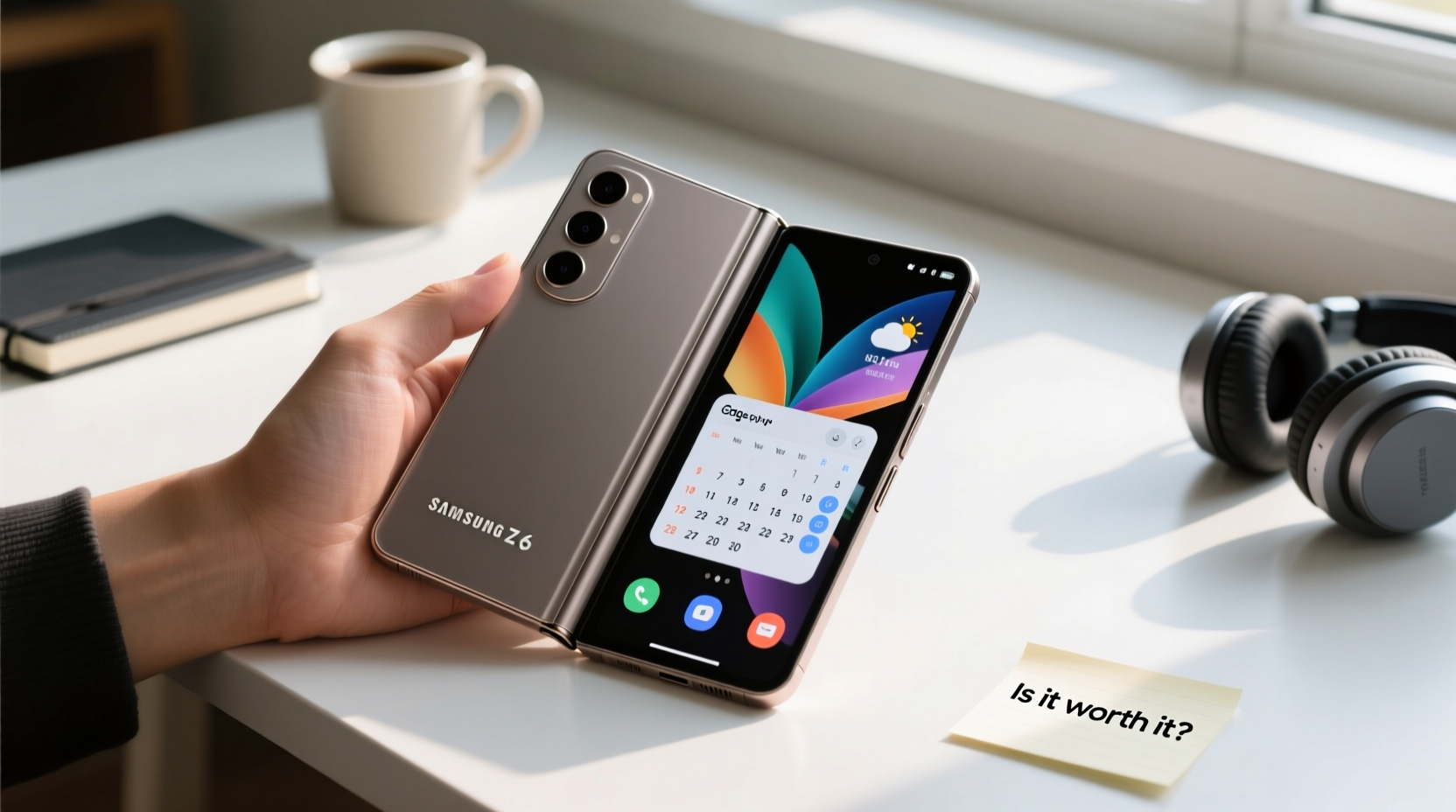
The Galaxy Z Fold 6 stands out with its foldable form factor. When closed, it resembles a slightly thick smartphone. Open it, and you’re greeted with a tablet-sized 7.6-inch interior screen. This dual-state design changes how you interact with apps, media, and productivity tools.
Unlike previous foldables, the Z Fold 6 has been refined for durability and usability. Samsung claims improvements in hinge strength, water resistance (IPX8 rating), and reduced crease visibility on the main screen. The outer cover screen is now wider and more functional—no longer feeling like a cramped afterthought.
Under the hood, it runs on Qualcomm’s latest Snapdragon processor, ensuring smooth performance even when running multiple apps simultaneously. However, raw power isn’t what matters most to non-tech users. What counts is how intuitive the experience feels, how long the battery lasts, and whether the learning curve gets in the way of convenience.
Everyday Use Cases: Who Actually Benefits?
For many average users, smartphones serve four core functions: communication, content consumption, light productivity, and photography. Let’s break down how the Z Fold 6 handles each.
Communication and Messaging
Calls and texts work exactly as they do on any modern smartphone. The difference comes in messaging apps like WhatsApp, Telegram, or Samsung’s own Messages. On the large internal screen, you can view conversations and type simultaneously without switching views. This may seem minor, but frequent texters often appreciate not having to scroll back and forth between message threads and keyboard.
Media Consumption
Watching YouTube, Netflix, or TikTok on the 7.6-inch screen is noticeably better than on a standard 6.1–6.7 inch phone. You don’t need to hold it as close to your face, and subtitles are easier to read. For commuters or travelers who enjoy short-form video or full episodes during downtime, the immersive experience adds genuine comfort.
Multitasking Made Simpler
Samsung’s software allows split-screen use by dragging apps from the sidebar or using gestures. For example, you can watch a recipe video on one side while taking notes on the other, or browse flight options while comparing prices in another browser tab. While multitasking was once clunky on foldables, the Z Fold 6 makes it surprisingly seamless—even for users unfamiliar with Android’s advanced features.
Photography and Video
The camera system matches flagship-level standards with a 50MP main sensor, ultrawide, and telephoto lens. Photos taken in daylight are crisp and vibrant; low-light performance is solid, though not dramatically better than mid-range phones. The real advantage lies in flexibility: you can prop the phone open like a mini tripod using the stand-free hinge and use the outer screen as a viewfinder while capturing video hands-free.
“Foldables are no longer niche—they’re evolving into practical tools for multitaskers, travelers, and media lovers.” — David Kim, Senior Mobile Analyst at TechInsight Asia
Practical Considerations for Non-Tech Users
Beyond features, several factors determine whether the Z Fold 6 is truly suitable for someone who values simplicity and reliability.
Battery Life and Charging
The Z Fold 6 includes a 4,400mAh battery—modest compared to some slab phones with 5,000mAh units. However, thanks to efficient processors and adaptive refresh rates, it typically lasts a full day under moderate use. Heavy video streaming or constant app switching may require a midday charge. Fast charging (25W) is supported, but wireless charging is slower than competitors.
Durability Concerns
Foldable screens used to feel fragile. The Z Fold 6 uses Gorilla Glass Victus 2 on the outer screen and an improved ultra-thin glass layer inside. In independent lab tests, it survived over 200,000 folds—equivalent to five years of average use. Still, dropping it on hard surfaces remains riskier than with traditional phones due to the hinge and flexible panel.
User Interface Learning Curve
Samsung has made strides simplifying the foldable experience. App continuity (apps resizing automatically when opening/closing the phone), gesture navigation, and intuitive menu layouts reduce confusion. That said, first-time users might initially struggle with where certain settings are located or how to manage multiple app windows.
| Feature | Benefit for Non-Tech Users | Potential Drawback |
|---|---|---|
| Large Inner Screen | Easier reading, better video viewing | Larger size less pocket-friendly |
| Foldable Design | Phone + tablet in one device | Slightly heavier than regular phones |
| Split-Screen Apps | Simultaneous tasks without switching | Takes time to learn optimal workflows |
| Durable Hinge & Materials | Long-term reliability improved | Still requires cautious handling |
| Premium Price (~$1,899) | Flagship build and performance | Significant investment vs. budget alternatives |
Real-Life Example: Sarah’s Experience After Switching
Sarah, a 42-year-old school administrator and self-described “non-gadget person,” upgraded to the Z Fold 6 after her old iPhone XR stopped holding a charge. She wasn’t looking for innovation—just something reliable that could handle her busy schedule.
At first, she found the folding motion awkward and worried about damaging the screen. Within days, however, she began appreciating the ability to check her calendar on one side while replying to parent emails on the other during morning prep. On weekends, she loved watching cooking tutorials on the big screen while following along without squinting.
She did encounter two hiccups: accidentally closing the phone while typing (which minimized the app), and forgetting it charges slower wirelessly. But overall, she says, “It felt strange at first, but now I wouldn’t go back. It just does more without making me think too hard.”
Sarah’s story illustrates a growing trend: foldables are becoming accessible not because everyone wants to show off new tech, but because they solve small, daily inconveniences in ways traditional phones can’t.
When the Z Fold 6 Might Not Be Worth It
Despite its strengths, the Z Fold 6 isn’t ideal for everyone. Here are key situations where a conventional smartphone would be a smarter choice:
- You prioritize battery longevity: If you regularly go beyond a full day without charging, a standard phone with a larger battery will serve you better.
- You frequently drop your phone: Even with improved durability, repeated drops increase the risk of screen damage or hinge misalignment.
- You’re on a tight budget: At nearly $1,900, the Z Fold 6 costs significantly more than reliable mid-tier phones like the Google Pixel 8a or Samsung Galaxy S24 FE.
- You dislike change: If you’re comfortable with your current device and don’t crave new functionality, the adjustment period may not justify the upgrade.
Alternatives to Consider
If you like the idea of a larger screen but aren’t ready for a foldable, consider:
- Samsung Galaxy S24+ (6.7” flat screen, excellent cameras, simpler maintenance)
- iPhone 15 Pro Max (similar size, strong ecosystem, familiar iOS interface)
- Google Pixel 8 Pro (clean software, great photo processing, lower price)
Step-by-Step Guide: How to Test Drive the Z Fold 6 Before Buying
Before committing, try these steps to evaluate whether the phone suits your lifestyle:
- Visit a Samsung Store or Authorized Retailer: Hands-on experience is crucial. Open and close the device several times to gauge weight and sturdiness.
- Test Common Tasks: Open your most-used apps (email, social media, maps) on both the outer and inner screens. Notice how they resize and function.
- Try Multitasking: Drag one app to the top half of the screen and another to the bottom. See if this improves your workflow or feels unnecessary.
- Check Pocket Fit: Place the folded phone in your pocket or bag. Ensure it doesn’t bulge uncomfortably or make sitting difficult.
- Ask About Trade-In & Warranty: Samsung offers trade-in credits and extended protection plans (Samsung Care+) that can reduce financial risk.
FAQ
Do I need to use a case with the Galaxy Z Fold 6?
Yes. While the phone is durable, a protective case helps prevent scratches and absorbs impact from drops. Samsung sells official cases designed specifically for the folding mechanism.
Can I use a screen protector on the inner display?
No third-party screen protectors should be applied. The inner screen already has a factory-applied protective layer. Adding another can interfere with touch sensitivity and cause bubbles or peeling over time.
Will apps work properly on the large screen?
Most major apps—including Instagram, Gmail, Amazon, and Zoom—are optimized for the Z Fold 6’s aspect ratio. Some older or smaller-developer apps may appear stretched or letterboxed, but updates continue to improve compatibility.
Final Verdict: Who Should Buy It?
The Samsung Galaxy Z Fold 6 is no longer a prototype disguised as a consumer product. It’s a mature device that delivers tangible benefits for specific types of users—even those who aren’t tech-savvy.
If you frequently consume media, juggle multiple tasks, or simply want a single device that doubles as a mini tablet, the Z Fold 6 eliminates the need to carry extra gadgets. Its interface, while different, is increasingly intuitive, and Samsung’s software refinements have removed many early foldable pain points.
However, if your phone usage is minimal—mostly calls, texts, and occasional web browsing—the added complexity and cost likely outweigh the benefits. In that case, a high-end standard smartphone remains the wiser pick.
The truth is, the future of mobile devices is unfolding literally in our hands. The Galaxy Z Fold 6 represents a meaningful step toward that future—one that’s finally within reach for everyday users who value convenience over novelty.




 浙公网安备
33010002000092号
浙公网安备
33010002000092号 浙B2-20120091-4
Comments
No comments yet. Why don't you start the discussion?