
The DualSense wireless controller that comes with every PlayStation 5 is widely praised for its innovative haptics, adaptive triggers, and ergonomic design. But Sony has since released updated versions—most notably the DualSense Edge—and third-party alternatives have flooded the market. This raises a practical question: if you already own a standard DualSense, is it actually worth upgrading?
For casual players, the answer may be no. For competitive gamers, content creators, or those with specific accessibility needs, an upgrade could deliver tangible benefits. The decision hinges on personal use case, budget, and how much fine-tuned control matters in your gaming experience.
Understanding the Differences Between Models
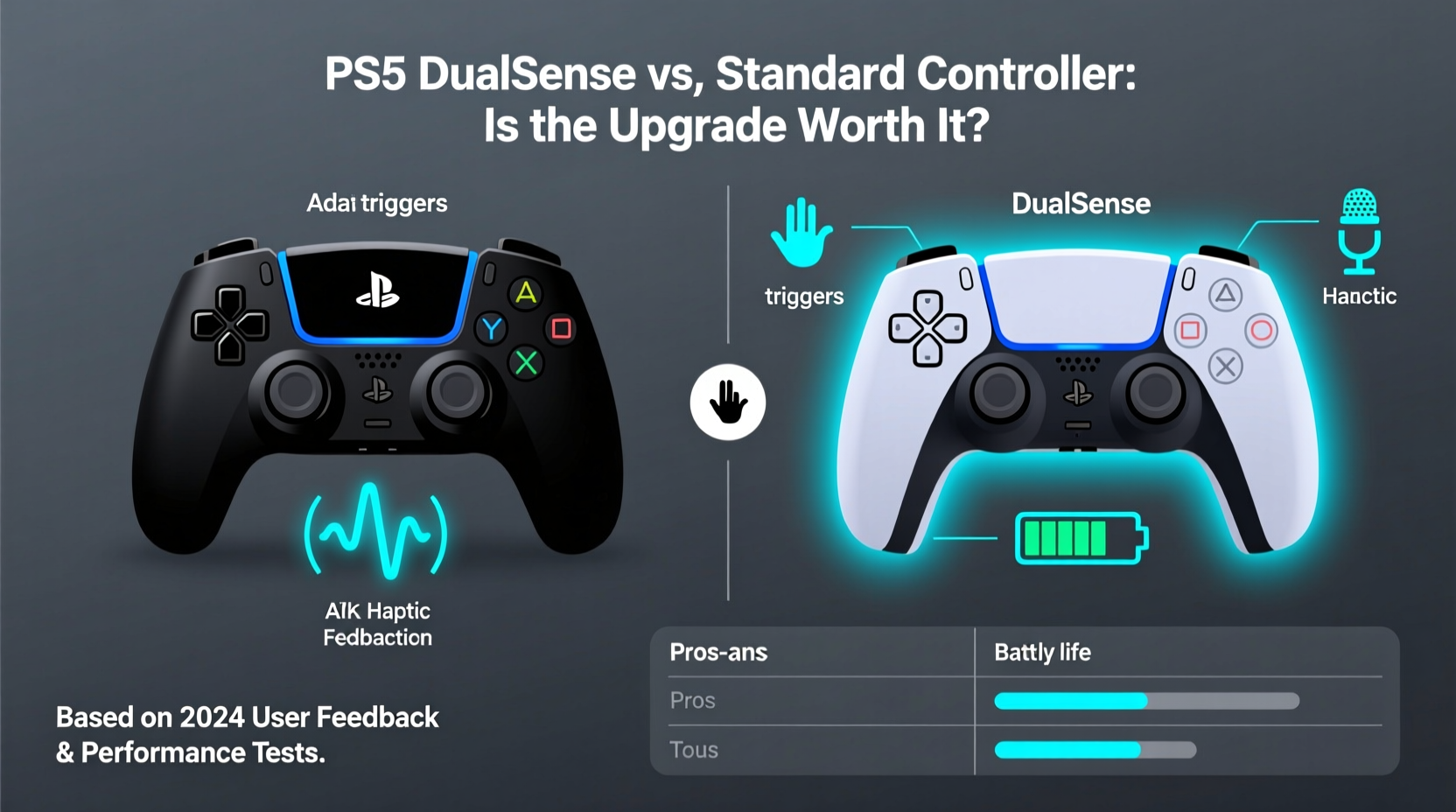
Sony’s current lineup includes three main variants of the PS5 controller:
- DualSense (Standard): Bundled with all PS5 consoles, featuring haptic feedback, adaptive triggers, a built-in microphone, and motion controls.
- DualSense Edge: A premium, customizable version designed for advanced users, offering swappable components, profile switching, and enhanced build quality.
- Third-Party Controllers: Licensed and unlicensed options like the Razer Wolverine or SCUF Instinct, which offer programmable buttons, back paddles, and modular designs.
The base DualSense set a new benchmark when the PS5 launched. Its immersive haptics simulate terrain textures and weapon recoil far beyond traditional rumble motors. Adaptive triggers can mimic bowstring tension or brake resistance in racing games. These features are not just gimmicks—they enhance gameplay immersion significantly.
However, the Edge model builds on this foundation with pro-grade customization. It includes adjustable trigger stops, interchangeable stick caps, remappable buttons, and onboard memory for saving control profiles. These upgrades cater to players who demand precision and consistency across different game genres.
“Controllers are no longer just input devices—they’re extensions of the player. The Edge gives serious gamers the tools to tailor their experience.” — Marcus Lin, Senior Game Designer at Insomniac Games
Performance Comparison: Where Upgrades Matter
To determine whether an upgrade is justified, consider how each feature impacts actual gameplay. Below is a comparison of key attributes between the standard DualSense and the DualSense Edge.
| Feature | DualSense (Standard) | DualSense Edge |
|---|---|---|
| Haptic Feedback | Yes | Yes |
| Adaptive Triggers | Yes | Yes (with adjustable actuation) |
| Custom Button Mapping | No | Yes (via app or onboard buttons) |
| Back Buttons / Paddles | No | Yes (two removable rear paddles) |
| Interchangeable Stick Caps | No | Yes (three included styles) |
| Onboard Profile Storage | No | Yes (up to five profiles) |
| Battery Life | ~8–12 hours | ~6–9 hours (due to extra features) |
| Price (MSRP) | $70 | $200 |
The Edge clearly offers more functionality, but at nearly triple the price. The reduced battery life is a trade-off for increased processing demands from customizable firmware and additional hardware. For many users, especially those playing single-player story games, the standard controller remains more than sufficient.
Real-World Use Case: Competitive Gaming vs. Casual Play
Consider Alex, a 28-year-old gamer who plays both narrative-driven RPGs and ranked matches in *Apex Legends*. He initially used the standard DualSense but noticed he was slower to reload or switch weapons under pressure. After testing a friend’s DualSense Edge, he customized the rear paddles to map frequently used actions—reload and melee—freeing up his thumbs for aiming.
In the following weekend tournament, Alex placed in the top 10 for the first time. While skill was the primary factor, he credited the controller’s responsiveness and layout flexibility for reducing input lag and fatigue during long sessions. “It’s not magic,” he said, “but having everything where I need it without stretching my fingers made a noticeable difference.”
This scenario illustrates where an upgrade pays off: in high-stakes, reflex-dependent environments. For someone spending hours grinding leaderboards or streaming gameplay, the investment can enhance comfort, efficiency, and performance.
Conversely, Sarah, a college student who enjoys *Spider-Man*, *Horizon Forbidden West*, and occasional co-op games with friends, finds the standard controller perfectly adequate. She values the haptics and speaker integration but rarely tweaks settings. To her, spending $200 on a controller seems excessive when her current one works flawlessly.
The takeaway isn’t about which controller is objectively better—it’s about alignment with usage patterns. Gamers focused on immersion and story will likely see diminishing returns from advanced features. Those prioritizing speed, precision, and adaptability may find the Edge indispensable.
Accessibility and Ergonomic Benefits
One often-overlooked advantage of upgrading is improved accessibility. The DualSense Edge supports extensive button remapping, allowing players with limited dexterity to reconfigure controls around physical constraints. For example, someone with arthritis might assign complex combos to easily reachable paddles instead of requiring rapid thumb movements.
Sony has emphasized inclusivity in recent years, and the Edge reflects that commitment. Features like sensitivity sliders for sticks and triggers let users fine-tune response curves to match their motor skills. Parents of children with developmental differences have reported success using Edge controllers to make gaming more inclusive at home.
Ergonomics also play a role. The Edge comes with multiple stick cap options, including domed, concave, and high-rise variants. Players with larger hands may prefer taller caps for better grip, while those with smaller hands benefit from lower profiles that reduce reach strain. Over weeks of extended play, these small adjustments can prevent discomfort and repetitive stress injuries.
Step-by-Step Guide to Evaluating an Upgrade
If you're uncertain whether a new controller suits your needs, follow this evaluation process:
- Assess Your Gaming Habits: Track what types of games you play most—single-player, multiplayer, competitive, or casual. Note how often you engage in long sessions.
- Identify Pain Points: Are there recurring frustrations? Do your fingers cramp during matches? Do you miss inputs because buttons are out of reach?
- Test Before You Buy: Visit a retail store with demo units or borrow one from a friend. Spend at least 30 minutes playing a familiar game.
- Compare Feature Relevance: List which advanced features (e.g., back paddles, profiles) would solve your issues. Ignore those that don’t apply.
- Calculate Value: Divide the cost by estimated usage (hours per week). If you’ll use it 15+ hours weekly, the per-hour cost drops significantly.
- Explore Alternatives: Consider third-party licensed controllers that offer similar features at lower prices, though they may lack official firmware support.
Frequently Asked Questions
Can I use the DualSense Edge for all PS5 games?
Yes. The Edge is fully compatible with every PS5 title that supports the standard DualSense. All core features—including haptics and adaptive triggers—work identically. Some games may not support custom profiles out of the box, but manual configurations still apply.
Does the higher price of the Edge justify the added features?
Only if you actively use them. For most players, the standard controller delivers 90% of the experience at one-third the cost. However, professionals, streamers, and disabled gamers often report that the customization tools provide meaningful improvements that justify the expense.
Are third-party controllers a viable alternative?
Some are. Licensed models from SCUF and Razer offer comparable customization, including back buttons and trigger stops. However, they may lack seamless integration with PS5 system menus and firmware updates. Unlicensed clones vary in quality and often omit haptics or adaptive triggers entirely.
Final Verdict: Who Should Upgrade?
The standard DualSense remains one of the best default controllers ever shipped with a console. Its blend of innovation, comfort, and responsiveness sets a high bar. Unless you have specific performance, accessibility, or ergonomic needs, upgrading isn’t necessary.
The DualSense Edge shines for niche audiences: competitive players seeking every millisecond advantage, content creators wanting streamlined inputs, and individuals needing adaptive layouts. It’s a tool, not a toy—a professional-grade instrument for those who treat gaming as more than entertainment.
Before making a purchase, ask yourself: Will I use the extra features regularly? Do they solve a real problem in my current setup? If the answer is yes, the upgrade holds value. If you’re simply chasing novelty or prestige, the standard controller continues to deliver exceptional experiences without the premium price tag.
“The best controller is the one that feels invisible. When it disappears into your hands, you know it’s working.” — Keza MacDonald, Guardian Games Editor
Checklist: Is an Upgrade Right for You?
- ☐ I play fast-paced multiplayer games frequently
- ☐ I experience hand fatigue during long sessions
- ☐ I want customizable button layouts or back paddles
- ☐ I need accessibility modifications for easier control
- ☐ I’m willing to invest $200 for marginal gains in performance
- ☐ I value swappable parts and durable build quality
If three or more apply, an upgraded controller like the DualSense Edge could enhance your experience. Otherwise, your money might be better spent on games, accessories, or saving for future hardware.




 浙公网安备
33010002000092号
浙公网安备
33010002000092号 浙B2-20120091-4
Comments
No comments yet. Why don't you start the discussion?