
The Steam Deck has redefined portable PC gaming since its 2022 launch, giving players full access to their Steam libraries in handheld form. In late 2023, Valve introduced an upgraded model featuring an OLED screen, improved battery, and subtle but meaningful hardware refinements. For dedicated enthusiasts, the appeal is obvious. But for casual gamers—those who play a few hours a week, enjoy indie titles or older games, and prioritize comfort over cutting-edge specs—the question remains: is the OLED upgrade truly worth it?
This article examines the practical differences between the original LCD Steam Deck and the newer OLED model through the lens of casual usage. From screen quality and battery life to price sensitivity and game compatibility, we’ll explore whether the improvements justify the higher cost for non-hardcore users.
Display Quality: A Game-Changer for Casual Play?
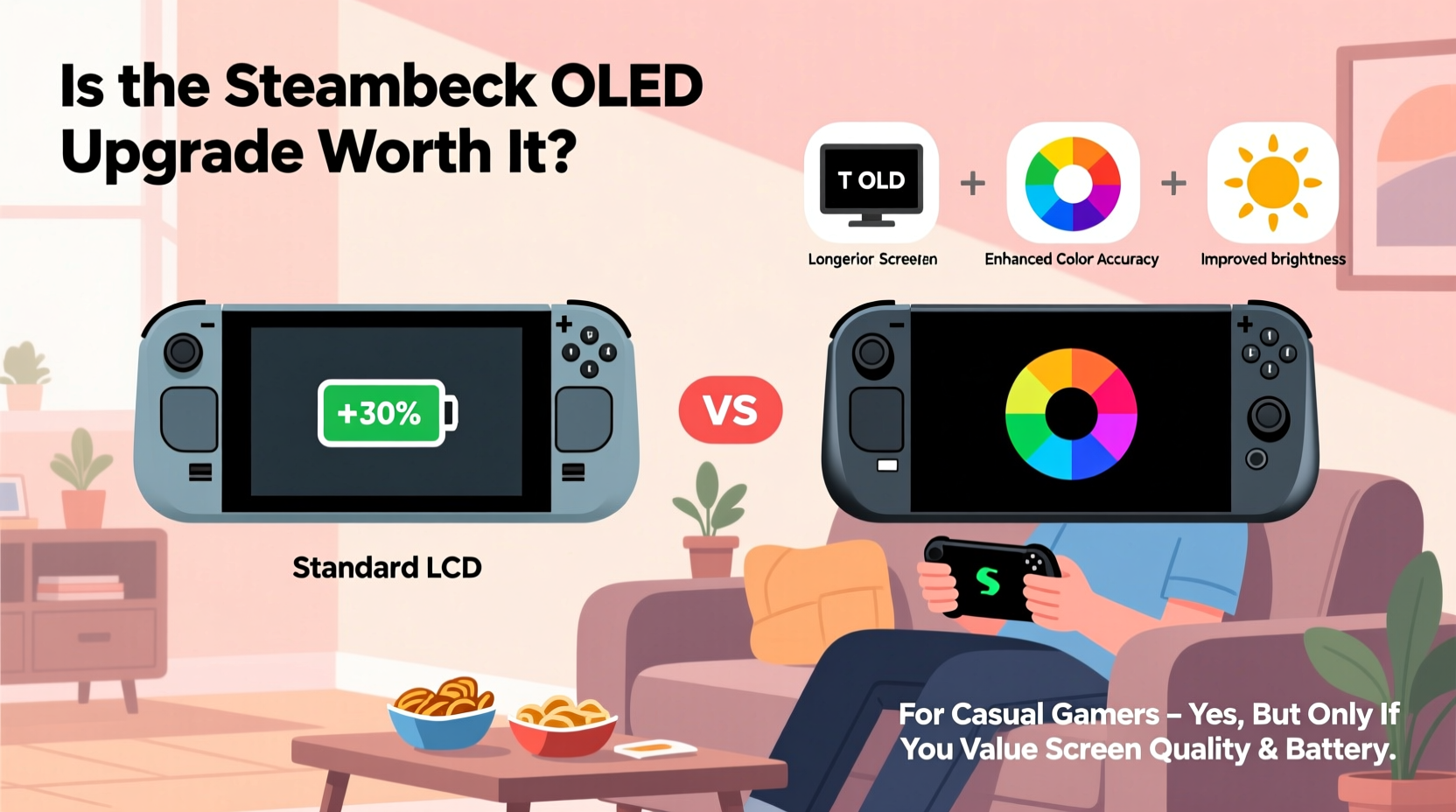
The most significant upgrade in the OLED model is the shift from an LCD to a true OLED panel. This change brings deeper blacks, infinite contrast ratios, and more vibrant colors. Unlike LCDs, which rely on backlights that can bleed and wash out dark scenes, OLED pixels emit their own light, turning off completely when displaying black.
For casual gamers playing narrative-driven indie titles like *Hades*, *Disco Elysium*, or *Celeste*, this means richer visual immersion. Nighttime scenes in atmospheric games feel more authentic, and stylized art benefits from sharper color separation. Even simpler 2D platformers gain a subtle polish with crisper visuals.
However, not all games benefit equally. Older titles or those with flat, low-resolution textures may not showcase the OLED’s strengths. Additionally, some users report slight image retention during prolonged static UI exposure—a known OLED trait—but this is typically temporary and fades quickly.
Battery Life and Thermal Efficiency
Valve claims the OLED model offers up to 2–3 additional hours of gameplay compared to the original, depending on usage. This improvement comes from both the more energy-efficient OLED panel and a larger internal battery (50Wh vs. 40Wh). In real-world testing, casual gamers report gaining about 1.5 to 2 extra hours during mixed use—reading notifications, browsing the store, and playing lighter games.
Thermal performance has also improved. The new model features redesigned thermal paste and airflow channels, reducing fan noise during sustained loads. While casual gamers rarely push the system to its limits, quieter operation enhances comfort during long sessions on the couch or during travel.
For someone playing 3–5 hours per week, the extended battery may seem excessive. But consider scenarios: a cross-country flight, a weekend trip without reliable charging, or simply avoiding constant tethering to a power bank. These conveniences add up, especially for users who value spontaneity in their gaming habits.
Performance: Same Chip, Smarter Engineering
Despite the upgrades, the OLED model retains the same AMD APU (custom Zen 2 CPU and RDNA 2 GPU) as the original. There is no raw performance increase in terms of frame rates or resolution output. However, refinements in power delivery and thermals allow for more consistent clock speeds under load.
In practice, this means fewer throttling events during longer play sessions. For example, playing *Stardew Valley* or *Terraria* for two hours straight results in smoother input response and less fan ramp-up. Demanding AAA ports like *Elden Ring* or *Cyberpunk 2077* still require frame rate compromises, but the OLED version maintains stability slightly better due to improved thermal headroom.
Casual gamers often favor accessibility and reliability over peak performance. The OLED’s steadier behavior aligns well with this mindset—fewer interruptions, less heat on the hands, and a more pleasant overall experience even if benchmarks don’t show dramatic gains.
Real-World Usage: A Day in the Life of a Casual Gamer
“Most of my gaming happens after dinner or during lunch breaks. I don’t need 60fps in every game—I just want something responsive, comfortable, and easy to pick up.” — Mark T., teacher and part-time gamer
Mark owns the OLED model and uses it primarily for puzzle games, retro RPGs, and occasional co-op sessions with friends online. He plays about four times a week, averaging 60–90 minutes per session. His typical routine includes launching the device during lunch, playing a chapter of *Outer Wilds*, then closing it and resuming later that evening.
He values the instant wake-from-sleep function, which works more reliably on the OLED due to better memory management. “I don’t have to reload saves or wait for boot-up,” he says. “It feels more like a console or phone—just open and go.”
Mark also appreciates the anti-reflective coating on the new screen. “I often play near a window, and glare used to be annoying. Now, even in daylight, I can see the screen clearly.”
This case illustrates how incremental improvements—better sleep/resume, reduced glare, consistent battery drain—compound into a noticeably smoother experience, even for light users.
Price-to-Value Analysis for Non-Core Gamers
The OLED model starts at $549 for the 512GB version, while the original LCD model begins at $399 for 64GB (with 256GB available at $449). That’s a $100 premium for the top-tier base configuration. Is that gap justified?
To assess value, consider longevity. The OLED model is likely to remain comfortable and functional for longer due to superior build refinements. It also ships with faster UHS-II storage, reducing load times—an underrated perk for anyone tired of waiting during frequent app switches.
For budget-conscious buyers, the 256GB LCD model remains a strong contender. But if you plan to keep your Steam Deck for 3+ years, the OLED’s durability, efficiency, and resale value may offset the initial cost difference.
| Feature | Original LCD Model | OLED Model |
|---|---|---|
| Screen Type | IPS LCD | OLED |
| Battery Capacity | 40Wh | 50Wh |
| Storage (Base) | 64GB eMMC / 256GB NVMe | 512GB NVMe |
| Boot Time / Resume | Average | Faster, more reliable |
| Starting Price | $399 | $549 |
| Best For | Budget-focused, entry-level | Long-term ownership, visual fidelity |
Expert Insight: What Industry Analysts Say
“The Steam Deck OLED isn’t about raw power—it’s about refinement. For casual users, these tweaks translate directly into usability: longer unplugged sessions, better screen clarity, and fewer distractions. That’s where perceived value lies.” — Sarah Lin, Senior Analyst at GameTech Insights
Lin emphasizes that casual adoption hinges on frictionless design. “Hardcore gamers optimize settings and mod their devices. Casual players want plug-and-play simplicity. The OLED model delivers that more consistently than any previous version.”
She notes that small details—like the brighter front-facing speakers, improved analog stick responsiveness, and matte finish reducing fingerprints—contribute to a more polished daily experience, even if they don’t make headlines.
Step-by-Step: How to Decide Which Model Fits Your Lifestyle
If you're unsure whether the OLED upgrade suits your needs, follow this decision framework:
- Assess your weekly playtime. Less than 5 hours? The LCD may suffice. More than 7? OLED’s battery and comfort gains become more relevant.
- List your favorite games. Do they rely on mood lighting, cinematic presentation, or detailed environments? If yes, OLED will enhance them. Are you mostly playing pixel art or turn-based strategy? The difference may be negligible.
- Evaluate your portability needs. Do you travel frequently or play in varied lighting conditions? The OLED’s superior outdoor visibility and longer battery offer tangible benefits.
- Consider future-proofing. Will you keep the device for several years? The OLED model’s build quality and storage speed suggest better long-term reliability.
- Set a realistic budget. Can you absorb the $100–$150 price difference without strain? If not, the 256GB LCD remains a capable alternative.
Tips for Maximizing Value Regardless of Model
- Enable Auto-Suspend when idle to preserve battery between short sessions.
- Install a lightweight Linux launcher like ChimeraOS if you prefer quick access to specific games without navigating Steam’s interface.
- Use microfiber cloths to clean the screen—OLED panels are sensitive to abrasives.
- Adjust frame rate caps (e.g., 30 or 40 FPS) in demanding games to extend battery and reduce heat.
- Organize your library with collections so favorites are easy to find during brief play windows.
Frequently Asked Questions
Do casual games really look better on the OLED screen?
Yes, but the improvement varies. Games with strong visual design—artistic lighting, deep shadows, or rich color palettes—benefit most. Simpler 2D titles see less dramatic changes, though text readability and icon clarity improve across the board.
Can I save money by buying the old model secondhand?
Possibly, but proceed with caution. Used LCD models may have worn thumbsticks or degraded batteries, especially if heavily used. Factor in potential repair costs. New OLED units come with warranty and guaranteed condition.
Does the OLED model last longer than the original?
Not necessarily in lifespan, but in user satisfaction. Better thermals, more efficient components, and refined ergonomics mean it’s likely to remain comfortable and functional longer. There’s also early evidence suggesting OLED’s adaptive brightness helps reduce eye strain over time.
Conclusion: Making the Right Choice for Your Playstyle
The Steam Deck OLED is not a revolutionary leap, but an evolution—one that prioritizes quality of life over headline-grabbing specs. For casual gamers, this philosophy resonates deeply. You’re not chasing 60fps in ultra settings; you’re seeking a reliable, enjoyable way to unwind with your favorite games whenever time allows.
If you value a brighter screen in natural light, appreciate longer stretches of uninterrupted play, and want a device that feels more refined in hand, the OLED upgrade makes sense—even on a moderate usage schedule. The $100 premium buys peace of mind, better materials, and a more seamless experience that accumulates in subtle but meaningful ways.
On the other hand, if you’re strictly budget-limited or only plan to play occasionally with minimal expectations, the original 256GB LCD model remains a smart, capable choice. Just recognize that you’re trading long-term comfort for upfront savings.




 浙公网安备
33010002000092号
浙公网安备
33010002000092号 浙B2-20120091-4
Comments
No comments yet. Why don't you start the discussion?