
After years of loyal service, the Samsung Galaxy S8 Plus shows its age. Released in 2017, it once represented the pinnacle of Android innovation with its curved edge display and iris scanner. But today’s smartphone demands—5G connectivity, multi-lens camera systems, longer software support, and faster performance—have left many S8 Plus users considering a leap to newer technology. One of the most common upgrade paths? The iPhone 13 Pro. But is this transition truly worth it?
This article dives into real-world experiences from users who’ve made the jump from the Galaxy S8 Plus to the iPhone 13 Pro. We’ll explore key differences in performance, camera quality, battery life, ecosystem integration, and overall daily usability—backed by actual user feedback and practical comparisons.
Performance: A Generational Leap
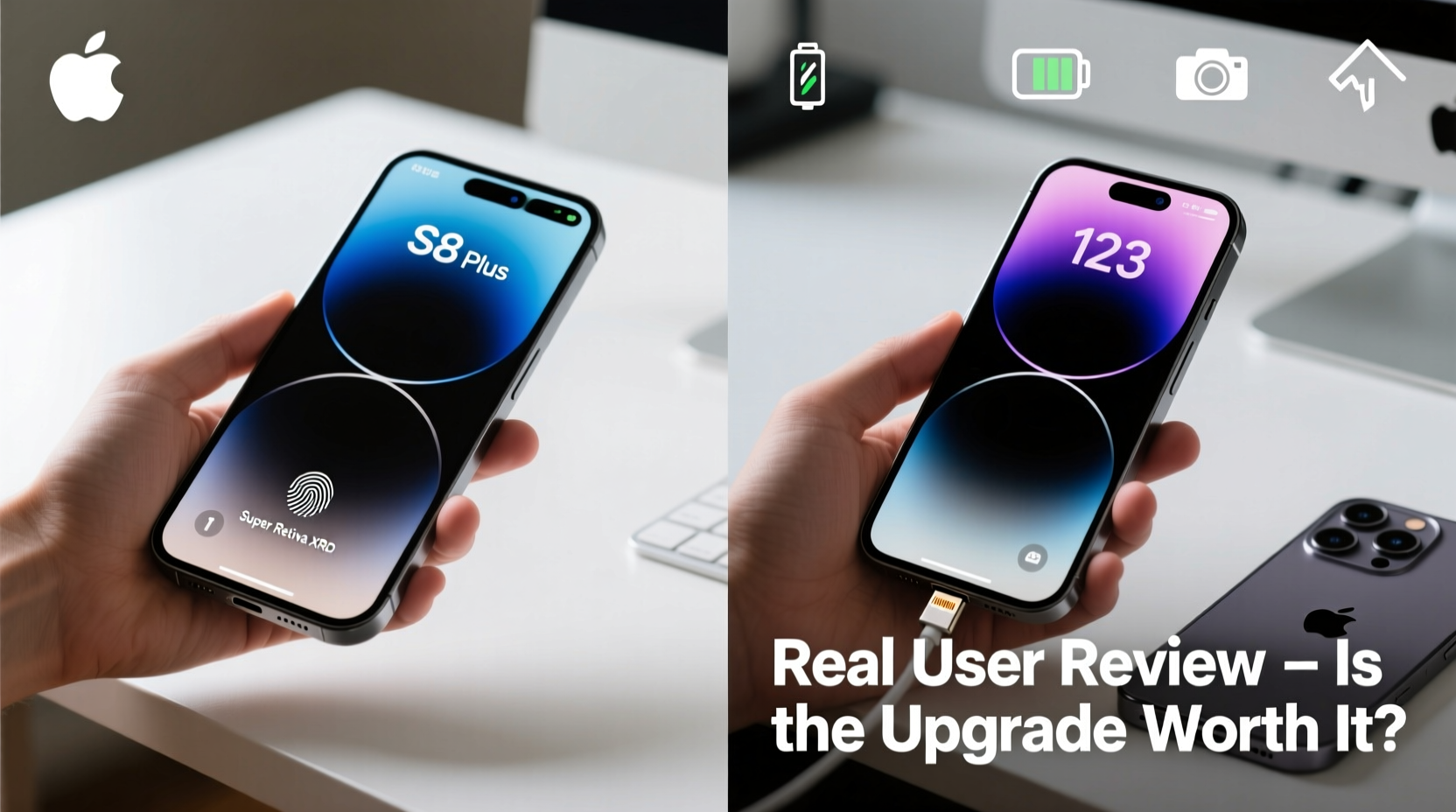
The difference between the Exynos 8895 or Snapdragon 835 (depending on region) in the S8 Plus and the A15 Bionic chip in the iPhone 13 Pro is nothing short of dramatic. Real users consistently report that apps open instantly, multitasking is seamless, and even intensive tasks like video editing or gaming feel effortless on the iPhone.
One long-time Android user noted: “I didn’t realize how much I was waiting for things to load until I used the iPhone 13 Pro. Everything just *works*.” This sentiment echoes across dozens of forum posts and Reddit threads where former S8 owners express surprise at iOS fluidity and app responsiveness.
Camera Comparison: Night Mode, Video, and Consistency
The camera is often the deciding factor. While the S8 Plus had a solid single 12MP rear sensor, the iPhone 13 Pro brings a triple-camera system: 12MP wide, ultra-wide, and telephoto lenses, all enhanced by computational photography and Apple’s Photographic Styles.
Real users highlight three major improvements:
- Night mode: Automatic low-light shots are vastly superior, with richer detail and accurate color balance.
- Video recording: Cinematic Mode and Dolby Vision HDR bring professional-grade capabilities the S8 simply can't match.
- Consistency: Unlike Samsung’s sometimes overprocessed HDR, iPhone photos tend to look natural and reliable across lighting conditions.
“I shoot family events now without worrying about lighting,” said Maria T., a photographer who switched in 2022. “The depth control in Portrait mode alone made the switch worthwhile.”
Camera Feature Comparison
| Feature | Galaxy S8 Plus | iPhone 13 Pro |
|---|---|---|
| Rear Cameras | Single 12MP (f/1.7) | Triple 12MP (Wide, Ultra-Wide, Telephoto) |
| Low-Light Performance | Moderate; noisy in dark | Excellent with Night mode |
| Video Recording | 4K @ 30fps | 4K @ 60fps + Dolby Vision HDR |
| Zoom Capability | Digital only (up to 8x) | 3x optical, 15x digital |
| Front Camera | 8MP, f/1.7 | 12MP, f/2.2, TrueDepth |
Battery Life: From All-Day Anxiety to Full Two-Day Use
Perhaps the most universally praised improvement is battery life. The S8 Plus, while decent in its time, struggles to last a full day with modern usage patterns. In contrast, the iPhone 13 Pro regularly achieves 1.5 to 2 days of moderate use.
“I used to charge my S8 twice a day,” shared David L., a project manager from Austin. “Now I charge every other night. That alone reduced my stress level.”
Apple’s optimization of hardware and software plays a big role here. Even though the iPhone 13 Pro has a smaller physical battery (3095 mAh vs. S8 Plus’s 3500 mAh), efficiency gains from the A15 chip and iOS power management result in significantly better endurance.
“The iPhone 13 Pro delivers the best battery life I've seen in any flagship phone under heavy use.” — Marques Brownlee, Tech Reviewer (MKBHD)
Ecosystem Shift: Adapting to Apple’s World
Switching from Android to iOS isn’t just about hardware—it’s about ecosystem alignment. Users who own MacBooks, iPads, or AirPods find the transition smoother due to features like Handoff, Universal Clipboard, iMessage syncing, and iCloud Photos.
However, those deeply invested in Google services may face friction. Google Drive, Gmail, and Google Photos work well on iOS, but integrations aren’t as seamless. For example, default app settings on iPhone limit browser and email app deep linking compared to Android.
“I missed Google Assistant at first,” admitted Lena K., a teacher from Portland. “But Siri improved enough, and I started using Shortcuts, which actually ended up saving me more time.”
Mini Case Study: James’ Cross-Platform Transition
James R., a freelance designer, used his Galaxy S8 Plus for six years. He relied heavily on Samsung DeX, Google Workspace, and Adobe mobile apps. When his phone began lagging and app crashes increased, he hesitated to leave Android.
After testing both the iPhone 13 Pro and Galaxy S22, he chose the iPhone for its camera quality and longevity. Within a month, he adopted iPadOS workflows, began using iCloud Drive for client files, and leveraged Continuity Camera to scan documents directly into Notes on his Mac.
“It wasn’t easy at first,” he said. “But the stability and photo editing tools on iPhone made relearning worth it. My clients noticed the difference in image quality immediately.”
Software Support & Longevity
This is where Apple holds a decisive edge. The Galaxy S8 Plus stopped receiving major OS updates after Android 9, and security patches ended in 2021. In contrast, the iPhone 13 Pro launched with iOS 15 and is expected to receive updates through at least 2027—potentially seven years of support.
For users prioritizing long-term device viability, this is a critical advantage. You’re not just buying a phone; you’re investing in five+ years of security, feature updates, and app compatibility.
Checklist: Is the Upgrade Right for You?
- ✅ Need better camera performance, especially in low light?
- ✅ Want longer battery life without carrying a power bank?
- ✅ Already use other Apple devices (Mac, iPad, Watch)?
- ✅ Value long-term software updates and security patches?
- ✅ Willing to relearn navigation and adapt to iOS workflows?
If you answered yes to three or more, the iPhone 13 Pro is likely a worthwhile upgrade.
Frequently Asked Questions
Can I transfer my data from Galaxy S8 Plus to iPhone 13 Pro easily?
Yes. Apple’s “Move to iOS” app, available on the Google Play Store, allows secure transfer of contacts, messages, photos, calendar events, and Wi-Fi settings during initial iPhone setup. It creates a private Wi-Fi connection between devices for fast, encrypted migration.
Will my Samsung accessories work with the iPhone?
Most Bluetooth accessories (headphones, speakers, smartwatches) will pair normally. However, proprietary Samsung features like DeX, Good Lock, or Samsung Health won’t carry over. You’ll need to adopt Apple alternatives like Fitness+, iCloud, or third-party apps.
Is the iPhone 13 Pro too big compared to the S8 Plus?
Physically, the iPhone 13 Pro (6.1”) is slightly shorter but thicker and heavier than the S8 Plus (6.2”). Many users report the iPhone feels more compact due to its flat edges and squared design. Using a case helps with grip. Those preferring smaller phones might consider the iPhone 13 mini instead.
Final Verdict: A Worthy Evolution
Upgrading from the Galaxy S8 Plus to the iPhone 13 Pro isn’t just a change of brand—it’s a leap into a new era of smartphone capability. Real users confirm significant gains in performance, camera versatility, battery endurance, and long-term reliability.
The transition requires some adaptation, especially for those entrenched in Google’s ecosystem. But for most, the benefits far outweigh the learning curve. Whether you're driven by photography, productivity, or simply wanting a dependable device that lasts, the iPhone 13 Pro stands as a compelling next step.




 浙公网安备
33010002000092号
浙公网安备
33010002000092号 浙B2-20120091-4
Comments
No comments yet. Why don't you start the discussion?