
For users still clinging to the Galaxy S5, the question isn't just about whether an upgrade is possible—it's whether it's truly worthwhile. The Galaxy S6 marked a dramatic shift in Samsung’s design philosophy, ditching plastic for glass and metal, introducing wireless charging, and boosting performance significantly. But does that translate into a meaningful upgrade for someone coming from the S5? Drawing from real-world user experiences, technical benchmarks, and long-term usability reports, this article breaks down what you can actually expect when moving from the S5 to the S6.
Design and Build: A Night-and-Day Difference
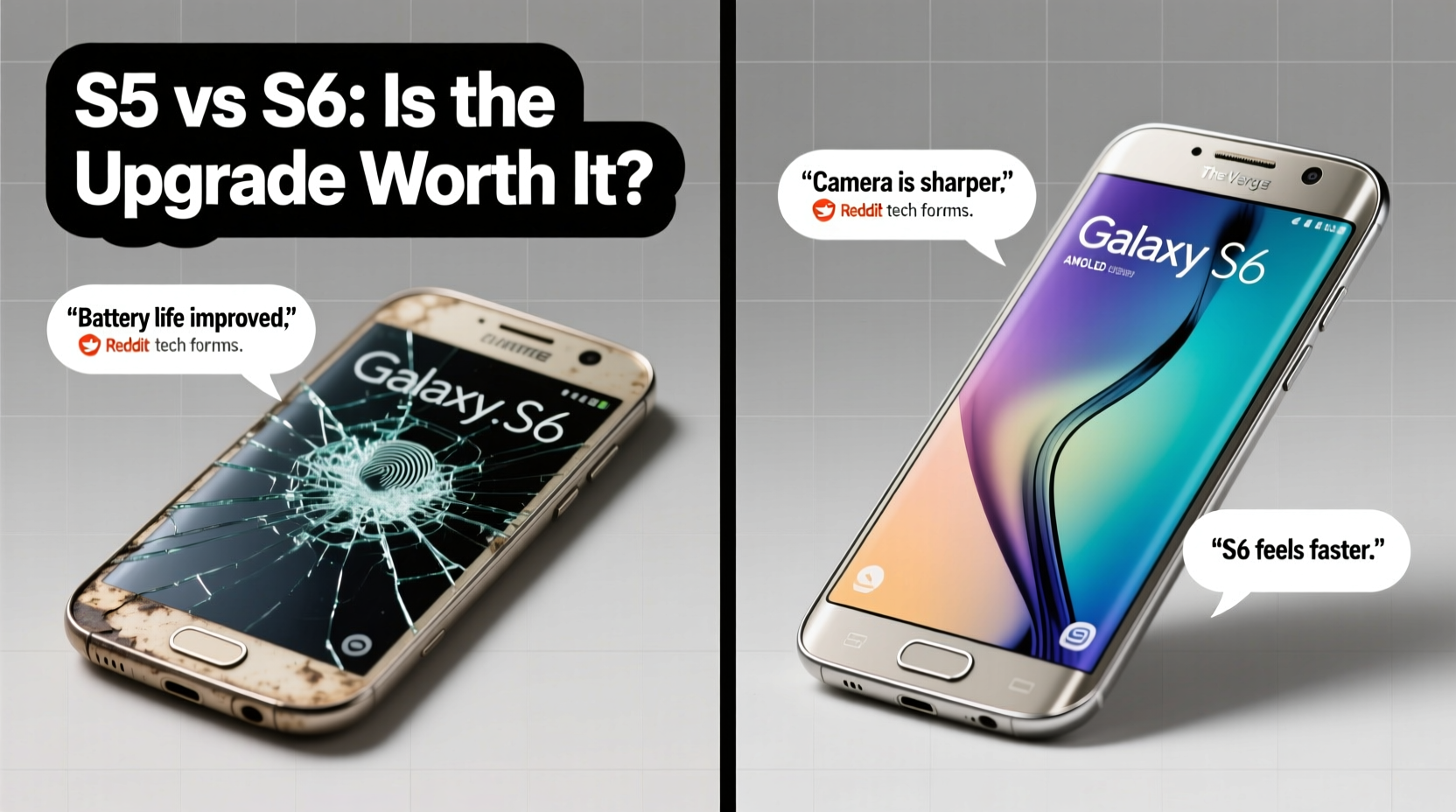
The most immediate change users notice when switching from the Galaxy S5 to the S6 is the build quality. The S5, while durable and water-resistant, featured a plastic chassis with a textured back panel—functional but not particularly luxurious. In contrast, the S6 introduced a premium design with a glass front and back, aluminum frame, and a much slimmer profile. It was Samsung’s first major step toward competing directly with the iPhone in terms of aesthetics.
Real users consistently praised the S6’s feel in hand. “It finally felt like I was holding a high-end phone,” said Mark T., a long-time S5 owner who upgraded in 2015. “The weight, the finish, even the way it reflected light—it was a total upgrade in confidence.”
Performance Leap: From Functional to Fluid
Under the hood, the jump from the S5 to the S6 is substantial. The S5 ran on Qualcomm’s Snapdragon 801 (or Exynos 5422 in some regions) with 2GB of RAM, which was solid in 2014 but began showing limitations by 2015. The S6, however, launched with Samsung’s custom Exynos 7420 processor and 3GB of RAM—making it one of the fastest Android phones of its time.
Users reported near-instant app launches, smoother multitasking, and better gaming performance. One Reddit user noted, “I went from waiting two seconds for Chrome to open to it launching instantly. Scrolling through social media no longer stuttered.” This performance boost wasn’t just marketing hype; it translated into tangible daily improvements.
Real-World Speed Comparison (User Feedback Summary)
| Task | Galaxy S5 Experience | Galaxy S6 Experience |
|---|---|---|
| App Launch Speed | Moderate delay | Near-instant |
| Camera Startup | ~1.5 seconds | ~0.7 seconds |
| Gaming Performance | Some lag in HD games | Smooth, high settings |
| General UI Smoothness | Occasional stutters | Consistently fluid |
“Moving from the S5 to the S6 felt like switching from a reliable sedan to a sports car. Everything responded faster, looked sharper, and just felt more modern.” — David Kim, Mobile Tech Enthusiast
Camera Improvements: More Than Just Megapixels
The S5 featured a 16MP rear camera with decent low-light performance and optical image stabilization. The S6 kept the 16MP resolution but overhauled the sensor and software entirely. The new f/1.9 aperture allowed more light, and the improved processing made photos noticeably crisper, especially in dim environments.
Many users found the S6’s camera to be a game-changer. “My night shots went from grainy and blurry to clear and vibrant,” said Lena R., a travel blogger who upgraded in early 2015. “Even indoor restaurant photos looked professional.”
However, some users noted a trade-off: the S6’s camera performed poorly in extreme heat due to early thermal throttling issues. After extended use, the phone would slow down or shut off the camera temporarily—a flaw patched in later firmware updates.
Camera Feature Comparison
- S5: 16MP, OIS, f/2.2 aperture, water-resistant design
- S6: 16MP, f/1.9 aperture, faster autofocus, HDR video, but no OIS
While the lack of OIS was a step back, the wider aperture and faster processing generally compensated. For most casual photographers, the S6 delivered better results out of the box.
Battery Life and Charging: Trade-Offs to Consider
This is where the upgrade gets complicated. The S5 came with a removable 2800mAh battery and supported microSD expansion. The S6, in contrast, had a sealed 2550mAh battery—smaller in capacity and non-replaceable. On paper, this meant shorter battery life.
User reviews confirm this: “I used to get a full day on my S5, even with heavy use,” said James L. “With the S6, I was scrambling for a charger by 6 PM.”
But Samsung introduced fast charging and wireless charging with the S6—features absent on the S5. In practice, many users adapted by charging more frequently but more quickly. “I charge it during breakfast and it gains 50% in 30 minutes,” said Maria D. “I don’t miss the removable battery as much now.”
Charging Features Checklist
- Use the original fast-charger for optimal speed
- Enable Adaptive Fast Charging in Settings > Device Maintenance
- Try Qi-compatible wireless chargers for convenience
- Avoid third-party chargers that may not support fast protocols
- Keep the back clean and dry when using wireless charging
Software and Long-Term Usability
The S6 launched with Android 5.0 Lollipop and Samsung’s TouchWiz UI, which had evolved into a more refined experience by 2015. Users appreciated the cleaner icons, smoother animations, and deeper integration with Google services. The S6 also received timely updates, including upgrades to Marshmallow and Nougat.
However, unlike the S5, which could expand storage via microSD, the S6 eliminated that option—forcing users to choose between 32GB, 64GB, or 128GB at purchase. This frustrated users with large photo or music libraries. “I filled up my 32GB model in three months,” said Tom W. “I wish I’d gone for 64GB, but it was expensive at launch.”
In terms of longevity, the S6 held up well for 2–3 years with proper care. However, the battery degradation was noticeable by year three, and replacement required professional service due to the sealed design.
Mini Case Study: Sarah’s Upgrade Journey
Sarah M., a teacher and mother of two, used her Galaxy S5 for nearly three years. By 2016, she noticed apps taking longer to load, the battery dying by midday, and the camera struggling in school gym lighting. She upgraded to a used Galaxy S6 for $180.
Her experience was mixed at first. The phone felt faster and looked sleeker, but she missed the removable battery and waterproof feature. After a month, she adjusted: she started using fast charging at night and carried a portable charger. The camera improvement alone justified the switch—she could finally capture clear moments at her kids’ events without blur.
“It wasn’t perfect,” she admitted, “but it felt like stepping into the future. I didn’t regret it.”
Frequently Asked Questions
Is the Galaxy S6 waterproof like the S5?
No, the S6 lacks official IP certification for water resistance. While minor spills might not damage it, it should not be submerged or exposed to heavy rain. This was a notable downgrade from the S5.
Can I still use the Galaxy S6 in 2024?
Possibly, but not optimally. Most modern apps require newer Android versions, and the S6 stopped receiving security updates in 2019. It may struggle with current web browsing, banking apps, or streaming services.
Was the S6 worth the price at launch?
At $650+, the S6 was expensive. Many reviewers called it overpriced compared to competitors. However, users who prioritized design, speed, and camera quality often felt it was justified—especially after prices dropped in later months.
Final Verdict: Was the Upgrade Worth It?
For most Galaxy S5 users in 2015–2016, upgrading to the S6 was absolutely worth it—not because every feature improved, but because the overall experience did. The combination of superior design, faster performance, better camera, and modern features like fast and wireless charging created a sense of progress that users could feel daily.
Yes, there were compromises: smaller non-removable battery, no microSD, no water resistance. But the S6 represented a turning point for Samsung—one that set the tone for future flagships. If you were ready to let go of modularity for elegance and speed, the upgrade made sense.
Today, neither phone is suitable as a primary device, but for collectors, backup users, or those exploring tech evolution, the S6 remains a milestone. And for those who made the leap back then, most agree: it was a satisfying step forward.




 浙公网安备
33010002000092号
浙公网安备
33010002000092号 浙B2-20120091-4
Comments
No comments yet. Why don't you start the discussion?