
For loyal Samsung Galaxy Note users, the decision to upgrade isn’t just about hardware—it’s about workflow, productivity, and trust in a device that feels like an extension of your hand. The jump from the Galaxy Note 10 Plus to the Note 20 represents two generations of evolution in design, performance, and software. But is it substantial enough to justify the cost and transition? Drawing from real-world user experiences, technical comparisons, and long-term usability insights, this article breaks down whether the upgrade truly delivers.
Performance and Hardware: A Noticeable Leap
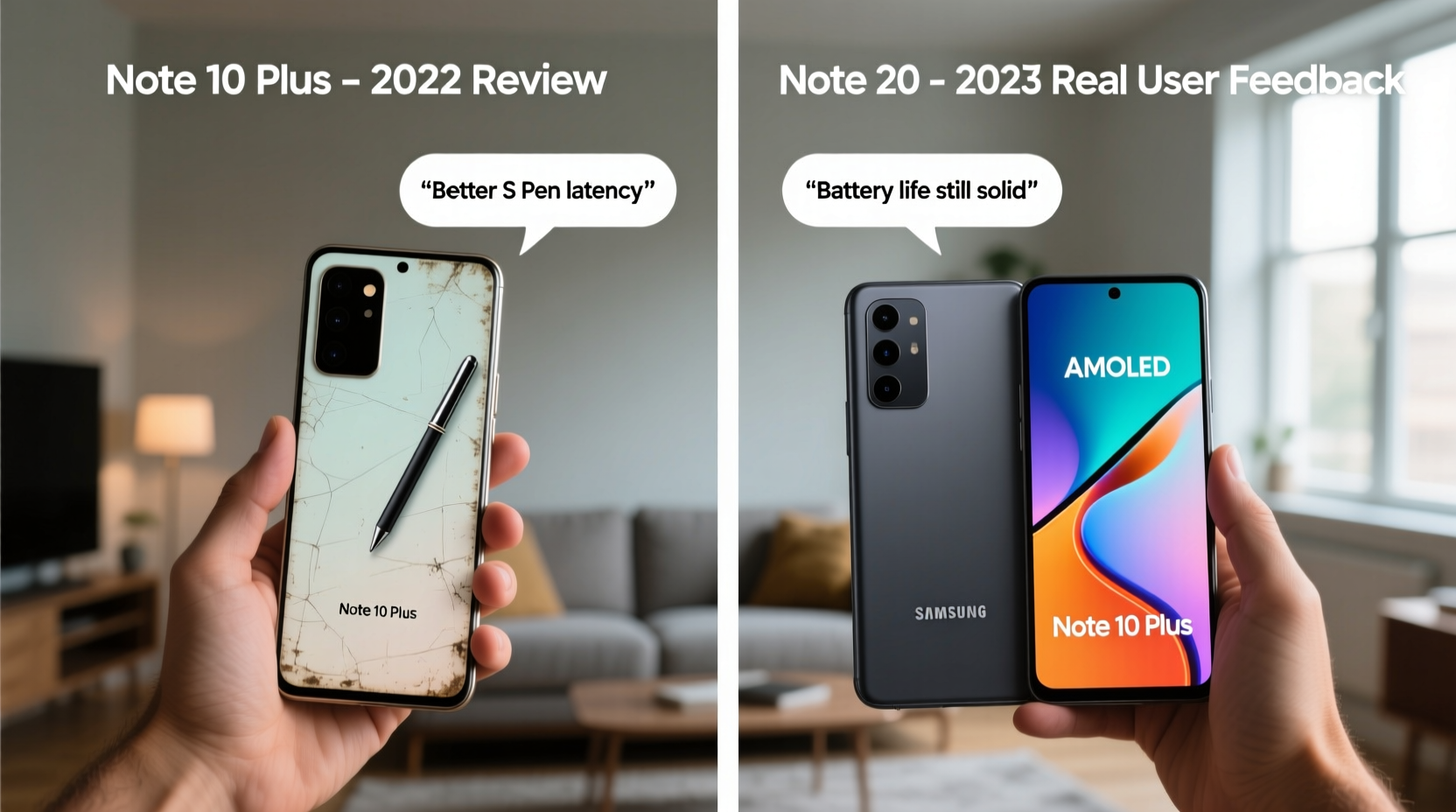
The Galaxy Note 10 Plus, released in 2019, was powered by either the Exynos 9825 or Snapdragon 855 (depending on region), with 12GB of RAM and up to 1TB of storage. At the time, it was a powerhouse. However, by 2020 standards—and especially in 2024—its processing muscle shows its age when multitasking with modern apps or handling high-resolution media.
The Note 20, particularly the Ultra variant, stepped up significantly. With the Snapdragon 865+ (or Exynos 990 in some regions), 12GB or 16GB of RAM, and faster UFS 3.1 storage, users report smoother app launches, quicker file transfers, and better handling of 8K video recording and editing.
One user, Mark T., a freelance videographer from Austin, shared: “I used the Note 10 Plus for nearly three years. When I finally upgraded to the Note 20 Ultra, the first thing I noticed wasn’t the screen—it was how cool the phone stayed while rendering a 4K timeline in Adobe Rush. No throttling, no lag. That alone made the upgrade worthwhile.”
Display and Design: Subtle but Meaningful Changes
Both devices feature large, curved AMOLED displays—6.8 inches on the Note 10 Plus and 6.9 inches on the Note 20 Ultra. While the size difference is minimal, the refresh rate marks a turning point. The Note 10 Plus runs at a standard 60Hz, whereas the Note 20 introduced a 60–120Hz adaptive refresh rate (Note 20 base model has 60Hz; Ultra has 120Hz).
This change transforms the user experience. Scrolling, S Pen input, and animations feel dramatically smoother. Real user feedback consistently highlights this as one of the most appreciated upgrades—even more than raw processing power.
| Feature | Note 10 Plus | Note 20 Ultra |
|---|---|---|
| Display Size | 6.8” Dynamic AMOLED | 6.9” Dynamic AMOLED 2X |
| Refresh Rate | 60Hz | Adaptive 120Hz |
| Rear Design | Horizontal camera strip | Angled camera housing |
| Build Material | Glass front & back | Armor Aluminum frame + Glass |
| S Pen Latency | 42ms | 26ms |
The Note 20’s redesigned camera bump and flatter aluminum frame also improve grip and reduce accidental pocket presses—a common complaint with the curved back of the Note 10 Plus.
S Pen Evolution: More Than Just Lower Latency
The S Pen is the soul of the Note series. On paper, the latency drop from 42ms (Note 10 Plus) to 26ms (Note 20 Ultra) may seem minor. In practice, it’s transformative. Writers, artists, and note-takers describe the new pen as feeling “closer to paper,” with less perceptible delay between stroke and display.
Beyond speed, the Note 20 introduced Air Actions—gesture controls via the S Pen. Though polarizing, many users find value in flipping through presentations or taking photos remotely. However, real-world feedback suggests mixed adoption: “I tried the Air Gestures for a week,” said Priya L., a university lecturer. “They’re fun, but I still prefer tapping the screen. The real win is the handwriting-to-text accuracy in Samsung Notes—it’s now near-perfect.”
“The S Pen on the Note 20 isn’t just faster—it’s smarter. Combined with improved palm rejection and tilt sensitivity, it redefines mobile productivity.” — David Kim, Mobile UX Analyst at TechInsight Labs
Camera System: Refined, Not Revolutionary
The Note 10 Plus already had a strong triple rear setup: 12MP wide, 12MP telephoto, and 16MP ultra-wide. The Note 20 Ultra upgraded this with a 108MP main sensor, a periscope-style 5x optical zoom (up from 2x), and laser autofocus.
In daylight, the 108MP sensor captures stunning detail, especially when cropping. Low-light performance is also improved thanks to larger pixels and better multi-frame processing. But the biggest leap is in telephoto reach. Users who photograph whiteboards, distant slides, or nature scenes report the 5x zoom as a game-changer.
However, some reviewers caution that image processing has become more aggressive. “Samsung’s AI smoothing can sometimes erase fine text or textures,” noted tech reviewer James Wu on his blog. “I often shoot in Pro mode to retain original detail.”
Mini Case Study: Field Reporting with the Note 20
Sarah M., a field journalist based in Nairobi, used the Note 10 Plus for documenting community stories. After switching to the Note 20 Ultra, she found the combination of high-zoom capability and S Pen annotation invaluable. “I can take a photo of a handwritten document from across the room, zoom in, and transcribe it directly using the pen. That workflow didn’t exist before. It saves hours of manual entry.”
Battery and Software Longevity
The Note 10 Plus packs a 4,300mAh battery, while the Note 20 Ultra increases it to 4,500mAh. Despite the larger display and higher refresh rate, users report similar or slightly better battery life due to more efficient components and software optimization.
Software support is another key factor. The Note 10 Plus received updates up to Android 12 with One UI 4. The Note 20 series was promised—and delivered—three major OS upgrades, reaching Android 13 with One UI 5, and continued security patches into 2024. For professionals relying on secure, up-to-date systems, this extended lifecycle adds significant value.
Checklist: Is the Upgrade Right for You?
- ✅ Do you rely on S Pen for notes, sketches, or annotations?
- ✅ Do you use your phone for video editing, multitasking, or DeX productivity?
- ✅ Is a smoother, 120Hz display important for your comfort and usability?
- ✅ Do you need better zoom capabilities for work or travel photography?
- ✅ Are you still on Android 10 or 11 and want longer software support?
If you answered yes to three or more, the upgrade likely makes sense.
Frequently Asked Questions
Will my Note 10 Plus accessories work with the Note 20?
Most cases and chargers are compatible due to similar dimensions and USB-C ports. However, the S Pen is not interchangeable—the internal mechanics and pairing differ between models.
Is the Note 20 still supported in 2024?
Yes. While no further OS upgrades are expected, Samsung continues to release quarterly security patches for the Note 20 series as of mid-2024, making it safer for professional use than older models.
Can the Note 20 replace a laptop for productivity?
With Samsung DeX, external monitor support, and robust multitasking, many users treat the Note 20 Ultra as a lightweight desktop replacement. Paired with a keyboard and mouse, it handles email, spreadsheets, and video calls efficiently—especially with the low-latency S Pen for quick edits.
Final Verdict: Who Should Upgrade?
For casual users, the Note 10 Plus remains functional in 2024. It handles social media, messaging, and basic tasks without issue. But for professionals, creatives, or anyone deeply embedded in the S Pen ecosystem, the Note 20 offers meaningful improvements in responsiveness, display quality, camera versatility, and long-term software reliability.
The upgrade cost—whether financial or psychological—is offset by gains in daily efficiency, reduced friction in creative workflows, and future-proofing against obsolescence. Real user sentiment overwhelmingly supports the move if you depend on your phone as a tool, not just a device.




 浙公网安备
33010002000092号
浙公网安备
33010002000092号 浙B2-20120091-4
Comments
No comments yet. Why don't you start the discussion?