
For millions of users still relying on the Samsung Galaxy A50, the question isn’t just about desire—it’s about necessity. Released in 2019, the A50 was a standout mid-ranger with solid specs for its time. But nearly five years later, performance lags, battery life fades, and hardware issues creep in. The Galaxy A54, launched in 2023, promises modern features, better longevity, and improved resilience. But is making the jump truly worthwhile? And more importantly, what parts of the A50 fail first—helping you decide whether repair or replacement makes sense?
Common Failure Points on the Samsung A50
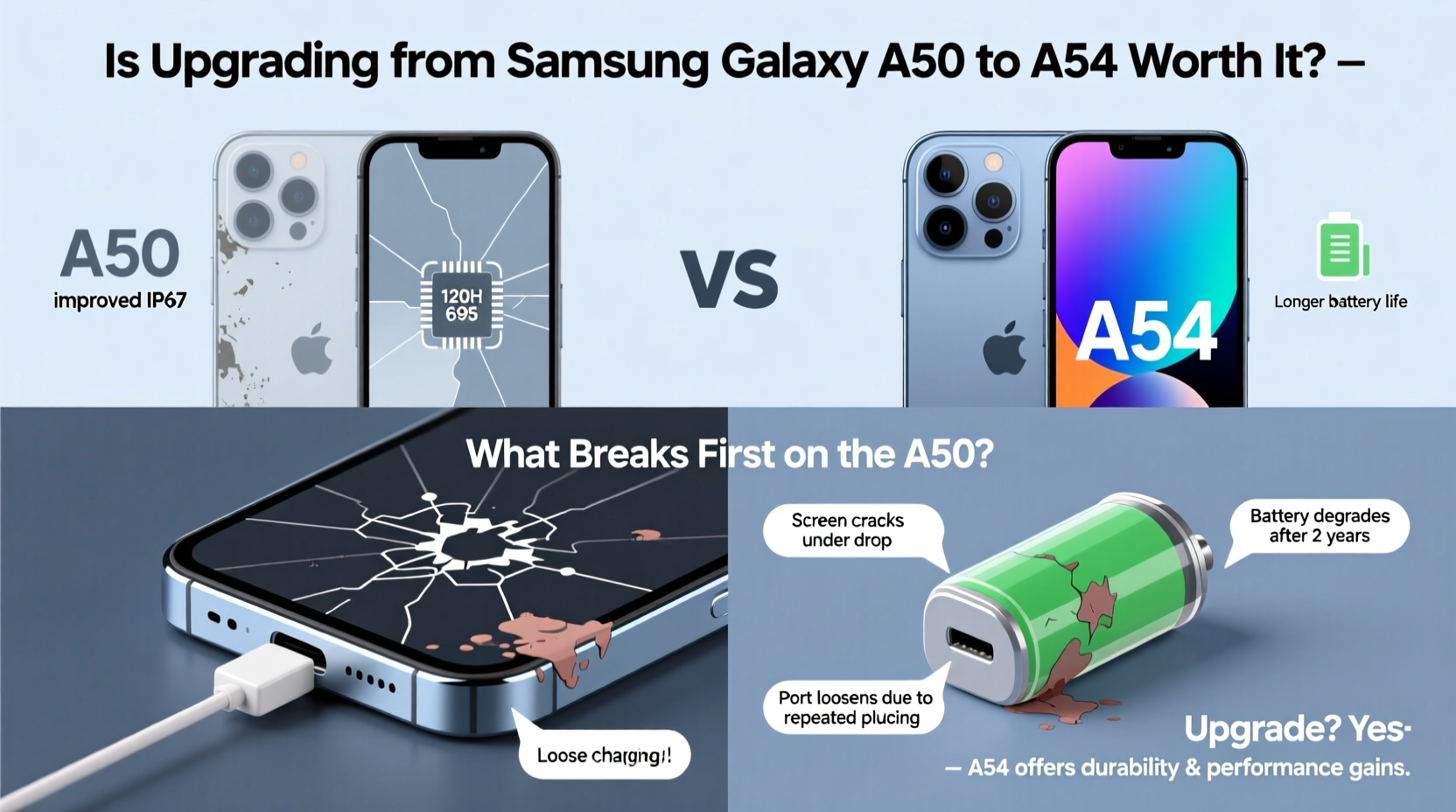
The Galaxy A50, while well-built for its price point, wasn't immune to wear and tear. After years of use, certain components begin to degrade or fail outright. Understanding these weak spots helps determine if your device is nearing end-of-life or can be salvaged.
- Battery degradation: By far the most common issue. The 4000mAh battery loses capacity over time, leading to rapid drain, unexpected shutdowns, and poor charging efficiency.
- Fingerprint sensor malfunctions: The optical under-display fingerprint reader becomes unresponsive or slow, especially after screen replacements or software updates.
- Screen flickering or ghost touch: Users report erratic behavior on the Super AMOLED display, often linked to aging panels or moisture damage.
- Charging port corrosion or looseness: Frequent plugging and unplugging wears down the USB-C port, resulting in intermittent charging.
- Speaker and microphone deterioration: Dust buildup and moisture exposure reduce audio clarity and call quality.
Performance & Software: Why the A54 Is a Meaningful Step Up
The A50 ran on Samsung’s Exynos 9610 chipset with 4GB or 6GB RAM. While capable in 2019, it struggles today with multitasking, app loading, and newer Android versions. In contrast, the A54 uses the Exynos 1380 (or Snapdragon 732G in some regions), offering a 60–70% increase in CPU and GPU performance.
Software support is another critical factor. The A50 received only two major Android updates (up to Android 11) and three years of security patches—now discontinued. The A54, however, ships with Android 13 and is guaranteed four OS upgrades and five years of security updates, keeping it secure and functional through 2028.
“Long-term software support is now as important as hardware when choosing a mid-range phone.” — David Kim, Mobile Analyst at TechPulse Asia
Hardware Comparison: A50 vs A54
| Feature | Samsung A50 | Samsung A54 |
|---|---|---|
| Display | 6.4\" Super AMOLED, 1080p, 60Hz | 6.4\" Super AMOLED, 1080p, 120Hz refresh rate |
| Processor | Exynos 9610 | Exynos 1380 / Snapdragon 732G |
| RAM / Storage | 4/6GB + 64/128GB | 6/8GB + 128/256GB |
| Battery | 4000mAh, 15W charging | 5000mAh, 25W fast charging |
| Cameras | Triple rear: 25MP+8MP+5MP | Triple rear: 50MP+12MP+5MP, OIS on main |
| Water Resistance | None | IP67 rating (dust/water resistant) |
| Software Support | 2 OS + 3 years security (ended) | 4 OS + 5 years security (ongoing) |
The A54’s 120Hz display alone transforms the user experience—smoother scrolling, responsive touch input, and better outdoor visibility. Combined with a larger, longer-lasting battery and faster charging, daily usability improves dramatically.
Real-World Example: Maria’s Upgrade Journey
Maria, a teacher from Manila, used her A50 since 2019. By 2023, she noticed constant lag during video calls, apps crashing randomly, and the battery dying by noon. She replaced the battery once, but within six months, the screen started flickering. Frustrated, she upgraded to the A54.
Her experience changed overnight. Video conferencing became seamless, photos were sharper thanks to the stabilized 50MP camera, and the phone lasted two full days on a charge. “It feels like I went from a bicycle to a scooter,” she said. “Same path, but way less effort.”
Step-by-Step: Should You Upgrade?
Before spending money, assess your current device and needs systematically.
- Evaluate battery health: Does it drop from 60% to 20% in under an hour during light use? If yes, replacement or upgrade is urgent.
- Test core functions: Try unlocking with the fingerprint sensor, charging with multiple cables, and playing a HD video. Note any glitches.
- Check software status: If your phone no longer receives security updates, it’s vulnerable to malware and incompatible with future app versions.
- Compare usage patterns: Are you using productivity apps, streaming, or gaming more than before? The A54 handles these better.
- Calculate repair vs. replacement cost: A new A50 battery costs $30–$50. An A54 starts around $350. If repairs exceed 20% of a new phone’s cost, upgrading is smarter.
What Breaks First? The Verdict on A50 Longevity
Data from repair shops and user forums shows a clear pattern: the battery fails first in over 60% of aging A50 units. Next are the charging port (22%) and fingerprint sensor (15%). Screen issues follow, usually due to micro-cracks or moisture ingress over time.
Unlike flagship models, the A50 lacks IP certification, meaning even minor spills or humidity accelerate internal corrosion. Once water reaches the motherboard, repair costs often exceed the phone’s value.
In contrast, the A54’s IP67 rating means it can survive immersion in 1 meter of water for up to 30 minutes. This single feature drastically reduces failure risk in everyday scenarios—rain, spills, or handwashing accidents.
Upgrade Checklist: Are You Ready for the A54?
- ✅ My A50 battery doesn’t last half a day
- ✅ I’ve experienced screen flickering or touch errors
- ✅ My phone no longer gets security updates
- ✅ I want faster performance for social media, streaming, or multitasking
- ✅ I value water resistance and longer software support
- ✅ I’m willing to invest ~$350 for a 3–4 year device lifespan
If you checked three or more, the A54 is a justified upgrade—not just a luxury, but a long-term investment in reliability.
FAQ
Can I extend my A50’s life instead of upgrading?
Yes, but only temporarily. Replacing the battery and cleaning the charging port may add 6–12 months. However, outdated software and diminishing performance will remain limiting factors.
Is the camera really better on the A54?
Significantly. The A54’s 50MP main sensor with Optical Image Stabilization captures sharper images in low light. The ultrawide lens is also higher resolution, and software processing is far more advanced.
Will my A50 accessories work with the A54?
Most cases and screen protectors won’t fit due to slight design differences. However, chargers, earphones, and wireless peripherals remain compatible.
Final Thoughts: When to Let Go and Move On
The Galaxy A50 served millions well, but technology moves fast. Holding onto a phone past its supported lifespan means accepting slower performance, security risks, and increasing hardware failures. The A54 isn’t just a newer model—it’s a fundamentally more durable, future-proof device with meaningful upgrades in display, battery, camera, and protection.
If your A50 is showing multiple signs of wear, especially battery or charging issues, upgrading isn’t indulgence—it’s practicality. The peace of mind from water resistance, longer software updates, and smoother performance pays for itself in daily convenience.




 浙公网安备
33010002000092号
浙公网安备
33010002000092号 浙B2-20120091-4
Comments
No comments yet. Why don't you start the discussion?