
For years, multi-monitor setups have been praised in professional environments—trading floors, design studios, and programming teams all benefit from expanded screen real estate. But when it comes to gaming, the value of a second monitor isn’t as clear-cut. Some players swear by dual screens for communication, streaming, and multitasking, while others argue that a second display pulls attention away from the game, disrupting immersion and reaction time. The truth lies somewhere in between, shaped by personal preference, setup configuration, and how you use your secondary screen.
This article examines whether adding a second monitor enhances or hinders the gaming experience. We’ll look at cognitive load, practical benefits, potential distractions, and real-world usage patterns to help you decide if a dual-monitor system is right for your gaming style.
The Cognitive Impact of Dual Monitors
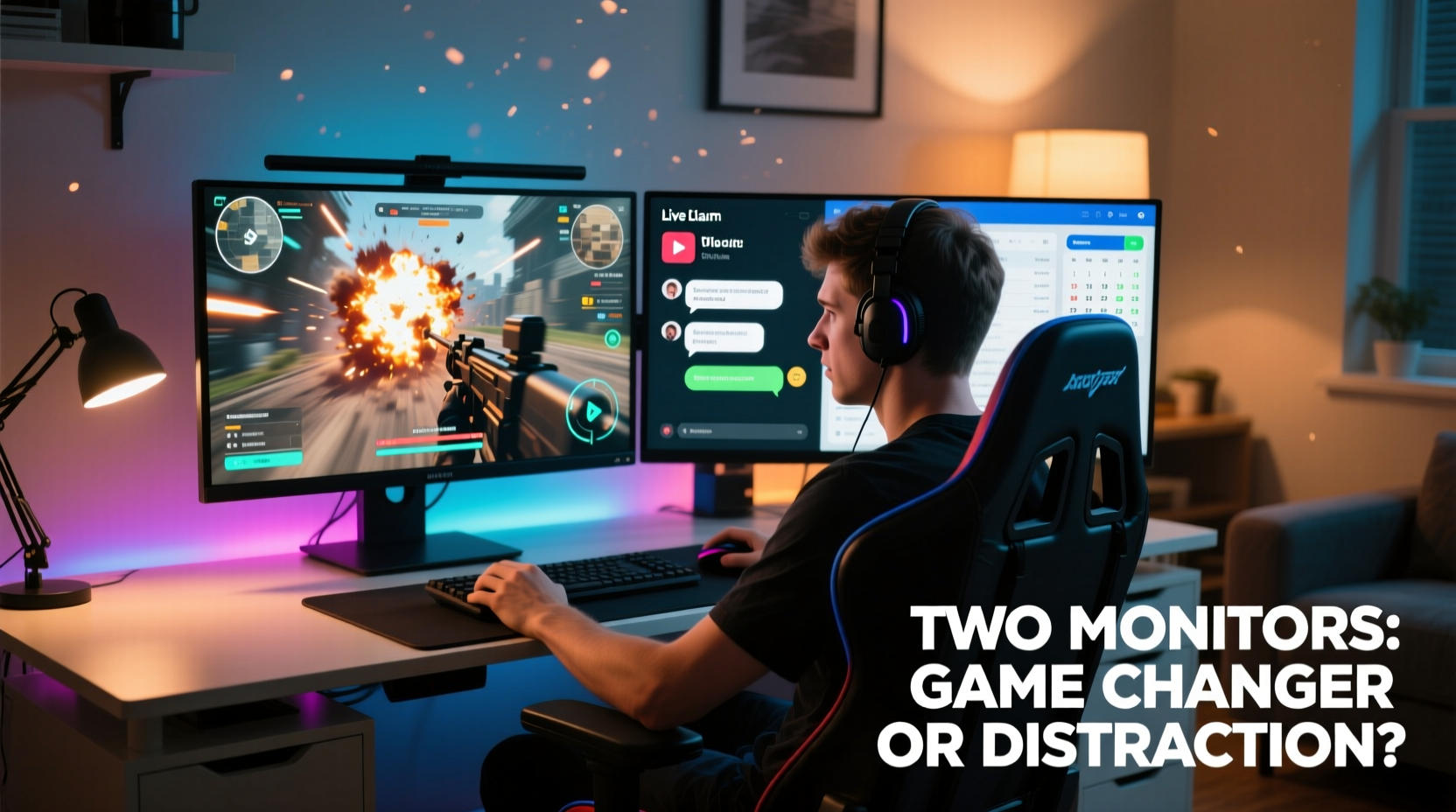
Human attention is finite. When you're engaged in a fast-paced game—whether it’s a competitive shooter like Counter-Strike 2 or an open-world RPG like Elden Ring—your brain processes visual cues, audio signals, and input responses in real time. Adding a second monitor introduces additional stimuli: chat notifications, Discord messages, YouTube videos, or live streams. These can either support gameplay or fragment your focus.
Research in cognitive psychology suggests that multitasking reduces efficiency and increases error rates. A study published in the Journal of Experimental Psychology found that even brief glances at unrelated visual stimuli can disrupt task performance by up to 40%. In gaming, where split-second decisions matter, this could mean missing a crucial headshot or failing to react to an enemy ambush.
However, not all second-screen activity is equal. Passive information—like music controls, system monitoring tools, or ambient lighting dashboards—is less likely to interfere than dynamic content such as social media feeds or video playback. The key factor isn't the number of screens but what appears on them and how often they demand attention.
“Attention is a spotlight—we can only illuminate one area at a time. A second monitor works best when it supports, rather than competes with, your primary focus.” — Dr. Lena Torres, Cognitive Neuroscientist, University of Michigan
Practical Advantages of a Second Monitor
Despite the risks of distraction, many gamers find tangible benefits in using a second monitor. These advantages depend heavily on playstyle, hardware, and software integration.
Multitasking During Downtime
In games with long loading times, strategic pauses, or turn-based mechanics, a second screen becomes a productivity tool. Players can check emails, browse forums, watch walkthroughs, or manage inventory without minimizing the game. This is especially useful in MMOs like Final Fantasy XIV, where downtime between raids or crafting cycles allows for safe context switching.
Streaming and Content Creation
For streamers, a dual-monitor setup is nearly essential. One screen runs the game at full frame rate, while the other hosts OBS (Open Broadcaster Software), chat windows, alerts, and scene controls. Trying to manage overlays, viewer interactions, and audio levels on a single screen leads to constant tabbing and missed engagement opportunities.
Communication and Team Coordination
Competitive multiplayer games often rely on voice and text coordination. Having Discord, Teamspeak, or in-game maps open on a second monitor lets players respond quickly without alt-tabbing. This reduces disruption during intense moments and helps maintain situational awareness.
System Monitoring and Performance Tuning
Gamers who overclock, undervolt, or fine-tune settings benefit from real-time monitoring tools like MSI Afterburner or HWInfo. Displaying FPS counters, GPU temperatures, and CPU usage on a second screen allows for immediate adjustments without leaving the game.
Potential Drawbacks and Distractions
While dual monitors offer utility, they also introduce risks—especially for immersive or high-intensity gaming.
Visual Distraction and Peripheral Awareness
Bright animations, pop-up notifications, or moving cursors on a secondary screen can draw your eyes involuntarily. Even subtle flickers in peripheral vision may break concentration. First-person shooters and racing sims are particularly sensitive to this; losing focus for half a second can mean crashing into a wall or getting flanked by an opponent.
Reduced Immersion
Single-monitor setups create a contained environment, helping players feel “inside” the game world. A second monitor displaying desktop icons, browser tabs, or unrelated apps shatters that illusion. Role-playing games and narrative-driven experiences suffer most when reality intrudes via a cluttered secondary display.
Space and Ergonomics
Dual monitors require more desk space and careful alignment. Poor positioning—such as uneven heights or excessive angles—can cause neck strain over long sessions. Gamers should invest in adjustable arms or stands to ensure both screens sit at eye level and form a continuous visual plane.
Performance Trade-offs
Running multiple displays increases GPU workload, especially if both are high-resolution. While modern graphics cards handle dual 1080p or even 1440p monitors with ease, enabling features like G-Sync or FreeSync across both screens can introduce micro-stutters or input lag if not configured properly.
Do’s and Don’ts: Dual-Monitor Gaming Checklist
- Do position the secondary monitor slightly behind and to the side of the main screen to minimize peripheral interference.
- Do use dark themes and minimal widgets on the second screen to reduce visual noise.
- Do disable notifications from email, social media, and non-essential apps during gameplay.
- Do assign specific functions (chat, music, monitoring) to the second monitor and stick to them.
- Don’t run videos, livestreams, or animated content on the secondary screen unless absolutely necessary.
- Don’t place the second monitor directly adjacent to the primary if playing fast-paced competitive titles.
- Don’t overload the secondary screen with too many open applications.
Comparison Table: Single vs. Dual Monitor for Different Game Genres
| Game Genre | Best Setup | Why |
|---|---|---|
| FPS (e.g., Valorant, Apex Legends) | Single Monitor | Maximizes focus and minimizes distractions; split-second reactions are critical. |
| MMO (e.g., World of Warcraft) | Dual Monitor | Useful for managing UI elements, add-ons, chat, and guides during downtime. |
| Strategy (e.g., StarCraft II) | Dual Monitor | Second screen ideal for resource tracking, replays, or build order references. |
| Racing Sim (e.g., Assetto Corsa) | Single or Dual (with caution) | Peripheral distractions can affect steering precision; some use second screen for dash telemetry. |
| Streaming Setup | Dual Monitor (required) | Necessary for managing stream software, chat, and alerts without interrupting gameplay. |
| Single-Player Story Games (e.g., The Last of Us Part I) | Single Monitor | Immersion is key; external visuals detract from narrative engagement. |
Real-World Example: A Competitive Streamer’s Workflow
Take Alex Rivera, a semi-professional Overwatch 2 player and Twitch streamer with 15,000 followers. Alex uses a dual-monitor setup: a 24-inch 240Hz IPS panel for gameplay and a 27-inch 1440p monitor angled 30 degrees to the right for OBS, Discord, and chat moderation.
During matches, he keeps his gaze locked on the primary screen. The secondary display runs in dark mode with only essential windows visible—no browsers, no email clients. He uses voice commands via Streamlabs to trigger alerts and transitions, minimizing mouse movement. After each match, during the lobby screen, he checks viewer messages and responds briefly before queueing again.
“I tried going single monitor for a week,” Alex explains. “It saved me from distractions, sure—but I missed so many chat interactions, and setting up scenes took forever. Now I treat my second monitor like a cockpit instrument panel: only mission-critical data goes there.”
His approach highlights a balanced philosophy: leverage the second screen as a tool, not a playground.
Optimizing Your Dual-Monitor Setup: Step-by-Step Guide
- Choose the Right Monitors: Match refresh rates and response times where possible. Ideally, both should support adaptive sync (G-Sync/FreeSync).
- Position Strategically: Place the primary monitor centered, at eye level. Angle the secondary monitor slightly away to reduce peripheral visibility.
- Configure Display Settings: Set the game to run on the primary monitor in borderless fullscreen mode. Disable unnecessary animations in Windows settings.
- Assign Roles: Dedicate the second screen to one or two functions—Discord, music, monitoring, or streaming tools.
- Minimize Visual Noise: Use dark wallpapers, hide desktop icons, and close unused apps. Consider tools like F.lux or Night Shift to reduce blue light emission.
- Test and Adjust: Play a few sessions and note when you glance away. If you catch yourself looking at the second screen during gameplay, reevaluate its content.
Frequently Asked Questions
Can a second monitor lower my FPS?
Generally, no—not significantly. Modern GPUs handle dual displays efficiently. However, running GPU-intensive applications (like video editing or 3D rendering) on the second screen while gaming can impact performance. For optimal results, reserve the second monitor for lightweight tasks.
Should I turn off my second monitor while gaming?
If you’re playing competitively or want maximum immersion, yes. Turning off the secondary display eliminates distractions and reduces power consumption. You can do this quickly via Win + P and selecting \"PC screen only.\"
Is ultrawide better than dual monitors for gaming?
An ultrawide monitor (e.g., 21:9 aspect ratio) offers a seamless panoramic view and avoids bezel interruptions, making it ideal for immersive single-player games. However, it doesn’t provide the same multitasking flexibility as dual monitors. For pure gaming, ultrawide wins; for mixed productivity and gaming, dual screens are more versatile.
Conclusion: Balance Is Key
Using two monitors for gaming isn’t inherently better or worse—it depends on how you use them. For casual players, content creators, and MMO enthusiasts, a second screen adds convenience and functionality. For competitive FPS players and story-driven gamers, it often introduces more distractions than benefits.
The most effective setups prioritize intentionality. Every pixel on the secondary monitor should serve a purpose. If it doesn’t enhance your gameplay, streamline your workflow, or support your streaming goals, it’s probably pulling you away from what matters.




 浙公网安备
33010002000092号
浙公网安备
33010002000092号 浙B2-20120091-4
Comments
No comments yet. Why don't you start the discussion?