
In homes across the world, millions of people speak to their devices every day. “Play music,” “Turn off the lights,” “What’s the weather?”—simple commands made possible by voice assistants like Amazon Alexa, Google Assistant, and Apple Siri. These tools offer convenience, speed, and hands-free control over smart environments. But behind the seamless interaction lies a complex system of data collection, processing, and storage. As voice technology becomes embedded in daily life, a growing number of users are asking: Is voice assistant privacy a real concern? And more importantly, what data is actually being recorded?
The short answer is yes—privacy concerns around voice assistants are not only valid but increasingly substantiated by evidence, policy changes, and user experiences. While companies emphasize security and anonymization, the reality is that these systems rely on collecting vast amounts of audio and behavioral data to function effectively. Understanding exactly what happens when you say “Hey Siri” or “Alexa” is essential for making informed decisions about your digital footprint.
How Voice Assistants Work: The Basics
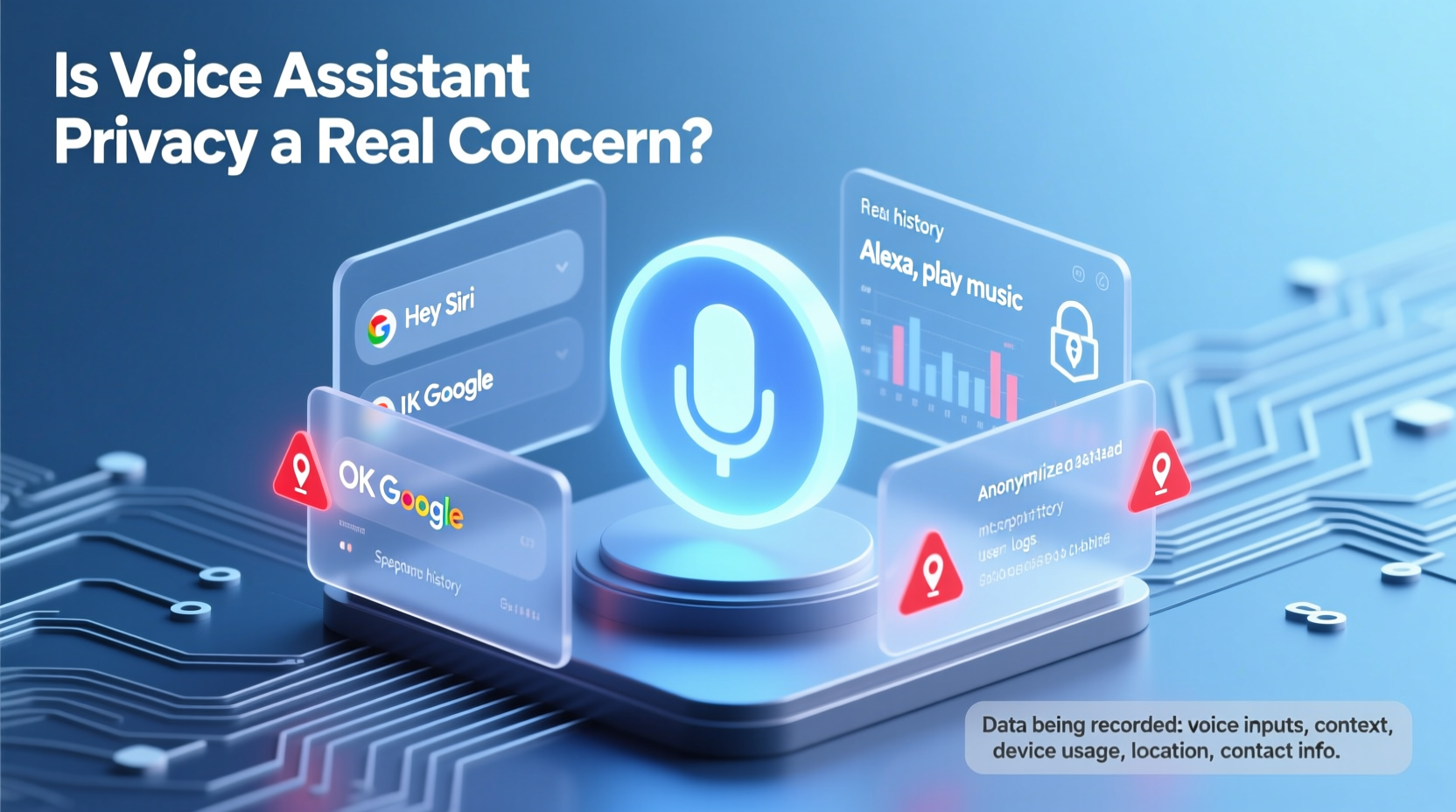
Voice assistants operate through a multi-step process that begins with wake-word detection and ends with a response. When you activate a device using a trigger phrase—such as “Okay Google” or “Hey Alexa”—the device begins recording and sends the audio snippet to cloud-based servers for processing. This allows the assistant to interpret your request, search for relevant information, and deliver a spoken reply.
The process involves several key stages:
- Wake-word detection: Devices use on-device algorithms to listen continuously for the activation phrase without sending audio to the cloud.
- Audio capture: Once triggered, the device records a few seconds before and after the command.
- Cloud processing: The audio is encrypted and transmitted to remote servers where natural language processing (NLP) interprets the request.
- Data retention: Recordings may be stored temporarily or indefinitely, depending on platform settings and user consent.
- Response generation: The assistant formulates an answer and speaks it back via the device.
While this system enables rapid responsiveness, it also creates a pipeline for personal data to leave your home and enter corporate databases. The critical issue isn’t just that recordings are made—it’s how long they’re kept, who has access, and whether users have meaningful control over them.
What Data Is Actually Being Recorded?
Many users assume voice assistants only record audio after hearing the wake word. However, research and internal disclosures have shown that unintended activations—and even accidental recordings—are more common than previously acknowledged.
Here’s a breakdown of the types of data collected by major voice platforms:
| Platform | Audio Recordings | Transcripts | Device Metadata | Location & Usage Patterns |
|---|---|---|---|---|
| Amazon Alexa | Yes – stored unless deleted | Yes – used for training | Device ID, IP address, connected apps | Yes – tied to account activity |
| Google Assistant | Yes – saved if \"Web & App Activity\" is on | Yes – transcribed automatically | IMEI, MAC address, sensor data | Yes – includes location history |
| Apple Siri | Limited – anonymized and disassociated after 6 months | Yes – stored temporarily | Random identifier, not linked to Apple ID | Minimal – opt-in only |
A 2019 investigation by Bloomberg revealed that contractors at major tech firms regularly listened to anonymized voice clips to improve accuracy. While Apple paused this program after public backlash, both Amazon and Google resumed human review with clearer opt-out options. Still, default settings often leave users unknowingly enrolled in data-sharing programs.
In addition to audio, voice assistants collect metadata such as timestamps, device models, network information, and interaction frequency. Over time, this builds a behavioral profile that can infer habits, relationships, health conditions, and even emotional states based on tone and speech patterns.
Real Incidents That Raised Privacy Red Flags
Theoretical risks become tangible when real-world incidents occur. Several high-profile cases have demonstrated that voice assistant privacy breaches are not hypothetical—they’ve already happened.
Case Study: Unintended Recording and Sharing
In 2018, an Oregon couple discovered that Alexa had recorded a private conversation and sent it to a random contact in their address book. The sequence of events was unusual but revealing: Alexa misinterpreted background noise as a series of commands—“Send message”—followed by a name and message content. With no confirmation step required, the audio clip was transmitted.
Amazon called the incident a “very rare occurrence” and updated its software to require verbal confirmation before sending voice messages. But the case highlighted two vulnerabilities: first, the lack of granular permission controls; second, the potential for false triggers to lead to serious privacy violations.
Another Example: Law Enforcement Access
In a murder investigation in Arkansas, police requested data from an Amazon Echo device found at the crime scene. Although Amazon initially resisted, citing First Amendment protections, the defendant eventually provided consent, allowing access to voice logs. This set a precedent: voice assistant data can be subpoenaed and used in legal proceedings.
Such cases raise ethical questions. If your device records a dispute, medical emergency, or intimate moment—even inadvertently—that data could later be accessed by third parties, including insurers, employers, or law enforcement agencies, especially if stored in the cloud.
“We’re entering an era where ambient computing listens constantly. Without strong defaults and transparency, user trust will erode.” — Dr. Sarah Thompson, Digital Ethics Researcher at MIT
How to Protect Your Voice Assistant Privacy
You don’t need to abandon voice assistants entirely to protect your privacy. Instead, take proactive steps to minimize exposure while retaining functionality. Here’s a practical checklist to reduce risk:
Privacy Protection Checklist
- ✅ Review and delete voice history regularly in your account settings.
- ✅ Turn off voice recording storage (e.g., disable “Store Audio Recordings” on Alexa).
- ✅ Use the mute button when sensitive conversations are expected.
- ✅ Opt out of human review programs for quality assurance.
- ✅ Limit linked accounts and permissions (e.g., avoid connecting banking apps).
- ✅ Set up voice profiles only for necessary users.
- ✅ Regularly audit device access in your Google, Amazon, or Apple account.
- ✅ Consider using local-only processing modes when available (e.g., Siri’s on-device processing).
For example, Apple has taken a stronger stance on privacy by processing many Siri requests directly on the iPhone or HomePod, reducing reliance on cloud transmission. Similarly, newer versions of Google Assistant allow “on-device” commands for basic functions like setting alarms or controlling lights—keeping data within your home network.
Step-by-Step: Securing Your Voice Assistant Settings
Taking control starts with adjusting your settings. Follow this timeline to lock down your voice assistant privacy in under 15 minutes:
- Step 1: Access your account dashboard
Go to amazon.com/alexadevices, myactivity.google.com, or appleid.apple.com. - Step 2: Navigate to voice & audio settings
Find sections labeled “Voice & Audio,” “Activity Controls,” or “Siri & Dictation History.” - Step 3: Delete existing recordings
Use bulk delete options to erase past voice interactions. On Google, click “Delete activity by” and select “Assistant.” On Amazon, go to “Review Voice History” and delete all entries. - Step 4: Disable future storage
Toggle off “Save Audio Recordings” (Alexa) or pause “Web & App Activity” (Google). For Apple, turn off “Improve Siri & Dictation” if you prefer not to contribute data. - Step 5: Opt out of human review
In Alexa settings, disable “Help Improve Alexa’s Responses.” In Google settings, uncheck “Include audio snippets in crash reports.” - Step 6: Enable auto-delete
Set your account to automatically erase voice data every 3 or 18 months—a middle ground between usability and privacy. - Step 7: Test with mute
Physically mute your device during private discussions. The red indicator light confirms the microphone is off.
This routine should be repeated quarterly, especially after new family members use the device or after firmware updates that may reset preferences.
Frequently Asked Questions
Do voice assistants record everything I say?
No, they do not record continuously. However, they are always listening for the wake word. False triggers can cause unintended recordings. Once activated, the device captures a short audio clip before and after your command. These clips may be stored unless disabled in settings.
Can hackers access my voice assistant?
Potentially, yes. If your account is compromised through weak passwords or phishing attacks, someone could gain access to your voice history, linked smart devices, and personal routines. Always enable two-factor authentication and use strong, unique passwords.
Are voice recordings sold to advertisers?
Major companies claim they do not sell voice data to third parties for advertising. However, aggregated and anonymized data may be used internally to train AI models or improve services. Google and Amazon use broader profile data (search history, app usage) for ad targeting, which can include insights derived from voice interactions.
Conclusion: Balancing Convenience and Control
Voice assistants are here to stay, offering genuine benefits in accessibility, productivity, and home automation. But their convenience comes at a cost: increased surveillance, data aggregation, and reduced auditory privacy. The question isn’t whether these systems collect data—because they do—but whether users are aware, in control, and able to make informed choices.
Privacy doesn’t mean rejecting technology. It means engaging with it critically. By understanding what’s recorded, reviewing your settings regularly, and applying best practices, you can enjoy the advantages of voice assistants without surrendering your right to confidentiality.




 浙公网安备
33010002000092号
浙公网安备
33010002000092号 浙B2-20120091-4
Comments
No comments yet. Why don't you start the discussion?