
In the age of smartphones and AI-driven assistants, voice typing has become a standard feature across Android and iOS platforms. With tools like Google Voice Typing, Apple Dictation, and third-party apps such as Otter.ai and Dragon Anywhere, users can speak their thoughts and have them instantly transcribed into text. But does this technology deliver consistent accuracy under real-world conditions? And more importantly, can it truly replace the reliability and precision of traditional manual note-taking on mobile devices?
The answer isn't a simple yes or no. It depends on context, environment, user habits, and expectations. While voice typing offers undeniable speed and convenience, especially in fast-paced situations, its effectiveness varies significantly based on several factors. This article examines the current state of voice-to-text technology, evaluates its accuracy, compares it with manual input, and provides practical guidance for those considering a shift from fingers to voice.
How Voice Typing Works: The Technology Behind the Scenes
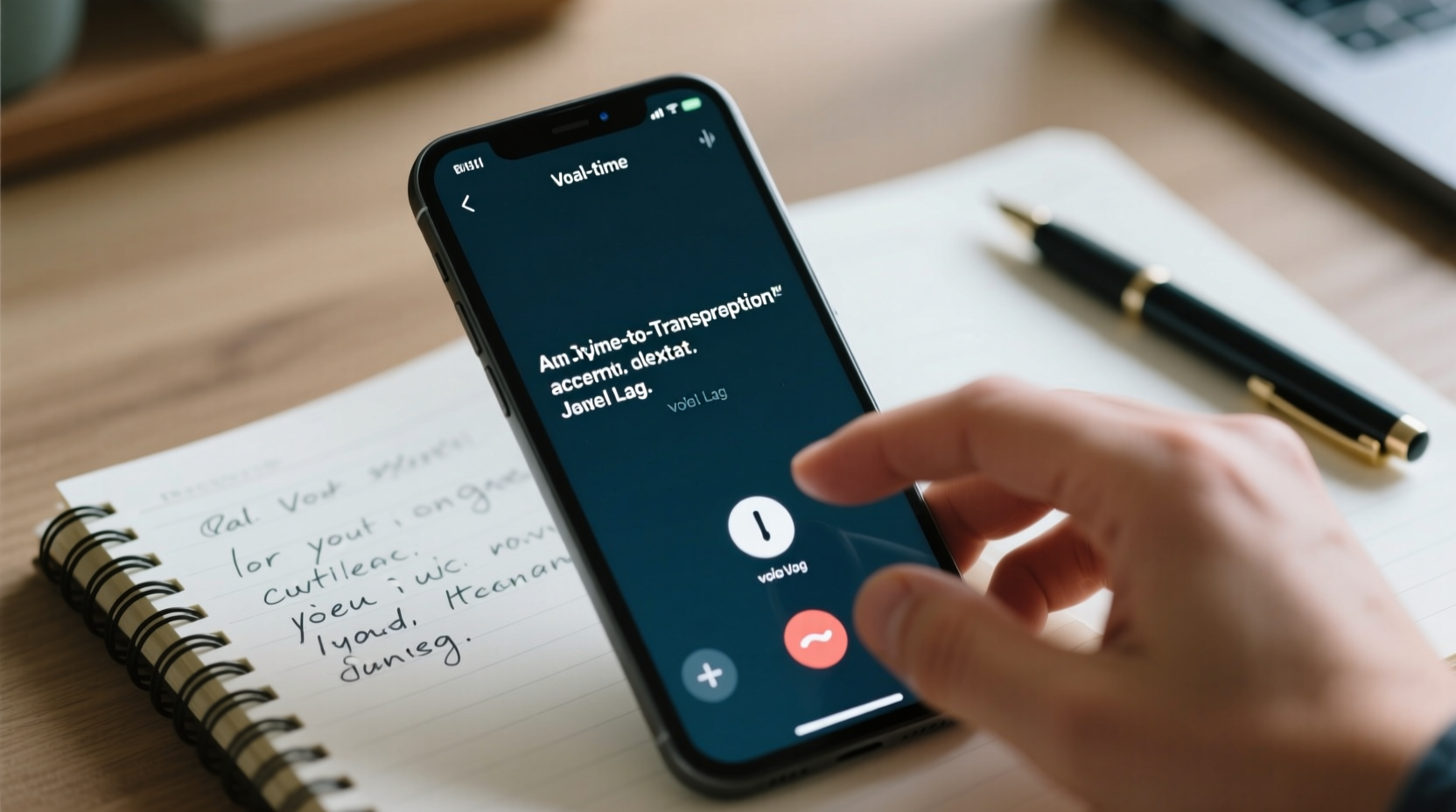
Voice typing relies on automatic speech recognition (ASR), a branch of artificial intelligence that converts spoken language into written text. Modern ASR systems use deep learning models trained on vast datasets of human speech, enabling them to recognize accents, handle background noise, and adapt to individual speaking patterns over time.
When you press the microphone icon on your phone’s keyboard, your device captures your voice, processes the audio locally or sends it to a cloud server (depending on privacy settings), and returns transcribed text almost instantly. Major platforms like Google and Apple continuously improve their models using anonymized data, which helps refine accuracy for common phrases, punctuation prediction, and contextual understanding.
Despite these advancements, challenges remain. Homophones (\"there,\" \"their,\" \"they're\"), fast speech, overlapping words, and ambient noise can still trip up even the most advanced systems. Additionally, technical jargon, proper nouns, or multilingual inputs may not be recognized correctly without prior training or correction history.
“Speech recognition today is remarkably good—often exceeding 95% accuracy in ideal conditions—but it’s not infallible. Context matters as much as clarity.” — Dr. Lena Torres, Computational Linguist at MIT Media Lab
Accuracy in Real-World Scenarios: When It Works—and When It Doesn’t
To assess whether voice typing can replace manual note-taking, we need to look beyond lab results and examine how it performs in everyday environments. A 2023 study by Stanford University compared transcription accuracy across six popular voice typing platforms in five different settings: quiet indoor spaces, public transit, office environments, outdoor sidewalks, and crowded cafes.
The findings revealed a clear pattern: accuracy ranged from 97% in quiet rooms to as low as 76% in noisy public areas. Errors included misheard words, incorrect punctuation, and missed phrases due to interruptions. In professional or academic contexts where precision is critical—such as recording medical symptoms, legal statements, or lecture details—even a 4% error rate can lead to serious misunderstandings.
Common Accuracy Challenges
- Background noise: Traffic, chatter, or music can distort speech signals.
- Accents and dialects: Non-standard pronunciations may not be recognized accurately.
- Fast speech: Speaking too quickly increases word blending and omission risks.
- Proper nouns: Names, brands, and technical terms often require manual correction.
- Punctuation confusion: Commands like “period” or “comma” are sometimes ignored or misinterpreted.
Comparing Voice vs. Manual Note-Taking: A Practical Breakdown
To determine if voice typing is ready to supplant manual input, let’s compare both methods across key performance indicators relevant to mobile users.
| Factor | Voice Typing | Manual Typing |
|---|---|---|
| Speed | Up to 120–150 words per minute | Average 30–50 words per minute |
| Initial Accuracy | High in quiet settings (~95%), drops in noise | Nearly 100% when typed carefully |
| Error Correction Time | Often high—requires re-listening and editing | Low—mistakes are immediately visible |
| Privacy | Limited—requires speaking aloud | High—silent and discreet |
| Situational Flexibility | Poor in public or shared spaces | Works anywhere, anytime |
| Cognitive Load | Lower—focuses on speaking naturally | Higher—requires motor coordination and spelling awareness |
While voice typing wins in raw speed, manual input remains superior in accuracy and discretion. For example, trying to dictate sensitive information in a meeting or while commuting is impractical. Conversely, manually typing a long journal entry or brainstorming session can be physically taxing and time-consuming.
Who Benefits Most from Voice Typing?
Not all users benefit equally. Voice typing shines for individuals with:
- Physical limitations affecting hand mobility
- Dyslexia or other learning differences impacting writing fluency
- High-volume documentation needs (e.g., journalists, researchers)
- Hands-busy lifestyles (e.g., chefs, healthcare workers, drivers)
For these groups, voice typing isn’t just convenient—it’s empowering.
Mini Case Study: A Medical Resident’s Experience with Voice Notes
Dr. Amira Chen, a third-year internal medicine resident in Toronto, began using voice typing during her clinical rotations to document patient interactions quickly. She used her iPhone’s built-in dictation tool to record brief summaries after each bedside visit.
Initially, she found the system efficient—she could capture notes in half the time it took to type. However, she soon noticed recurring issues: medication names were frequently misspelled (“metformin” became “midformin”), and background conversations in hallways caused garbled transcriptions. On one occasion, a dictated note incorrectly recorded a patient’s allergy status due to a homophone error (“no known allergies” misheard as “known allergic reactions”).
After nearly submitting an erroneous report, Dr. Chen implemented safeguards: she now reviews every voice-generated note within 10 minutes, uses headphones with a built-in mic for clearer audio, and avoids dictating in high-traffic zones. She also supplements voice entries with short typed keywords for critical data points.
“Voice typing saves me hours per week,” she says, “but I treat it as a first draft, not a final product. It’s a tool, not a replacement.”
Step-by-Step Guide to Optimizing Voice Typing for Reliable Notes
If you’re considering integrating voice typing into your workflow, follow this proven sequence to maximize accuracy and minimize frustration:
- Choose the right environment: Find a quiet space free from distractions and background noise.
- Use a quality microphone: Built-in phone mics work well, but wired earbuds or Bluetooth headsets often provide clearer audio.
- Speak slowly and clearly: Enunciate words without exaggerating. Pause slightly between sentences.
- Train the system: Correct errors consistently so the AI learns your voice and vocabulary.
- Dictate punctuation: Say “period,” “comma,” “new line,” or “question mark” to format properly.
- Review immediately: Always proofread your transcription before saving or sharing.
- Edit strategically: Use manual typing to fix names, numbers, and technical terms.
- Backup important notes: Export or sync voice-generated text to cloud storage for safekeeping.
Checklist: Can You Rely on Voice Typing Today?
Before replacing manual note-taking entirely, ask yourself the following:
- ✅ Do I typically take notes in quiet, private environments?
- ✅ Am I willing to review and edit transcriptions promptly?
- ✅ Do I need absolute accuracy for sensitive or technical content?
- ✅ Am I comfortable speaking my thoughts aloud around others?
- ✅ Have I tested voice typing across multiple scenarios (e.g., walking, indoors, outdoors)?
- ✅ Does my device support offline dictation for privacy and reliability?
If you answered “no” to two or more of these, manual typing—or a hybrid approach—may still be your best bet.
Frequently Asked Questions
Can voice typing handle multiple languages?
Yes, many modern platforms support bilingual dictation. Google’s Gboard, for instance, allows switching between languages mid-sentence with high accuracy. However, code-switching (mixing languages) can confuse the model unless explicitly trained. For best results, set your preferred language before starting.
Does voice typing work offline?
Some platforms do. Android supports offline voice typing for major languages through Google’s on-device speech model. iPhones also offer limited offline dictation, though features are reduced compared to online mode. Offline use enhances privacy and works without internet, but accuracy may dip slightly.
Are my voice recordings stored or shared?
It depends on the service. Google and Apple state that voice data used for dictation is anonymized and not linked to your identity unless you opt into improving their models. However, if you use third-party apps like Otter or Rev, check their privacy policies. For maximum security, disable voice history and use offline-only modes when possible.
Conclusion: A Powerful Tool, But Not a Full Replacement—Yet
Voice typing has made remarkable progress and offers compelling advantages in speed and accessibility. For many users, especially those with physical or cognitive challenges, it’s already an essential part of daily productivity. In optimal conditions, its accuracy rivals that of skilled typists, making it ideal for drafting emails, journaling, or capturing quick ideas.
However, it is not yet reliable enough to fully replace manual note-taking on mobile devices—particularly in dynamic, noisy, or high-stakes environments. Errors in transcription, lack of discretion, and dependency on external factors like internet connectivity limit its universality. The smartest approach is integration: use voice typing to generate first drafts quickly, then refine with manual input for precision.
As AI continues to evolve, we can expect even greater accuracy, better contextual understanding, and seamless multilingual support. Until then, the most effective note-takers will be those who know when to speak and when to type.




 浙公网安备
33010002000092号
浙公网安备
33010002000092号 浙B2-20120091-4
Comments
No comments yet. Why don't you start the discussion?