
For decades, the keyboard has been the dominant method of digital text entry. But with rapid advancements in artificial intelligence and natural language processing, voice typing—also known as speech-to-text or dictation—is emerging as a serious contender. Today’s virtual assistants like Siri, Google Assistant, and Alexa can transcribe spoken words with surprising fluency. Voice-enabled tools such as Dragon NaturallySpeaking, Google Docs Voice Typing, and Apple’s Dictation have become more accessible than ever. But does that mean they’re as accurate as typing?
The short answer: in many cases, yes—modern voice typing can match or even surpass human typing accuracy under optimal conditions. However, context matters. Accuracy depends on factors like environment, speaker clarity, software quality, and language complexity. To understand whether voice typing is truly ready to replace the keyboard for everyday use, we need to examine the data, user experiences, and technological realities behind both methods.
Accuracy Comparison: Voice vs. Keyboard
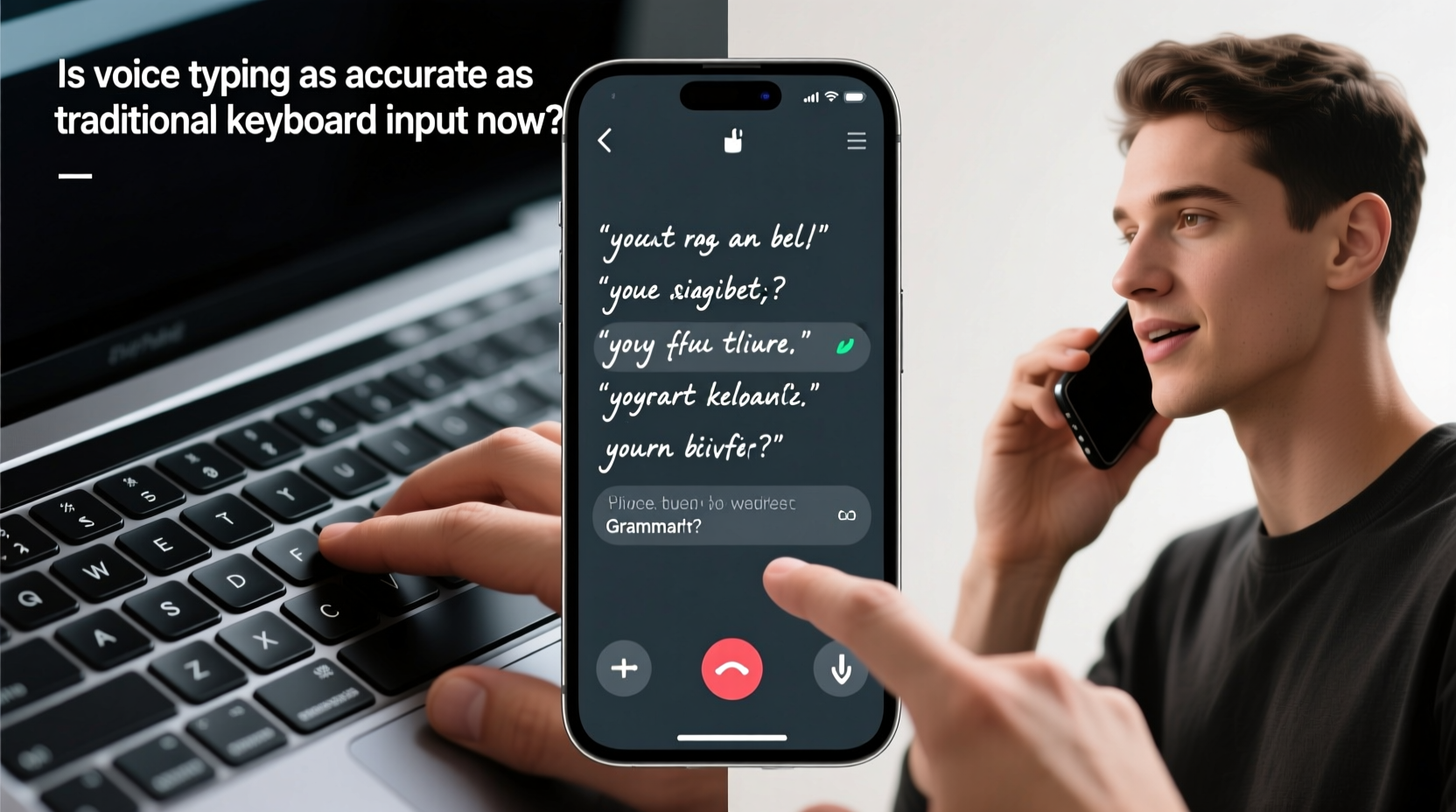
One of the most comprehensive studies on this topic was conducted by researchers at Stanford University in collaboration with Google and UC Berkeley. In 2016, they tested professional typists against voice recognition systems using mobile devices. The results were striking: voice typing was **three times faster** than typing, with an error rate only slightly higher—around 2% for speech versus 1.3% for skilled typists.
Since then, AI models like Google’s RNN-T (Recurrent Neural Network Transducer) and OpenAI’s Whisper have dramatically improved transcription accuracy. In controlled environments, leading voice recognition systems now achieve word error rates below 5%, and sometimes as low as 2.5%—comparable to human transcriptionists.
Typing accuracy, on the other hand, varies widely. Average users type around 40 words per minute (WPM) with an error rate of about 2%. Professional typists may reach 75–100 WPM with near-perfect accuracy. But even skilled typists make mistakes—especially when fatigued or distracted.
When Voice Typing Excels—and When It Doesn’t
Voice typing performs exceptionally well in scenarios involving long-form content creation, such as drafting emails, writing reports, or journaling. It reduces physical strain and allows for faster idea flow, particularly for users who think aloud or struggle with manual dexterity.
However, it falters in several key areas:
- Noise-sensitive environments: Open offices, public transit, or busy cafes degrade voice recognition performance.
- Technical or niche vocabulary: Medical terms, programming syntax, or foreign names often require correction unless custom vocabularies are trained.
- Editing precision: Navigating text with voice commands (“delete previous sentence,” “move cursor to end”) remains clunky compared to mouse and keyboard shortcuts.
- Privacy concerns: Speaking sensitive information aloud isn’t always appropriate or secure.
In contrast, keyboards offer silent, precise control over text placement, formatting, and editing. They’re better suited for coding, data entry, and multitasking across applications.
“Speech recognition has reached a tipping point where it's not just functional—it's often faster and more natural than typing for narrative content.” — Dr. James Landay, Professor of Human-Computer Interaction, Stanford University
Real-World Example: A Writer’s Workflow Transformation
Consider Sarah Lin, a freelance journalist based in Portland. After developing repetitive strain injury (RSI) from years of heavy typing, she transitioned to voice-first writing using Dragon Professional and Google Docs Voice Typing. Initially skeptical, she found her first drafts could be completed in half the time.
“I used to spend 90 minutes writing a 1,000-word article. Now, I dictate it in 30 minutes,” she says. “The real win is mental flow—I’m not breaking rhythm to correct typos or move my hands.”
But challenges remain. She still edits manually because voice navigation feels slow. Homophones like “their” and “there” require extra attention, and technical terms often get mangled. Still, she estimates a net productivity gain of 40% and reports less shoulder and wrist pain.
Sarah’s experience reflects a growing trend: voice typing isn’t replacing keyboards, but complementing them in hybrid workflows.
Performance Breakdown: Speed, Accuracy, and Usability
| Metric | Voice Typing (Modern Systems) | Typical Keyboard Typing | Professional Typing |
|---|---|---|---|
| Average Speed (WPM) | 120–150 | 40 | 75–100 |
| Error Rate | 2–5% | 2–3% | 1–1.5% |
| Editing Efficiency | Low (voice navigation limited) | High (mouse + keyboard) | Very High |
| Ergonomic Impact | Low (reduces hand strain) | Medium (risk of RSI) | High (with prolonged use) |
| Environment Flexibility | Poor (noise-sensitive) | High (silent operation) | High |
The table illustrates a critical trade-off: voice typing wins on speed and ergonomics but lags in editing and environmental adaptability. For users prioritizing output volume and physical comfort, voice is increasingly viable. For those needing precision and control, the keyboard remains unmatched.
Optimizing Voice Typing Accuracy: A Step-by-Step Guide
If you're considering integrating voice typing into your workflow, follow these steps to maximize accuracy and efficiency:
- Choose the right tool: Use high-quality software like Dragon Professional, Google’s Voice Typing (in Chrome), or Apple Dictation. Free tools work well for basic tasks; paid versions offer better accuracy and customization.
- Train the system (if possible): Some platforms allow voice profile training. Read sample texts to help the AI adapt to your accent, tone, and speech patterns.
- Use a good microphone: Built-in laptop mics work, but external USB microphones reduce background noise and improve clarity.
- Speak clearly and at a steady pace: Avoid rushing or mumbling. Pause slightly between sentences. Enunciate punctuation: say “period,” “comma,” or “new paragraph.”
- Dictate in quiet environments: Background noise confuses AI models. Use voice typing in private spaces whenever possible.
- Edit manually: Always review transcribed text. Voice tools rarely catch all homophones or contextual errors.
- Customize vocabulary: Add industry-specific terms, names, or acronyms to your speech profile to reduce misinterpretations.
Common Myths About Voice Typing Accuracy
Despite progress, misconceptions persist:
- Myth: Voice typing is too error-prone for professional use.
Reality: Modern systems achieve near-human accuracy, especially after training and in ideal conditions. - Myth: Accents and dialects aren’t supported well.
Reality: Leading platforms now support multiple English variants (US, UK, Australian, Indian) and dozens of global languages with strong accuracy. - Myth: You need perfect diction to use voice typing.
Reality: AI models are robust to natural speech variations, including filler words and slight stutters—though clarity still helps.
Checklist: Is Voice Typing Right for You?
Before switching to voice-first input, ask yourself the following:
- ✅ Do I create a lot of long-form text (emails, articles, notes)?
- ✅ Am I in a position where speaking aloud is acceptable?
- ✅ Do I experience discomfort or fatigue from typing?
- ✅ Am I willing to invest time in learning voice commands?
- ✅ Do I have access to a quiet workspace or noise-canceling mic?
- ✅ Am I comfortable reviewing and editing transcribed content?
If you answered “yes” to most of these, voice typing could significantly boost your productivity.
Frequently Asked Questions
Can voice typing replace typing entirely?
Not yet. While voice excels at drafting, keyboards remain superior for editing, coding, and navigating complex interfaces. Most users benefit from a hybrid approach—dictating first, then refining with the keyboard.
How accurate is free voice typing software?
Free tools like Google Docs Voice Typing and Apple Dictation now reach 95%+ accuracy in ideal conditions. That’s sufficient for casual use and rough drafts, though specialized or noisy environments may require premium tools.
Does voice typing work with non-native English speakers?
Yes, but accuracy depends on clarity and accent familiarity. Modern systems handle diverse accents well, but training the model or using clear enunciation improves results. Some platforms allow accent-specific models for better performance.
The Future of Text Input
We’re moving toward a future where input methods blend seamlessly. Imagine starting a document by voice, editing via gesture controls, and finalizing with keystrokes—all within a single session. Multimodal interfaces will let users switch between input types fluidly, choosing the best tool for each task.
Advances in on-device AI processing are also improving privacy and responsiveness. Instead of sending audio to cloud servers, newer systems process speech locally—reducing latency and protecting sensitive data.
Meanwhile, research continues into contextual understanding. Future systems may infer intent beyond words: detecting sarcasm, emotional tone, or implied corrections. This could close the gap between raw transcription and intelligent writing assistance.
“The goal isn’t to mimic typing—it’s to create a more natural, intuitive way to interact with machines.” — Fei-Fei Li, Co-Director, Stanford Human-Centered AI Institute
Conclusion
Voice typing has evolved from a novelty to a credible alternative to traditional keyboard input. In terms of raw speed and initial draft accuracy, it often outperforms human typing—especially for narrative content. However, it doesn’t yet match the precision, discretion, and editing agility of a keyboard.
The real power lies in integration. Rather than asking whether voice typing is “as good as” typing, we should consider how the two can work together. Use voice to capture ideas quickly, then refine with the keyboard. Leverage speech for accessibility, ergonomics, and speed, while relying on typing for detail-oriented tasks.




 浙公网安备
33010002000092号
浙公网安备
33010002000092号 浙B2-20120091-4
Comments
No comments yet. Why don't you start the discussion?