
In an era where digital communication moves at lightning speed, how we input text matters more than ever. Smartphones have become our primary tools for messaging, note-taking, and even drafting work emails. Traditionally, this meant tapping out words on a virtual keyboard. But with rapid advancements in artificial intelligence and natural language processing, voice typing—also known as speech-to-text—has emerged as a compelling alternative. The question now isn’t just whether it works, but whether it’s as accurate, reliable, and efficient as manual typing.
The answer isn't a simple yes or no. It depends on context, environment, user habits, and the technology being used. To understand the true state of voice typing accuracy compared to manual input, we need to examine performance across different conditions, analyze real-world use cases, and consider both technological capabilities and human factors.
How Voice Typing Works on Modern Smartphones
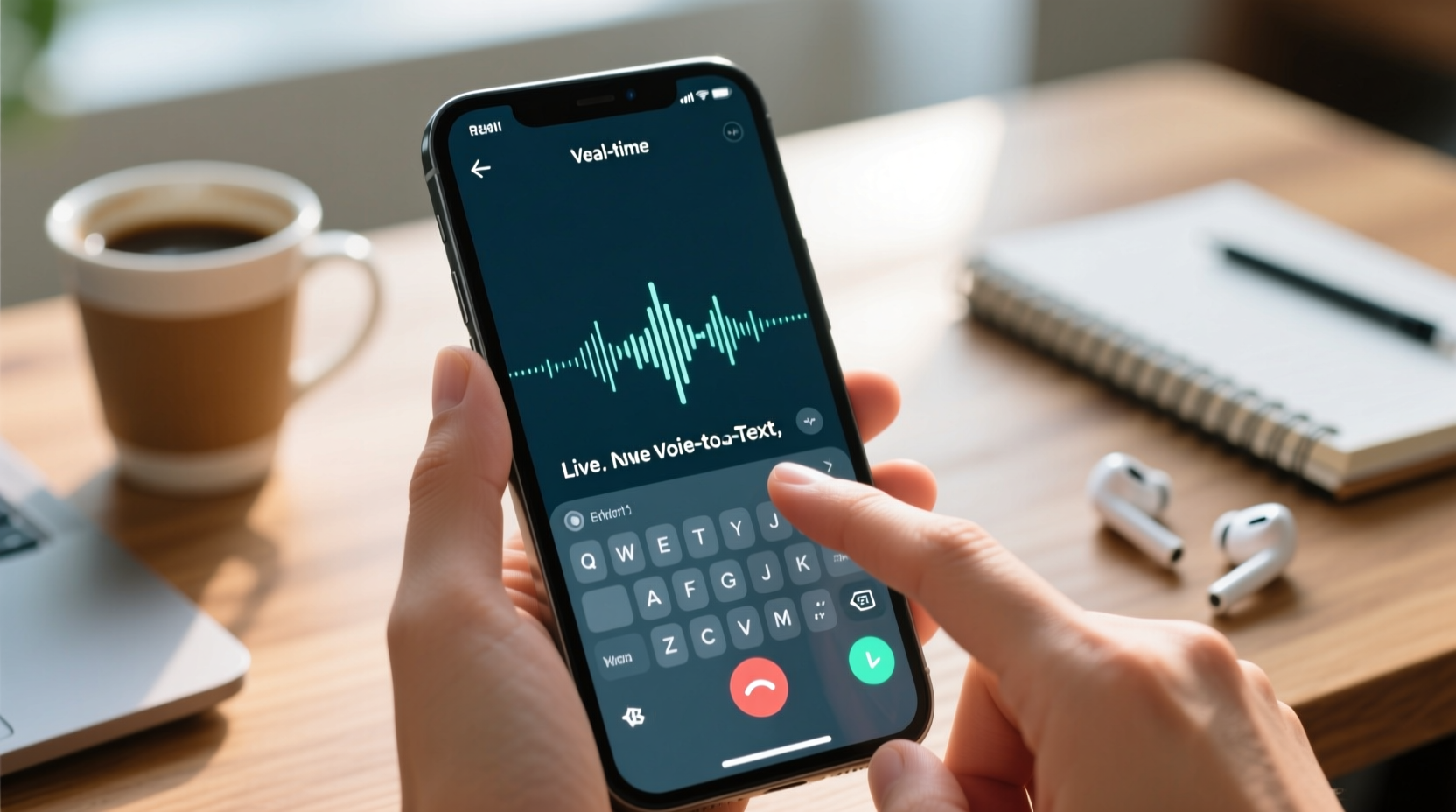
Voice typing relies on automatic speech recognition (ASR) systems that convert spoken language into written text. On smartphones, this functionality is embedded directly into the operating system—Google’s Gboard for Android and Apple’s Dictation for iOS are the most widely used platforms.
These systems use deep learning models trained on vast datasets of human speech. They don’t just match sounds to words; they predict likely phrases based on grammar, context, and even your personal usage patterns. For example, if you frequently say “Let’s meet at the café,” the model learns to anticipate that phrase after hearing “Let’s meet.”
Processing happens either on-device or in the cloud. On-device processing improves privacy and reduces latency, while cloud-based analysis allows access to more powerful models and larger language databases. Most modern phones use a hybrid approach: initial transcription locally, with optional refinement via server-side AI.
Accuracy Under Ideal Conditions
In quiet environments with clear enunciation, current voice typing systems achieve word error rates (WER) as low as 3–5%. That means only 3 to 5 words per 100 are incorrectly transcribed. This level of accuracy rivals experienced typists, who average around 95% accuracy when typing quickly.
However, these figures represent best-case scenarios. Real-world conditions often fall short of laboratory perfection.
Comparing Accuracy: Voice vs. Manual Typing
To evaluate which method is more accurate, we must define what “accuracy” means. It’s not just about correct spelling—it includes proper punctuation, contextual understanding, and preservation of intended meaning.
Manual typing gives users full control over every character, allowing for immediate corrections and precise formatting. However, speed typing often introduces typos, homophone errors (“their” vs. “there”), and missing punctuation—especially on small smartphone screens.
Voice typing excels at capturing full thoughts fluidly but can misinterpret similar-sounding words (“write” vs. “right”) or fail to detect subtle intonations that signal sarcasm or emphasis. Punctuation still requires explicit verbal commands like “period” or “comma,” which many users forget to include.
“Speech recognition has reached near-human levels of accuracy in controlled settings, but environmental noise and speaker variability remain significant challenges.” — Dr. Lena Patel, NLP Researcher at Stanford University
Environmental and User Factors Affecting Performance
- Noise interference: Background chatter, traffic, or music drastically reduce voice typing accuracy.
- Accents and dialects: While major platforms support diverse accents, non-native speakers or regional dialects may experience higher error rates.
- Speech clarity: Mumbling, speaking too fast, or using filler words (“um,” “like”) confuse ASR systems.
- Fatigue: Long dictations lead to vocal strain and reduced articulation, increasing mistakes.
In contrast, manual typing is largely unaffected by ambient noise and remains consistent regardless of vocal condition. Skilled typists can maintain high accuracy even in noisy cafes or public transport—environments where voice typing becomes impractical.
Speed and Efficiency Comparison
One area where voice typing consistently outperforms manual input is speed. Average speaking rate ranges from 120 to 150 words per minute (wpm), while skilled smartphone typists manage around 40–60 wpm. Even average speakers dictate nearly twice as fast as most people type on mobile devices.
This speed advantage makes voice typing ideal for drafting long messages, journal entries, or brainstorming notes. However, raw speed doesn’t always translate to efficiency. If one-third of your dictated text requires editing due to errors, the time savings diminish significantly.
| Metric | Voice Typing | Manual Typing |
|---|---|---|
| Average Speed (wpm) | 120–150 | 40–60 |
| Typical Error Rate | 3–10% (context-dependent) | 2–5% (with proofreading) |
| Punctuation Input | Verbal commands required | Direct tap access |
| Noise Sensitivity | High | Low |
| Battery Usage | Moderate to high (mic + processing) | Low |
The table shows that while voice typing wins in speed, it demands greater cognitive effort during correction phases. Manual typing may be slower, but its iterative nature allows for continuous self-editing, reducing post-input revision time.
Real-World Example: A Journalist’s Workflow
Consider Sarah, a freelance journalist who covers live events. During interviews, she uses voice typing to capture quotes and observations in real time. In a quiet studio setting, her transcription accuracy exceeds 95%, and she drafts articles 40% faster than when typing manually.
But at a crowded press conference, background noise causes frequent misrecognitions—names are misspelled, key terms misunderstood. She ends up spending more time correcting errors than she would have spent typing slowly and carefully. As a result, Sarah now uses voice typing selectively: for solo note-taking in quiet spaces, but reverts to manual input in dynamic environments.
Her experience reflects a broader trend: professionals increasingly adopt a hybrid approach, leveraging each method where it performs best.
Improving Voice Typing Accuracy: Practical Tips
You can significantly enhance voice typing performance with a few strategic adjustments. These tips help bridge the gap between theoretical potential and real-world reliability.
- Use headphones with a built-in microphone: Reduces ambient noise and ensures clearer audio input.
- Dictate in short bursts: Speak one or two sentences at a time, then pause to review and correct.
- Enunciate clearly: Avoid running words together; treat it like presenting to an audience.
- Enable language-specific models: If you speak with a regional accent, ensure your device uses the appropriate language pack.
- Add custom vocabulary: Teach your keyboard names, technical terms, or brands you use frequently.
- Use punctuation commands: Say “period,” “comma,” “new line,” or “question mark” to format properly.
Additionally, updating your smartphone OS regularly ensures access to the latest improvements in speech recognition algorithms. Google and Apple release incremental enhancements several times a year, often improving accuracy without requiring user intervention.
When Manual Typing Still Reigns Supreme
Despite the progress in voice technology, there are situations where manual typing remains the superior choice:
- Confidential conversations: Whispering or discussing sensitive topics isn’t feasible with voice input.
- Public spaces: Talking to your phone may draw unwanted attention or seem disruptive.
- Complex formatting: Creating bulleted lists, tables, or code snippets is easier with direct keyboard control.
- Editing existing text: Fine-grained navigation and selective changes are faster with fingers than voice commands.
- Non-linear thinking: Jumping between sections, inserting clauses, or rearranging ideas works better through tactile input.
Moreover, some users simply prefer the tactile feedback and mental focus associated with typing. The physical act of pressing keys can enhance concentration and memory retention, making it preferable for studying, coding, or creative writing.
Checklist: Choosing the Right Input Method
Use this checklist to decide whether voice or manual typing suits your current task:
- ✅ Am I in a quiet environment? → Favor voice typing
- ✅ Do I need to type discreetly? → Choose manual input
- ✅ Am I drafting a long message or story? → Voice offers speed advantage
- ✅ Is precision critical (e.g., legal text, code)? → Manual provides finer control
- ✅ Am I multitasking (walking, cooking)? → Voice enables hands-free operation
- ✅ Do I speak clearly and fluently? → Better results with dictation
Future Outlook: Convergence of Modalities
The future of mobile input lies not in choosing between voice and typing, but in seamlessly integrating both. Emerging technologies point toward multimodal interfaces where users switch fluidly between speaking, tapping, and gesturing—all within the same workflow.
For instance, imagine starting a message by voice, then tapping to correct a typo, followed by saying “insert emoji: smiling face,” and finishing with a swipe to send. Platforms like Gboard already support such transitions, though adoption is still evolving.
Advances in contextual awareness will further refine accuracy. Future systems might detect your location (e.g., library vs. home), adjust sensitivity accordingly, and even infer intent from tone of voice. Personalized AI assistants could learn your writing style and automatically correct common misrecognitions before you see them.
FAQ
Can voice typing replace manual typing completely?
Not yet. While voice typing is highly effective for certain tasks, it lacks the discretion, precision, and universal reliability needed to fully replace keyboards. Most experts recommend a complementary approach rather than complete substitution.
Why does my phone mishear common words?
Even advanced ASR systems struggle with homophones, rapid speech, or overlapping sounds. Accent variations and background noise also contribute. Training your device and speaking deliberately can reduce these errors significantly.
Does voice typing work offline?
Yes, both Android and iOS support limited offline dictation. However, accuracy is generally lower without cloud-based processing. For best results, use voice typing with an internet connection when possible.
Conclusion
Voice typing on smartphones has reached a level of accuracy that makes it a viable alternative to manual input in many everyday situations. Under optimal conditions, it matches or exceeds human typing precision while offering substantial speed benefits. Yet, it is not universally superior. Environmental constraints, linguistic complexity, and user preferences mean that manual typing continues to play an essential role in mobile communication.
The most effective strategy isn’t choosing one over the other—it’s knowing when to use each. By understanding their strengths and limitations, you can optimize your productivity, reduce fatigue, and communicate more effectively across contexts.




 浙公网安备
33010002000092号
浙公网安备
33010002000092号 浙B2-20120091-4
Comments
No comments yet. Why don't you start the discussion?