
For millions of users, YouTube is the go-to platform for entertainment, education, and staying updated on trends. But with increasingly frequent ads—sometimes multiple before a single video—the experience can feel more like a chore than a pleasure. YouTube Premium promises an ad-free experience, but at $13.99 per month in the U.S., many wonder: Is it really worth it if your only goal is skipping commercials? And more importantly, are there smarter, cheaper, or even free alternatives that deliver similar benefits?
The answer isn’t straightforward. While removing ads is a major perk, YouTube Premium bundles several features that may—or may not—align with your viewing habits. At the same time, third-party tools, browser extensions, and smart usage strategies offer compelling workarounds. Understanding the full picture helps you make a decision based on value, not just frustration.
Breaking Down YouTube Premium: What You’re Paying For
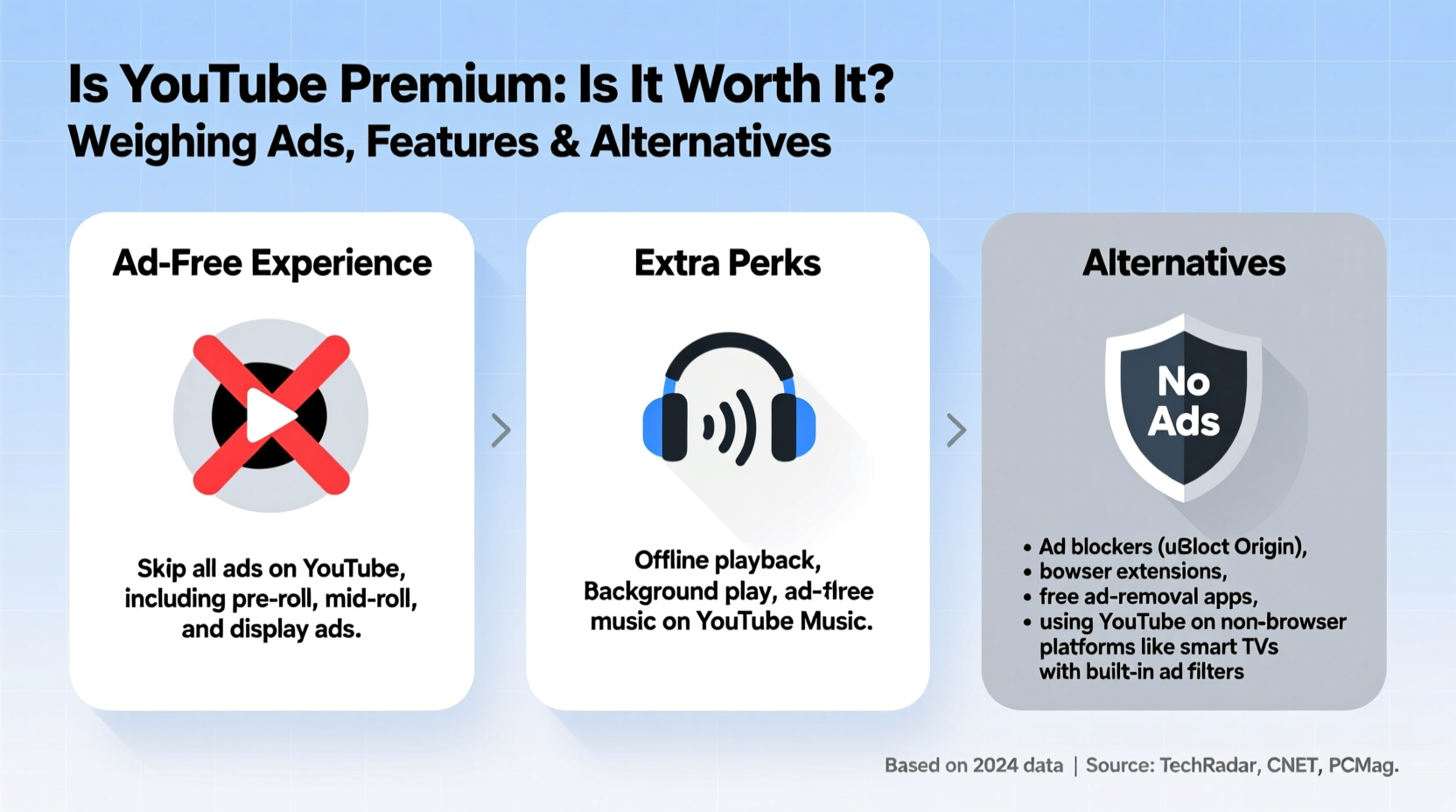
YouTube Premium includes several features beyond ad removal:
- Ad-free videos: No pre-roll, mid-roll, or display ads across YouTube, including music videos and live streams.
- Background play: Audio continues playing when you switch apps or lock your phone (on mobile).
- Downloads: Save videos for offline viewing without relying on data.
- YouTube Music Premium: Ad-free music streaming, background playback, and downloads on the YouTube Music app.
- Family and student plans: Up to six people can share a family plan for $22.99/month, reducing individual costs significantly.
If your primary concern is ads, only one of these five core features directly addresses it. That means you're paying for four additional services whether you use them or not. For someone who watches YouTube mostly on a desktop during the day and doesn’t stream music, those extras may go completely unused.
Cost Analysis: How Much Are You Really Spending?
At $13.99 monthly, YouTube Premium costs $167.88 per year. To put that in perspective:
- That’s more than a Spotify Individual subscription ($10.99/month).
- Nearly double the price of a basic Disney+ plan.
- Equivalent to three months of Netflix Standard.
But cost alone doesn’t determine value—it’s about return on investment. Consider how often you use YouTube. A heavy user who spends two hours daily watching videos might find $14/month reasonable for uninterrupted access. In contrast, someone who uses YouTube occasionally likely won’t recoup that cost in improved experience.
“Subscription fatigue is real. Consumers now evaluate every recurring charge based on actual usage, not just convenience.” — Sarah Lin, Digital Economy Analyst at TechInsight Group
Free and Low-Cost Alternatives to Avoid Ads
You don’t need a paid subscription to reduce or eliminate YouTube ads. Several effective alternatives exist, each with trade-offs in usability, legality, and device compatibility.
1. Browser Extensions (Desktop)
Ad-blocking extensions like uBlock Origin and AdBlock Plus are among the most popular solutions. They filter out ads site-wide, including YouTube pre-roll and banners.
- Pros: Free, easy to install, highly effective on desktop.
- Cons: Not available on iOS; may be blocked by YouTube on certain platforms; disables revenue for creators.
2. Open-Source Clients (Mobile & Desktop)
Applications like Invidious, Piped, and NewPipe provide clean interfaces to YouTube content without ads or tracking.
- Invidious: Web-based front-end to YouTube; no app needed. Hosted on independent servers worldwide.
- Piped: Privacy-focused alternative with trending, subscriptions, and dark mode.
- NewPipe: Android app allowing ad-free playback, background play, and downloads—no Google account required.
These tools are open-source, transparent, and often faster than the official app. However, they require some technical comfort to set up and aren’t available on app stores.
3. Smart Browsing Habits
Sometimes, simple behavioral changes reduce ad exposure:
- Use YouTube in incognito mode to minimize targeted ads (though not all ads disappear).
- Wait a few seconds after a video starts—some skippable ads can be bypassed manually.
- Search for videos labeled “Shorts” or use playlists—fewer mid-roll interruptions.
Comparison Table: YouTube Premium vs. Alternatives
| Option | Cost | Ad-Free? | Background Play | Offline Downloads | Device Support |
|---|---|---|---|---|---|
| YouTube Premium | $13.99/month | Yes | Yes | Yes | All (mobile, desktop, TV) |
| uBlock Origin (desktop) | Free | Yes | No | No | Chrome, Firefox, Edge |
| NewPipe (Android) | Free | Yes | Yes | Yes | Android only |
| Piped / Invidious (web) | Free | Yes | Limited | No | Browser-based |
| YouTube Lite (basic HTML) | Free | No (minimal ads) | No | No | All devices |
Note: While free tools offer strong functionality, none match the seamless integration and cross-device sync of YouTube Premium.
A Realistic User Scenario: Does Premium Make Sense?
Meet Alex, a college student who uses YouTube daily. He watches 45-minute lecture videos, listens to lo-fi study playlists, and follows tech reviewers. On average, he sees 8–10 ads per day—mostly unskippable pre-roll and mid-roll interruptions.
He considers YouTube Premium primarily for ad removal and background play while studying. After researching alternatives, he tests NewPipe on his Android phone. It blocks ads, allows background playback, and lets him download videos—all for free. The interface is less polished, but functional.
However, when he tries to use YouTube on his laptop during group projects, NewPipe isn’t an option. He installs uBlock Origin and achieves the same result. Over two weeks, he finds the combination works well—but misses syncing watch history and likes across devices.
In the end, Alex opts for the YouTube Premium Student Plan at $6.99/month (verified through his university email). This gives him full access across devices, background play, and offline downloads, plus YouTube Music Premium. For him, the reduced price makes the added features worthwhile—even though ads were his original motivation.
Step-by-Step Guide: Choosing Your Best Path
Follow this process to determine whether YouTube Premium is worth it for you—or if an alternative fits better.
- Track your YouTube usage: For one week, note how often you watch videos, on which devices, and how disruptive ads are.
- List your needs: Are you looking only to remove ads? Do you want background play or offline access?
- Test free tools: Install uBlock Origin on desktop or try Piped/NewPipe on mobile. Use them for at least three days.
- Evaluate limitations: Did the tools work reliably? Were features missing? Was setup too complex?
- Check eligibility for discounts: Verify student status, consider family plan options, or look for regional pricing.
- Calculate annual cost: Multiply monthly price by 12. Ask: Is this sustainable for the value received?
- Decide and commit: Choose either Premium or a free solution—and stick with it for a month to assess long-term satisfaction.
Frequently Asked Questions
Is using ad blockers on YouTube legal?
Yes, using ad blockers is legal in most countries. However, it violates YouTube’s Terms of Service, though enforcement against individual users is rare. Be aware that it reduces revenue for creators who rely on ad income.
Can I get YouTube Premium for free?
YouTube offers limited-time free trials (usually one month). Some mobile carriers or promotional bundles include temporary Premium access. After the trial, continued use requires payment.
Do ad blockers work on the YouTube app?
Not directly. Most ad blockers function only in browsers. On Android, tools like NewPipe or DNS-based blockers (e.g., Blokada) can block ads system-wide. On iOS, content blockers like 1Blocker work within Safari but not the native YouTube app.
Final Verdict: Is It Worth It Just for Ads?
If avoiding ads is your **only** goal, YouTube Premium is hard to justify at full price. For $13.99/month, you’re overpaying when free, effective tools exist—especially on desktop and Android. The math simply doesn’t add up unless you also value background playback, offline downloads, or YouTube Music.
However, if you’re a frequent mobile user, part of a family group, or a student eligible for discounts, the equation shifts. At $6.99/month (student) or ~$3.83/month (family plan split six ways), Premium becomes a compelling package. You’re not just buying ad removal—you’re investing in convenience, continuity, and multi-service access.
Ultimately, the decision hinges on your usage pattern and willingness to adopt alternative tools. Tech-savvy users comfortable with open-source apps can enjoy nearly all Premium benefits for free. Casual viewers who prioritize simplicity and cross-device sync may find peace of mind—and true value—in the official subscription.
“The best choice isn’t always the cheapest or the most convenient—it’s the one that aligns with how you actually use technology.” — Marcus Reed, UX Researcher at Digital Habit Lab
Take Action Today
Don’t let ad fatigue dictate a costly subscription. Start by testing a free ad blocker or privacy-focused YouTube front-end. Track your experience for a week. Then, compare it honestly to what Premium offers. You might discover you don’t need to pay a dime to reclaim your viewing experience.
If you do choose Premium, make sure you’re maximizing its benefits—explore YouTube Music, download videos for travel, or invite family members to share the cost. Either way, take control of your digital space with intention, not impulse.




 浙公网安备
33010002000092号
浙公网安备
33010002000092号 浙B2-20120091-4
Comments
No comments yet. Why don't you start the discussion?