
In an era where laptops power everything from high-end gaming to remote work and creative production, heat management has become a silent but critical issue. As processors push harder and thinner designs limit airflow, internal temperatures rise—sometimes to the point of throttling performance or shortening hardware lifespan. Enter the laptop cooling pad: a seemingly simple solution that’s sparked debate across forums, tech reviews, and office desks. Is it a must-have tool for thermal control, or just another piece of desk clutter with marginal benefits? The answer isn’t as straightforward as marketing would have you believe.
While some users swear by their cooling pads for preventing overheating during long sessions, others dismiss them as ineffective gimmicks. To cut through the noise, we’ll examine how cooling pads actually work, who benefits most from using one, and when they might be unnecessary—or even counterproductive.
How Laptop Cooling Pads Work: Beyond the Hype
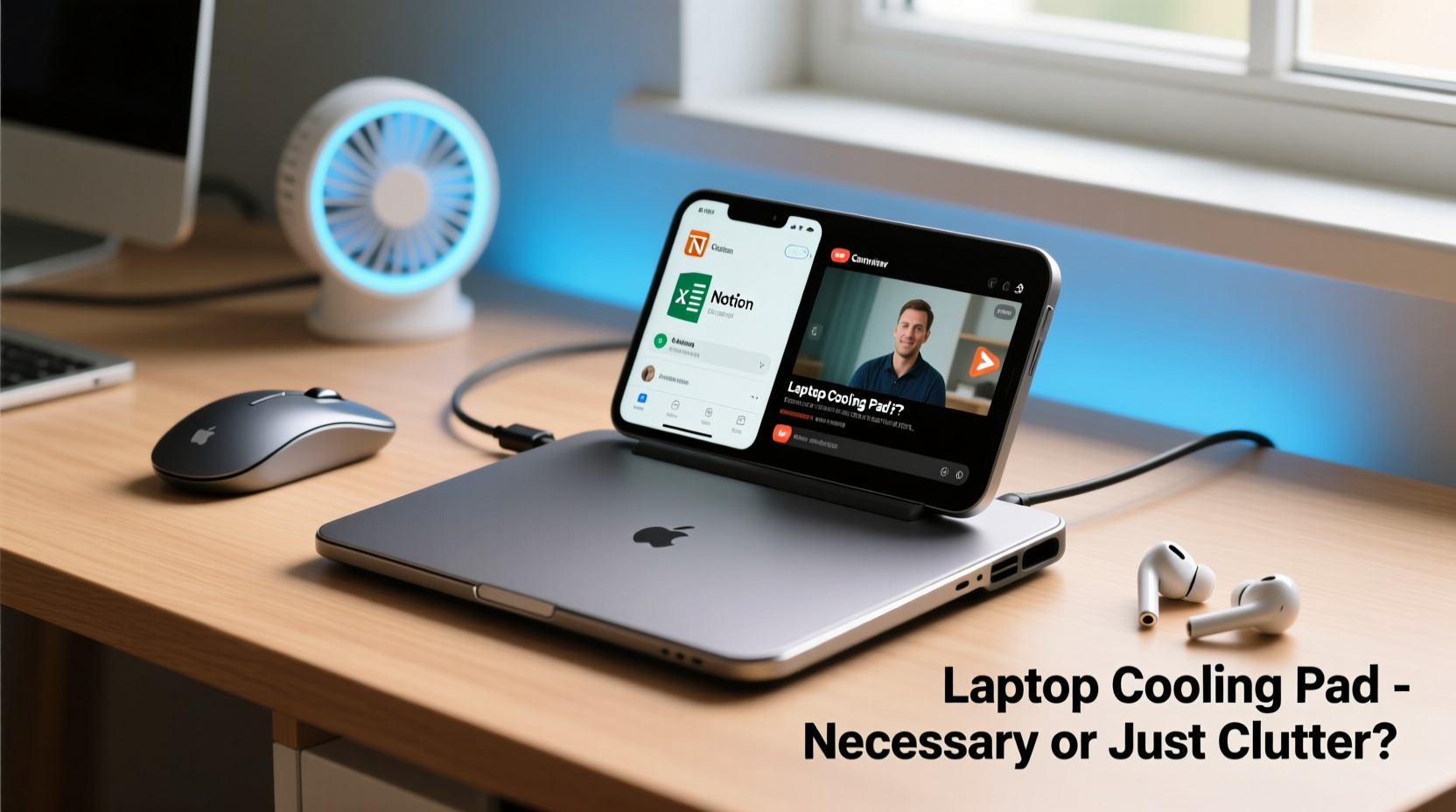
Laptop cooling pads are external platforms equipped with one or more fans designed to draw heat away from the underside of a laptop. Most models connect via USB for power, though higher-end versions may offer adjustable fan speeds, ergonomic tilt options, or even built-in RGB lighting. Their primary function is to enhance airflow beneath the device, supplementing the laptop’s internal cooling system.
Heat in laptops is typically managed through a combination of heat pipes, fans, and vents. However, many modern ultrabooks and compact designs prioritize portability over ventilation. When placed on soft surfaces like beds or couches, airflow can be further restricted, leading to rapid temperature increases. A cooling pad attempts to mitigate this by forcing cool air upward through the laptop’s intake vents—especially those located on the bottom panel.
It's important to note that cooling pads don’t “cool” the laptop in the way refrigeration works. Instead, they improve ambient airflow and reduce thermal resistance between the laptop chassis and surrounding air. This passive enhancement can delay thermal throttling—the automatic reduction of CPU/GPU performance to prevent damage from excessive heat.
“External cooling solutions can provide meaningful relief for thermally constrained systems, especially under sustained loads.” — Dr. Lena Patel, Thermal Systems Engineer at Mobile Compute Labs
When a Cooling Pad Makes a Real Difference
Not all laptop users face the same thermal challenges. Whether a cooling pad delivers tangible benefits depends largely on usage patterns, device design, and environment. Below are scenarios where these accessories prove genuinely useful:
- Gaming and Creative Workloads: Laptops used for gaming, video editing, 3D rendering, or software development often run CPUs and GPUs at near-maximum capacity for extended periods. These workloads generate significant heat, and without adequate cooling, performance drops can occur within minutes.
- Older or Dust-Clogged Devices: Over time, dust accumulates in fans and heat sinks, reducing cooling efficiency. A cooling pad can partially compensate for degraded internal systems until professional cleaning is possible.
- Poor Ventilation Environments: Using a laptop on a bed, pillow, or carpet blocks intake vents. In such cases, a raised platform with active airflow can restore baseline cooling performance.
- Hot Climates or Poorly Cooled Rooms: Ambient temperature plays a major role in heat dissipation. In environments above 25°C (77°F), even moderate computing tasks can lead to elevated internal temps.
When a Cooling Pad Adds Little Value
Conversely, there are situations where a cooling pad offers negligible returns:
- Well-Ventilated, High-Performance Laptops: Many premium laptops—such as Apple’s MacBook Pro with advanced vapor chamber cooling or Dell’s XPS series—already feature robust thermal designs. Adding external fans may only reduce surface temperature slightly without impacting core performance.
- Light Usage Patterns: For web browsing, email, document editing, or video calls, thermal load is minimal. The internal cooling system handles these tasks efficiently, making external assistance redundant.
- Bottom-Vent Blocked Designs: Some laptops, particularly MacBooks, draw air primarily from the sides or keyboard deck rather than the bottom. Placing them on a cooling pad may do little since the fans aren’t aligned with intake zones.
- Overpowered Cooling Pads: Ironically, excessively loud or aggressive fans can cause turbulence or disrupt natural convection patterns, potentially worsening heat distribution.
In these cases, investing in a cooling pad may yield psychological comfort more than measurable gains—a placebo effect for tech anxiety.
Comparative Analysis: Cooling Pad vs. Alternatives
| Solution | Effectiveness | Cost | Portability | Best For |
|---|---|---|---|---|
| Laptop Cooling Pad | Moderate to High (depends on laptop model) | $20–$80 | Low (bulky, needs flat surface) | Desktop replacement use, gaming, older devices |
| Elevated Stand (No Fan) | Low to Moderate | $15–$50 | Medium | Improved ergonomics and slight airflow boost |
| Compressed Air Cleaning | High (short-term) | $10–$20 | High | Dust removal, restoring factory cooling |
| Thermal Paste Replacement | High (long-term) | $15 + labor | N/A | Aged laptops with dried-out thermal interface |
| Room Air Conditioning | Very High | $$$ | None | Overall system longevity and user comfort |
This comparison shows that while cooling pads occupy a middle ground in cost and effectiveness, simpler or more permanent fixes often deliver better long-term results.
Real-World Case: The Overheating Developer
Consider Mark, a freelance software developer working remotely from his apartment in Phoenix, Arizona. His 2020 Razer Blade 15 handles coding, virtual machines, and occasional game streaming—but struggles in summer when indoor temperatures regularly exceed 30°C (86°F). After noticing frequent fan noise and occasional lag during compile runs, he measured his CPU temps using HWMonitor: peaks of 95°C during builds.
He first tried propping the laptop on a bookshelf edge to improve airflow—this dropped temps by about 7°C. Unsatisfied, he purchased a dual-fan cooling pad with variable speed control. Under identical workloads, his average operating temperature fell to 82°C, and thermal throttling events decreased by 60%. While not revolutionary, the improvement was enough to maintain consistent performance throughout the day.
Mark’s experience illustrates a key insight: cooling pads aren’t magic, but they can fill a critical gap when environmental and hardware limitations converge.
Actionable Checklist: Should You Use a Cooling Pad?
Before buying or discarding a cooling pad, evaluate your setup with this checklist:
- ✅ Does your laptop feel hot to the touch after 15–20 minutes of use?
- ✅ Do you use your laptop on soft surfaces (bed, couch, lap) frequently?
- ✅ Is your device older than three years or rarely cleaned internally?
- ✅ Do you run CPU/GPU-intensive applications (gaming, rendering, VMs)?
- ✅ Are ambient room temperatures consistently above 24°C (75°F)?
- ✅ Does your laptop have bottom-mounted air intakes?
If you answered “yes” to three or more, a cooling pad is likely to provide noticeable benefits. Otherwise, consider lower-cost or more effective alternatives first.
Frequently Asked Questions
Can a cooling pad damage my laptop?
No, a properly designed cooling pad will not damage your laptop. However, poorly made models with unstable surfaces or exposed wiring could pose physical or electrical risks. Always choose reputable brands and avoid units that obstruct ports or create uneven pressure on the chassis.
Do cooling pads extend laptop lifespan?
Indirectly, yes. Consistently high operating temperatures accelerate wear on components like batteries, solder joints, and SSDs. By maintaining lower average temps, a cooling pad may contribute to longer hardware longevity—though regular maintenance and usage habits play a larger role.
Are gel-based or evaporative cooling pads effective?
No. Gel pads that claim to absorb heat are largely ineffective. Unlike active fan-based models, they lack continuous heat dissipation mechanisms and quickly reach thermal equilibrium. Stick with forced-air designs for real results.
Smart Practices for Optimal Thermal Management
Rather than relying solely on a cooling pad, adopt a holistic approach to thermal health:
- Clean your laptop every 6–12 months: Use compressed air to clear dust from fans and vents. For heavy buildup, seek professional disassembly and repasting.
- Use on hard, flat surfaces: Avoid fabric or uneven terrain that blocks airflow.
- Adjust power settings: Switch to “Balanced” or “Power Saver” mode when maximum performance isn’t needed.
- Elevate the rear slightly: Even a small angle improves natural convection and mimics the effect of a stand.
- Monitor temperatures: Tools like Core Temp (Windows) or iStat Menus (Mac) help identify when intervention is truly needed.
“Temperature management isn’t about eliminating heat—it’s about managing it sustainably. A cooling pad is one tool, not the entire strategy.” — Rajiv Mehta, Hardware Longevity Consultant
Final Verdict: Necessary Accessory or Gadget Clutter?
The truth lies in context. For the average user typing documents or watching videos on a well-maintained, modern laptop, a cooling pad is indeed unnecessary clutter—an extra item to store, carry, and plug in with minimal return. But for power users, gamers, developers, or anyone in hot climates using older or thermally limited hardware, a quality cooling pad can make a meaningful difference in both comfort and performance.
It’s also worth noting that some cooling pads double as ergonomic stands, improving typing posture and screen angle. In these hybrid roles, their value extends beyond thermal management into long-term wellness—a bonus for desk-bound professionals.
The key is intentionality. Don’t buy a cooling pad because it looks cool or because someone said “all gamers need one.” Buy it because your specific use case creates a thermal bottleneck that impacts productivity or hardware safety.




 浙公网安备
33010002000092号
浙公网安备
33010002000092号 浙B2-20120091-4
Comments
No comments yet. Why don't you start the discussion?