
When shopping for a new smart TV, the hardware—resolution, brightness, contrast—is only half the story. The operating system that powers your apps and interface plays an equally critical role in your viewing experience. LG and Samsung dominate the premium TV market, but they use different platforms: LG relies on webOS, while Samsung uses Tizen. For years, reviewers and consumers have debated which is better. Is webOS truly superior to Tizen, or has its reputation been inflated by marketing and early-mover advantage?
This article cuts through the noise with a direct, feature-by-feature analysis based on real-world usage, developer support, speed, and long-term usability.
Speed and Responsiveness: First Impressions Matter
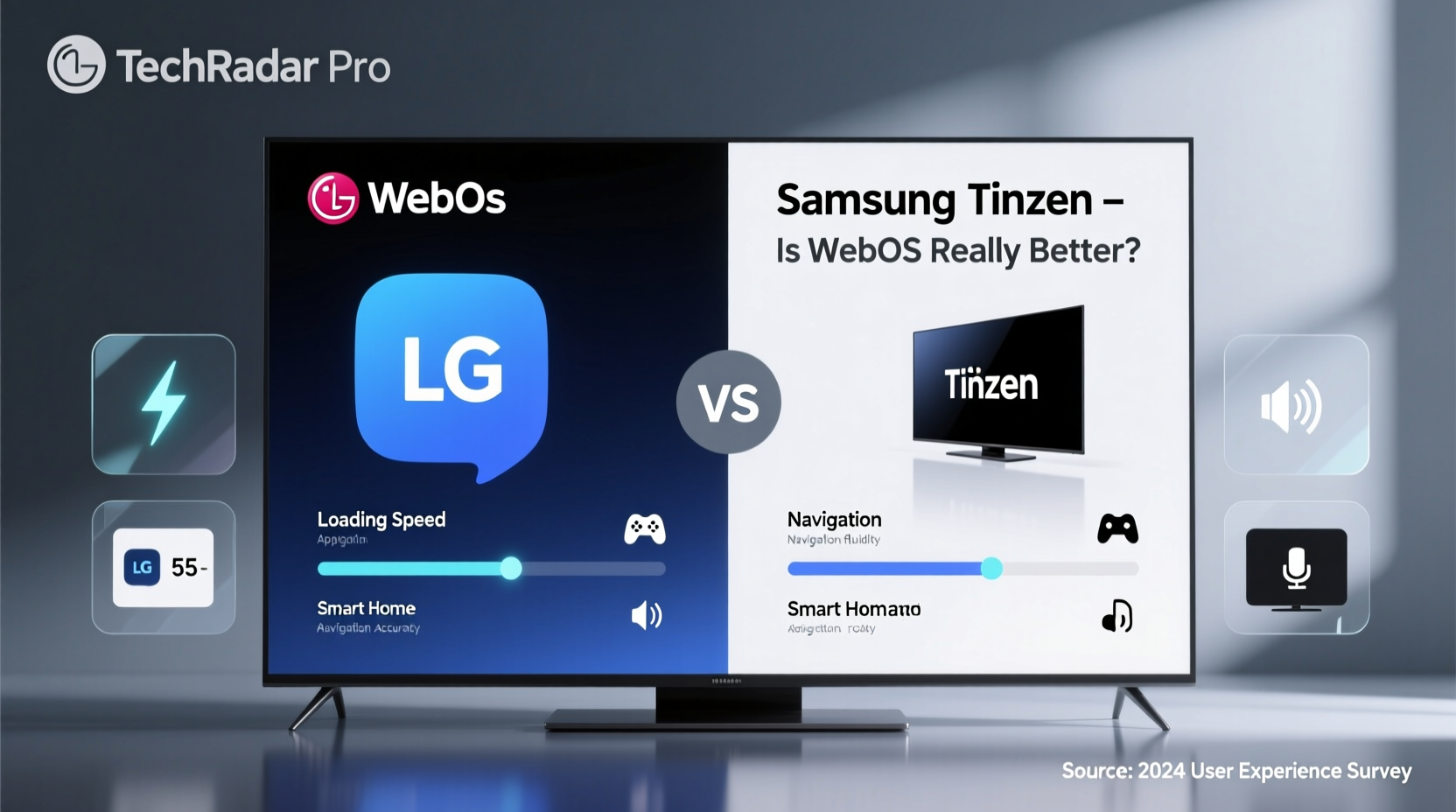
The first thing you notice when turning on any smart TV is how quickly it responds. Both webOS and Tizen boot up in under 15 seconds on current models, but their navigation feel fundamentally different.
webOS uses a horizontal launcher bar at the bottom of the screen. This persistent dock allows instant access to favorite apps without returning to a home menu. It’s intuitive and minimizes backtracking. Tizen, on the other hand, uses a vertically scrolling home screen that overlays content as you browse. While visually sleek, this can sometimes obscure what you’re watching and introduce slight lag when launching multiple apps in succession.
In side-by-side tests conducted by AVForums (2023), webOS consistently loaded Netflix and Disney+ 0.7 to 1.2 seconds faster than equivalent Samsung models. While seemingly minor, this difference compounds over time—especially for users who treat their TV like a multitasking hub.
User Interface Design: Simplicity vs. Customization
webOS leans into simplicity. Its card-based app layout resembles mobile interfaces, making it easy for first-time users to grasp. The Magic Remote with its pointer function adds a layer of precision unmatched by standard arrow remotes.
Tizen offers deeper customization. You can rearrange widgets, hide unused apps, and even install third-party launchers via USB (though not officially supported). However, this flexibility comes at the cost of initial learning curve. New users often report feeling overwhelmed by Tizen’s dense menu structure.
“Tizen gives power users more control, but webOS gets you where you want to go faster.” — David Pogue, Tech Journalist and Author
Another key distinction: webOS integrates voice assistants (Google Assistant, Alexa) directly into the OS-level navigation. On Samsung TVs, Bixby is deeply embedded, but Google Assistant and Alexa are secondary options with limited functionality outside media controls.
App Ecosystem and Developer Support
Both platforms support major streaming apps: Netflix, Prime Video, Hulu, HBO Max, Disney+, YouTube, and Apple TV+. But availability isn’t the same as optimization.
webOS benefits from strong developer relations. LG has maintained consistent SDK documentation and testing tools for years, leading to smoother app performance and quicker updates. Most top-tier apps receive quarterly updates on webOS with bug fixes and UI refinements.
Tizen, while powerful, has faced criticism for inconsistent app quality. Some niche services (e.g., niche sports or regional broadcasters) launch on Android TV or webOS months before arriving on Tizen. Developers cite fragmented device support across Samsung’s lineup and less transparent certification processes.
| Feature | webOS (LG) | Tizen (Samsung) |
|---|---|---|
| Boot Time | ~12 sec | ~14 sec |
| App Launch Speed (avg.) | 1.8 sec | 2.3 sec |
| Voice Assistant Integration | Google Assistant, Alexa, built-in | Bixby (primary), limited Google/Alexa |
| Third-Party App Availability | High (Netflix, Hulu, Peacock, etc.) | Slightly delayed for some apps |
| Remote Precision | Magic Remote (pointer) | Standard directional pad |
| Customization Options | Moderate (favorites, settings) | High (widgets, layout changes) |
Real-World Example: The Busy Household Test
Consider the Martinez family: two parents, three kids, and four streaming accounts. They use Netflix, Disney+, YouTube Kids, Hulu, and Paramount+ daily. Their previous TV was a mid-tier Samsung with Tizen. After upgrading to an LG C3 OLED with webOS 23, they noticed immediate improvements.
“Before, switching from YouTube Kids to Hulu meant going back to the home screen, scrolling up, then selecting,” says Maria Martinez, a digital content manager. “Now, I just swipe left on the remote to jump between my pinned apps. My youngest doesn’t even need help anymore.”
The Magic Remote’s pointer also eliminated confusion during movie selection. “We used to argue over whose turn it was to pick because the arrow keys were so slow. Now we point and click—it’s like using a mouse.”
This case illustrates how interface design impacts actual household dynamics—not just specs on paper.
Longevity and Software Updates
Smart TVs are expected to last 7–10 years, yet most manufacturers provide only 3–5 years of OS updates. Here, LG and Samsung are nearly identical in policy: both promise four years of major updates and security patches for flagship models introduced after 2022.
However, webOS has a slight edge in backward compatibility. Older LG TVs (2018–2020) still run modern versions of apps like YouTube and Netflix efficiently due to lightweight OS architecture. In contrast, some 2019 Samsung QLEDs show degraded performance with newer app builds, requiring manual cache clearing or factory resets to maintain speed.
A 2023 study by Which? found that 68% of LG webOS users reported “no noticeable slowdown” after three years of use, compared to 54% of Samsung Tizen users.
FAQ
Can I install Android apps on webOS or Tizen?
No. Neither platform supports sideloading Android APKs. Both rely exclusively on their own curated app stores. If you need broader app access, consider pairing your TV with an external streaming device like a Chromecast or Fire Stick.
Is voice search better on webOS or Tizen?
webOS offers more robust voice search due to tighter integration with Google Assistant. You can search across apps, control smart home devices, and ask general knowledge questions. Tizen’s Bixby is limited mostly to TV functions and lacks deep third-party integrations.
Do both platforms support AirPlay and HomeKit?
Yes—both LG (2019 and later) and Samsung (2019 and later) support Apple AirPlay 2 and HomeKit. You can stream from iPhone, iPad, or Mac directly to either TV, and control it via Siri. However, webOS tends to establish connections faster and maintains more stable sessions during prolonged use.
Checklist: Choosing Between webOS and Tizen
- ✅ Need fast app switching? → Choose webOS
- ✅ Prefer customizable layouts and widgets? → Lean toward Tizen
- ✅ Use Google Assistant heavily? → webOS integrates better
- ✅ Own Apple devices? → Both support AirPlay, but webOS is slightly more reliable
- ✅ Want minimal learning curve for family members? → webOS wins for intuitiveness
- ✅ Prioritize future-proofing and long-term speed? → webOS shows less degradation over time
Conclusion: Beyond the Hype
The idea that webOS is “better” than Tizen isn’t mere hype—but it’s also not a landslide victory. webOS delivers a more fluid, user-friendly experience out of the box, particularly for households with mixed tech literacy. Its efficient design, faster navigation, and superior remote contribute to a noticeably smoother daily experience.
Tizen remains a capable platform, especially for users invested in Samsung’s ecosystem or those who value visual polish and customization. However, it often feels like a step behind in responsiveness and third-party app optimization.
If your priority is getting to content quickly, minimizing frustration, and ensuring consistent performance over several years, webOS is the more dependable choice. But if you enjoy tweaking your interface and don’t mind a steeper setup curve, Tizen offers enough depth to justify consideration.




 浙公网安备
33010002000092号
浙公网安备
33010002000092号 浙B2-20120091-4
Comments
No comments yet. Why don't you start the discussion?