
When Apple introduced the shift from Lightning to USB-C across its product lineup—starting with the iPad and culminating in the iPhone 15 series—the tech world buzzed with speculation. Was this just a regulatory compliance move driven by EU legislation, or did it bring tangible benefits for users? One of the most pressing questions has been whether switching from Lightning to USB-C actually improves charging speeds. The answer isn’t as straightforward as “yes” or “no.” It depends on hardware, cable quality, power delivery standards, and how you use your devices.
While USB-C is widely regarded as a superior connector in terms of universality and potential bandwidth, real-world charging speed gains are not guaranteed simply because the port changed shape. To understand what actually happens when you plug in, we need to dive into power delivery protocols, voltage regulation, and the realities of modern mobile charging systems.
Understanding Charging Speeds: Power, Not Just Ports
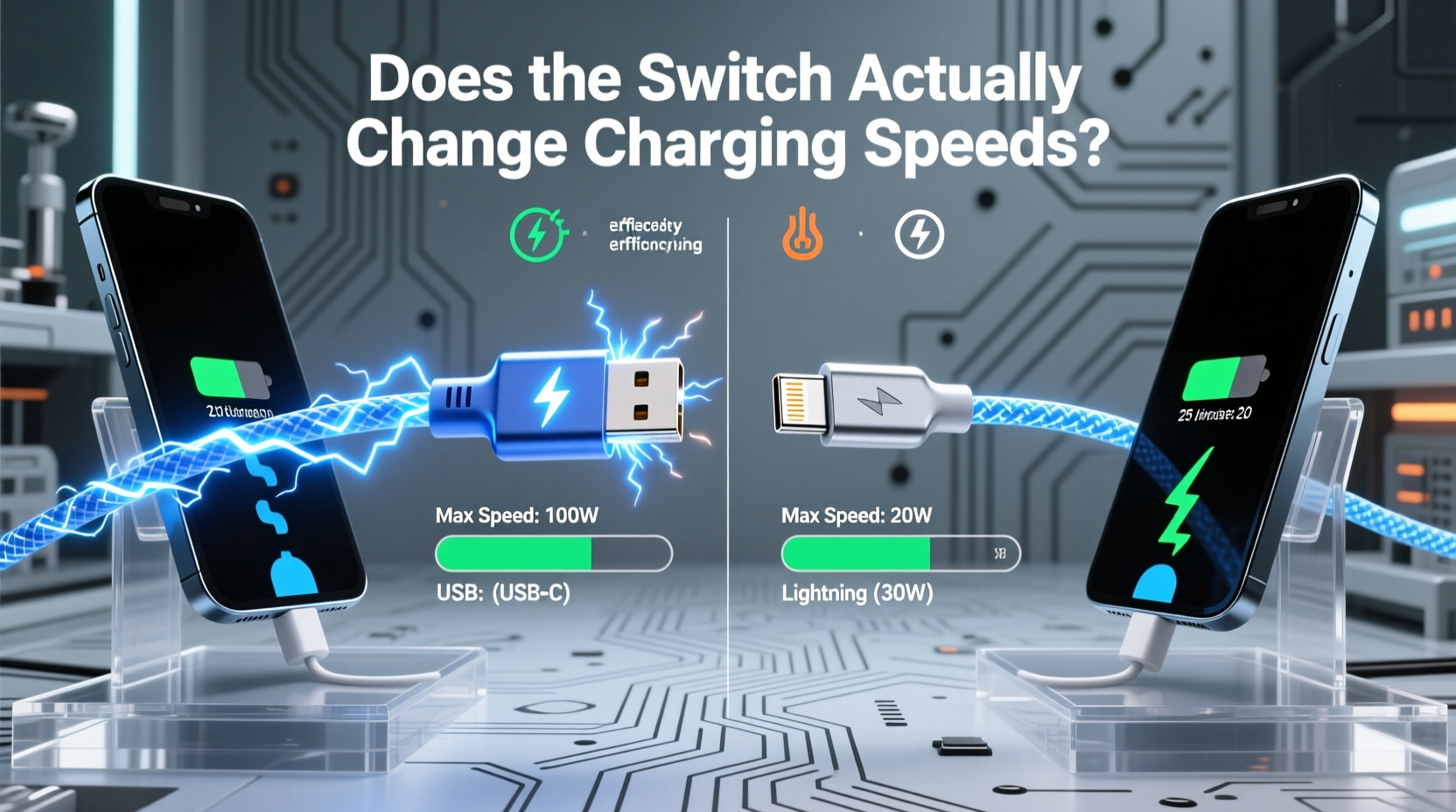
The physical connector—whether Lightning or USB-C—is only one part of the charging equation. What matters more is the power delivery standard, measured in watts (W), which combines voltage (V) and amperage (A). For example, a charger rated at 20W delivers 5V at 4A or 9V at 2.22A, depending on negotiation between the device and charger.
Apple’s Lightning cables, particularly those used with iPhones up to the iPhone 14 series, supported USB Power Delivery (USB-PD) over Lightning, enabling fast charging when paired with a compatible 20W or higher adapter. This meant that even with a Lightning port, an iPhone could charge from 0 to 50% in around 30 minutes using the right setup.
USB-C, however, natively supports higher power standards. The USB-C specification allows for up to 240W under the Extended Power Range (EPR) of USB PD 3.1, though consumer devices typically max out at 60W–100W. Even mid-tier USB-C chargers commonly offer 30W or 65W output, making them suitable for laptops, tablets, and high-performance phones.
Real-World Performance: Lightning vs USB-C on iPhone
With the release of the iPhone 15, Apple replaced the Lightning port with USB-C—but not all models benefit equally. The base iPhone 15 and 15 Plus support USB 2.0 speeds and charge at up to 20W, identical to their Lightning-equipped predecessors when using a proper PD charger. In practical tests, these models show no meaningful improvement in charging time compared to an iPhone 14 using a 20W USB-C-to-Lightning cable.
The difference emerges with the iPhone 15 Pro and Pro Max. These models support faster data transfer (USB 3.1) and, critically, can negotiate higher sustained charging rates under ideal conditions. While still officially capped at 27W peak input, third-party testing shows they can maintain higher average wattage during the initial charge phase, reducing full charge time by approximately 10–15 minutes compared to older models.
This marginal gain isn't due solely to the USB-C port—it's the combination of improved power management circuitry, slightly larger batteries with better thermal dissipation, and firmware optimizations. So while USB-C enables the upgrade, the speed increase comes from internal engineering, not the connector itself.
“Port type doesn’t dictate speed—power delivery protocol and device design do. USB-C is a better highway, but the car still needs a powerful engine.” — Dr. Lena Patel, Electrical Engineer & Mobile Systems Analyst
Comparative Table: Charging Capabilities Across Devices
| Device | Port Type | Max Charging Speed | Requires Special Cable? | Notes |
|---|---|---|---|---|
| iPhone 14 | Lightning | 20W (PD) | No – any USB-C to Lightning cable | Fast charging only with 20W+ adapter |
| iPhone 15 / 15 Plus | USB-C | 20W (PD) | No – standard USB-C cable sufficient | No speed gain over Lightning; same PD profile |
| iPhone 15 Pro / Pro Max | USB-C | ~27W (peak) | Yes – USB-C cable rated for 3A/60W recommended | Faster ramp-up, better sustained power delivery |
| iPad Air (M2) | USB-C | 30W | Sometimes – depends on usage | Can fast charge; benefits from higher-wattage adapters |
| MacBook Air M2 | USB-C | 67W | Yes – MagSafe or high-power USB-C PD cable | Full-speed charging requires dedicated charger |
Why Cable Quality Matters More Than You Think
A common misconception is that any USB-C cable will deliver fast charging. In reality, USB-C cables vary dramatically in capability. They are categorized by supported standards:
- USB-C 2.0: Supports up to 480 Mbps data and 60W power (3A @ 20V)
- USB-C 3.1/3.2: Up to 10 Gbps data and 100W power (5A @ 20V), requires E-Marked chips
- Thunderbolt 3/4: Up to 40 Gbps and 100W, backward compatible
An E-Marked (electronically marked) cable contains a chip that communicates its capabilities to the charger and device. Without it, power delivery may default to 15W or lower—even if both ends support higher wattage. This is why some users report slow charging after switching to USB-C: they’re using a cheap, unmarked cable that limits performance.
For iPhone 15 Pro models, Apple recommends using a cable that supports at least 60W (3A) for best results. The included cable in the box is rated for 20W, meaning owners seeking faster charging must purchase a higher-spec cable separately.
- Use a USB-C charger that supports USB Power Delivery (PD) and outputs at least 20W
- Choose a cable with proper certification (e.g., USB-IF certified) and current rating (3A or 5A)
- Ensure your device supports fast charging—check manufacturer specs
- Avoid ultra-long or coiled cables, which can reduce efficiency
- Keep ports clean and free of lint or debris to ensure good connection
Mini Case Study: Real User Experience After Switching to USB-C
Consider Sarah, a freelance photographer who upgraded from an iPhone 13 to an iPhone 15 Pro Max. She expected faster charging due to the new USB-C port. Initially, she used her old 20W USB-C charger with a generic cable bought from a gas station. Her charging times remained similar—about 1 hour 45 minutes for a full charge.
After reading about USB-C capabilities, she invested in a 65W GaN charger and a certified 100W USB-C cable with E-Marking. Testing again, she found her phone reached 50% in 22 minutes and completed a full charge in 1 hour 20 minutes—a 25-minute improvement.
The key wasn’t the port change alone; it was upgrading her entire charging ecosystem. Her experience underscores a critical point: switching to USB-C unlocks potential, but realizing that potential requires compatible accessories.
Do’s and Don’ts of Charging with USB-C
| Action | Do | Don’t |
|---|---|---|
| Charger Selection | Use a USB PD-compatible charger with adequate wattage | Use outdated 5W or non-PD chargers expecting fast results |
| Cable Choice | Opt for USB-IF certified cables with proper amperage rating | Use damaged, frayed, or unbranded cables from unknown sources |
| Device Care | Charge in moderate temperatures (16°C–22°C) | Charge under pillows or in direct sunlight |
| Speed Optimization | Enable optimized battery charging to extend lifespan | Leave phone plugged in overnight regularly without safeguards |
FAQ: Common Questions About Lightning vs USB-C Charging
Does USB-C always charge faster than Lightning?
No. If both setups use the same power delivery standard (e.g., 20W USB-PD), charging speed will be nearly identical. The advantage of USB-C becomes apparent only when higher wattage and better cables are used.
Can I use my old Lightning charger with a USB-C iPhone?
You cannot plug a Lightning cable directly into a USB-C iPhone. However, you can use a USB-C to Lightning cable in reverse—plugging the Lightning end into the old charger and the USB-C end into the phone. But this only works if the charger supports USB-PD, and you’ll still need a compatible cable.
Why doesn’t my USB-C phone charge fast even with a powerful charger?
Several factors could limit speed: a low-quality cable that doesn’t support high current, software restrictions (like optimized charging), overheating, or the device itself capping input to preserve battery health. Check each component in the chain—charger, cable, and device settings.
Step-by-Step Guide to Optimizing Your Charging Setup
- Identify your device’s maximum charging speed. Check the manufacturer’s website or technical specifications. For example, iPhone 15 Pro Max peaks around 27W.
- Acquire a compatible USB-C power adapter. Choose one with USB Power Delivery and at least 5W above your device’s max (e.g., 30W for a 27W device).
- Select the right cable. Look for USB-IF certification, 3A or 5A rating, and E-Marking if charging above 60W.
- Test performance. Use a USB power meter (available affordably online) to verify actual wattage delivered during charging.
- Maintain consistency. Avoid mixing cables and chargers haphazardly. Stick to a trusted combo once you find one that works.
This process ensures you’re not leaving performance on the table. Many users assume their new USB-C device should charge quickly out of the box, only to discover later that the included accessories are minimal.
Conclusion: The Switch Enables Progress—But Doesn’t Guarantee It
The transition from Lightning to USB-C is less about immediate speed boosts and more about long-term interoperability and future-proofing. Yes, USB-C has the technical capacity to deliver faster charging, but that potential is only realized when matched with capable hardware and intelligent design. For most iPhone users upgrading from Lightning, the day-to-day charging experience won’t feel dramatically different unless they actively invest in better chargers and cables.
What the switch does accomplish is universal compatibility. Now, a single cable can charge your phone, tablet, laptop, headphones, and even some cameras. Fewer proprietary bricks cluttering drawers, less e-waste, and greater convenience—these are the true wins of the USB-C era.




 浙公网安备
33010002000092号
浙公网安备
33010002000092号 浙B2-20120091-4
Comments
No comments yet. Why don't you start the discussion?