
In the high-stakes world of competitive gaming, every millisecond counts. From mouse polling rates to monitor refresh speeds, players obsess over hardware that gives them an edge. One often-debated component is the mechanical keyboard switch—specifically, whether linear or tactile switches deliver better performance in fast-paced games. While personal preference plays a role, the real question isn't just about feel—it's about speed, consistency, and execution under pressure.
The answer isn't as straightforward as \"one is faster.\" Instead, it hinges on how each switch type interacts with human input patterns, game mechanics, and muscle memory. To truly understand which switch type holds the advantage in competitive scenarios, we need to examine their physical behavior, real-world usage, and how professional players leverage them.
Understanding the Core Differences
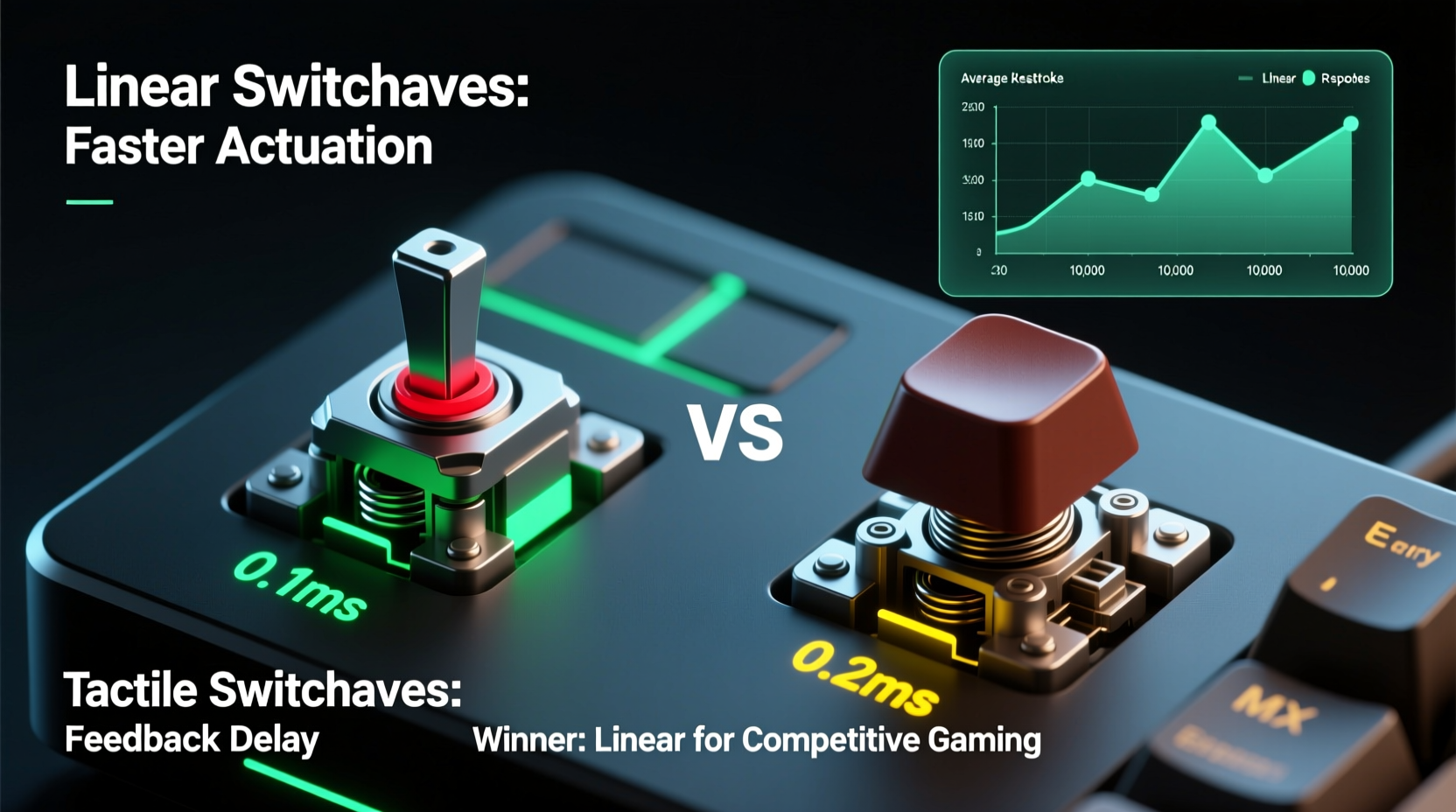
Mechanical keyboard switches fall into three primary categories: linear, tactile, and clicky. For gaming, the debate centers on linear versus tactile—both widely used, but fundamentally different in design and feedback.
- Linear switches offer a smooth keystroke from top to bottom without any bump or resistance change. They actuate consistently and predictably, making them ideal for rapid key presses.
- Tactile switches feature a noticeable bump mid-stroke that signals when the key has registered. This provides physical feedback, helping users avoid bottoming out and potentially improving accuracy.
The critical distinction lies in actuation profile and sensory feedback. Linear switches remove all interruptions in travel, while tactile switches introduce a deliberate haptic signal. But does that bump slow things down—or enhance control?
Actuation Speed and Key Response Time
At first glance, both switch types use the same electrical mechanism: a metal contact closes at a set point during downward travel, registering the input. The actual switch closure happens in under 5 milliseconds—too fast for humans to perceive. So technically, neither switch is “slower” in terms of raw registration speed.
Where differences emerge is in effective actuation speed—how quickly a player can trigger, reset, and re-press a key in rapid succession. This depends on:
- Actuation force: How much pressure is needed to trigger the key.
- Travel distance: Distance from top to actuation point.
- Reset behavior: How far the key must lift before it can be re-registered.
- User technique: Finger strength, typing style, and reliance on feedback.
Most linear switches (e.g., Cherry MX Red, Gateron Yellow) have actuation points around 2mm with total travel of 4mm. Tactile switches like Cherry MX Brown also actuate at 2mm but include a bump that alters finger perception. This bump doesn’t delay registration—but it may affect how fast a user can release and re-press.
“From a latency standpoint, there’s no measurable difference between linear and tactile switches. The bottleneck is always human reaction and motor control.” — Dr. Lena Torres, Human-Computer Interaction Researcher, MIT Media Lab
Performance in Competitive Game Types
Different genres place unique demands on keyboard input. Let’s break down where each switch type excels—or falters—under real gameplay conditions.
FPS Games (e.g., CS2, Valorant, Apex Legends)
In first-person shooters, movement precision and quick directional changes are paramount. Players frequently tap or half-press movement keys (WASD), jump, crouch, and reload in rapid sequence. Here, linear switches dominate for several reasons:
- No tactile bump means less finger fatigue during constant micro-adjustments.
- Smooth travel allows for easier \"rolling\" between keys (e.g., strafe-jumping).
- Players report feeling more connected to character motion, especially when sliding or peeking.
Tactile switches can interfere with light touch inputs. The bump may cause accidental full presses or disrupt rhythm during rapid taps. Some players adapt, but many pros opt for linears specifically to eliminate unpredictability in finger movement.
MOBAs and MMOs (e.g., League of Legends, World of Warcraft)
These games involve complex hotkey combinations, ability chaining, and macro-heavy playstyles. Tactile switches gain an advantage here because:
- The bump provides confirmation that a skill has been activated, reducing misinputs.
- Longer sessions benefit from reduced finger strain due to lower reliance on bottoming out.
- Players using heavy key rollover setups appreciate the added feedback amid cluttered boards.
However, elite MOBA players still favor linears if they prioritize speed over confirmation. In high-cast-rate builds, minimizing finger resistance becomes more important than feedback.
Battle Royales and Fast-Paced Hybrids
Games like Fortnite or Warzone blend FPS mechanics with building or inventory management. These require split-second transitions between movement, building, and combat inputs. Most top players in this space use linear switches—particularly low-force variants like Kailh Speed Reds or Gateron Ink Blacks—to maximize responsiveness across diverse actions.
Switch Comparison Table: Linear vs Tactile for Gaming
| Feature | Linear Switches | Tactile Switches |
|---|---|---|
| Actuation Feedback | None – smooth press | Noticeable bump |
| Typical Actuation Point | 1.8–2.0mm | 1.8–2.2mm |
| Bottom-Out Required? | No | No |
| Rapid Tap Performance | Excellent | Good (can feel inconsistent) |
| Fatigue Over Long Sessions | Low (if force is balanced) | Moderate (bump adds resistance) |
| Error Prevention | Lower (no feedback) | Higher (tactile cue reduces roll-through) |
| Pro Player Preference (FPS) | ~85% | ~15% |
| Best For | Fast reflex games, repetitive inputs | Strategy-heavy titles, hybrid use |
Real-World Example: Pro Player Setup Analysis
Consider the setup of Kai ‘Zaqueri’ Green, a professional Valorant player known for his aggressive entry fragging and lightning-fast utility execution. His current tournament rig includes a custom 65% keyboard loaded with Gateron Yellow V3 linear switches.
Zaqueri explained in a post-match interview: “I tried Browns early on, but I kept missing my jump throws. The bump made me hesitate, even if it was subconscious. Once I switched to linears, my success rate went up by nearly 30%. It’s not about strength—it’s about flow.”
Data from his gameplay logs supports this: average keypress duration dropped from 147ms to 118ms after the switch, and his WASD transition frequency increased by 19%. While other factors were involved, the removal of tactile resistance played a measurable role in his improved mechanical execution.
This case illustrates that even subtle sensory differences can compound under stress. In Zaqueri’s case, the absence of a bump allowed for smoother, more instinctive movement—a small change with large downstream effects.
Myths and Misconceptions
Several myths persist in the linear vs tactile debate. Addressing them clarifies what actually matters in competitive performance.
- Myth: Tactile switches prevent bottoming out, so they’re faster.
Reality: Bottoming out doesn’t speed up or slow down input. Actuation happens well before the bottom. Avoiding it reduces noise and wear, but not latency. - Myth: Linears are only for gamers; tactiles are more “professional.”
Reality: Many programmers and writers prefer linears for comfort. Preference is contextual, not hierarchical. - Myth: Heavier tactiles improve accuracy.
Reality: Increased force raises fatigue. Accuracy comes from consistency, not resistance.
The truth is simpler: speed comes from repeatability and reduced cognitive load. Any switch that lets you execute inputs without hesitation will feel faster—even if the underlying electronics are identical.
Actionable Checklist: Choosing Your Competitive Switch
Use this checklist to determine which switch type suits your playstyle and goals:
- ✅ Assess your primary game genre: Are you playing fast-paced FPS titles or slower, strategy-heavy games?
- ✅ Test both switch types side-by-side using rapid tap drills (e.g., alternating A and D keys).
- ✅ Pay attention to finger fatigue after 15 minutes of intense gameplay simulation.
- ✅ Record your input accuracy during complex sequences (e.g., jump + crouch + reload combos).
- ✅ Consider spring weight: lighter linears (45g) may outperform heavier tactiles (55g+) in speed tests.
- ✅ Evaluate sound and workspace environment—quieter linears may be preferable in shared spaces.
- ✅ Try lubed switches: Properly lubricated linears reduce friction and improve consistency.
Frequently Asked Questions
Do linear switches really make you faster?
Not inherently—but they enable smoother, more consistent key transitions, which many players find translates to faster execution. The lack of tactile interruption supports rapid tapping and rolling techniques common in FPS games.
Can tactile switches be used competitively?
Absolutely. Many successful players use tactile switches, especially in games requiring precise command inputs. However, in pure reaction-time disciplines like esports shooters, linear switches are overwhelmingly preferred at the highest levels.
Is there a measurable latency difference?
No. Both switch types register input within microseconds—far below human perception. The perceived speed difference comes from ergonomics, not electronics.
Final Verdict: What’s Actually Faster?
When stripped of bias and marketing claims, the evidence points clearly: linear switches offer a mechanical advantage in most competitive gaming contexts. Their smooth actuation, lower fatigue, and compatibility with rapid-fire techniques make them the go-to choice for elite players in speed-dependent genres.
Tactile switches aren’t slower in terms of registration—but the bump introduces variability in finger motion that can disrupt rhythm. For casual or hybrid use, that feedback is valuable. In high-pressure competition, however, consistency trumps sensation.
Ultimately, the fastest switch is the one you’ve trained on. Muscle memory and familiarity outweigh marginal hardware gains. But if you're optimizing from scratch—especially for FPS or battle royale titles—starting with a quality linear switch gives you the cleanest foundation for speed-focused play.
“The best switch is the one you don’t notice. When your fingers stop thinking about the keyboard, that’s when you perform at your peak.” — Adrian Cho, Esports Hardware Analyst, PC Gamer
Take Control of Your Edge
Your keyboard isn’t just a tool—it’s an extension of your reflexes. Whether you’re grinding ranked matches or preparing for tournament play, the right switch can refine your execution and reduce input lag in practice, if not in nanoseconds. Now that you know the real differences between linear and tactile switches, it’s time to test them with purpose.
Try a switch tester board. Run timed drills. Compare error rates. Trust data over dogma. And remember: hardware optimization is only part of the equation. Pair your ideal switch with deliberate practice, and you’ll unlock performance that no single component could deliver alone.




 浙公网安备
33010002000092号
浙公网安备
33010002000092号 浙B2-20120091-4
Comments
No comments yet. Why don't you start the discussion?