
The keyboard you use shapes the way you work. It influences your speed, accuracy, and even comfort over long sessions. Two keyboards that frequently appear in professional discussions are the Logitech MX Keys and the Keychron K2. Both promise premium typing experiences but take very different approaches—one a high-end membrane hybrid from a mainstream brand, the other a customizable mechanical board from a rising star in the enthusiast space. For writers, developers, and remote workers, the choice between them isn’t just about specs; it’s about how each keystroke feels, sounds, and sustains over time.
This comparison dives deep into their mechanical (or near-mechanical) typing characteristics, design philosophy, connectivity, and real-world usability to help you decide which better suits your workflow, environment, and personal preferences.
Typing Mechanism: Membrane Hybrid vs True Mechanical
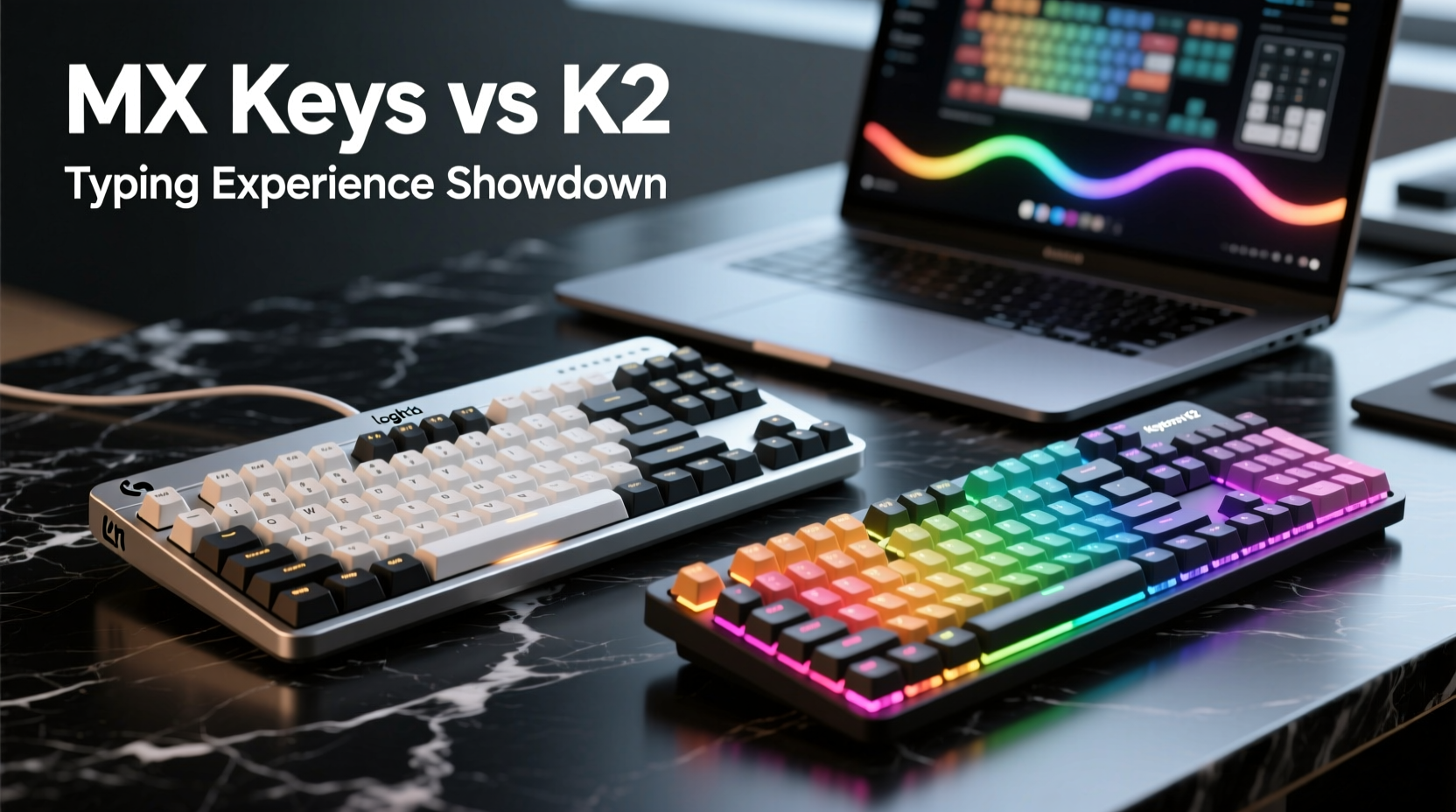
The most fundamental difference lies beneath the keycaps. The Logitech MX Keys uses what Logitech calls a “Perfect Stroke” key system—a low-profile scissor-switch mechanism with a dome-shaped rubber underlayer. It mimics some aspects of mechanical switches with optimized actuation force and travel distance (1.5 mm), delivering a quiet, consistent, and responsive feel. Designed primarily for office environments, it prioritizes minimal noise and smooth keystrokes without the tactile bump typical of mechanical boards.
In contrast, the Keychron K2 is built on true mechanical switch technology. Available with various switch types—most commonly Gateron Red, Brown, or Blue—it gives users full control over the typing experience. Gateron Browns offer a tactile bump with moderate feedback, Reds are linear and smooth, while Blues provide pronounced tactile and audible click. With 3.6 mm of total travel and 2 mm actuation point, the K2 delivers a deeper, more dynamic keystroke profile than the MX Keys.
This divergence defines the entire user experience. The MX Keys excels in silence and subtlety—ideal for shared offices or video calls. The K2 thrives on responsiveness and customization, appealing to typists who value feedback and rhythm in their keystrokes.
Build Quality and Design Philosophy
Both keyboards are well-built, but their materials and structural approach reflect distinct priorities.
The MX Keys features an aluminum top case with a minimalist, modern aesthetic. Its curved keywell design positions keys at a natural angle, reducing finger strain. The keys have a slightly concave shape with rounded edges, promoting fingertip alignment. It also includes backlighting that activates when hands approach the keyboard—an elegant touch that enhances usability in low light without draining power unnecessarily.
The Keychron K2 uses a plastic frame with optional aluminum plate variants depending on configuration. While less premium-feeling than the MX Keys’ metal chassis, it’s lightweight and durable. The K2 follows a traditional tenkeyless (TKL) layout—lacking a number pad—which saves desk space and encourages ergonomic mouse positioning. It supports hot-swappable switches, allowing users to change switch types without soldering, a feature absent in nearly all mainstream keyboards.
Where the MX Keys aims for plug-and-play sophistication, the K2 embraces modularity. You can customize not only the switches but also the keycaps, firmware (via QMK/VIA support), and even RGB lighting patterns. This makes the K2 highly adaptable for coders, gamers, or anyone wanting personalized shortcuts.
“Mechanical keyboards aren’t just louder—they offer better tactile feedback, which reduces typing errors over time.” — Dr. Lena Torres, Human Factors Engineer at MIT Media Lab
Layout, Size, and Ergonomics
Ergonomics play a crucial role in sustained typing comfort. Here’s how they compare across key dimensions:
| Feature | Logitech MX Keys | Keychron K2 |
|---|---|---|
| Layout | Full-size with function row | Tenkeyless (TKL) |
| Key Travel | 1.5 mm | 3.6 mm |
| Actuation Force | 50–60 cN (estimated) | 50 cN (Gateron Brown) |
| Palm Rest | Integrated soft-touch area | None (add-on required) |
| Adjustable Feet | No | Yes (two-angle options) |
| Hand Positioning | Curved keywell | Flat layout |
The MX Keys’ integrated palm rest and fixed low profile promote a relaxed wrist posture. Its curved keywell aligns closely with natural hand curvature, potentially reducing ulnar deviation during prolonged use. However, the lack of tilt adjustment limits positional flexibility.
The K2’s flat surface and adjustable feet allow users to find their optimal typing angle. While it lacks a built-in rest, many users pair it with gel pads or sculpted wood rests for added comfort. The absence of a numpad brings the mouse closer to center, which ergonomics experts often recommend to reduce shoulder strain.
Connectivity and Multi-Device Performance
For professionals juggling multiple devices, seamless switching is essential.
The MX Keys shines here with its dual-mode Bluetooth + USB-C Unifying receiver support. It pairs with up to three devices simultaneously and allows instant toggling via dedicated function keys (F1–F3). It works flawlessly across Windows, macOS, Linux, iOS, and Android, automatically adjusting shortcut mappings based on detected OS. Battery life reaches up to 14 days with backlighting on, or 5 months with it off—impressive for a feature-rich wireless keyboard.
The Keychron K2 also supports Bluetooth (v5.1) with up to three device pairings and a wired USB-C connection. Switching between devices requires pressing a key combination (e.g., Fn + Q/W/E), which is functional but less intuitive than the MX Keys’ one-press buttons. It too is cross-platform compatible, though early firmware versions had minor macOS key remapping issues—largely resolved in recent updates.
One advantage the K2 holds is open-source firmware compatibility. Using VIA software, advanced users can reprogram every key, create custom layers, and set macros—something the closed ecosystem of the MX Keys does not permit.
Noise Levels and Work Environment Suitability
Sounds matter—especially in quiet offices, libraries, or during Zoom meetings.
The MX Keys is exceptionally quiet. Its low-profile keys and dampened scissor mechanisms produce a soft thud rather than a click. Even rapid typing remains discreet. Combined with non-backlit default mode, it’s ideal for shared spaces where minimizing distraction is critical.
The Keychron K2 varies significantly based on switch choice. Gateron Blue switches are loud and clicky—unsuitable for quiet environments. Browns offer moderate sound with a subtle bump, while Reds are quieter and smoother. Adding O-rings or foam mods can further dampen noise, but these require technical effort. Out of the box, the K2 is noticeably noisier than the MX Keys.
A freelance writer working from a co-living space tested both keyboards over two weeks. She used the MX Keys during client calls and collaborative sessions, appreciating its silence and reliability. At night, she switched to her customized K2 with Gateron T1 Browns and foam insert, enjoying the richer tactile feedback for drafting long-form articles. Her verdict? “The MX Keys keeps me professional. The K2 keeps me inspired.”
Customization and Long-Term Flexibility
If you value adaptability, the Keychron K2 offers far greater potential for personalization.
- Hot-swap sockets: Change switches in minutes without tools or soldering.
- QMK/VIA support: Remap keys, create macros, and design layers for specific apps (e.g., Photoshop, VS Code).
- RGB lighting: Fully programmable per-key illumination (optional).
- Case and plate options: Aftermarket upgrades available for improved acoustics and feel.
The MX Keys, while reliable, is locked down. No key remapping beyond basic F-key functions, no replaceable switches, and no third-party firmware access. What you buy is what you get—refined, but static.
For users who evolve in their needs—perhaps transitioning from general writing to coding or automation—the K2 grows with them. The MX Keys remains excellent for those who prefer stability and simplicity over tinkering.
Checklist: Choosing Between MX Keys and K2
- Do you work in a quiet or shared environment? → Lean toward MX Keys.
- Do you want full control over switch feel and sound? → Choose Keychron K2.
- Is plug-and-play reliability more important than customization? → MX Keys wins.
- Do you use multiple operating systems regularly? → Both handle this well, but MX Keys has smoother switching.
- Are you willing to learn firmware tools like VIA? → K2 unlocks its full potential only with this step.
- Do you prioritize build premiumness over modularity? → MX Keys feels more luxurious out of the box.
- Will you type for extended periods daily? → Test both for hand fatigue—individual anatomy varies.
Frequently Asked Questions
Can I use mechanical keycaps on the Logitech MX Keys?
No. The MX Keys uses proprietary scissor mechanisms incompatible with standard mechanical keycap profiles. Only OEM or manufacturer-specific replacements designed for low-profile Logitech keyboards will fit properly.
Is the Keychron K2 suitable for beginners new to mechanical keyboards?
Yes, especially if purchased with pre-installed tactile (Brown) or linear (Red) switches. However, newcomers should be aware of steeper learning curves related to firmware, key remapping, and maintenance. For plug-and-play ease, the MX Keys remains more beginner-friendly.
Does the MX Keys support macro programming?
Not directly. While Logitech Options+ software allows limited function key assignment (e.g., launching apps or media controls), it doesn’t support complex macros or layered keymaps like QMK-enabled boards such as the K2.
Final Verdict: Which One Should You Choose?
The answer hinges on your definition of a great typing experience.
If your priority is a sleek, silent, and polished keyboard that integrates seamlessly across devices with zero setup hassle, the **Logitech MX Keys** is an outstanding choice. It’s engineered for professionals who value discretion, consistency, and design elegance. It performs exceptionally well in corporate settings, hybrid workspaces, and mobile setups.
But if you crave engagement, feedback, and the ability to tailor every aspect of your input device—from switch type to key function—the **Keychron K2** offers unmatched depth. It rewards curiosity and investment with a truly personal typing rhythm. Writers who enjoy the sensory aspect of typing, developers building custom workflows, or enthusiasts who appreciate craftsmanship will find it deeply satisfying.
Neither keyboard is objectively superior. They serve different philosophies: one optimizes for harmony with modern work environments, the other empowers individual expression through hardware.




 浙公网安备
33010002000092号
浙公网安备
33010002000092号 浙B2-20120091-4
Comments
No comments yet. Why don't you start the discussion?