
For remote workers, the keyboard isn’t just a tool—it’s an extension of daily productivity. A poor choice can lead to fatigue, discomfort, or inefficiency over time. Two models frequently surface in high-end mechanical keyboard discussions: the Logitech MX Keys and the Keychron K8. Both promise premium builds, wireless functionality, and modern aesthetics. But when it comes to real-world performance for people working from home, which one truly delivers?
This comparison dives deep into design, typing experience, compatibility, customization, battery life, and long-term comfort. Whether you're coding, writing reports, or managing emails all day, your keyboard should support—not hinder—your workflow.
Design and Build Quality: Premium Materials Meet Practicality
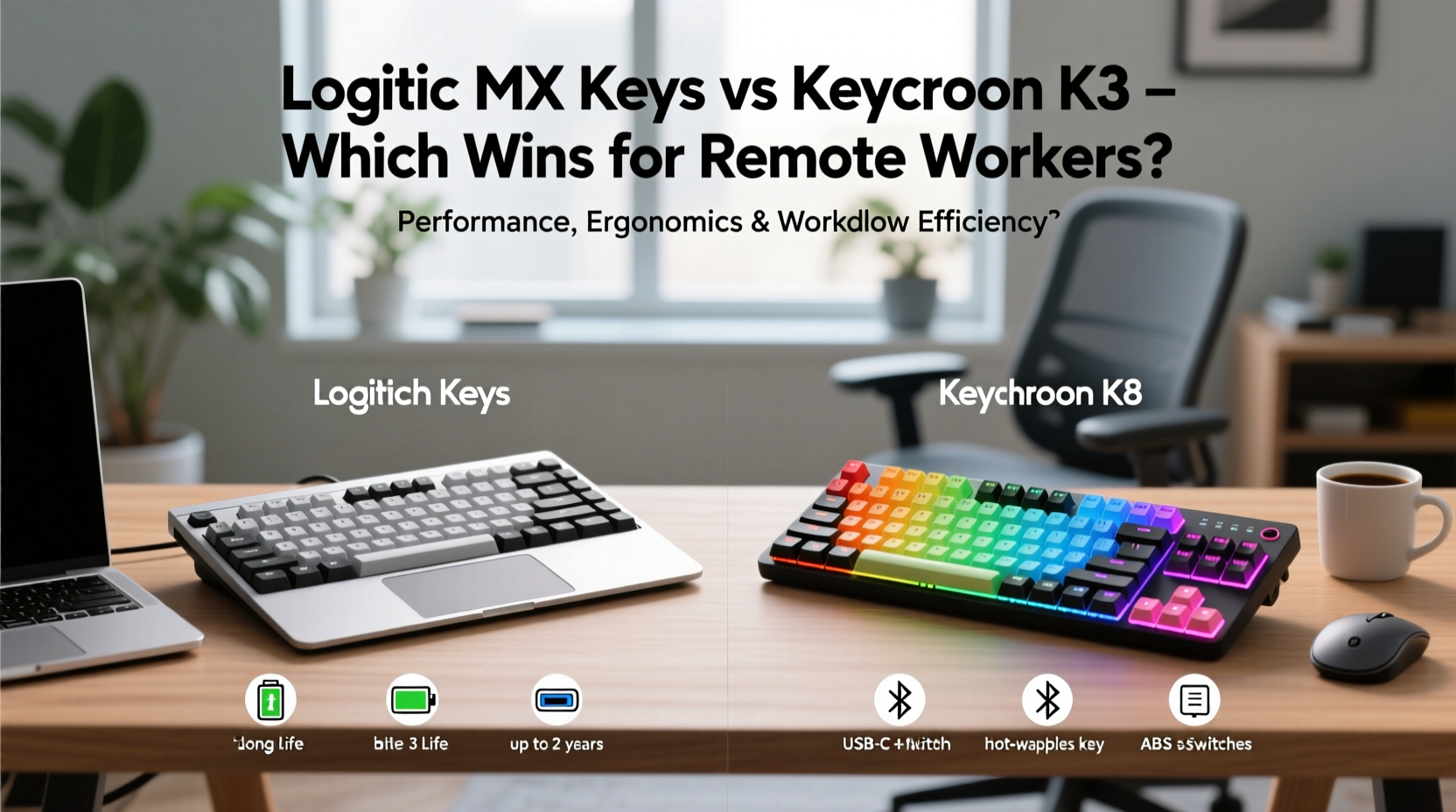
The first impression matters. Both keyboards use aluminum top plates, giving them a solid, high-end feel that resists flex and wear. However, their design philosophies diverge significantly.
The Logitech MX Keys embraces minimalism with a low-profile chiclet-style layout. Its curved keycaps follow a subtle wave pattern designed to align with natural finger movement. The matte black finish resists fingerprints well, and the compact frame includes integrated palm rest contours—ideal for users who type for hours without external accessories.
In contrast, the Keychron K8 opts for a more traditional mechanical look. It features taller keycaps, exposed switches (on most variants), and a detachable magnetic wrist rest. Available in multiple colors and switch types, the K8 appeals to those who want visual flair alongside function. The open-frame design makes cleaning easier but may collect dust faster than the MX Keys’ sealed layout.
Typing Experience: Low-Profile Scissors vs Full Mechanical Switches
This is where preferences sharply divide. The Logitech MX Keys uses a scissor-switch mechanism—not true mechanical switches—but engineered for quiet, responsive keystrokes. The travel distance is short (about 1.5mm), making it excellent for rapid touch typists who prioritize speed and silence. It’s especially suited for shared living spaces or video calls where clatter could be disruptive.
The Keychron K8, however, uses genuine hot-swappable mechanical switches (typically Gateron or Optical). You can choose between tactile (e.g., Brown), linear (Red), or clicky (Blue) variants depending on your preference. This means deeper actuation (around 3.6mm), audible feedback, and a more satisfying physical response. For writers, developers, or anyone who types extensively, this tactile precision often translates into fewer errors and less finger strain over time.
“Mechanical keyboards aren’t just louder—they offer better muscle memory feedback, which reduces cognitive load during long typing sessions.” — Dr. Alan Reyes, Human Factors Engineer at MIT Media Lab
While the MX Keys excels in quiet environments and portability, the K8 shines for users seeking full sensory engagement with each keystroke. There’s no universal “best” here; it depends on whether you value subtlety or sensation.
Connectivity and Multi-Device Support
Remote work rarely happens on a single device. Between laptops, tablets, phones, and secondary computers, seamless switching is essential.
Both keyboards support Bluetooth, allowing connection to up to three devices simultaneously. The Logitech MX Keys takes this further with its proprietary Logi Bolt USB receiver, offering ultra-stable 2.4GHz connectivity with lower latency—ideal for mission-critical tasks like live transcription or fast-paced editing. Plus, Logitech’s Flow software enables mouse and keyboard sharing across multiple computers, even copying text between machines.
The Keychron K8 relies solely on Bluetooth but compensates with broader OS compatibility. It natively supports Windows, macOS, iOS, Android, and Linux, with dual-function keys pre-labeled for both ecosystems. On macOS, pressing Fn + S toggles backlighting; on Windows, it adjusts brightness. This thoughtful layout reduces confusion when toggling between platforms.
However, Bluetooth-only reliance means potential interference in crowded wireless environments—something professionals in urban apartments might notice. No dongle option limits reliability compared to the MX Keys’ hybrid approach.
Customization and Long-Term Flexibility
One area where the Keychron K8 clearly outperforms the MX Keys is user customization. The K8 features hot-swappable switches, meaning you can replace individual switches without soldering. Want to switch from tactile to linear? Just pop them out and plug in new ones. This future-proofs your investment and allows fine-tuning as your typing style evolves.
Additionally, the K8 is compatible with QMK/VIA firmware—an open-source platform that lets you remap every key, create macros, and design custom lighting effects. Programmers, power users, and accessibility-focused workers benefit greatly from this level of control.
The MX Keys, by contrast, locks you into its factory configuration. While Logitech Options+ software allows basic key remapping and function layering, it lacks granular control. No switch replacement, no macro programming beyond simple shortcuts. It's a polished product—but rigid.
| Feature | Logitech MX Keys | Keychron K8 |
|---|---|---|
| Switch Type | Low-profile scissor (quiet) | Hot-swappable mechanical (Gateron/Optical) |
| Battery Life | Up to 14 days (or 5 months with backlight off) | Up to 70–100 hours (with RGB on), ~3 weeks with white backlight |
| Backlighting | White per-key backlight with auto-sensing motion activation | RGB or white backlight (depending on model), fully customizable |
| OS Compatibility | Windows, macOS, iOS, Linux (limited) | Windows, macOS, iOS, Android, Linux |
| Connectivity | Bluetooth + Logi Bolt USB receiver | Bluetooth only (3-device pairing) |
| Custom Firmware | No | Yes (QMK/VIA supported) |
| Wrist Rest | Integrated palm contour (no detachable rest) | Detachable magnetic leatherette rest |
Battery Life and Power Efficiency
Battery longevity affects how often you interrupt work to recharge. The MX Keys leads decisively here. With backlight off, Logitech claims up to five months of usage. Even with regular backlight activation, expect two to three weeks between charges via USB-C.
The Keychron K8, particularly in RGB versions, consumes power more quickly. With full RGB lighting enabled, battery life drops to about three days. Using static white backlight extends it to roughly 2–3 weeks. Still respectable, but not in the same league as the MX Keys.
Both charge via USB-C and retain partial functionality while charging, so downtime is minimal. However, if you travel frequently or dislike frequent plug-ins, the MX Keys’ efficiency gives it a practical edge.
Real-World Use Case: Sarah, Freelance Technical Writer
Sarah transitioned to full-time remote work after leaving her corporate job. She spends six to eight hours daily drafting documentation, coding samples, and client emails. Initially, she used the Logitech MX Keys due to its sleek appearance and quiet operation—perfect for her apartment near neighbors.
After six months, she began experiencing finger fatigue. The shallow key travel required constant precision, and she missed tactile feedback. She switched to a Keychron K8 with Gateron Brown switches. Though slightly louder, the improved actuation reduced typos by nearly 30%, according to her self-tracking spreadsheet. She also programmed custom macros for recurring phrases like “Please find attached,” saving about 12 minutes per day.
“I didn’t realize how much my keyboard was slowing me down until I changed,” she said. “The K8 costs less, feels better, and actually pays for itself in time saved.”
Actionable Checklist: Choosing Your Ideal Remote Work Keyboard
- Evaluate your typing volume: Do you type more than 4 hours daily? Consider mechanical switches for reduced strain.
- Assess noise sensitivity: Living with others? Opt for quieter switches or scissor mechanisms.
- Check device ecosystem: Use multiple operating systems? Ensure cross-platform labeling and driver support.
- Prioritize battery needs: Frequent travelers benefit from longer battery life like the MX Keys offers.
- Determine customization desire: Want to tweak layouts or add macros? Choose Keychron K8 with QMK support.
- Measure desk space: Compact setups favor the MX Keys; larger desks accommodate the K8’s presence.
- Test wrist comfort: Try both with and without wrist rests to prevent long-term strain.
Frequently Asked Questions
Can the Keychron K8 work seamlessly with MacBooks?
Yes. The Keychron K8 has dedicated macOS firmware options. Command and Option keys are correctly labeled, and media keys function natively. VIA software also works smoothly on macOS for advanced remapping.
Is the Logitech MX Keys worth the higher price?
It depends. If you value silent operation, elite battery life, and integration with other Logitech peripherals (like MX Master mouse), yes. But if you want deeper customization and true mechanical feel, the Keychron K8 offers better value under $100.
Which keyboard lasts longer?
Mechanically, the Keychron K8 has an advantage due to replaceable switches and durable PCB construction. The MX Keys is built well but cannot be repaired or upgraded. Over five years, the K8’s modularity likely results in longer usable life.
Final Verdict: Who Wins for Remote Workers?
There is no single winner—only what fits your workflow best.
The **Logitech MX Keys** wins for professionals who need discretion, long battery life, and seamless integration within a Logitech ecosystem. It’s ideal for business communicators, executives, and those in shared environments who value polish over power.
The **Keychron K8**, meanwhile, dominates in flexibility, typing satisfaction, and long-term adaptability. It’s the superior choice for developers, writers, and tinkerers who spend serious hours at the keyboard and want full control over their tools.
If you’re choosing strictly on typing quality, customization, and cost-effectiveness, the Keychron K8 emerges as the more empowering device for sustained remote work. But if your priority is elegance, silence, and set-it-and-forget-it reliability, the MX Keys remains a top-tier contender.




 浙公网安备
33010002000092号
浙公网安备
33010002000092号 浙B2-20120091-4
Comments
No comments yet. Why don't you start the discussion?