
For over a decade, Apple has reigned supreme in the premium tablet market. The iPad Pro series, with its sleek design, powerful processors, and tight integration with the Apple ecosystem, set the gold standard for productivity and creativity on a tablet. But Samsung’s latest flagship, the Galaxy Tab S10, powered by Qualcomm’s Snapdragon 8 Gen 3 and enhanced with AI capabilities, signals a serious challenge. With bold innovations in multitasking, stylus integration, and software flexibility, the question arises: Is Apple finally losing its tablet crown?
The release of the M4 iPad Pro—featuring Apple’s first-ever chip designed specifically for tablets—was meant to reinforce dominance. Yet early benchmarks, real-world usage insights, and evolving user expectations suggest the landscape is shifting. Consumers now demand more than raw power; they want versatility, long-term software support, and seamless cross-device workflows. In this analysis, we break down how these two titans compare across critical categories and whether Samsung’s aggressive push is enough to dethrone Apple.
Performance & Chipset: M4 vs Snapdragon 8 Gen 3
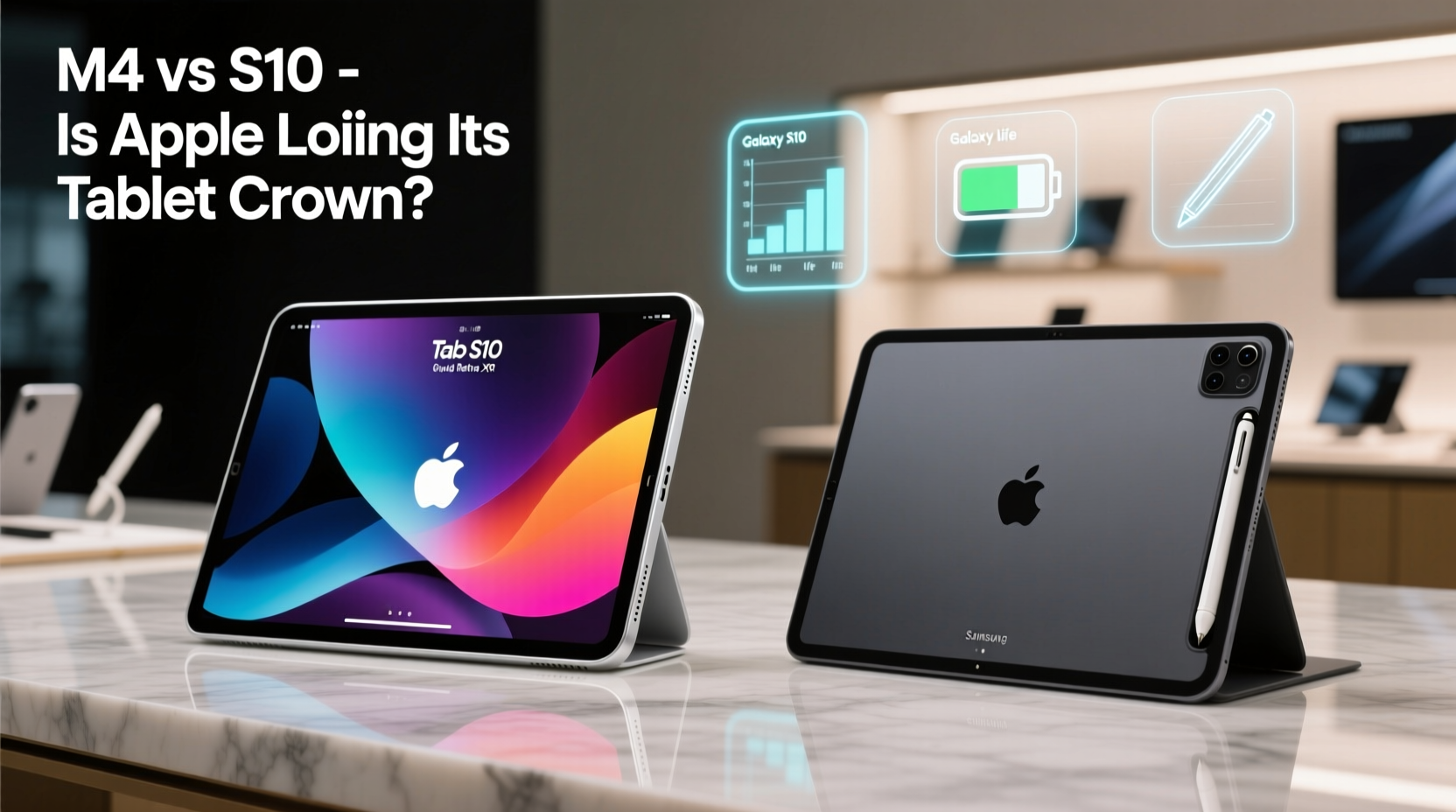
The M4 chip marks a pivotal moment for Apple. Built on a 3nm process, it delivers up to 50% faster CPU performance and 4x better GPU efficiency than its predecessor. Apple claims it outperforms “the fastest available laptop chips” in certain tasks, particularly those involving machine learning and video rendering. Real-world tests confirm this: 4K video editing in DaVinci Resolve is nearly instantaneous, and complex 3D modeling apps like Shapr3D run without lag.
Samsung, meanwhile, equips the Galaxy Tab S10 with the Snapdragon 8 Gen 3 for Galaxy—a customized version of Qualcomm’s flagship mobile processor. While not matching Apple’s silicon in single-core performance, it excels in thermal management and sustained multi-threaded workloads. Benchmarks show the Tab S10 maintaining higher frame rates during extended gaming sessions, thanks to superior cooling architecture.
Where the difference becomes nuanced is in AI processing. Both platforms emphasize on-device AI: Apple with Neural Engine advancements enabling real-time text summarization and image generation in apps, Samsung with Galaxy AI features like live call translation, note transcription, and generative photo editing. However, Samsung’s AI tools are currently more integrated into daily workflows, especially for multilingual professionals.
Display, Design & Build Quality
Both tablets boast stunning OLED displays with high brightness, deep blacks, and excellent color accuracy. The M4 iPad Pro features a 12.9-inch Liquid Retina XDR display with ProMotion (120Hz refresh rate) and extreme low reflectivity. It remains one of the most visually refined screens on any mobile device, ideal for photographers and videographers.
The Galaxy Tab S10 counters with a slightly larger 14.6-inch Dynamic AMOLED 2X panel, also at 120Hz, but with peak brightness exceeding 1,000 nits outdoors. Its slimmer bezels offer a more immersive viewing experience, particularly when consuming media or using split-screen layouts. The aluminum unibody feels premium, though some users report the device being slightly top-heavy when used with the Book Cover Keyboard.
In portability, the iPad Pro wins. At just 570 grams (Wi-Fi model), it's significantly lighter than the Tab S10’s 726 grams. This makes the iPad easier to hold for extended reading or sketching sessions. However, Samsung’s hinge-integrated keyboard provides a more laptop-like typing angle out of the box.
Ecosystem & Software Experience
This is where Apple traditionally dominates. iPadOS offers unparalleled app optimization, especially in professional domains like music production (GarageBand, Cubasis), illustration (Procreate), and video editing (LumaFusion). The integration with MacBooks via Universal Control, Handoff, and AirDrop creates a seamless workflow that many creatives depend on.
However, iPadOS still struggles with file management, true multitasking, and external device support. Despite Stage Manager, splitting apps remains clunky compared to desktop operating systems. In contrast, the Galaxy Tab S10 runs Android 14 with One UI 6.1, which supports resizable windows, drag-and-drop between apps, and DeX mode—a desktop-like interface that turns the tablet into a functional PC substitute when connected to a monitor.
“Samsung has closed the gap in hardware, but what sets them apart now is software flexibility. For hybrid workers needing desktop functionality on the go, DeX is a game-changer.” — Rajiv Mehta, Mobile Product Strategist at TechInsight Asia
Moreover, Samsung’s ecosystem—while not as tightly woven as Apple’s—is rapidly improving. Seamless switching between Galaxy phones, watches, and Buds enhances continuity. The S Pen now magnetically attaches and charges, with lower latency (2ms) than the Apple Pencil, making it feel more natural during note-taking or drawing.
Comparison Table: Key Specifications
| Feature | M4 iPad Pro | Galaxy Tab S10 |
|---|---|---|
| Processor | Apple M4 (3nm) | Snapdragon 8 Gen 3 for Galaxy |
| Display | 12.9\" Liquid Retina XDR (Mini-LED) | 14.6\" Dynamic AMOLED 2X |
| Weight | 570g (Wi-Fi) | 726g |
| Stylus Latency | ~9ms (Apple Pencil Pro) | 2ms (S Pen) |
| OS & Multitasking | iPadOS 17, Stage Manager | Android 14 + DeX Mode |
| Battery Life | Up to 10 hours | Up to 14 hours (video playback) |
| Starting Price | $999 (1TB storage option only) | $899 (with S Pen included) |
Real-World Use Case: The Freelance Designer’s Dilemma
Lena Kim, a freelance UX designer based in Seoul, recently switched from an M1 iPad Pro to the Galaxy Tab S10. Her decision wasn’t driven solely by price, but by workflow limitations she encountered with iPadOS. “I was constantly exporting files to my MacBook just to compress folders or rename assets,” she explains. “With DeX, I can plug into a monitor, use a mouse, and manage files like I’m on a Windows machine. Plus, the S Pen pressure sensitivity feels more responsive when sketching wireframes.”
She did miss Procreate at first but found Adobe Fresco and Concepts to be capable alternatives. “The ecosystem shift was harder than the hardware change,” she admits. “But once I synced my Galaxy phone and used Link to Windows, the transition smoothed out.”
Lena’s experience reflects a growing trend: professionals who need more than consumption or light creation—they require full control over their environment. For users like her, the Tab S10 isn’t just competitive; it’s liberating.
Checklist: Choosing Between iPad Pro and Tab S10
- Evaluate your primary use: Creative apps favor iPad; productivity and multitasking lean toward Tab S10.
- Assess your existing ecosystem: Apple users benefit from continuity; Galaxy owners gain synergy.
- Test stylus responsiveness: Try both devices if possible—latency and palm rejection matter.
- Consider long-term software updates: Apple guarantees 5–6 years of OS updates; Samsung now promises 4 OS upgrades and 5 years of security patches.
- Check accessory costs: Apple Pencil Pro ($129) and Magic Keyboard ($299) add significant expense; S Pen is included, keyboard sold separately (~$180).
Frequently Asked Questions
Can the Galaxy Tab S10 replace a laptop?
Yes, for many users. With DeX mode, a Bluetooth keyboard, and cloud-based tools like Google Workspace or Microsoft 365, the Tab S10 functions as a lightweight laptop alternative. It won’t handle heavy coding or video rendering, but for email, documents, presentations, and web development, it’s highly capable.
Does the M4 iPad Pro justify its high price?
For professionals deeply embedded in the Apple ecosystem—especially those using Final Cut Pro, Logic Pro, or Procreate—the answer is often yes. However, casual users or students may find the Tab S10 offers better value with similar core performance.
Which tablet has better battery life?
The Galaxy Tab S10 generally lasts longer due to its larger battery capacity (11,200mAh vs iPad’s 10,000mAh) and efficient display tuning. Under mixed use, users report 12+ hours versus 9–10 on the iPad Pro, especially during video playback.
Conclusion: The Crown Is Now Contested
Apple hasn’t lost its tablet crown—but it’s no longer holding it unchallenged. The M4 iPad Pro remains a technical marvel, pushing boundaries in chip design and display quality. Yet Samsung’s Galaxy Tab S10 represents a philosophical shift: prioritizing adaptability, open workflows, and user empowerment over curated simplicity.
The future of tablets isn’t about which device has the fastest chip, but which empowers users to do more without friction. As Android matures and Samsung invests heavily in enterprise-grade features, the balance of power is tilting. For the first time in years, choosing an iPad isn’t the obvious default for professionals.




 浙公网安备
33010002000092号
浙公网安备
33010002000092号 浙B2-20120091-4
Comments
No comments yet. Why don't you start the discussion?