
Choosing the right hardware for a home server is more than just picking the fastest or cheapest option. It's about balancing performance, energy efficiency, expandability, long-term costs, and software compatibility. Two popular contenders in this space are the Apple Mac Mini with the M2 chip and Intel’s NUC (Next Unit of Computing) lineup. While both are compact, quiet, and suitable for 24/7 operation, they cater to different philosophies and ecosystems. This article breaks down the key differences between the Mac Mini M2 and Intel NUC when used as a home server, focusing on real-world cost-performance trade-offs.
Performance: CPU, RAM, and Real-World Workloads
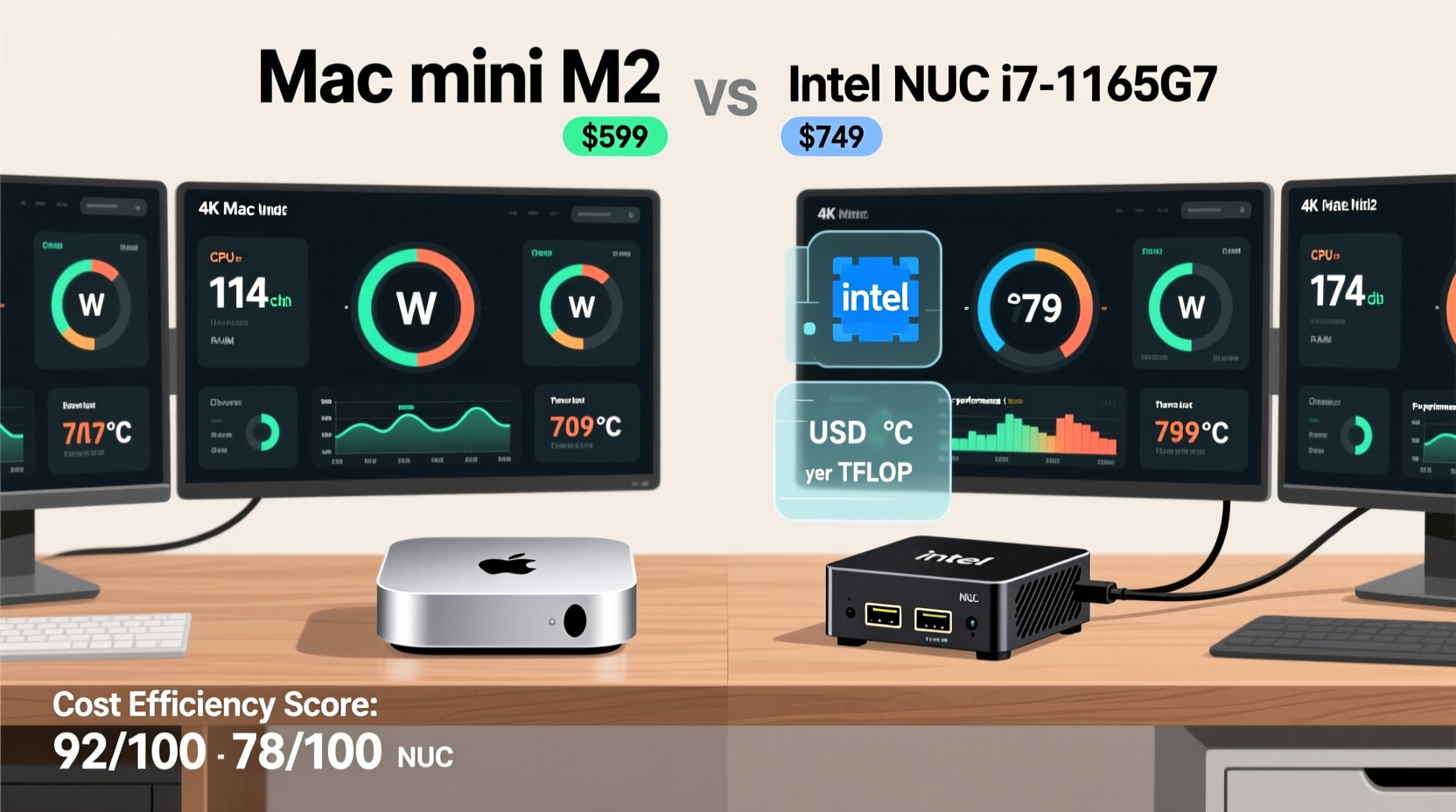
The heart of any server is its processing capability. The Mac Mini M2 uses Apple’s custom ARM-based M2 chip, available in configurations with 8-core or 10-core CPUs and up to 24GB of unified memory. The M2 excels in single-threaded performance and power efficiency thanks to its advanced 5nm process and integrated architecture. For tasks like media transcoding (especially with Plex using hardware acceleration), file serving, and lightweight virtualization, the M2 performs exceptionally well under load while consuming minimal power.
Intel NUCs, particularly models like the NUC 12 Pro (Wall Street Canyon) or NUC 13 Enthusiast (Raptor Lake), offer x86 processors ranging from quad-core i3s to powerful 14-core i7/i9 chips. These support up to 64GB of DDR5 RAM via two SODIMM slots, making them better suited for memory-intensive applications such as running multiple VMs, Docker containers, or database servers. However, higher-end NUCs generate more heat and consume significantly more power—especially under sustained workloads.
Cost Analysis: Upfront Price vs Long-Term Value
Initial purchase price is only one part of the equation. Let's compare typical configurations used in home server setups:
| Model | Base Config | Upgraded Config (16GB RAM + 512GB SSD) | Max RAM Support | Approx. Cost (USD) |
|---|---|---|---|---|
| Mac Mini M2 | 8-core CPU, 8GB, 256GB SSD | 8-core CPU, 16GB, 512GB SSD | 24GB | $799–$1,099 |
| Intel NUC 12 Pro (NUC12WSHi5) | i5-1240P, 8GB, no storage | i5-1240P, 16GB, 512GB SSD | 64GB | $550–$750 (fully built) |
| Intel NUC 13 Enthusiast (NUC13ANBi7) | i7-1360P, 16GB, 512GB | i7-1360P, 32GB, 1TB SSD | 64GB | $900–$1,300 |
While the base Mac Mini M2 starts at a premium compared to similarly specced NUC kits, it includes all essential components out of the box—power supply, operating system, and optimized firmware. In contrast, many NUCs ship as barebones units requiring separate purchases of RAM, storage, and sometimes even Wi-Fi cards. When fully equipped, mid-tier NUC builds often match or exceed the Mac Mini’s price—but offer greater flexibility for future upgrades.
“Total cost of ownership isn’t just about sticker price—it includes power consumption, longevity, and administrative overhead.” — David Lin, Systems Architect at OpenInfra Labs
Power Efficiency and Noise: Critical for Always-On Servers
A home server typically runs 24/7, so energy efficiency directly impacts monthly electricity bills. The Mac Mini M2 draws between 6–15 watts under normal load and peaks around 30W during intensive tasks. Its fanless design on lower configurations ensures silent operation—a major advantage if the server resides in living spaces.
Intel NUCs vary widely. Entry-level models (like NUC 11 Essential) sip power at ~6W idle but high-performance variants (e.g., NUC 13 Enthusiast) can idle at 15W and spike to 60W+ under full CPU load. They also feature active cooling, which means audible fan noise during sustained operations. Over a year, the difference adds up: assuming $0.15/kWh electricity rate:
- Mac Mini M2: ~$30–$50/year
- Mid-range NUC: ~$70–$100/year
- High-end NUC: ~$120+/year
This makes the Mac Mini notably cheaper to operate long-term, especially in regions with high electricity costs.
Software Ecosystem and Compatibility
The biggest divergence lies in software support. The Mac Mini runs macOS, which brings strengths—and limitations—for server use. macOS supports robust networking features, built-in Time Machine backup server functionality, and excellent integration with Apple devices. It also supports Docker via Docker Desktop and limited Linux containerization through tools like Lima. However, many open-source server applications (e.g., Home Assistant OS, TrueNAS SCALE, Pi-hole) are designed primarily for Linux environments and may require complex workarounds or virtual machines to run smoothly.
Intel NUCs shine here. As standard x86 PCs, they support virtually any operating system: Linux distributions (Ubuntu Server, Debian, Fedora), FreeBSD, Windows Server, and specialized NAS/embedded OSes like TrueNAS, UnRAID, or Proxmox VE. This broad compatibility allows users to repurpose the NUC into a multi-role server—acting as a firewall (via pfSense), Kubernetes node, or media transcoder—all within a single machine using virtualization.
Real-World Use Case: Media Server and Smart Home Hub
Consider John, a tech-savvy homeowner building a centralized server for his smart home. His needs include:
- Running Plex for media streaming
- Hosting Home Assistant for automations
- Storing family photos and backups
- Low noise and energy usage
He initially chose a Mac Mini M2 for its sleek design and low power draw. Plex worked flawlessly with hardware-accelerated transcoding, and he used iCloud Drive for photo sync. However, setting up Home Assistant required running a Linux VM via UTM, which consumed extra RAM and reduced responsiveness. After six months, he migrated to an Intel NUC 12 Pro running Proxmox, hosting both a Ubuntu VM for Home Assistant and a FreeBSD jail for Nextcloud. Though slightly louder and less efficient, the NUC gave him full control, easier troubleshooting, and room for expansion.
John’s experience highlights a common pattern: the Mac Mini works best when staying within Apple’s ecosystem; the NUC wins when customization and cross-platform support matter most.
Expandability and Future-Proofing
Both systems are limited by their small form factor, but differently. The Mac Mini M2 has no internal expansion beyond what Apple pre-installs. Storage cannot be upgraded after purchase (it's soldered), and RAM is fixed per model. You’re locked into your configuration choice forever.
Intel NUCs generally allow user-upgradable RAM and storage. Some models even support dual M.2 NVMe drives and 2.5-inch SATA bays via optional brackets. This modularity lets users adapt over time—adding more storage for backups or upgrading RAM for heavier virtualization loads. Additionally, NUCs often include more versatile I/O: multiple Ethernet ports (useful for VLANs or routing), COM headers, and TPM modules for enhanced security.
Step-by-Step: Choosing Based on Your Needs
- Define your primary use case: Is it media serving, file storage, development, or smart home automation?
- Evaluate software requirements: Do you need Linux? Docker? Bare-metal hypervisors?
- Budget for total cost: Include RAM, storage, OS licenses, and estimated annual power costs.
- Assess physical constraints: Consider noise tolerance and placement (bedroom vs basement).
- Test scalability: Will your needs grow in 2–3 years? Can the platform accommodate that?
Checklist: Mac Mini M2 vs Intel NUC Decision Guide
- ✅ Choose Mac Mini M2 if:
- You value ultra-low power consumption
- Your workflow revolves around Apple devices
- You want plug-and-play simplicity
- Noise must be near-zero
- You don’t need Linux or extensive virtualization
- ✅ Choose Intel NUC if:
- You plan to run Linux, BSD, or Windows Server
- You need to host multiple VMs or containers
- Future RAM/storage upgrades are important
- You're building a homelab with diverse services
- You already have compatible components (RAM, SSD)
Frequently Asked Questions
Can I run Docker effectively on a Mac Mini M2?
Yes, but with caveats. Docker Desktop works well for development and light container use. However, ARM architecture means some x86-only images won't run without emulation, which slows performance. For production-grade container orchestration, Intel NUCs running Linux are more reliable.
Is the Mac Mini M2 good for Plex server?
Excellent. The M2 includes a dedicated media engine that handles 4K H.265 and H.264 transcoding efficiently. With proper settings, it can transcode multiple 1080p streams simultaneously while using under 20W of power.
Which lasts longer: Mac Mini or NUC?
Apple’s build quality and thermal management give the Mac Mini an edge in longevity, especially in fanless configurations. However, NUCs benefit from replaceable components—if one part fails, it can often be repaired rather than replaced entirely.
Final Verdict: Right Tool for the Right Job
The Mac Mini M2 and Intel NUC represent two distinct approaches to compact computing. The Mac Mini delivers unmatched energy efficiency, silent operation, and seamless integration within Apple’s ecosystem. It’s ideal for users who prioritize ease of use, aesthetics, and low maintenance. On the other hand, the Intel NUC offers superior flexibility, broader OS support, and upgrade potential—making it the go-to choice for tinkerers, developers, and those building full-featured homelabs.
In terms of cost-performance, neither is universally “better.” For simple, always-on services tightly integrated with Apple devices, the Mac Mini M2 provides outstanding value over time. But for advanced users needing maximum versatility and control, the Intel NUC justifies its higher power draw and complexity with unmatched adaptability.




 浙公网安备
33010002000092号
浙公网安备
33010002000092号 浙B2-20120091-4
Comments
No comments yet. Why don't you start the discussion?