
Choosing the right hardware for a home server is more than just about raw performance—it's about sustained operation, energy efficiency, quietness, reliability, and long-term cost of ownership. Two popular compact computing platforms have emerged as favorites in this space: Apple’s Mac Mini with the M3 chip and Intel’s NUC (Next Unit of Computing) series. While both are small-form-factor devices ideal for tight spaces, they differ significantly in architecture, software ecosystem, power usage, and total cost of ownership. For users building or upgrading a home server for media streaming, file storage, automation, or lightweight virtualization, understanding these differences is critical.
The decision between the Mac Mini M3 and an Intel NUC isn’t just about specs on paper. It involves real-world considerations like thermal behavior, background processes, OS compatibility, headless operation support, and how efficiently each platform converts electricity into useful compute work over months or years. This article breaks down the key factors that determine which device delivers better efficiency for typical home server tasks.
Performance Architecture: ARM vs x86
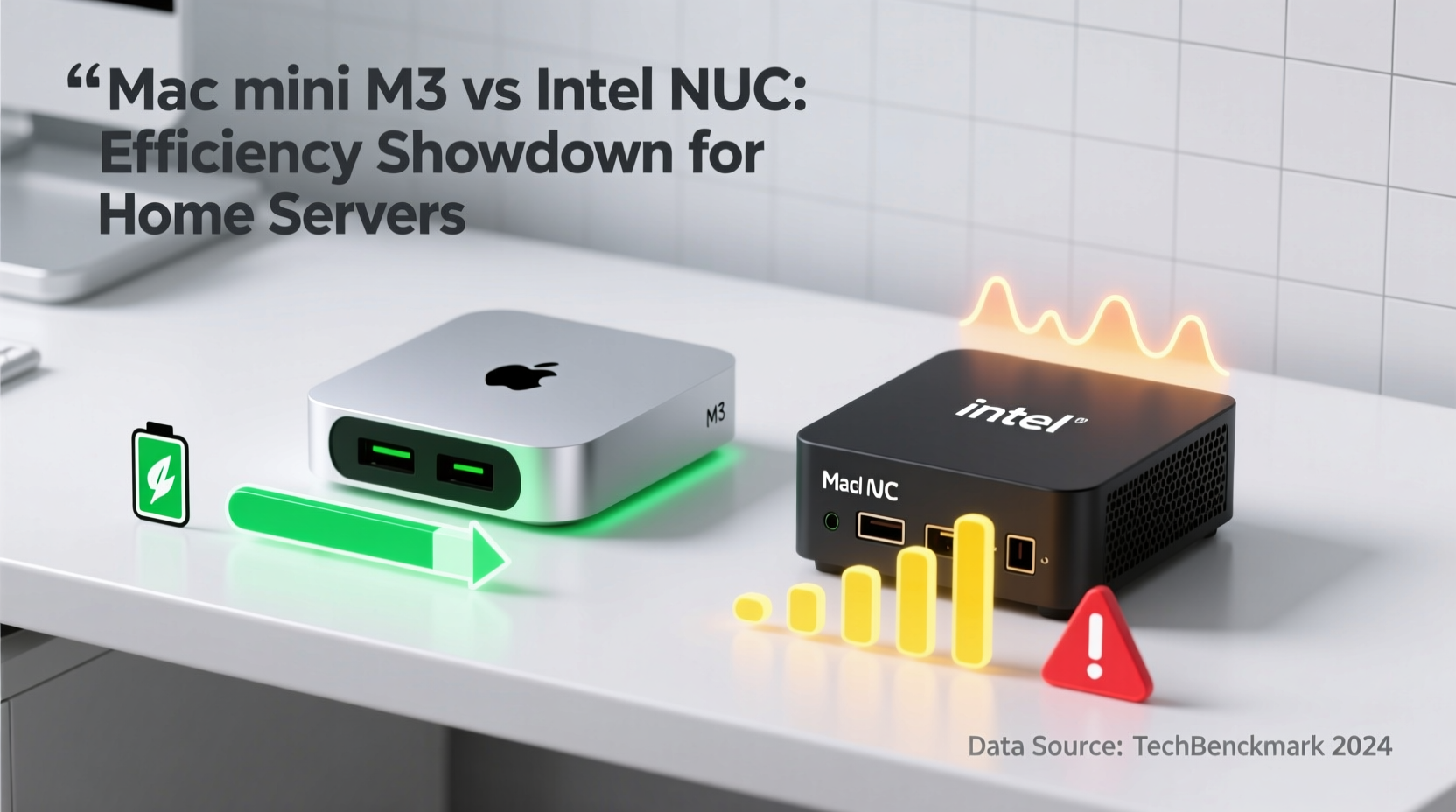
The most fundamental difference lies in their underlying architectures. The Mac Mini M3 runs on Apple’s custom ARM-based silicon, part of the M-series chips designed in-house. In contrast, Intel NUCs are built around traditional x86 processors—either Core i3/i5/i7 or Celeron/Pentium variants depending on model and generation.
ARM architecture, particularly as implemented by Apple, emphasizes high performance per watt. The M3 integrates CPU, GPU, Neural Engine, SSD controller, and memory onto a single system-on-a-chip (SoC), reducing inter-component latency and power draw. This integration allows aggressive clock scaling only when needed, while maintaining ultra-low idle consumption.
Intel NUCs, while also optimized for low power, rely on discrete components connected via traditional buses. Even efficient models like the NUC 12 Pro (codenamed Wall Street Canyon) or NUC 13 Enthusiast (Raptor Canyon) can't match the transistor-level optimization seen in Apple’s SoCs. However, x86 maintains near-universal software compatibility, especially with legacy applications, Docker containers, and virtual machines designed for Windows or Linux environments.
“Efficiency isn’t just about peak performance—it’s about how much useful work you get per kilowatt-hour over time.” — Dr. Lena Patel, Embedded Systems Researcher at MIT
Power Consumption and Thermal Efficiency
One of the biggest advantages of the Mac Mini M3 in a home server context is its exceptional power efficiency. Under typical light-to-moderate loads—such as serving files via SMB/NFS, running Plex transcoding (with limitations), hosting Home Assistant, or acting as a Pi-hole DNS blocker—the M3 consumes between 6–12 watts.
In contrast, even efficient Intel NUC models consume more. A NUC 12 Pro with an i5-1240P draws approximately 15–25 watts under similar conditions. High-performance NUCs like the NUC 13 Extreme can spike to 65+ watts during intensive tasks, though such models are overkill for most home server roles.
Idle power is especially telling. The Mac Mini M3 idles at around 4–5 watts thanks to Apple’s fine-grained power gating and macOS optimizations. Most Intel NUCs idle between 8–12 watts, depending on BIOS settings, peripheral connections, and background firmware activity.
| Device | Idle Power (W) | Load Power (W) | Fan Noise (dB) | Cooling Type |
|---|---|---|---|---|
| Mac Mini M3 (8-core) | 4–5 | 6–12 | ~25 (near silent) | Passive + low-speed fan |
| NUC 12 Pro (i5) | 8–10 | 15–25 | 30–38 | Active cooling (fan) |
| NUC 13 Enthusiast (i7) | 10–12 | 25–65+ | 40+ | High-speed fan |
This consistent efficiency translates into lower electricity bills and reduced heat output—critical in enclosed spaces or multi-device setups. Over a year, assuming continuous operation, the Mac Mini M3 could save 70–100 kWh compared to a mid-tier NUC. At $0.13/kWh, that’s $9–$13 saved annually—small, but meaningful when factoring environmental impact and cooling costs.
Software Ecosystem and Server Usability
While hardware efficiency matters, usability determines long-term satisfaction. The Mac Mini runs macOS, which brings strengths and limitations for server use.
On the plus side, macOS supports robust networking features, built-in Time Machine backup sharing, AFP/SMB file sharing, and excellent Wake-on-LAN and sleep/resume behavior. Tools like brew, launchd, and native SSH make it viable for hosting Git servers, web apps, or monitoring dashboards. With Rosetta 2, many x86_64 binaries run seamlessly, and Docker Desktop now supports Apple Silicon, enabling containerized services.
However, macOS lacks true headless optimization. Background services like iCloud syncing, Spotlight indexing, and automatic updates can introduce unpredictable load spikes. Disabling them requires manual tuning. Additionally, some server-grade tools (e.g., ZFS via OpenZFS, certain NAS distributions) either aren’t available or require complex workarounds.
Intel NUCs, by contrast, are typically deployed with Linux or Windows Server editions—operating systems purpose-built for server roles. You can install Ubuntu Server, TrueNAS, UnRAID, Proxmox, or OpenMediaVault directly, giving full control over resource allocation, logging, and automation. There’s no bloatware, no forced cloud sync, and no GUI overhead unless desired.
Real Example: Media Server Setup
Consider John, a tech-savvy homeowner setting up a media server for his family. He wants to centralize movie storage, stream to Apple TVs, and occasionally transcode video for remote access.
He first tried a Mac Mini M3. Setting up shared folders was effortless through System Settings. Plex installed easily, and direct play worked well for H.264 content. However, when he attempted hardware transcoding of HEVC files, performance lagged—Apple limits GPU encoder access in third-party apps. Also, keeping the Mac awake required disabling Power Nap and adjusting Energy Saver settings.
After six months, John switched to an Intel NUC 12 Pro running Ubuntu Server and Jellyfin. Though setup took longer, he gained full control over transcoding profiles, scheduled backups, and network throttling. Power draw was higher (~18W average), but he automated shutdown during off-hours using cron. Total monthly energy cost increased slightly, but flexibility and stability improved dramatically.
His experience highlights a common trade-off: Apple offers ease of initial setup; Intel provides deeper customization for advanced users.
Longevity, Expandability, and Repairability
For a home server expected to run 24/7 for years, durability and upgrade potential matter.
The Mac Mini M3 has no user-upgradable parts. RAM and SSD are soldered. While Apple rates the SSD for high endurance, replacement requires sending the unit to a service provider. Storage maxes out at 8TB, which suffices for most homes but may limit future expansion. Ports include two USB-A, two Thunderbolt 4 (USB-C), HDMI 2.0, and Gigabit Ethernet (upgradeable to 10GbE on select models).
Intel NUCs vary widely. Some entry-level models are similarly sealed, but higher-end kits allow RAM and SSD upgrades. Many support dual M.2 NVMe drives and offer 2.5GbE or even 10GbE networking options. They also feature more flexible I/O: multiple USB-A, USB-C, HDMI, and often DisplayPort. Some include COM ports or TPM modules useful for enterprise-style deployments.
- Storage Flexibility: NUCs generally allow adding secondary drives via M.2 slots or external enclosures.
- RAM Upgrades: Most NUCs accept standard SO-DIMMs up to 64GB, whereas Mac Mini caps at 24GB (M3) or 32GB (M3 Pro).
- Lifespan: Both platforms should last 5–7 years under constant load, though NUCs benefit from replaceable thermal paste and easier cleaning.
Checklist: Choosing Based on Your Needs
- ✅ Define your primary workload: file sharing, media streaming, automation, or virtualization?
- ✅ Assess OS preference: macOS convenience vs. Linux/Windows control?
- ✅ Estimate storage needs now and in 3 years.
- ✅ Determine acceptable power draw and noise level.
- ✅ Consider whether remote management (Wake-on-LAN, IPMI-like features) is important.
- ✅ Decide if future hardware upgrades are likely or necessary.
- ✅ Evaluate budget including peripherals (external drives, UPS, switches).
Total Cost of Ownership Analysis
Purchase price is only one component of value. A holistic view includes depreciation, energy costs, maintenance, and opportunity cost of downtime.
The base Mac Mini M3 starts at $599 (8-core CPU/GPU, 8GB RAM, 256GB SSD). To make it viable for server use, upgrading to 16GB RAM and 1TB SSD pushes the cost to ~$899. No additional OS license is needed.
A comparable Intel NUC—say, NUC 12 Pro NUC12WSHi5—lists at $650 for the bare mini PC (no RAM/storage). Adding 16GB DDR4 and a 1TB NVMe SSD brings total to ~$850. Installing free Linux adds no cost; Windows 11 Pro would add ~$140.
Over five years, assuming 24/7 operation:
- Mac Mini M3: ~525 kWh × $0.13 = $68.25 in electricity
- NUC 12 Pro: ~875 kWh × $0.13 = $113.75
FAQ
Can the Mac Mini M3 handle 4K video transcoding for Plex?
Limited capability. While the M3 GPU includes a hardware encoder, Plex does not fully leverage it on macOS due to API restrictions. Direct play works well, but transcoding heavy 4K HDR content may result in stuttering. For reliable transcoding, Intel Quick Sync (available in NUCs with Iris Xe graphics) remains superior.
Is macOS suitable for a headless server setup?
Possible, but not ideal. macOS wasn’t designed primarily for headless operation. You’ll need to disable automatic login delays, prevent sleep aggressively, and manage background services manually. Tools like caffeinate and configuration profiles help, but Linux remains more predictable for unattended operation.
Which platform lasts longer under constant load?
Both are built for durability. The Mac Mini benefits from Apple’s thermal design and fanless-idle behavior, reducing mechanical wear. NUCs with active cooling may accumulate dust faster but allow user cleaning. In practice, neither has shown significant failure trends in home server use within the first 5 years.
Final Recommendation: Match Platform to Purpose
The Mac Mini M3 excels in efficiency, quietness, and seamless integration with Apple devices. It’s an excellent choice for users already invested in the Apple ecosystem who want a “set and forget” server for backups, file sharing, and light automation. Its ultra-low idle power and compact design make it perfect for living rooms or bedrooms where noise and heat are concerns.
The Intel NUC shines in flexibility, expandability, and software freedom. It’s better suited for tinkerers, homelab enthusiasts, or those needing precise control over operating systems, networking, and virtualization. While it consumes more power and generates more heat, its open nature allows deeper optimization and adaptation over time.
If your priority is **maximum energy efficiency and minimal footprint**, the Mac Mini M3 wins. If your goal is **maximum control and long-term adaptability**, the Intel NUC is the stronger contender.
“The best home server isn’t the fastest or cheapest—it’s the one that runs reliably without demanding attention.” — Mark Rivera, Homelab Community Moderator
Conclusion
Selecting between the Mac Mini M3 and an Intel NUC for home server use ultimately comes down to values: elegance and efficiency versus openness and control. The M3 sets a new benchmark for low-power computing, proving that desktop-class performance doesn’t require high energy bills. Yet, the Intel NUC remains unmatched in versatility, offering a gateway to full-fledged server operating systems and DIY innovation.
Assess your technical comfort, workload requirements, and long-term goals. Whether you choose Apple’s tightly integrated world or Intel’s modular approach, both platforms represent the pinnacle of compact computing. Make your decision based not on hype, but on how well each aligns with your daily needs and nightly peace of mind.




 浙公网安备
33010002000092号
浙公网安备
33010002000092号 浙B2-20120091-4
Comments
No comments yet. Why don't you start the discussion?