
When Apple launched the M1 MacBook Air in 2020, it redefined what a thin laptop could do. The chip’s efficiency, speed, and battery life stunned users and critics alike. Two years later, the M2 model arrived—faster on paper, sleeker in design, and slightly more refined. But for the average user who browses, streams, edits documents, and occasionally dabbles in photo or video work, does the jump from M1 to M2 make sense?
The answer isn’t a simple yes or no. It hinges on how you use your laptop, your expectations for longevity, and whether subtle improvements in speed and display quality justify the cost. This article breaks down every major aspect of both models—from CPU and GPU performance to screen quality, thermals, and software support—to help you decide if the upgrade is truly necessary.
Performance: Incremental Gains, Not Revolutionary Leaps
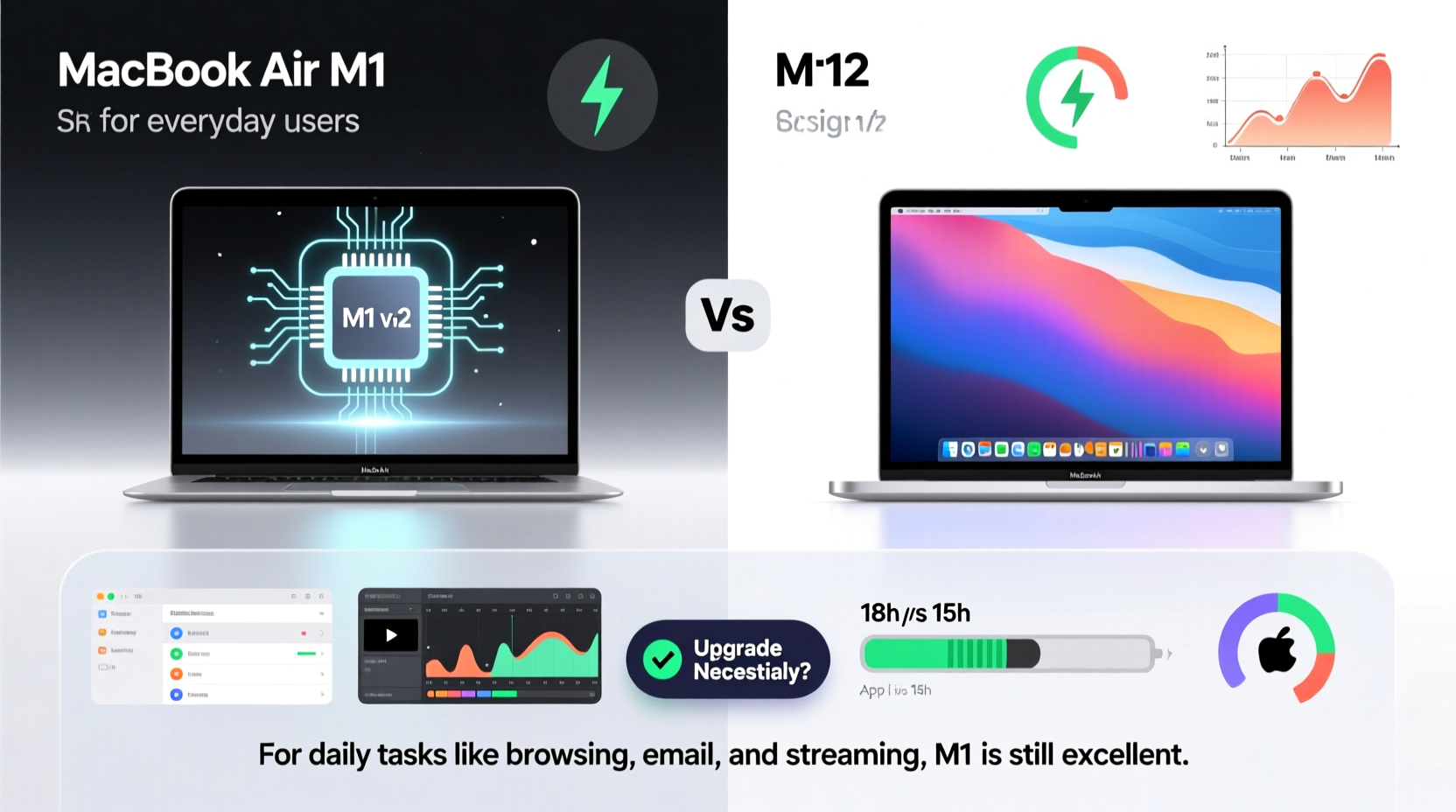
At first glance, the M2 appears to be a clear winner. Apple claims an 18% faster CPU and up to 35% faster GPU compared to the M1. In benchmark tests like Geekbench 6, these numbers hold roughly true under ideal conditions. However, real-world usage tells a different story.
For everyday tasks—web browsing with multiple tabs, streaming video, using Microsoft Office or Google Workspace, messaging, and light photo editing—the difference between M1 and M2 is nearly imperceptible. Both chips handle these workflows effortlessly. Even opening large spreadsheets or compiling PDFs doesn’t expose any meaningful lag on the M1.
Where the M2 pulls ahead is in sustained workloads. If you're regularly exporting 4K videos in Final Cut Pro, running virtual machines, or doing advanced image processing in Photoshop with multiple layers, the extra GPU cores and higher memory bandwidth (100GB/s vs. 68.25GB/s) can reduce render times by noticeable margins. But again, this applies to power users—not the majority.
“While the M2 offers tangible improvements, most users won't experience them in daily routines. The M1 remains one of the most overqualified chips for general productivity.” — David Lumb, Senior Tech Editor at Engadget
Design and Display: Subtle but Meaningful Upgrades
The M2 MacBook Air introduced a new chassis—thinner, lighter, and with flat edges reminiscent of the iPad Pro. More importantly, it brought a larger 13.6-inch Liquid Retina display with slimmer bezels, brighter peak brightness (500 nits vs. 400), and support for P3 wide color. These changes enhance the viewing experience, especially when watching HDR content or working with color-sensitive projects.
However, the M1 model still has a perfectly capable IPS panel. For reading emails, writing essays, or attending Zoom calls, the visual difference is minimal unless you're comparing them side by side.
Another improvement in the M2 is the notch housing a 1080p FaceTime HD camera, an upgrade from the M1’s 720p sensor. Video call quality is noticeably sharper, with better low-light performance. Paired with improved three-mic audio and a four-speaker sound system, the M2 delivers a superior communication experience—important for remote workers and students.
Comparison Table: M1 vs M2 at a Glance
| Feature | MacBook Air M1 (2020) | MacBook Air M2 (2022) |
|---|---|---|
| Chip | Apple M1 | Apple M2 |
| CPU Cores | 8-core | 8-core (faster) |
| GPU Cores | 7- or 8-core | 8- or 10-core |
| Memory Bandwidth | 68.25 GB/s | 100 GB/s |
| Display Size & Type | 13.3\" IPS LCD | 13.6\" Liquid Retina (IPS) |
| Brightness | 400 nits | 500 nits (HDR) |
| Front Camera | 720p FaceTime HD | 1080p FaceTime HD |
| Audio | Stereo speakers, two mics | Four-speaker system, three mics |
| Battery Life | Up to 18 hours | Up to 18 hours |
| Starting Price (USD) | $999 | $1,199 |
Real-World Example: Student Use Case
Consider Sarah, a university student majoring in communications. Her typical day involves taking notes in Pages, researching online with 15+ Chrome tabs open, attending two Zoom lectures, editing short video clips for class projects, and streaming Netflix at night.
She bought a base-model M1 MacBook Air in 2021 with 8GB RAM and 256GB storage. Three years later, her device runs smoothly. Applications launch instantly, multitasking is seamless, and battery lasts through back-to-back classes without charging.
Recently, she considered upgrading to the M2 after seeing ads highlighting its “all-day performance” and better camera. After testing one in-store, she noticed the screen was brighter and the keyboard more comfortable due to the larger footprint. The 1080p camera made her look clearer during presentations. But none of these were deal-breakers—her current machine still meets all her needs.
Sarah decided to wait. Instead, she invested in a docking station and external monitor for her dorm setup. By extending the life of her M1, she saved $1,200—a sum she redirected toward textbooks and travel.
This scenario reflects the experience of many casual users: the M1 continues to deliver excellent service long after release, reducing the urgency to upgrade.
Should You Upgrade? A Practical Checklist
Before making a decision, evaluate your actual needs. Use this checklist to determine whether the M2 offers meaningful benefits for your lifestyle:
- ✅ Are you currently experiencing slowdowns, app crashes, or insufficient storage on your M1?
- ✅ Do you regularly edit 4K video, run intensive creative software, or need more than 8GB of RAM?
- ✅ Is video conferencing a core part of your work or studies, where a better camera and mic would improve communication?
- ✅ Do you value the latest design, a larger screen, and longer potential software support (M2 devices may receive updates until 2030+)?
- ❌ Are you satisfied with your M1’s performance and only upgrading because of marketing or peer pressure?
If most of your answers are “yes” to the first four and “no” to the last, the M2 may be a worthwhile step up. Otherwise, staying put is not just financially smart—it’s environmentally responsible.
Battery Life and Longevity: Nearly Identical Endurance
Both models boast Apple’s industry-leading energy efficiency. Apple rates both at up to 18 hours of video playback, and real-world usage typically lands between 12–16 hours depending on workload and screen brightness.
What matters more than a single percentage point in battery life is long-term battery health. Lithium-ion batteries degrade over time, but macOS includes optimizations like “Optimized Battery Charging” to slow this process. Users report M1 MacBooks maintaining 80%+ battery capacity after three years of regular use.
In terms of software support, Apple typically provides OS updates for 5–7 years. Given that the M1 launched in late 2020 and the M2 in mid-2022, the latter will likely receive updates until 2029 or beyond. For users planning to keep their laptop for six+ years, the M2 offers a slight edge in future-proofing.
Step-by-Step: How to Decide Whether to Upgrade
Follow this sequence to make a rational, need-based decision rather than an emotional one:
- Assess Current Performance: Open Activity Monitor and check CPU and memory usage during your busiest tasks. If usage consistently exceeds 80%, an upgrade might help.
- Evaluate Storage Needs: Check available disk space. If you’re below 10GB free, consider cloud storage or an external drive before upgrading hardware.
- Test the M2 In-Person: Visit an Apple Store or authorized reseller. Try your common apps—don’t just rely on specs.
- Compare Total Cost: Factor in trade-in value for your M1. Many services offer $500–$700 for a well-maintained model, reducing the net price of the M2.
- Consider Alternatives: Could adding accessories (external SSD, case, wireless peripherals) extend your M1’s usefulness instead?
- Make the Decision: Only proceed if the M2 solves a real problem you currently face.
Frequently Asked Questions
Can the M1 MacBook Air still run the latest macOS versions?
Yes. As of 2024, macOS Sonoma fully supports the M1 chip. Apple shows no signs of dropping support prematurely, and developers continue to optimize apps for M1-class hardware.
Is the M2 MacBook Air quieter than the M1?
Both models are fanless and completely silent under normal loads. Neither produces fan noise because they rely on passive cooling. The M2 runs slightly warmer under heavy load but still within safe limits.
Does the M2 justify its higher price for basic tasks?
Generally, no. For web browsing, email, document editing, and media consumption, the M1 delivers identical real-world performance at a lower cost. The M2’s advantages only become relevant in niche scenarios involving high-resolution media or professional software.
Final Verdict: Upgrade Only If You Need To
The M2 MacBook Air is undeniably a better machine on paper. It has a superior display, better camera, faster internals, and a modernized design. But \"better\" doesn’t always mean \"necessary.\"
For everyday users—students, professionals handling office tasks, casual creators, and general home users—the M1 remains an outstanding choice. Its performance hasn’t aged, its battery is reliable, and it will continue receiving software updates for years. Unless you’re hitting performance ceilings or need specific features like the 1080p camera or larger screen, upgrading is more about desire than necessity.
Technology should serve you, not dictate your spending cycle. The M1 proved that a single chip could meet most people’s computing needs for half a decade or more. The M2 refines that foundation but doesn’t redefine it.




 浙公网安备
33010002000092号
浙公网安备
33010002000092号 浙B2-20120091-4
Comments
No comments yet. Why don't you start the discussion?