
The MacBook Air lineup has evolved significantly since Apple transitioned to its own silicon chips. The M2 and M3 models represent two generations of refinement in Apple’s ultra-thin, fanless laptop design. While both deliver excellent performance for everyday tasks, students, remote workers, and casual creatives face a practical dilemma: should they save money by choosing the M2, or invest in the newer M3 for future-proofing and incremental gains?
This decision isn’t just about raw specs—it involves evaluating how you use your laptop, your budget constraints, and what “value” means to you. The M3 brings improvements in CPU efficiency, GPU performance, and AI capabilities, but the M2 remains a powerful machine that handles most workloads with ease. Understanding the tangible differences—and where they matter—can help determine whether the upgrade is justified or if the older model still offers compelling advantages.
Performance Differences: Real-World Impact
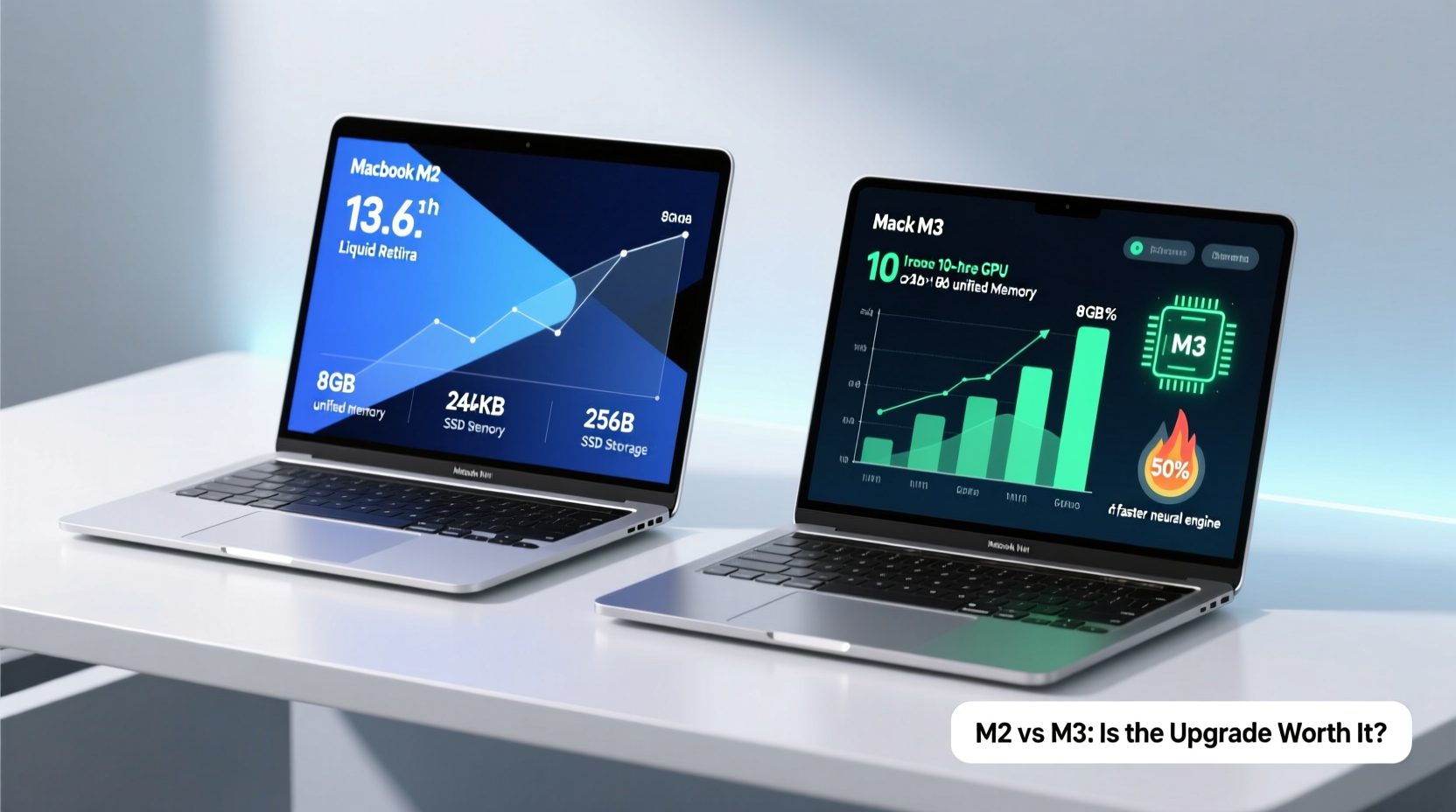
At first glance, the M3 chip appears superior on paper. Built on a more advanced 3-nanometer process (compared to the M2’s 5-nanometer), the M3 delivers higher transistor density, improved power efficiency, and better thermal management. Apple claims up to 30% faster CPU performance and up to 50% faster GPU performance over the M2 under sustained workloads.
However, these numbers reflect peak conditions. In typical daily usage—web browsing, document editing, video calls, streaming media—the difference between the M2 and M3 is nearly imperceptible. Both chips handle multitasking across dozens of browser tabs, run Microsoft Office and Google Workspace smoothly, and support 4K video playback without issue.
Where the M3 pulls ahead is in demanding applications. Video editors using Final Cut Pro or DaVinci Resolve will notice faster timeline scrubbing, quicker rendering, and smoother effects application. Developers compiling large codebases or running virtual machines may also benefit from the additional headroom. Machine learning tasks, particularly those leveraging Apple’s Neural Engine enhancements in the M3, see measurable speedups in image recognition, voice processing, and AI-driven photo editing tools like those in Photos.app.
Efficiency and Battery Life Comparison
One of the MacBook Air’s defining features is its all-day battery life. Both the M2 and M3 models are rated for up to 18 hours of video playback, but real-world usage varies based on screen brightness, background apps, and workload intensity.
Thanks to the M3’s architectural improvements, it achieves slightly better energy efficiency during active use. Independent tests show the M3 model maintains full processor speed longer before throttling, which translates into marginally better responsiveness during extended sessions. However, when idling or performing light tasks, both chips consume power so efficiently that the actual battery life difference rarely exceeds 30–45 minutes under normal conditions.
The fanless design of the MacBook Air means neither chip generates noise, but the M3 handles heat dissipation more effectively due to its smaller die size and optimized core scheduling. This results in fewer instances of performance dips during prolonged high-CPU usage, such as exporting long videos or converting file formats.
“Apple’s focus on efficiency-first architecture means even last-gen silicon remains highly competitive. For most users, the battery and thermal advantages of the M3 are subtle, not transformative.” — David Ng, Senior Analyst at TechInsight Group
Feature Comparison: What’s New in the M3?
Beyond raw performance, the M3 introduces several technical upgrades that enhance user experience:
- Dynamic Caching: Allocates local memory to GPU tasks more efficiently, improving graphics performance in pro apps and games.
- Hardware-Accelerated Ray Tracing: Enables realistic lighting and reflections in supported creative software and modern games.
- Improved Neural Engine: 18% faster than M2, accelerating AI-powered features in macOS Sonoma and third-party apps.
- Wi-Fi 6E Support: On select M3 configurations, enabling faster wireless speeds in compatible environments.
While these features sound impressive, their real-world utility depends heavily on software support. As of now, only a handful of professional applications fully leverage ray tracing or dynamic caching. Most mainstream users won’t encounter scenarios where these technologies make a noticeable difference.
In contrast, the M2 MacBook Air already includes essential modern features: the same sleek aluminum chassis, Liquid Retina display with P3 wide color, Touch ID, MagSafe charging, and excellent speakers and microphones. There are no compromises in build quality, port selection, or display fidelity between the two models.
Price and Value Analysis
The base M2 MacBook Air starts at $999 (8-core CPU, 8GB RAM, 256GB SSD). The M3 version begins at $1,099—a $100 premium for the newer chip. This price gap widens when configuring higher-tier models with 16GB RAM or 512GB+ storage.
To assess value, consider the cost per year of ownership. Assuming a four-year lifespan (typical for MacBooks), the M3 costs an extra $25 annually. Whether this justifies the upgrade depends on your needs:
| Factor | M2 Model | M3 Model |
|---|---|---|
| Starting Price | $999 | $1,099 |
| CPU Performance (Relative) | 100% | ~115–130% |
| GPU Performance (Relative) | 100% | ~140–150% |
| Battery Life (Real-World Average) | 14–16 hrs | 15–17 hrs |
| Fanless Design | Yes | Yes |
| Ray Tracing Support | No | Yes |
| Neural Engine Speed | 15.8 TOPS | 18.6 TOPS |
| Best For | Students, general users, budget-conscious buyers | Creatives, developers, future-focused professionals |
For budget-sensitive buyers—especially students or those using the laptop primarily for school, email, and web-based work—the M2 represents outstanding value. It performs reliably, receives the same macOS updates as the M3, and will remain supported through at least 2030. The $100 saved can be invested in accessories like a protective case, external SSD, or AppleCare+ coverage.
Mini Case Study: Choosing Based on Use Case
Sophie, a university student majoring in communications, needed a new laptop for lectures, research papers, Zoom meetings, and occasional photo editing for her social media internship. She compared the M2 and M3 MacBook Air models extensively. After testing both in-store, she found no meaningful difference in opening PDFs, switching between Chrome tabs, or editing Instagram Stories.
She opted for the M2 model at $999 and used the $100 savings to purchase a three-year AppleCare+ plan and a high-quality backpack. Two semesters later, her M2 continues to perform flawlessly, booting quickly, lasting through back-to-back classes, and handling group video calls without lag. Had she chosen the M3, she would have paid more for capabilities she doesn’t use—proving that matching hardware to actual needs yields smarter spending.
Future-Proofing Considerations
A common argument for choosing the M3 is “future-proofing”—the idea that newer hardware will stay relevant longer as software demands increase. While logical in theory, this strategy has diminishing returns in practice.
macOS is optimized to run efficiently across multiple generations of Apple Silicon. Even the original M1 Macs continue to receive updates and perform well under macOS Sonoma. Given Apple’s track record of five to seven years of OS support, both the M2 and M3 will likely remain functional and secure until at least 2028–2030.
Moreover, software evolution tends to favor optimization over brute-force requirements. Apps are increasingly designed to scale across devices, from iPads to Mac minis. Unless you anticipate adopting resource-heavy tools like 8K video editing, 3D modeling, or local AI training within the next few years, the M2’s capabilities are unlikely to become obsolete before you’d naturally consider upgrading.
Step-by-Step Guide: How to Decide Which Model Fits You
- Assess Your Daily Workload: List the primary apps you use (e.g., Safari, Word, Zoom, Lightroom). If none are professionally intensive, the M2 suffices.
- Evaluate Budget Flexibility: Determine how much you’re willing to spend. If $100 makes a difference, prioritize the M2.
- Consider Long-Term Plans: Will you keep the laptop for 4+ years? If yes, the M3 offers slight longevity benefits—but not dramatically so.
- Check for Educational Discounts: Students and educators often qualify for Apple Education Pricing, making the M2 even more affordable.
- Test In Person: Visit an Apple Store to compare both models side-by-side. Open your usual apps and judge responsiveness yourself.
- Decide on Upgrades: If opting for the M2, consider allocating savings toward 16GB RAM or 512GB SSD, which provide longer-term benefits than the chip alone.
Frequently Asked Questions
Can the M2 MacBook Air run the latest versions of macOS?
Yes. The M2 MacBook Air launched with macOS Monterey and is fully compatible with all subsequent releases, including macOS Sonoma and the upcoming macOS Sequoia. It will continue receiving updates for several years.
Is the M3 really that much faster than the M2?
In synthetic benchmarks, yes—up to 30% faster CPU and 50% faster GPU. But in everyday tasks like browsing, writing, and video calls, the difference is negligible. Only demanding creative or development workflows will feel the boost consistently.
Should I wait for the M4 MacBook Air instead?
If you don’t need a laptop immediately, waiting 6–12 months could bring the M4 chip with more significant gains. However, there’s no official release date yet, and the M2 remains a smart buy today for those who need a device now.
Final Recommendation: When to Choose M2 vs M3
The MacBook Air M2 remains one of the best values in portable computing. It delivers exceptional performance, stunning battery life, and enduring build quality at a competitive price. Unless you specifically require the M3’s enhanced GPU, ray tracing, or Neural Engine improvements for professional work, the M2 is the smarter financial decision.
The M3 shines for users who edit video regularly, work with AI tools, or want the absolute latest technology regardless of cost. Its refinements are real, but they cater to a niche segment rather than the average consumer.
Ultimately, saving $100 on the M2 doesn’t mean compromising—it means prioritizing value. That money can extend your laptop’s usefulness through added memory, expanded storage, protection plans, or accessories. Technology should serve your life, not dictate your budget. By choosing thoughtfully, you gain not just a powerful machine, but peace of mind knowing you spent wisely.




 浙公网安备
33010002000092号
浙公网安备
33010002000092号 浙B2-20120091-4
Comments
No comments yet. Why don't you start the discussion?