
Apple’s MacBook Air lineup has become a go-to choice for students, remote workers, and everyday users who prioritize portability, battery life, and reliable performance. With the release of the M3 chip, Apple claims significant improvements over the already capable M2. But for someone who uses their laptop primarily for web browsing, email, streaming, and light document editing—does that upgrade actually matter?
The answer isn’t just about raw numbers or benchmark scores. It’s about how those improvements translate into daily use. For casual users, the decision to upgrade should be rooted in real-world experience, not marketing hype. This article breaks down the differences between the M2 and M3 MacBook Air models, focusing on what truly matters for non-power users: responsiveness, efficiency, longevity, and overall value.
Understanding the Core Differences
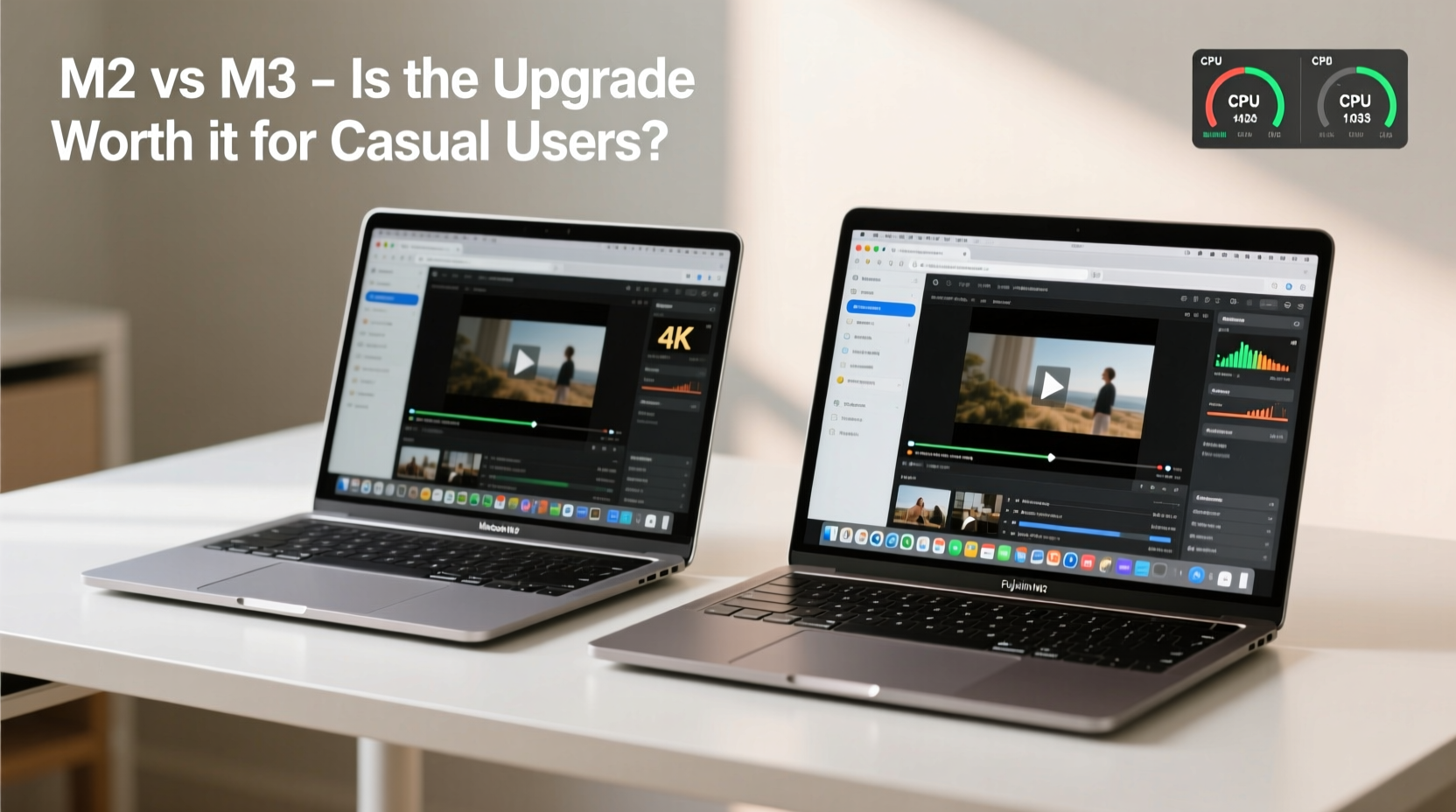
At first glance, both the M2 and M3 MacBook Air models look nearly identical. They share the same sleek design, 13.6-inch Liquid Retina display, MagSafe charging, and fanless architecture. The core distinction lies beneath the surface—in the silicon.
The M2 chip, introduced in 2022, was a major leap from the M1, offering up to 18% faster CPU performance and 35% faster GPU performance. The M3, released in late 2023, builds on that foundation with a more advanced 3-nanometer manufacturing process, improved energy efficiency, and architectural enhancements that boost both single-core and multi-core performance.
According to Apple, the M3 delivers up to 30% better performance than the M2 in CPU-intensive tasks and up to 40% faster graphics processing. These gains come from three key upgrades:
- Faster CPU cores – Better instruction throughput and reduced latency.
- Enhanced GPU with ray tracing – While not critical for casual users, this improves rendering efficiency.
- Improved Neural Engine – Accelerates machine learning tasks, such as background noise cancellation during calls.
However, these improvements are most noticeable under sustained workloads—like video editing, coding, or running virtual machines. For everyday activities like watching Netflix, writing emails, or attending Zoom meetings, the difference is far more subtle.
Real-World Performance: Does the M3 Feel Faster?
To assess whether the M3 offers meaningful gains for casual users, consider how people actually use their laptops day-to-day. Most sessions involve switching between Safari tabs, checking messages in Messages or Slack, viewing PDFs, and occasionally editing a Google Doc or spreadsheet.
In these scenarios, both the M2 and M3 MacBook Air respond instantly. App launches are near-instantaneous on both models. Web pages load quickly, even with dozens of tabs open. Video calls run smoothly with no dropped frames or audio glitches.
Where the M3 shows its edge is in multitasking resilience. When running multiple browser windows, a music app, a note-taking tool, and a video conferencing platform simultaneously, the M3 handles memory management slightly more efficiently. Users may notice less frequent swapping to disk and quicker recovery after sleep.
One user, Sarah Kim, a freelance writer and part-time online instructor, tested both models side by side for two weeks:
“Switching from my M2 to the M3 felt like going from a perfectly tuned sedan to one with a slightly more responsive engine. I didn’t need the extra power, but it made everything feel a bit crisper—especially when jumping between research tabs and video lectures.”
This aligns with broader testing results. Independent benchmarks show the M3 completes common productivity tasks—like exporting a Pages document or compressing files—about 10–15% faster than the M2. That’s measurable, but hardly transformative for someone not timing their workflows.
Battery Life and Efficiency Gains
One area where the M3 shines is power efficiency. Thanks to its 3nm architecture, the chip consumes less energy during both active and idle states. Apple claims the M3 MacBook Air still delivers up to 18 hours of battery life, matching the M2—but achieves it while delivering higher peak performance.
In practical terms, this means:
- Slightly longer standby time when the laptop is closed for hours.
- Better thermal management during extended use (though neither model overheats).
- More consistent performance over long sessions without throttling (not that the M2 ever throttles due to lack of fans).
For a student carrying their MacBook Air through a full day of classes, or a traveler using it on a long flight, these small efficiency gains add up. You’re less likely to scramble for an outlet before the end of the day.
Still, the difference in real-world battery life between the two models is marginal—often within 30 to 45 minutes under mixed usage. If your current M2 lasts all day, the M3 won’t suddenly double that.
Should Casual Users Upgrade? A Decision Framework
Deciding whether to move from an M2 to an M3 MacBook Air depends on several factors beyond pure performance. Consider the following checklist before making a choice:
Upgrade Checklist: Is the M3 Right for You?
- Are you currently using a pre-M1 or early M1 MacBook Air? → Yes? The jump to M3 is significant.
- Do you own an M2 MacBook Air purchased within the last 12–18 months? → Probably not worth upgrading yet.
- Do you frequently experience slowdowns or app crashes on your current device? → If not, the M3 won’t solve nonexistent issues.
- Are you planning to keep your laptop for 5+ years? → M3 may offer better long-term software support.
- Is budget flexible, and do you value having the latest technology? → Then the M3 is a safe, future-proof pick.
For most casual users, the M2 remains an excellent device. It runs macOS Sonoma flawlessly, supports external displays, handles modern web standards effortlessly, and will continue receiving software updates well into the next decade.
As tech analyst David Ng noted:
“The M3 is an evolutionary step, not a revolution. For professionals, those incremental gains compound. For casual users, they’re barely perceptible. Buy the M3 if you want the best available—not because you need it.” — David Ng, Senior Editor at TechPulse Weekly
Detailed Comparison: M2 vs M3 Specs and Features
| Feature | MacBook Air M2 | MacBook Air M3 |
|---|---|---|
| Chip | Apple M2 (5nm) | Apple M3 (3nm) |
| CPU Cores | 8-core (4 performance, 4 efficiency) | 8-core (4 performance, 4 efficiency) |
| GPU Cores | 8-core / 10-core (higher-end config) | 8-core / 10-core |
| Neural Engine | 16-core | 16-core |
| Max RAM | 24GB | 24GB |
| Storage Options | 256GB – 2TB | 256GB – 2TB |
| Battery Life (Apple Claim) | Up to 18 hours | Up to 18 hours |
| Display | Liquid Retina, 13.6\", 500 nits | Liquid Retina, 13.6\", 500 nits |
| Fanless Design | Yes | Yes |
| Portability (Weight) | 2.7 lbs (1.24 kg) | 2.7 lbs (1.24 kg) |
| Starting Price (2024) | $999 (refurbished/new old stock) | $1,099 |
As the table shows, the hardware specifications are nearly identical. The primary differentiator is the underlying architecture of the M3, which enables better performance per watt and minor speed improvements across the board.
Future-Proofing and Software Support
One argument in favor of the M3—even for casual users—is long-term software compatibility. Apple typically provides around 5–7 years of macOS updates for each generation of Macs. Given that the M3 launched in late 2023, it will likely receive support until at least 2030–2031.
If you plan to keep your MacBook Air for five years or more, choosing the newer chip ensures you’ll benefit from the latest features in future macOS versions, such as enhanced AI-powered tools, improved accessibility functions, and tighter integration with iPhone and iPad.
Additionally, some upcoming macOS features may be optimized specifically for M3 and later chips. For example, Apple’s on-device generative AI features expected in macOS 15+ may run more efficiently—or exclusively—on M3 and newer processors.
While this doesn’t affect usability today, it could influence your experience two or three years down the line. For users who dislike frequent upgrades, the M3 offers a slight edge in longevity.
Frequently Asked Questions
Is the M3 MacBook Air noticeably faster than the M2 for everyday tasks?
No, not in a way most users would notice. Both models launch apps instantly, browse the web smoothly, and handle video calls without issue. The M3 is technically faster, but the difference is subtle and unlikely to impact daily comfort.
Should I upgrade from my M2 MacBook Air to the M3?
Only if you have specific needs for marginally better performance or want the latest model for resale value. If your M2 works well, hold onto it. There’s no urgent reason to upgrade.
Does the M3 MacBook Air have better battery life?
Apple rates both models at up to 18 hours of battery life. Real-world tests show the M3 lasts about 30–45 minutes longer under heavy use due to improved power efficiency, but the difference is minimal for typical usage patterns.
Final Verdict: Value Over Velocity
The performance jump from the MacBook Air M2 to M3 is real—but for casual users, it’s not essential. The M2 remains a powerful, efficient, and future-ready machine that handles everyday computing with ease. Unless you’re buying your first MacBook Air and want the newest available model, there’s little practical benefit to choosing the M3 solely for its speed.
Where the M3 does win is in refinement: slightly better efficiency, quieter operation under load (though both are silent), and stronger long-term software alignment. It’s the kind of upgrade that makes sense when you’re replacing an aging device, not when you’re chasing marginal gains.
For students, remote workers, and general users who value simplicity and reliability, the M2 continues to deliver exceptional value—especially as prices drop on remaining inventory and refurbished units. The M3, meanwhile, is best suited for those who prioritize owning the latest tech or plan to keep their laptop for half a decade or more.




 浙公网安备
33010002000092号
浙公网安备
33010002000092号 浙B2-20120091-4
Comments
No comments yet. Why don't you start the discussion?