
For mobile professionals—freelancers, consultants, remote workers, and digital nomads—the right laptop isn’t just a tool; it’s a lifeline. It needs to be powerful enough for productivity, light enough to carry all day, and reliable enough to handle back-to-back meetings, creative work, or coding marathons without missing a beat. Two devices dominate the ultraportable category: the MacBook Air M2 and the Microsoft Surface Pro 9. Both promise sleek design, long battery life, and premium build quality. But when you’re making decisions that affect your workflow and mobility, the differences matter.
This comparison cuts through marketing claims to deliver a practical, real-world analysis of how each device performs under pressure—from typing comfort to multitasking efficiency, from screen clarity on trains to video conferencing in coffee shops. Whether you're an Apple loyalist or a Windows power user, this guide will help you decide which device truly earns its place in your bag.
Design & Portability: Lightweight Champions, Different Philosophies
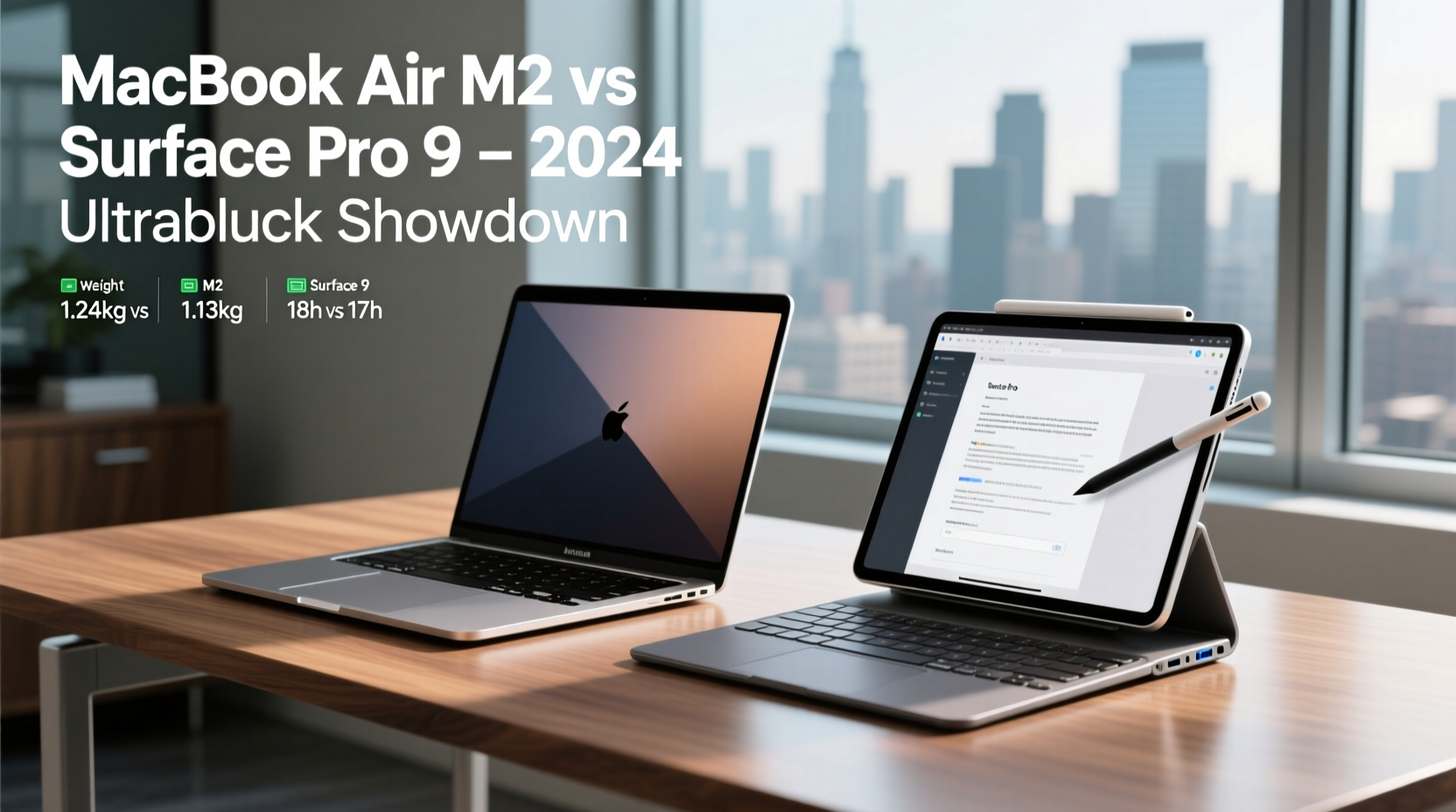
The MacBook Air M2 and Surface Pro 9 are both featherweights by modern standards, but they take opposite approaches to form and function. The Air weighs 2.7 pounds (1.24 kg) and features a classic clamshell design with a full-size keyboard and trackpad. Its wedge-shaped aluminum chassis feels solid, resists fingerprints, and slips easily into most laptop sleeves.
In contrast, the Surface Pro 9 starts at 1.98 pounds (0.9 kg) for the base model, but that’s without the Type Cover keyboard, which adds another 0.56 pounds. Once fully equipped, the total weight reaches about 2.54 pounds—still lighter than the Air, but only if you count accessories as optional. This modularity is the core of Microsoft’s vision: a tablet first, laptop second.
The Surface Pro 9 shines in versatility. Need to sketch ideas during a client meeting? Flip the stand, attach the Slim Pen, and go. Presenting wirelessly in a conference room? Detach the keyboard and hold it like a clipboard. However, this adaptability comes with trade-offs. The kickstand has limited angle adjustment, and using the device on your lap without a flat surface can feel unstable.
The MacBook Air, meanwhile, offers zero compromises on typing experience. Its full-travel Magic Keyboard is among the best in its class, and the expansive Force Touch trackpad remains unmatched for precision navigation. For professionals who write reports, code, or manage spreadsheets daily, these details significantly impact comfort over long sessions.
Performance & Workflow: M2 Power vs. Hybrid Flexibility
At the heart of the MacBook Air M2 lies Apple’s custom silicon—a chip designed specifically for efficiency and sustained performance. The 8-core CPU and 10-core GPU deliver smooth multitasking, effortless 4K video editing, and responsive app switching, all without a fan. Yes, fanless. Even under moderate load, the Air stays cool and silent, making it ideal for quiet environments like libraries or late-night hotel rooms.
The Surface Pro 9 offers two processor options: Intel’s 12th Gen P-series chips or Microsoft’s SQ3 ARM-based processor (in collaboration with Qualcomm). The Intel version handles traditional Windows applications well, including Office suites, Zoom, and Adobe Creative Cloud. But under heavy multitasking or video rendering, fans spin up, and thermal throttling can reduce performance over time.
The SQ3 variant promises better battery life and LTE connectivity but struggles with x86 application emulation. Many legacy business tools run slower or require compatibility layers, creating friction for users dependent on specific software. For example, Excel macros or older enterprise accounting systems may lag or fail entirely.
“Apple’s M2 chip redefined what we expect from fanless laptops—sustained performance without heat or noise. It’s a game-changer for professionals on the move.” — David Lin, Senior Hardware Analyst at TechInsight Weekly
If your workflow relies heavily on macOS-exclusive tools like Final Cut Pro, Logic Pro, or Xcode, the choice is obvious. But even for cross-platform users, the M2’s efficiency advantage translates into longer active usage between charges and more consistent responsiveness throughout the day.
Display & Audio: Clarity, Color, and Conference Readiness
Both devices feature high-resolution displays, but they serve different purposes. The MacBook Air M2 has a 13.6-inch Liquid Retina display with 2560x1664 resolution, P3 wide color, and 500 nits of brightness. Text is razor-sharp, colors are vibrant yet accurate, and the taller aspect ratio provides extra vertical space for documents and web browsing.
The Surface Pro 9 uses a 13-inch PixelSense Flow display at 2880x1920, offering slightly higher pixel density and a 120Hz refresh rate. That smoother scrolling is noticeable during touch interactions and stylus input, especially when drawing or annotating PDFs. However, maximum brightness is capped at 450 nits, making it marginally harder to view outdoors or in brightly lit offices.
Audio quality often gets overlooked until you're in a virtual meeting. The MacBook Air M2 features a spatial audio system with four speakers and support for Dolby Atmos. Voices come through clearly on Teams or Zoom calls, and music playback is rich and balanced. The dual microphones effectively suppress background noise—a critical feature in noisy airports or cafes.
The Surface Pro 9 includes four front-facing speakers and Studio Mics tuned for voice clarity. In testing, it holds its own during video conferences, though the upward-firing speaker design means sound can be muffled if placed on a soft surface like a couch or lap desk. Both devices support Bluetooth headsets seamlessly, but the Air’s H1 chip integration with AirPods provides faster pairing and lower latency.
Battery Life & Connectivity: Real-World Endurance Compared
Apple claims up to 18 hours of battery life on the MacBook Air M2. Independent tests consistently confirm 12–15 hours of mixed use—web browsing, document editing, video calls—making it one of the longest-lasting ultraportables available. Even intensive tasks like exporting videos drain the battery slowly thanks to the M2’s power efficiency.
Microsoft advertises up to 15.5 hours for the Surface Pro 9, but real-world usage typically lands between 8–10 hours, especially with the screen brightness above 70% or multiple apps running. The ARM-based SQ3 model improves efficiency slightly but still falls short of Apple’s consistency.
| Feature | MacBook Air M2 | Surface Pro 9 |
|---|---|---|
| Claimed Battery Life | Up to 18 hours | Up to 15.5 hours |
| Real-World Usage | 12–15 hours | 8–10 hours |
| Charging Port | MagSafe + USB-C | USB-C only |
| Ports | 2x USB-C/Thunderbolt, headphone jack | 1x USB-C, 1x Surface Connect, microSDXC slot |
| LTE Option | No | Yes (select models) |
Connectivity is another area of divergence. The MacBook Air now includes MagSafe charging, freeing up USB-C ports while enabling faster, safer magnetic attachment. It also retains a headphone jack—a small but meaningful perk for frequent travelers who don’t want dongles.
The Surface Pro 9 lacks MagSafe but offers built-in LTE on select configurations, allowing true offline connectivity. Its microSD card reader is invaluable for photographers or field researchers transferring files directly from cameras. However, having only one full-featured USB-C port limits peripheral expansion without a hub.
Software Ecosystem & Security: macOS Simplicity vs. Windows Versatility
The operating system divide remains the most decisive factor for many professionals. macOS offers a streamlined, secure environment with seamless integration across Apple devices. Handoff lets you start an email on your iPhone and finish it on your Mac. Universal Clipboard copies text or images between devices. FaceTime and Messages sync perfectly. iCloud ensures files, passwords, and settings follow you everywhere.
Windows 11 on the Surface Pro 9 provides broader software compatibility, especially for enterprise tools, engineering applications, and legacy programs. It supports Android apps via the Amazon Appstore (though functionality is limited), and integrates tightly with Microsoft 365, OneDrive, and Teams. For organizations standardized on Microsoft ecosystems, the Surface Pro 9 fits naturally into existing workflows.
Security-wise, both platforms excel. The M2 chip includes a dedicated Secure Enclave and hardware-based encryption. Windows Hello facial recognition on the Surface Pro 9 is fast and reliable, and BitLocker offers full-disk encryption. However, macOS historically suffers fewer malware threats due to its smaller market share and stricter app review process through the App Store.
Mini Case Study: A Freelance Designer’s Dilemma
Sophie Chen, a UX designer based in Barcelona, spent six months testing both devices while traveling across Europe. Her workflow includes Figma, Sketch (macOS-only), Zoom, Notion, and occasional After Effects renders.
She loved the Surface Pro 9’s touchscreen and pen for sketching wireframes during client workshops. “Being able to draw directly on the screen felt natural,” she said. “And presenting in portrait mode was a hit.”
But limitations emerged. Sketch wouldn’t run on Windows, forcing her to keep a secondary Mac Mini at her co-living space. File syncing became messy, and battery life rarely lasted a full day of café hopping. When she switched to the MacBook Air M2, she missed the pen input but gained reliability. “I could work 10 hours straight on a train with no outlet. And everything just worked together—my iPad, my phone, my cloud files.”
Ultimately, Sophie sold her Surface and bought a second-hand iPad Pro with Apple Pencil. “Best of both worlds,” she said. “MacBook for deep work, iPad for sketching.”
Frequently Asked Questions
Can the Surface Pro 9 replace a traditional laptop?
Yes—for some users. If your work involves frequent presentations, digital note-taking, or fieldwork, the Surface Pro 9’s tablet mode and pen support make it a compelling alternative. However, prolonged typing requires the separate Type Cover, and ergonomics suffer compared to a full laptop. For writers, coders, or analysts, it’s better suited as a secondary device.
Is the MacBook Air M2 future-proof?
Absolutely. Apple’s M2 chip remains highly capable in 2024, and macOS updates are guaranteed for at least five years. With 8GB or 16GB of unified memory and SSD storage options up to 2TB, it can handle evolving software demands. Most users won’t need to upgrade before 2028 unless their workload drastically changes.
Which has better customer support?
Apple leads in service accessibility. Apple Stores offer same-day repairs in many cities, and global warranty coverage is robust. Microsoft Support is improving, but authorized repair centers are less widespread. Surface devices also have shorter average turnaround times for mail-in service.
Final Verdict: Who Should Choose Which?
The MacBook Air M2 wins for most mobile professionals—not because it’s perfect, but because it makes fewer compromises. It delivers best-in-class battery life, a superior typing experience, excellent display quality, and seamless ecosystem integration. For anyone whose primary tasks involve writing, coding, managing data, or communicating, it removes friction rather than adding it.
The Surface Pro 9 excels in niche scenarios: hybrid roles requiring pen input, frequent presenters, educators, or those embedded in Windows-centric corporate environments. Its flexibility is real, but so are its limitations—especially around sustained performance, accessory dependency, and software compatibility.
- Choose the MacBook Air M2 if: You value reliability, long battery life, and a distraction-free workflow. You use creative or development tools exclusive to macOS. You own other Apple devices.
- Choose the Surface Pro 9 if: You need a tablet-laptop hybrid for drawing, annotating, or presenting. Your organization relies on Windows-specific software. You require LTE connectivity or microSD expandability.
“The best ultraportable isn’t the one with the most features—it’s the one that disappears into your routine.” — Lena Torres, Digital Nomad Coach
Ready to Make Your Move?
Whether you lean toward Apple’s polished simplicity or Microsoft’s adaptive design, the decision should align with how you actually work—not how marketers imagine you do. Try both devices in person if possible. Test the keyboard, open your most-used apps, simulate a day of travel. The right choice will feel effortless, not exhausting.




 浙公网安备
33010002000092号
浙公网安备
33010002000092号 浙B2-20120091-4
Comments
No comments yet. Why don't you start the discussion?