
For students navigating the demands of lectures, research papers, coding assignments, and late-night study sessions, choosing the right laptop is more than a convenience—it's a necessity. The MacBook Air M3 and Dell XPS 13 stand out as two of the most respected ultra-thin laptops on the market, each promising exceptional build quality, long battery life, and strong performance in compact designs. But which one truly serves the modern student better?
This comparison dives deep into real-world usability, academic functionality, durability, software ecosystems, and long-term value to help students make an informed decision based on how they actually use their devices.
Design and Portability: Lightweight Champions
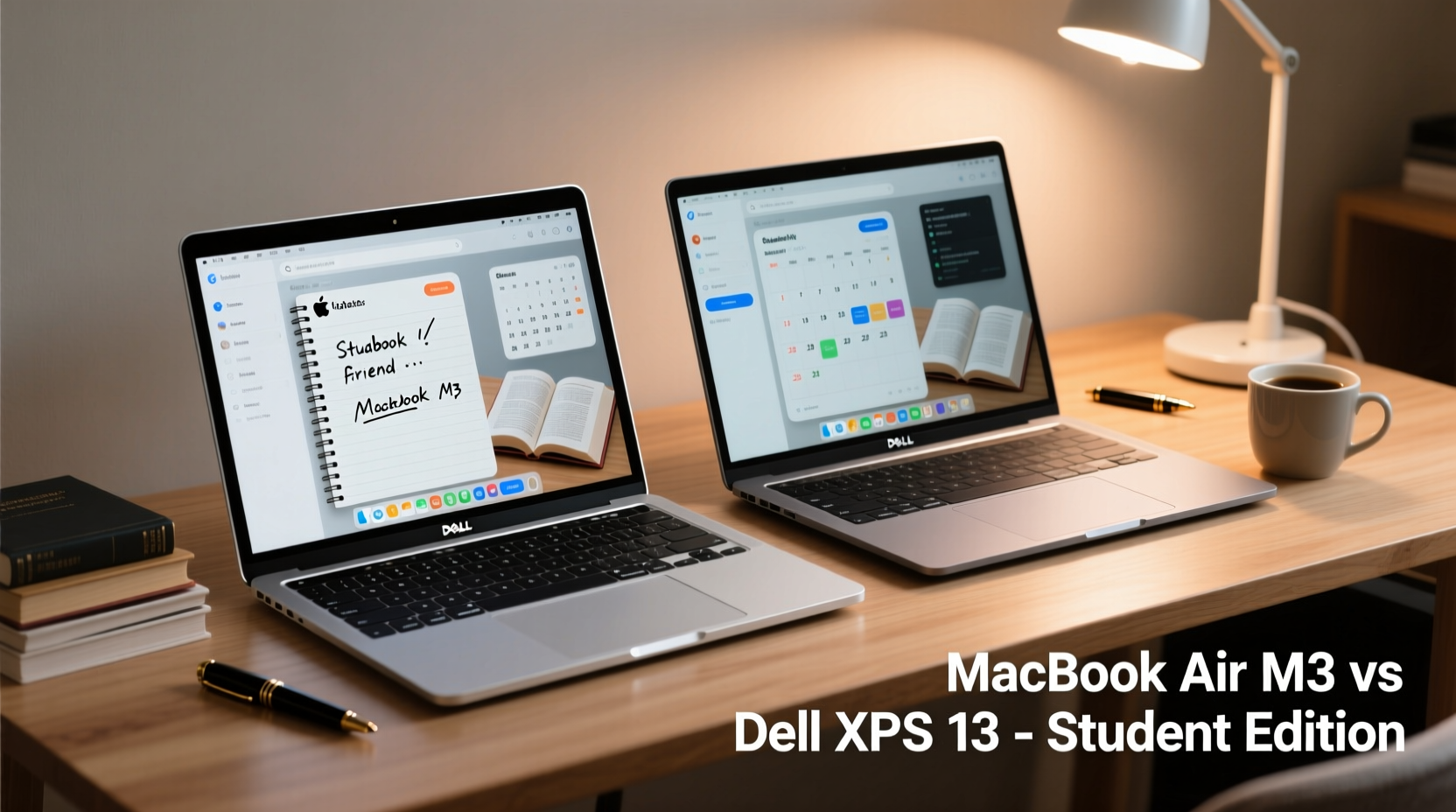
Both the MacBook Air M3 and Dell XPS 13 are engineered with mobility in mind. Weighing in at 2.7 pounds (1.24 kg) and 2.59 pounds (1.17 kg) respectively, these machines slip easily into backpacks and hold up well during commutes between classrooms, libraries, and coffee shops.
The MacBook Air maintains Apple’s minimalist aesthetic—aluminum unibody construction, no fan, and a wedge-shaped profile that tapers from 0.61 inches at the hinge to just 0.44 inches at the front. It feels solid and premium, resisting flex even when opened with one hand.
The XPS 13 follows a similarly sleek path but pushes bezel reduction further with its \"InfinityEdge\" display. This allows for a 13.4-inch screen in a footprint comparable to smaller 13-inch models. Its carbon fiber palm rest keeps weight down while adding a soft-touch texture, though it can attract fingerprints more readily than the Air’s aluminum deck.
Display and Visual Experience
Screen quality matters for everything from reading PDFs to editing videos for class projects. Here’s where both laptops shine—but in different ways.
The MacBook Air M3 features a 13.6-inch Liquid Retina display with 2560x1664 resolution, 500 nits of brightness, and support for P3 wide color. True Tone adjusts white balance based on ambient lighting, reducing eye strain during early morning or late-night sessions. The result is crisp text, vibrant visuals, and excellent outdoor visibility.
The Dell XPS 13 offers a 13.4-inch display with options for Full HD+ (1920x1200) or 4K+ (3840x2400) resolution. The 4K panel delivers stunning clarity and color accuracy—ideal for design or media students—but drains the battery faster. Brightness reaches 500 nits on high-end models, matching the Air, and anti-reflective coatings help in brightly lit environments.
While the XPS gives users a choice in resolution, macOS optimization ensures that even at lower pixel density, the Air’s display remains sharp and consistent across applications. For most students, especially those not working in visual fields, the difference may be negligible.
“Retina-level displays have become essential for digital learning. Text readability and color consistency directly impact focus and fatigue.” — Dr. Lena Park, Human-Computer Interaction Researcher, MIT Media Lab
Performance and Real-World Academic Use
Under the hood, the MacBook Air M3 is powered by Apple’s custom silicon—specifically the M3 chip with an 8-core CPU, 10-core GPU, and 16-core Neural Engine. It handles multitasking effortlessly: dozens of Chrome tabs, Zoom lectures, Spotify, and Word documents running simultaneously without lag.
The Dell XPS 13 runs on Intel’s 13th Gen Core i5 or i7 processors (U-series), offering solid performance for everyday tasks. However, under sustained loads—such as rendering large PowerPoint presentations or compiling code—the fanless design of the base model can lead to thermal throttling, slowing performance over time.
In contrast, the M3 chip’s efficiency cores manage background tasks with minimal power draw, while performance cores kick in only when needed. This translates to consistent responsiveness throughout the day, whether you're transcribing audio notes or analyzing datasets in RStudio.
RAM and storage configurations also differ significantly. The MacBook Air starts at 8GB unified memory (configurable to 24GB), while the XPS 13 begins at 8GB soldered RAM (up to 32GB). Because Apple integrates memory directly into the SoC, upgrading later isn’t possible—so choosing the right configuration upfront is crucial.
| Feature | MacBook Air M3 | Dell XPS 13 |
|---|---|---|
| Processor | Apple M3 (8-core CPU) | Intel Core i5/i7-13xxU |
| Graphics | 10-core GPU | Intel Iris Xe |
| RAM Options | 8GB–24GB (unified) | 8GB–32GB (soldered) |
| Storage | 256GB–2TB SSD | 512GB–2TB SSD |
| Fan Design | Fanless | Fanless (base), Fan-equipped (higher configs) |
| Thermal Behavior | No throttling, silent operation | Possible throttling under load |
Battery Life and All-Day Usability
One of the most critical factors for students is battery longevity. Both manufacturers claim up to 18 hours of video playback, but real-world academic usage tells a more nuanced story.
The MacBook Air M3 consistently delivers 14–16 hours of mixed use: web browsing, document editing, video calls, and music streaming. Even after back-to-back classes and a library session, it often ends the day above 30%. Charging via USB-C is fast, gaining 50% in about 30 minutes with the included 30W adapter.
The XPS 13 achieves around 10–12 hours with the FHD+ display and closer to 8–9 hours with the 4K+ option. While still sufficient for a full school day, it often requires charging during midday breaks—especially if using resource-heavy apps or external monitors.
Apple’s aggressive power management, combined with the efficiency of the M3 architecture, gives the Air a clear edge. For students who move between buildings without easy access to outlets, this extra endurance can eliminate stress and reduce dependency on power banks.
Software Ecosystem and Student Productivity
The operating system divide is perhaps the most consequential choice. macOS offers seamless integration with other Apple devices—a major advantage for students already using iPhones, iPads, or AirPods. Features like Handoff, Universal Clipboard, and Instant Hotspot streamline workflows across devices.
iCloud syncs notes, reminders, and Safari tabs automatically. FaceTime and Messages provide reliable communication channels. Meanwhile, built-in tools like Notes with handwriting support (via iPad), Voice Memos, and Screen Time tracking enhance organization and focus.
Windows 11 on the XPS 13 brings broader software compatibility. Many universities rely on Windows-based systems for lab software, engineering tools (like MATLAB or AutoCAD), and institutional licensing. Students in STEM fields may find certain programs run more smoothly—or exclusively—on Windows.
Microsoft 365 integration is native, and OneDrive syncs seamlessly. The OS also supports Android app integration via Amazon Appstore (though limited), touch input, and window snapping features ideal for managing multiple research sources.
However, Windows updates can be disruptive, occasionally restarting during study sessions. macOS updates are generally smoother and occur in the background, requiring fewer interruptions.
Mini Case Study: Sarah, Computer Science Major
Sarah uses her laptop for coding, attending virtual office hours, and collaborating on group projects. She owns an iPhone and iPad used for sketching UI designs. Initially drawn to the XPS 13 for its Windows development environment, she found herself frustrated by inconsistent clipboard syncing and slow iCloud photo uploads.
After switching to the MacBook Air M3, she leveraged Xcode for iOS app development, used Swift Playgrounds on her iPad, and shared code snippets via AirDrop instantly. Though she runs Windows in a virtual machine for specific coursework, the overall workflow became significantly more cohesive—and less fragmented.
Connectivity and Expandability
Ports matter when connecting projectors, external drives, or docking stations. The MacBook Air M3 includes two USB-C/Thunderbolt ports and a MagSafe charging connector. While Thunderbolt enables high-speed data transfer and dual external displays (on higher RAM models), the lack of a headphone jack means relying on Bluetooth or adapters.
The XPS 13 includes two Thunderbolt 4 ports, a microSD card reader (useful for photography or journalism students), and a headphone jack. No Ethernet or HDMI, but docking solutions are widely supported. The inclusion of a card reader is a small but meaningful advantage for fieldwork or multimedia projects.
Wi-Fi 6E and Bluetooth 5.3 are standard on both, ensuring stable connections in crowded campus networks. However, some users report stronger Wi-Fi reception on the XPS due to antenna placement.
Long-Term Value and Durability
Students need laptops that last through four years of heavy use. Build quality on both devices is excellent, but longevity depends on more than materials.
Apple provides five years of macOS updates for recent models, meaning the M3 Air will likely receive support until 2029. Security patches, feature upgrades, and performance optimizations continue throughout that period. Resale value remains high—often retaining 60–70% of original price after three years.
Dell offers three years of standard driver and BIOS updates. While Windows 11 will be supported until 2031, hardware-specific optimizations may taper off earlier. The XPS 13 has a good repairability score compared to other ultrabooks, but availability of replacement parts varies by region.
Keyboard durability is another consideration. The MacBook Air’s scissor-switch Magic Keyboard is quiet and responsive, with excellent key travel for extended typing. The XPS 13’s keyboard is similarly shallow but slightly clickier, preferred by some for tactile feedback.
Checklist: Choosing Between MacBook Air M3 and XPS 13
- Evaluate your ecosystem: Do you use iPhone, iPad, or AirPods regularly? → Lean toward MacBook Air.
- Check required software: Does your program require Windows-only applications? → Consider XPS 13.
- Assess upgrade needs: Will you need more than 8GB RAM long-term? → Choose configuration carefully; no future upgrades.
- Prioritize battery life: Need all-day power without charging? → MacBook Air has the edge.
- Consider resale value: Planning to sell later? → MacBook typically holds value better.
- Test port needs: Do you use SD cards or wired headphones often? → XPS 13 includes both.
Frequently Asked Questions
Can the MacBook Air M3 run Windows software?
Yes, but indirectly. You can use virtualization apps like Parallels Desktop to run Windows ARM editions, or cloud-based solutions like Windows 365. Some legacy x86 applications may not perform optimally.
Is the Dell XPS 13 compatible with macOS?
No. Installing macOS on non-Apple hardware violates licensing terms and is technically complex. Stick to Windows or Linux on the XPS 13.
Which laptop is quieter during class?
The MacBook Air M3 is completely fanless and silent. The base XPS 13 is also fanless under light loads, but higher-performance models may activate fans during intensive tasks, producing faint noise.
Final Recommendation
For most students, the **MacBook Air M3** emerges as the superior choice. Its unmatched battery life, silent operation, seamless ecosystem integration, and long-term software support align perfectly with the unpredictable rhythms of student life. The performance is more than adequate for writing, research, programming, and multimedia consumption.
The **Dell XPS 13** remains a compelling alternative, particularly for students in engineering, design, or business programs tied to Windows-specific tools. Its brighter screen options, card reader, and headphone jack add practical advantages, and the slightly lighter weight makes it marginally easier to carry all day.
Ultimately, the decision hinges on ecosystem alignment and software requirements. Try both in person if possible. Type on the keyboards, open them with one hand, watch a video, and imagine using them during finals week. The right laptop shouldn’t just perform well—it should disappear into your routine, empowering you without getting in the way.




 浙公网安备
33010002000092号
浙公网安备
33010002000092号 浙B2-20120091-4
Comments
No comments yet. Why don't you start the discussion?