
Choosing the right laptop as a student means balancing power, portability, battery life, software compatibility, and price. Two dominant categories dominate the market for lightweight academic use: Apple’s MacBook Air with the M3 chip and a broad range of Windows-based ultrabooks. While both promise slim designs and long battery life, their underlying ecosystems, performance profiles, and real-world usability differ significantly. For students navigating lectures, research papers, coding assignments, and multimedia projects, understanding these differences is essential to making an informed decision.
Performance and Efficiency: M3 Power vs Intel/AMD Flexibility
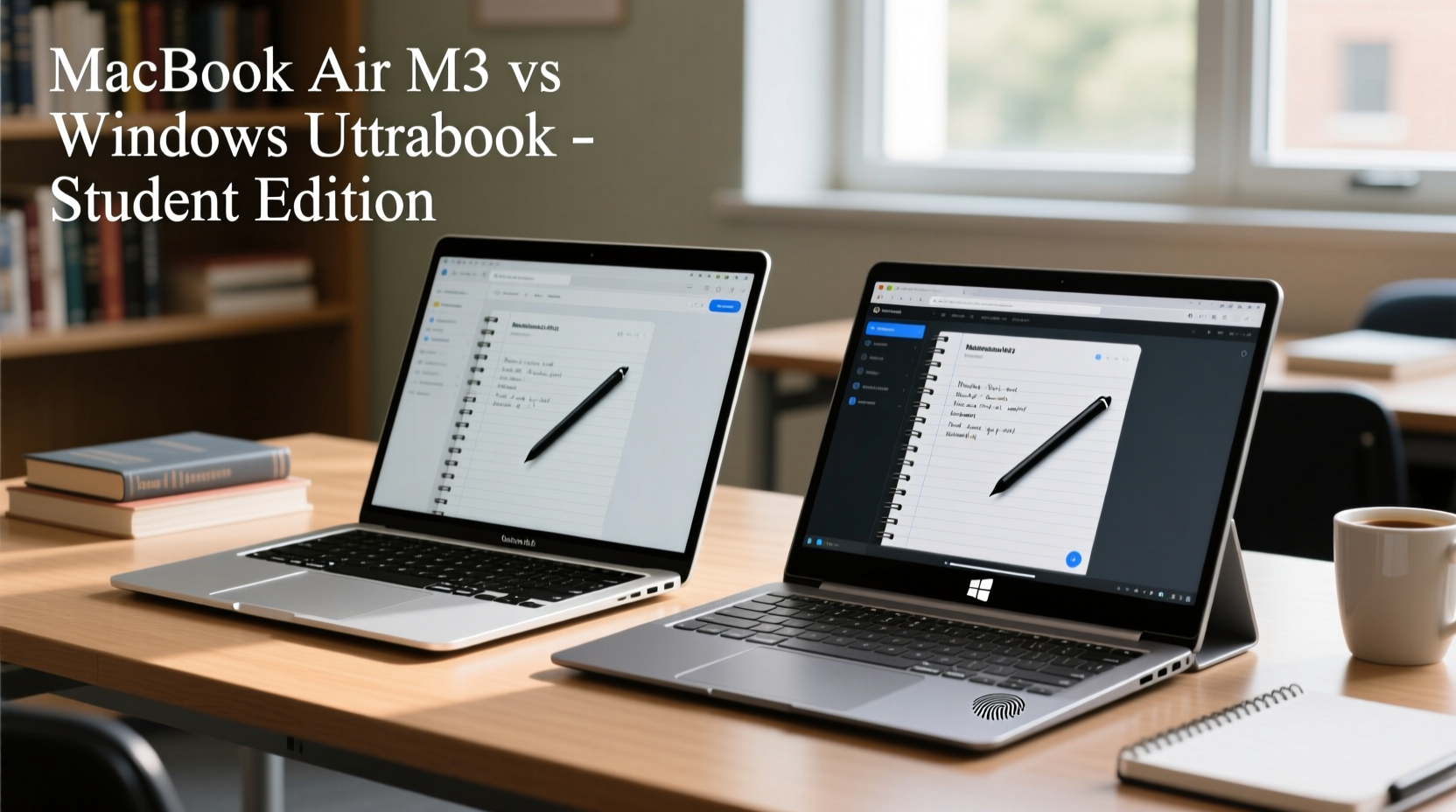
The MacBook Air M3 leverages Apple’s custom silicon architecture, which integrates the CPU, GPU, and Neural Engine into a single system-on-a-chip (SoC). This design prioritizes energy efficiency without sacrificing performance. The M3 chip delivers strong single-core performance, excellent graphics capabilities for its class, and seamless integration with macOS. It handles everyday tasks—web browsing, document editing, video streaming, and even light photo or video editing—with ease, all while running silently thanks to its fanless design.
On the Windows side, ultrabooks typically feature processors from Intel’s Core Ultra series or AMD’s Ryzen 7000 chips. These CPUs offer competitive multi-threaded performance and better support for legacy applications, especially in engineering, programming, or design fields that rely on Windows-specific tools. However, they often require active cooling, which can introduce fan noise under load—a consideration during quiet library sessions or late-night study marathons.
Apple’s unified memory architecture gives the M3 an edge in memory bandwidth and responsiveness when multitasking across native apps like Safari, Notes, Final Cut Pro, and Xcode. In contrast, many Windows ultrabooks come with varying RAM configurations (8GB to 32GB), but not all models allow upgrades post-purchase, limiting long-term flexibility.
Battery Life and Portability: All-Day Use Compared
Battery longevity is critical for students moving between classes, libraries, and group study spaces. The MacBook Air M3 excels here, routinely delivering 15–18 hours of real-world usage on a single charge. This includes mixed workloads such as note-taking, web research, Zoom calls, and media playback. Its efficient SoC and optimized operating system contribute to this endurance, allowing students to leave the charger behind without anxiety.
Windows ultrabooks vary widely. High-end models like the Dell XPS 13, Microsoft Surface Laptop 5, or Lenovo Yoga Slim 7i can achieve 10–14 hours under ideal conditions, but actual results depend heavily on screen brightness, background apps, and whether discrete graphics are engaged. Many mid-range devices fall short of 8 hours, requiring midday charging.
In terms of portability, both platforms offer sub-3-pound designs. The MacBook Air weighs 2.7 pounds with a 13.6-inch Liquid Retina display, while premium Windows counterparts range from 2.4 to 3 pounds with screen sizes between 13 and 14 inches. Build quality is generally high across both camps, though aluminum unibody construction remains standard on MacBooks, whereas some Windows models use magnesium alloy or recycled plastics to reduce weight.
“Battery life isn’t just about convenience—it’s academic resilience. Students who don’t have to hunt for outlets stay focused longer.” — Dr. Linda Tran, Educational Technology Researcher, University of Michigan
Software Ecosystem and Academic Compatibility
One of the most consequential decisions lies in the software ecosystem. macOS offers a clean, intuitive interface with deep integration across Apple devices—iPhone, iPad, Apple Watch—making file sharing, continuity, and handoff features seamless. For students already invested in the Apple ecosystem, this synergy enhances productivity. iCloud syncs notes, calendar events, and documents effortlessly, while Universal Control allows control of multiple Apple devices with one keyboard and mouse.
However, certain academic disciplines face limitations. Engineering programs may require AutoCAD, MATLAB, or SolidWorks, which either run poorly through emulation on Apple Silicon or aren’t available at all. While Rosetta 2 translates many Intel-based apps effectively, performance hiccups occur with complex simulations or large datasets. Boot Camp is no longer supported on Apple Silicon, eliminating dual-booting Windows as an option.
Windows ultrabooks, by contrast, natively support virtually all academic software. From statistical packages like SPSS and STATA to development environments such as Visual Studio and Android Studio, Windows provides unmatched compatibility. Additionally, institutions often provide free or discounted licenses for Microsoft Office, antivirus suites, and specialized tools exclusively for Windows users.
That said, macOS shines in creative workflows. Applications like Final Cut Pro, Logic Pro, and Adobe Creative Cloud perform exceptionally well on the M3 chip, offering faster rendering times than similarly priced Windows laptops. For film, music, or design majors, this advantage can be decisive.
Display, Keyboard, and Real-World Usability
The MacBook Air M3 features a 13.6-inch Liquid Retina display with P3 wide color, 500 nits brightness, and True Tone technology. Text appears sharp, colors remain accurate, and the screen performs well in varied lighting conditions—from dim dorm rooms to sunlit courtyards. The notch houses a 1080p FaceTime HD camera, which delivers clear video for virtual classes and meetings.
Many Windows ultrabooks now match or exceed these specs. Models like the HP Spectre x360 or ASUS ZenBook S 13 OLED boast vibrant OLED panels with deeper blacks and higher contrast ratios. However, OLED screens can suffer from burn-in risks over time, particularly if static elements (like taskbars or UI menus) remain visible for extended periods—a common scenario during long study sessions.
Keyboard quality is another key factor. The MacBook Air’s Magic Keyboard offers excellent key travel, tactile feedback, and backlighting that adjusts automatically. Windows ultrabooks vary: flagship models deliver comparable typing experiences, but budget options may feel shallow or noisy. Trackpad size and responsiveness also matter. Apple’s Force Touch trackpad remains the gold standard for precision and gesture support. While some Windows touchpads (notably on Dell XPS and Surface devices) come close, many others lack consistency in palm rejection or multi-finger gestures.
| Feature | MacBook Air M3 | Premium Windows Ultrabook |
|---|---|---|
| Weight | 2.7 lbs | 2.4–3.0 lbs |
| Battery Life (real-world) | 15–18 hours | 8–14 hours |
| RAM Options | 8GB, 16GB, 24GB | 8GB, 16GB, 32GB (some upgradable) |
| Storage | 256GB–2TB SSD (non-upgradable) | 256GB–2TB SSD (some upgradable) |
| Ports | 2x USB-C / Thunderbolt, MagSafe, headphone jack | Varies: USB-A, USB-C, HDMI, SD card (model-dependent) |
| OS Flexibility | macOS only | Windows + optional Linux dual-boot |
Cost and Long-Term Value for Students
Price plays a pivotal role in student purchasing decisions. The base MacBook Air M3 starts at $1,099 with 8GB RAM and 256GB storage—often insufficient for serious academic work. Upgrading to 16GB RAM and 512GB SSD pushes the cost to $1,499, placing it firmly in premium territory.
Windows ultrabooks span a broader spectrum. Entry-level models like the Acer Swift 3 or Lenovo IdeaPad Slim 5 start under $600, offering decent performance for writing and web tasks. Mid-tier options ($800–$1,200) such as the Dell XPS 13 or HP Envy x360 deliver near-MacBook levels of build and performance. At the high end, devices like the Microsoft Surface Laptop Studio 2 rival the MacBook Air in price but offer greater configurability and peripheral support.
Consider long-term ownership. Apple products tend to hold their value better and receive OS updates for 5–7 years, reducing the need for early replacement. Windows laptops, particularly those with soldered components, may become obsolete sooner due to limited upgrade paths and shorter update cycles (typically 3–5 years).
Mini Case Study: Sarah, Computer Science Major
Sarah, a sophomore at Georgia Tech, needed a reliable laptop for coding, attending virtual labs, and collaborating on GitHub. She initially leaned toward the MacBook Air M3 for its sleek design and battery life. However, after consulting her professors, she learned that several required courses used Windows-exclusive virtual machines and debugging tools incompatible with macOS. She opted for a Lenovo Yoga 9i with 16GB RAM, 1TB SSD, and Intel Core i7. Though slightly heavier and with shorter battery life, it allowed full access to course materials, supported dual-boot setups, and integrated smoothly with campus IT systems. Six months later, she reports zero compatibility issues and appreciates the inclusion of a touchscreen and stylus for diagramming algorithms.
Step-by-Step Guide: Choosing Your Student Laptop
- Assess Your Academic Needs: List required software. Is it cross-platform or Windows/macOS exclusive?
- Determine Budget Range: Include accessories (charger, case, external drive) and potential upgrade costs.
- Evaluate Portability Requirements: Will you carry it daily? Prioritize weight and durability.
- Check Battery Demands: Estimate average daily usage. Can you recharge between classes?
- Review Upgrade Options: Can RAM or storage be expanded later? Avoid bottlenecks.
- Test Devices In Person: Visit retailers to assess keyboard feel, screen clarity, and overall ergonomics.
- Apply for Student Discounts: Verify eligibility through university email or ID portals.
Frequently Asked Questions
Can I run Windows software on a MacBook Air M3?
Yes, but with limitations. You can use virtualization tools like Parallels Desktop to run Windows ARM editions, though performance varies and licensing adds cost. Some x86 applications run via translation layers, but resource-heavy programs may lag or fail entirely.
Are Windows ultrabooks less durable than MacBooks?
Not inherently. Premium Windows models like the Dell XPS or ThinkPad X1 Carbon match or exceed MacBook build quality. However, lower-priced models may use less robust materials. Always check independent durability tests before buying.
Which lasts longer: MacBook Air or a Windows ultrabook?
Generally, the MacBook Air receives longer software support (5+ years) and maintains resale value better. However, a well-maintained Windows ultrabook with upgradable parts can also serve reliably for half a decade.
Conclusion: Make the Choice That Fits Your Campus Life
The MacBook Air M3 and Windows ultrabooks each represent peak achievements in thin-and-light computing, but they cater to different priorities. The M3 model wins on battery life, silent operation, macOS integration, and long-term software support—ideal for liberal arts, business, or creative students deeply embedded in Apple’s ecosystem. Yet, its closed architecture and software constraints make it less suitable for STEM, engineering, or technical majors reliant on Windows-native tools.
Windows ultrabooks offer versatility, broader software compatibility, and a wider price range. From budget-conscious freshmen to graduate researchers needing maximum configurability, there’s a Windows device tailored to nearly every academic path. While individual models may not match the M3’s efficiency, collectively, they provide unmatched choice and adaptability.
Your laptop should extend your capabilities—not limit them. Consider your major, workflow, mobility needs, and existing tech setup. Try both platforms if possible. And remember: the best laptop isn’t the most powerful or stylish—it’s the one that helps you learn, create, and succeed without getting in your way.




 浙公网安备
33010002000092号
浙公网安备
33010002000092号 浙B2-20120091-4
Comments
No comments yet. Why don't you start the discussion?