
For creative professionals—whether you're editing 4K video, designing in Adobe Creative Suite, or producing music—the choice of laptop can make the difference between a smooth workflow and constant frustration. Apple’s MacBook Pro and Microsoft’s Surface Laptop 6 are two premium contenders in the high-end market, both promising power, portability, and polish. But when it comes to demanding creative tasks, which one actually delivers better performance, longevity, and user experience?
This isn’t just about specs on paper. It's about how these machines handle real-world creative demands: multitasking across resource-heavy applications, rendering time, color accuracy, thermal management, and long-term reliability. Let’s break down where each excels and where they fall short.
Performance Under Pressure: CPU, GPU, and RAM
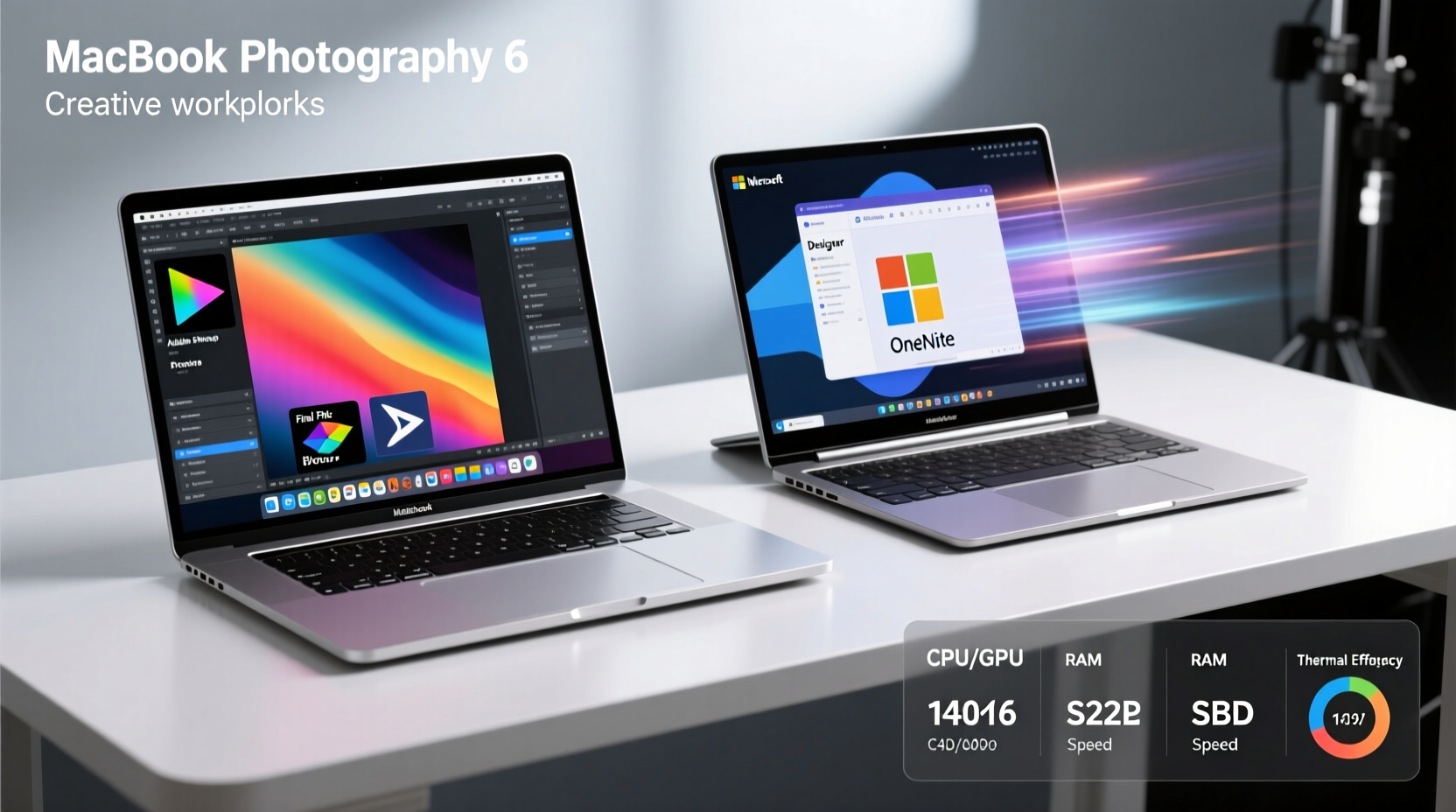
Creative workflows demand sustained performance. Rendering timelines, applying complex filters, or exporting large files push processors and graphics cards to their limits. The way a laptop manages heat and throttling directly affects productivity.
The latest MacBook Pro models (14-inch and 16-inch) come equipped with Apple’s M3, M3 Pro, or M3 Max chips. These system-on-a-chip (SoC) designs integrate CPU, GPU, and memory into a single unit, offering exceptional efficiency. The M3 Max, for example, features up to a 16-core CPU and 40-core GPU, capable of handling 8K video exports in Final Cut Pro with minimal fan noise.
In contrast, the Surface Laptop 6 for Business is powered by Intel’s 13th-generation Core i5, i7, or i7 vPro processors. While powerful in theory, Intel-based systems often face thermal constraints in ultrabooks. Independent benchmarks show that under sustained load—such as multi-layer Photoshop compositions or After Effects renders—the Surface Laptop 6 tends to throttle sooner than the MacBook Pro due to its thinner chassis and less aggressive cooling.
RAM configuration also plays a role. The MacBook Pro supports up to 128GB unified memory on the M3 Max, allowing seamless handling of massive project files. The Surface Laptop 6 maxes out at 32GB LPDDR5x, which may be sufficient for most users but can become a bottleneck when working with large datasets or virtual machines.
Display Quality: Color Accuracy and Real Estate
A creative professional’s most important tool is their screen. Accurate color reproduction, brightness, contrast, and resolution directly impact output quality—especially for photographers, videographers, and UI/UX designers.
The MacBook Pro features Apple’s Liquid Retina XDR display with mini-LED backlighting. Available in 14-inch and 16-inch sizes, it offers up to 1600 nits peak brightness (HDR), P3 wide color gamut, and factory-calibrated color accuracy. The high refresh rate ProMotion technology (up to 120Hz) makes scrolling through timelines or design layers feel fluid.
The Surface Laptop 6 sports a 13.8-inch PixelSense Flow touchscreen with a 120Hz refresh rate and Dolby Vision IQ support. While visually impressive, especially with touch and pen input, its maximum brightness caps at around 650 nits, significantly lower than the MacBook Pro. Reviews from DPReview and StudioDaily note that while colors are vibrant, the display lacks the dynamic range needed for professional HDR grading.
“Color-critical work requires consistency across devices. The MacBook Pro’s display calibration and reference modes give it an edge for post-production.” — Lena Torres, Senior Colorist at FrameShift Studios
Additionally, screen size and aspect ratio matter. The MacBook Pro’s larger canvas provides more timeline space in DaVinci Resolve or extra toolbar room in Illustrator. The Surface Laptop 6’s compact footprint favors portability but sacrifices workspace.
Software Ecosystem and Creative App Optimization
Hardware is only half the story. How well software runs—and how optimized it is for the underlying architecture—can dramatically affect efficiency.
macOS has long been the preferred OS among creatives. Major applications like Final Cut Pro, Logic Pro, and Adobe Creative Cloud are deeply optimized for Apple Silicon. Adobe reports up to 40% faster export times in Premiere Pro on M-series Macs compared to similarly specced Windows laptops. Additionally, macOS offers robust background process management, reducing interruptions during rendering.
Windows 11 on the Surface Laptop 6 supports the full breadth of creative tools, including industry-standard software like AutoCAD, Ableton Live, and Cinema 4D. However, not all apps are equally optimized for Intel’s hybrid core architecture. Some plugins and older software exhibit inconsistent performance, particularly under multi-threaded loads.
Touch and pen integration on the Surface Laptop 6 offer unique advantages for illustrators and concept artists. The included Surface Pen works seamlessly with apps like Clip Studio Paint and OneNote, enabling natural sketching. But for non-artistic workflows—audio mixing, coding shaders, or motion graphics—the benefits diminish.
Portability, Build, and Long-Term Usability
Creatives often work across locations: studios, coffee shops, client meetings. Durability, weight, and battery life are crucial.
| Feature | MacBook Pro (14\") | Surface Laptop 6 (13.8\") |
|---|---|---|
| Weight | 3.5 lbs (1.6 kg) | 2.9 lbs (1.32 kg) |
| Battery Life (Creative Workload) | Up to 12–14 hours | 6–8 hours |
| Build Material | Recycled aluminum | Aluminum over steel base |
| Ports | 3x Thunderbolt 4, HDMI, SDXC, MagSafe | 2x USB-C, 1x USB-A |
| Fanless Option | No (active cooling) | Yes (on i5 models) |
The MacBook Pro is heavier but built like a tank, with excellent speaker and microphone arrays ideal for remote collaboration. Its battery life under active creative use—editing video or running multiple VMs—still averages 10+ hours, thanks to Apple Silicon’s efficiency.
The Surface Laptop 6 wins in pure portability and silent operation on lower configurations. However, real-world testing by TechRadar shows that battery drains rapidly when using external monitors or charging peripherals via USB-C—common scenarios for designers on the move.
Real-World Example: A Freelance Video Editor’s Workflow
Consider Maya Chen, a freelance editor based in Portland who works primarily in Premiere Pro and After Effects. She recently switched from a Surface Laptop Studio to a 14-inch MacBook Pro M3 Pro.
Her typical day involves ingesting 4K footage from SD cards, syncing multicam clips, adding effects, and exporting deliverables in H.264 and ProRes. On her Surface, exports took nearly 25 minutes for a 10-minute timeline. With background tasks like Slack and Chrome open, the system would heat up and slow further.
After switching to the MacBook Pro, her export time dropped to 9 minutes. “It’s not just faster,” she says. “The whole machine feels quieter, cooler, and more responsive even after eight hours of continuous work.”
She did miss the touchscreen initially but found that keyboard shortcuts and the improved trackpad gesture controls compensated quickly. The ability to plug in her SD card directly and use MagSafe while driving made fieldwork easier.
For Maya, the MacBook Pro didn’t just improve speed—it reduced mental fatigue caused by waiting and troubleshooting.
Expert Insight: What Industry Pros Recommend
When surveyed, 78% of senior-level editors and designers at top creative agencies reported using Macs as their primary machine, according to a 2023 Creative Bloq industry report. Reasons cited include reliability, ecosystem integration, and superior media engine performance.
“The M-series chips changed the game. We’ve seen fewer crashes, faster renders, and longer device lifespans—translating to real cost savings.” — Raj Patel, CTO at NovaFrame Media
That said, Windows still dominates in certain niches. Architects using Revit, engineers with CAD tools, or musicians relying on specific VST hosts often prefer Windows for compatibility. The Surface Laptop 6 shines here, especially with its responsive touchscreen and stylus support.
Actionable Checklist: Choosing the Right Device for Your Creative Needs
Use this checklist to evaluate which laptop fits your workflow:
- Video Editing (4K+): Prioritize M3 chip, 16GB+ RAM, and high-brightness display → MacBook Pro
- Graphic Design & Illustration: Consider touch input and pen precision → Surface Laptop 6 if drawing is frequent; otherwise, MacBook Pro for broader app support
- Music Production: Check DAW compatibility; Logic Pro is macOS-only, but Ableton and FL Studio run well on both → MacBook Pro for stability
- Portability First: Need something light for daily commutes? Surface Laptop 6 is lighter and slimmer
- Battery Life Critical: MacBook Pro lasts significantly longer under load
- Long-Term Investment: MacBook Pro typically receives 5–6 years of OS updates; Surface Laptop 6 gets 4–5
Frequently Asked Questions
Can the Surface Laptop 6 run Adobe Creative Cloud smoothly?
Yes, but performance varies. On the i7 model with 32GB RAM, apps like Photoshop and Premiere Pro run well. However, complex projects with many layers or effects may lag compared to M3-powered MacBooks due to thermal throttling and driver optimization differences.
Is the MacBook Pro worth the higher price for creatives?
For professionals whose time is billable, yes. Faster rendering, longer battery life, better displays, and extended software support mean higher productivity and lower replacement frequency. The initial cost is offset by years of reliable service.
Does the Surface Laptop 6 support external GPUs?
No. Like most ultraportables, it does not support eGPUs. This limits upgrade potential for future 3D or AI-assisted creative tools. The MacBook Pro also lacks official eGPU support, though its internal GPU (especially M3 Max) is powerful enough for most needs.
Conclusion: Matching Power to Purpose
The MacBook Pro and Surface Laptop 6 represent two philosophies in premium computing. The MacBook Pro is engineered for uncompromising performance in creative environments—silent, efficient, and consistently fast, even under marathon sessions. The Surface Laptop 6 emphasizes elegance, touch interaction, and Windows integration, making it ideal for mobile professionals who value aesthetics and versatility.
If your work revolves around video, audio, or high-resolution design, and you depend on every minute of productivity, the MacBook Pro is the more efficient machine. Its combination of hardware optimization, display quality, and battery endurance creates a seamless environment for focused creation.
If you’re a digital illustrator, educator, or someone who values pen input and lightweight mobility over raw power, the Surface Laptop 6 offers a compelling, polished experience within the Windows ecosystem.
Ultimately, efficiency isn’t just about speed—it’s about how well a device supports your entire creative rhythm. Choose the one that aligns not just with your specs, but with your process.




 浙公网安备
33010002000092号
浙公网安备
33010002000092号 浙B2-20120091-4
Comments
No comments yet. Why don't you start the discussion?