
For fans of the NFL, Madden 24 promised a deeper, more immersive football experience with enhanced gameplay mechanics and updated graphics. However, many players have reported persistent crashes—whether during gameplay, at launch, or while loading modes like Franchise or Ultimate Team. These interruptions disrupt the gaming experience and can even lead to lost progress. The good news is that most crashes are not random glitches but symptoms of identifiable issues, many of which are fixable with targeted troubleshooting.
This guide breaks down the root causes behind Madden 24 crashes across PlayStation, Xbox, and PC platforms. More importantly, it provides practical, step-by-step solutions that have been verified by users and support communities. Whether you're encountering black screens, sudden quits, or endless loading loops, this article will help you restore stability and return to the gridiron.
Common Causes of Madden 24 Crashes
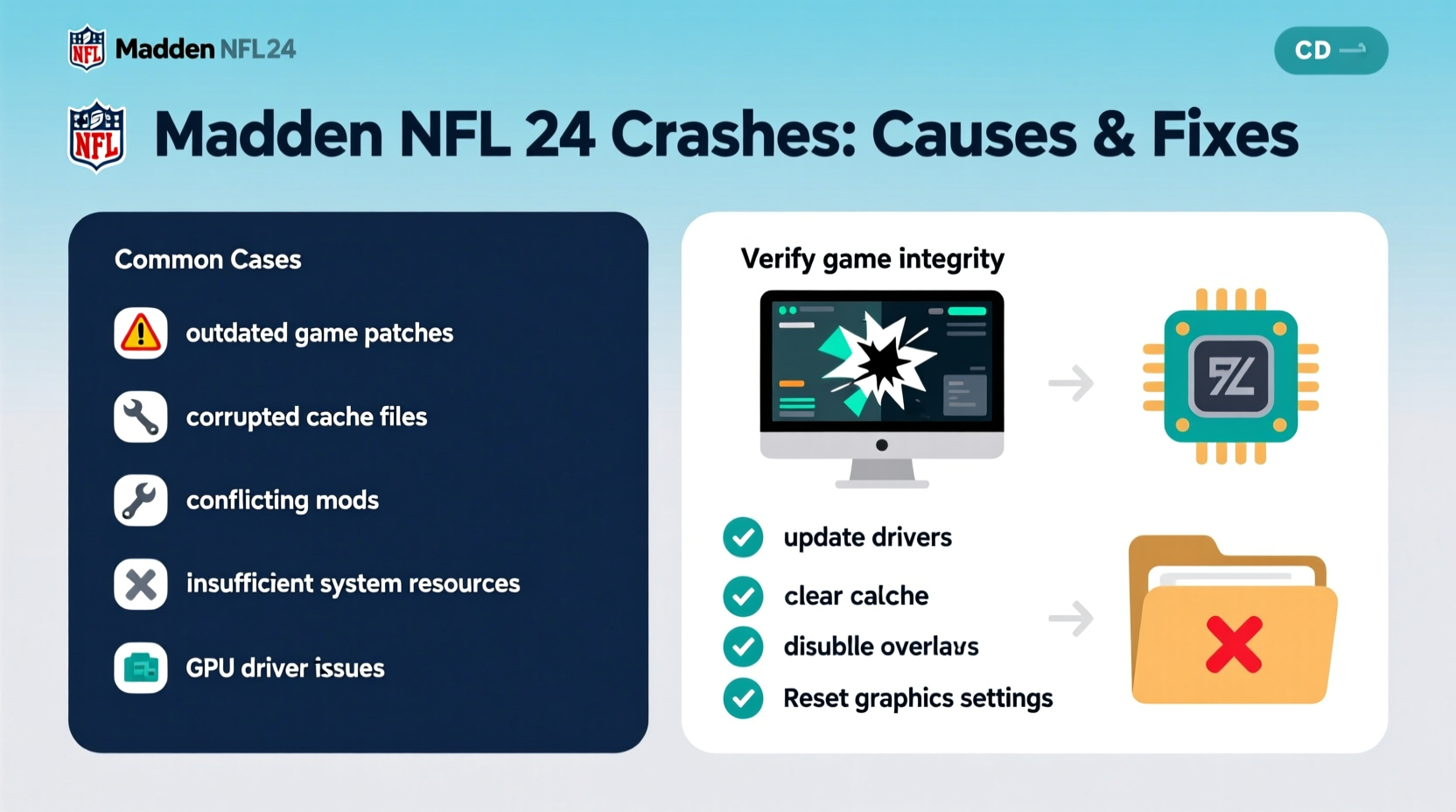
Madden 24 crashes stem from a combination of software conflicts, hardware limitations, and data corruption. Understanding these root causes is the first step toward resolution.
- Outdated Game Patches: Missing critical updates can introduce instability, especially if EA has already released fixes for known bugs.
- Corrupted Game Files: Interrupted downloads, failed installations, or disk errors can damage essential game components.
- Insufficient System Resources: Background apps consuming CPU, RAM, or storage I/O can starve the game of necessary resources.
- Overheating Consoles: Poor ventilation leads to thermal throttling or automatic shutdowns during extended play sessions.
- Server-Side Issues: Online modes may crash due to EA server outages or connectivity problems beyond user control.
- Graphics Driver Problems (PC): Outdated or incompatible GPU drivers often trigger rendering failures and crashes.
Step-by-Step Fixes to Resolve Crashing Issues
Follow this structured approach to systematically eliminate potential causes. Start with the simplest solutions and progress to more advanced ones as needed.
- Restart Your Device: A full power cycle clears temporary memory and resets network connections. For consoles, perform a complete shutdown (not rest mode), wait 30 seconds, then restart.
- Check for Game Updates: Navigate to your platform’s library, locate Madden 24, and verify there are no pending patches. On PC via Steam, right-click the game > Properties > Updates.
- Clear Cache (Console Users):
- PlayStation: Go to Settings > Storage > Clear System Cache.
- Xbox: Hold the power button for 10 seconds until the console turns off completely. Unplug the power cord for 5 minutes to drain residual power.
- Verify Game Files (PC): On Steam, right-click Madden 24 > Properties > Local Files > Verify Integrity of Game Files. This scans and repairs missing or corrupted files.
- Update Graphics Drivers (PC): Visit NVIDIA GeForce Experience, AMD Radeon Software, or Intel Driver Support Assistant to ensure your GPU drivers are current.
- Disable Overlays: Third-party apps like Discord, GeForce Experience, or Xbox Game Bar can conflict with fullscreen applications. Disable them temporarily to test stability.
- Reinstall the Game: If all else fails, uninstall and reinstall Madden 24. This ensures a clean copy without lingering corruption.
Troubleshooting Table: Platform-Specific Solutions
| Issue | PlayStation Fix | Xbox Fix | PC Fix |
|---|---|---|---|
| Game won’t launch | Rebuild database in Safe Mode | Power cycle + clear cache | Run as administrator; verify files |
| Crashes during gameplay | Ensure proper ventilation; close other apps | Check for system updates | Lower graphics settings; update GPU driver |
| Frequent freezes in Franchise Mode | Delete local save, redownload | Clear saved data from cloud temporarily | Delete .sav files in Documents/Franchise folder |
| Online mode disconnects | Test internet connection; use wired Ethernet | Open required ports on router | Disable background bandwidth hogs |
Real Example: How One Player Fixed Persistent Crashes
Derek, a long-time Madden player from Chicago, experienced daily crashes in Superstar Mode on his PS5. After three frustrating weeks and multiple re-downloads, he discovered the issue wasn't the game itself—but his external SSD. Using the console's \"Rebuild Database\" option in Safe Mode revealed read errors on the drive where Madden was installed. He moved the game to internal storage, applied the latest patch, and hasn’t had a single crash since. His case highlights how hardware choices can silently undermine software performance.
“Many modern games push storage systems to their limits. A marginal drive can pass basic tests but fail under sustained load.” — Mark Tran, Senior Console Technician at GameFix Labs
Essential Tips and Prevention Checklist
Preventing future crashes is just as important as fixing current ones. Use this checklist to maintain optimal performance:
- ✅ Keep your console or PC OS up to date
- ✅ Install game patches as soon as they’re available
- ✅ Use wired internet connections for online modes
- ✅ Close all non-essential background apps before launching
- ✅ Monitor device temperature; ensure vents are unobstructed
- ✅ Save frequently and enable cloud saves when possible
- ✅ Reinstall the game every few months if performance degrades
Frequently Asked Questions
Why does Madden 24 crash only in Franchise Mode?
Franchise Mode is one of the most resource-intensive modes due to its dynamic AI, long-term simulations, and data tracking. Crashes here often result from corrupted save files or insufficient memory management. Try deleting the local franchise file (while keeping cloud sync enabled) to force a fresh download.
Can overheating cause Madden 24 to crash?
Yes. Consoles and PCs automatically throttle or shut down when internal temperatures exceed safe levels. Dust buildup, poor airflow, or prolonged gameplay sessions increase risk. Clean vents regularly and avoid placing devices in enclosed spaces.
Does reinstalling the game delete my progress?
Not if your progress is synced to EA servers or your platform’s cloud storage (e.g., PSN, Xbox Live, Steam Cloud). Before uninstalling, ensure you’re logged into your EA account and that online saves are active. Local-only saves may be lost unless manually backed up.
Final Steps and Long-Term Stability
Fixing Madden 24 crashes often requires patience and methodical testing. While some solutions provide instant relief, others—like hardware upgrades or behavioral changes—offer long-term gains. Remember that EA continues to monitor feedback and release patches based on community reports. Reporting your crash logs through the official EA Help portal contributes to faster resolutions for everyone.
If you've tried all standard fixes without success, consider reaching out to EA Support directly with detailed information: platform, crash frequency, affected modes, and steps already taken. Include any error codes (e.g., WS-116577-5 on PS5) for faster diagnosis.




 浙公网安备
33010002000092号
浙公网安备
33010002000092号 浙B2-20120091-4
Comments
No comments yet. Why don't you start the discussion?