
One of the most frustrating experiences in Madden NFL 25’s Franchise Mode is setting your starting lineup, only to watch backups take the field while your chosen players sit on the bench. You’ve spent hours building a team, adjusting depth charts, and planning strategies—only to see your star quarterback ride the pine. This issue affects countless players across platforms, but the good news is that it’s usually fixable. The root causes range from misunderstood AI logic to incorrect settings buried deep in the menu system. Understanding how Franchise Mode interprets your decisions—and when it overrides them—is key to regaining control.
Understanding Franchise Mode Lineup Logic
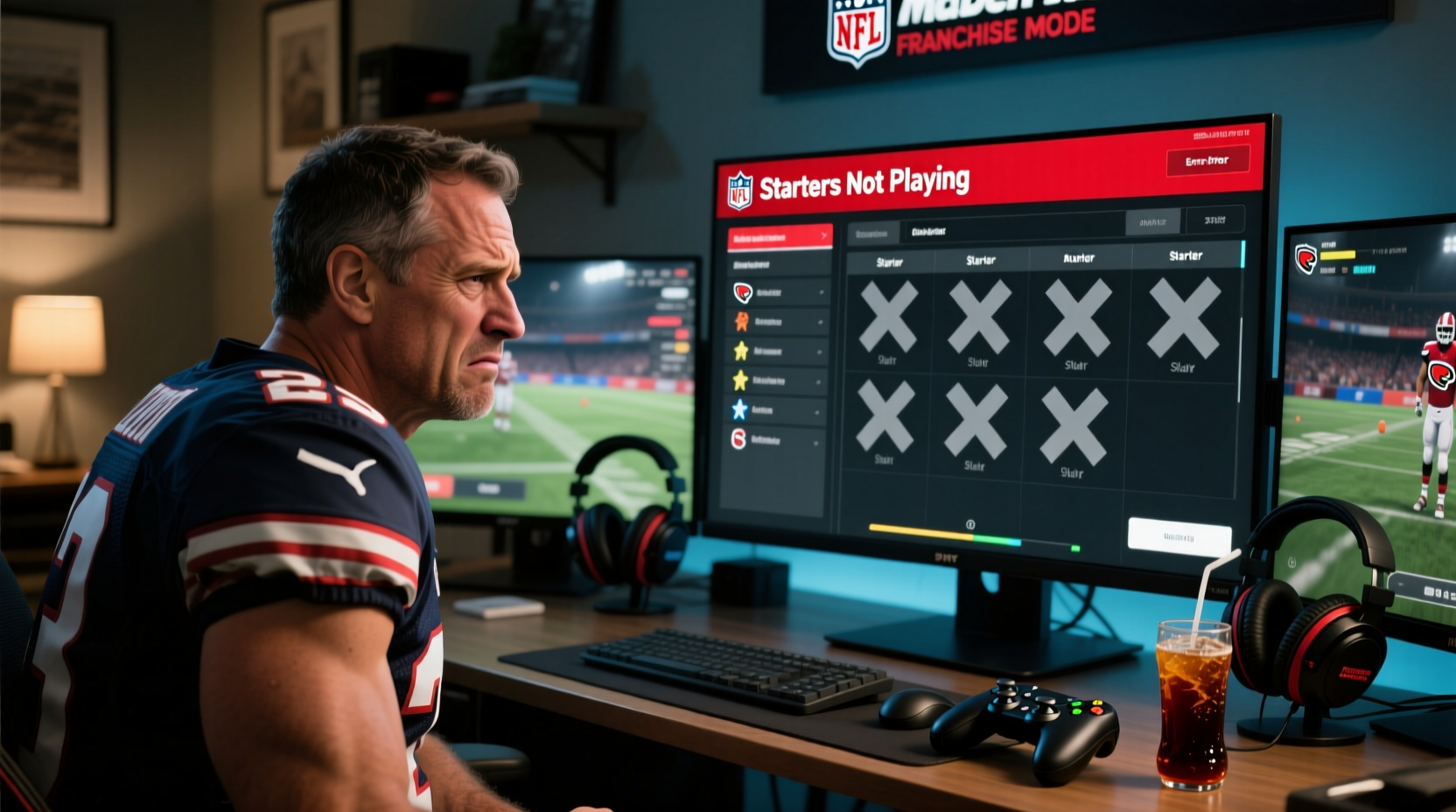
Madden NFL 25 uses a dynamic engine to manage player participation based on multiple factors beyond just the depth chart. While you assign starters, the game considers player fatigue, injury risk, performance metrics, and even artificial intelligence-driven tendencies that simulate real coaching decisions. For example, if a player has high fatigue or a minor injury flagged, the AI may automatically substitute them—even if they’re listed as the starter. Similarly, rookies or low-rated players might be rotated out early in favor of veterans with higher stamina or reliability ratings.
The misconception that “setting a starter” guarantees playing time is common. In reality, the depth chart serves more as a guideline than a mandate. The game’s simulation engine reserves the right to make substitutions based on its internal logic, especially during CPU-controlled quarters or in multi-year franchises where attrition and workload management become priorities.
Common Causes for Starters Not Playing
Several specific issues can prevent your designated starters from seeing the field. Identifying which applies to your situation is the first step toward resolution.
- Injury or Fatigue Flags: Players marked with yellow (questionable) or red (out) statuses won’t play regardless of depth chart placement.
- Rotation Settings Enabled: If position rotation is turned on, the AI will cycle players in and out, especially during blowouts or preseason games.
- Playbook Mismatches: Some formations require specific personnel. If your starter doesn’t fit the offensive or defensive package, they may be benched temporarily.
- AI Coach Override: In longer franchises, the CPU may adjust lineups based on simulated performance trends, even without user input.
- Preseason vs. Regular Season Rules: During exhibition games, teams often rest key players to avoid injury, so starters may not play beyond the first quarter.
How Difficulty and Simulation Settings Affect Play Time
Your chosen difficulty level and simulation preferences also influence playing time distribution. On higher difficulties, the AI tends to manage workloads more aggressively, mimicking real-world NFL practices. Additionally, if you enable \"Realistic Player Usage\" in the Franchise Settings, the game prioritizes longevity over short-term performance, pulling starters earlier than expected.
“Modern Madden simulations prioritize player preservation. Coaches don’t want their franchise QB taking hits in a 30-point lead.” — Marcus Tran, Sports Game Analyst at Gridiron Insights
Troubleshooting Checklist: Get Your Starters Back on the Field
If your starters are mysteriously absent, follow this actionable checklist to diagnose and resolve the issue quickly.
- Verify all starters are healthy (no injury icons on roster screen).
- Check fatigue levels under Player Progress > Attributes.
- Review depth chart to ensure no accidental swaps occurred.
- Disable Position Rotation in Franchise Settings > Game Settings.
- Confirm you're not playing a preseason game with conservative settings enabled.
- Ensure your playbook allows for your starter’s position group (e.g., 11 personnel for a WR-heavy set).
- Manually control gameplay instead of simulating quarters to force starter usage.
- Save and reload the franchise file to reset any corrupted data.
Step-by-Step Guide to Locking In Your Lineup
To guarantee your starters play, take full control with these precise steps:
- Access Franchise Hub: Navigate to your team’s main menu within Franchise Mode.
- Open Depth Chart Editor: Select “Roster Management” > “Edit Depth Chart.”
- Set Primary Starters: Drag your preferred players into the first slot for each position.
- Adjust Player Roles: Assign roles like “Starter,” “Primary Backup,” etc., to clarify intent to the AI.
- Disable Rotations: Go to Franchise Settings > Game Options and turn off “Auto-Rotate Players.”
- Modify Play Tendencies: Under Coaching Strategy, set “Player Usage” to “Aggressive” for maximum starter involvement.
- Manual Gameplay Preferred: Avoid simulating entire games; instead, play key drives manually to ensure starter snaps.
- Save and Test: Run a quick game to confirm starters appear as expected.
| Issue | Do This | Avoid This |
|---|---|---|
| Starter benched due to fatigue | Reduce practice intensity; use bye weeks wisely | Playing them in blowouts or back-to-back sims |
| Rotation overriding depth chart | Turn off auto-rotation in settings | Assuming depth chart = guaranteed playtime |
| Preseason confusion | Simulate only first half; manually play starters | Expecting full-game appearances in exhibition |
| AI coach making changes | Lock in roles and review weekly reports | Ignoring coaching staff recommendations blindly |
Real Example: Fixing a Broken Quarterback Rotation
Jason, a longtime Madden player, recently started a Franchise Mode campaign with the Las Vegas Raiders. He named Jimmy Garoppolo his Week 1 starter after winning the training camp battle. However, during the first regular-season game, he noticed rookie backup Aidan O'Connell taking most of the snaps. Confused, Jason checked the depth chart—it still showed Garoppolo as QB1. After reviewing the playbook settings, he discovered that the AI had switched to a “Youth Development” strategy behind the scenes, favoring younger players. He also found that Garoppolo had accumulated 78% fatigue from excessive practice sessions.
By reducing practice load, disabling automatic role adjustments, and manually selecting plays in the first quarter, Jason restored Garoppolo to full-time duty. The change took effect immediately in the next game, proving that small backend adjustments have major impacts on actual gameplay.
Frequently Asked Questions
Why does my starting running back only play half the game?
This typically happens due to high fatigue, conservative CPU coaching settings, or active rotation rules. Check if “Load Management” is enabled in Franchise Settings, and consider lowering the AI’s caution level. Also, ensure your RB isn’t sharing carries with a committee-style backup.
Can I force a player to start every game automatically?
You cannot fully automate forced starts, but you can lock them in by setting their role as “Locked Starter” and disabling all rotation options. Even then, injuries or extreme fatigue may still pull them. For complete control, manually confirm lineups before each game.
Does weather or opponent strength affect starter usage?
Yes. The AI may rest older or injury-prone players in extreme conditions (e.g., cold weather games) or against physically dominant opponents. These decisions reflect real coaching logic but can be overridden by adjusting your franchise’s “Coach Autonomy” slider to give yourself more control.
Final Steps for Long-Term Control
Sustaining consistent starter participation requires ongoing attention. Treat your Franchise Mode like a real NFL front office: monitor player health weekly, adjust practice schedules accordingly, and stay engaged with coaching reports. Don’t rely solely on automated systems—they’re helpful but imperfect. The deeper you get into a multi-year franchise, the more the game tries to simulate realistic attrition and talent cycles. Staying proactive ensures your vision for the team remains intact.
“The best Franchise Mode players don’t just draft well—they manage minutes like real head coaches.” — DeShawn Rivers, EA Sports Community Manager (2023 Interview)
Take Control of Your Team Today
Your starters should play when you say they do. If they’re not, it’s not a glitch—it’s a signal that something in your setup needs adjustment. Whether it’s fatigue, AI interference, or misunderstood settings, the solution is within reach. Revisit your depth chart, tweak your game options, and take manual control when it matters most. With the right approach, you’ll keep your stars on the field and your franchise moving forward. Now fire up Madden 25, lock in your lineup, and show the league who’s really in charge.




 浙公网安备
33010002000092号
浙公网安备
33010002000092号 浙B2-20120091-4
Comments
No comments yet. Why don't you start the discussion?